
10 Best Video Enhancers to Improve Video Quality Free
Enhance Your Videos for Free: Unveiling the 10 Best Video Enhancers for Superior Quality

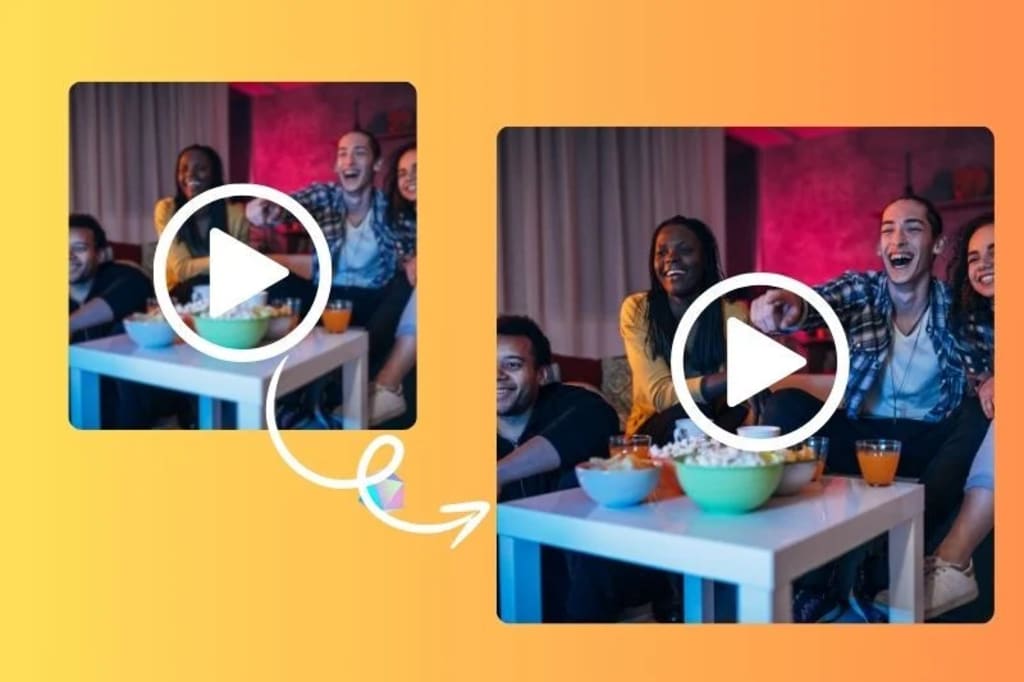
The quality of a video can either enhance or undermine the influence of your content, be it for social media, personal recollections, or professional presentations. Luckily, there are free tools accessible that can greatly improve your videos, making them clearer, brighter, and more captivating. This guide spotlights 10 of the top - free video enhancers that can assist you in enhancing video quality without cost.
Part 1: How to Improve Low-Quality Video for Free?
When it comes to enhancing low-quality videos free, you typically have three main options:
1. Using Mobile Apps: Many mobile apps offer basic video editing features that allow you to trim clips, adjust brightness and contrast, and apply filters. These apps are user-friendly and convenient, making it easy to enhance your videos directly from your smartphone.
2. Using Online Video Editing Tools: There are several free online video editors that provide a variety of features, including filters, effects, and basic editing tools. These platforms are accessible from any device with an internet connection, allowing you to enhance your videos without downloading any software.
3. Using Open Source Video Editing Software: For more advanced video enhancement, open-source software like DaVinci Resolve provides professional-level editing tools. These programs are ideal for users who have some editing experience and need more control over their video quality improvements.
Part 2: 10 Best Video Enhancers to Improve Video Quality Free
Here are ten excellent video enhancers that can free improve video quality.
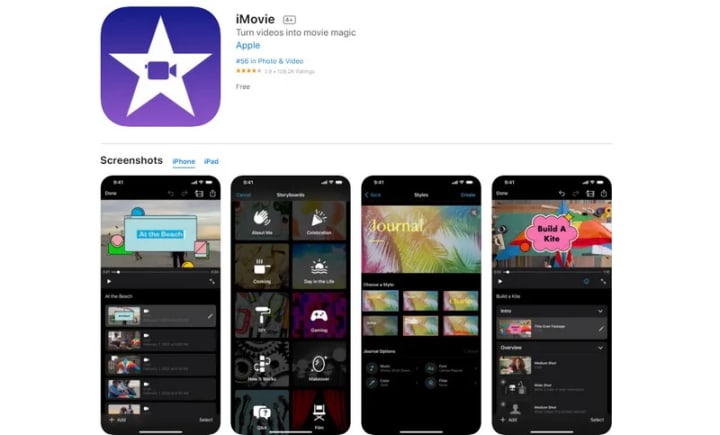
1. iMovie
iMovie is a free video editing tool for macOS and iOS. It's made for beginners and casual users to enhance video quality without cost. iMovie stands out as the go-to option for Apple users who want a straightforward, integrated experience. It offers seamless integration with Apple’s ecosystem, making it ideal for those who frequently use other Apple apps like iPhoto and iTunes. With iMovie, you can enhance video quality by adjusting color levels, stabilizing shaky footage, and adding various effects. iMovie is especially popular for its intuitive drag-and-drop functionality and quick export options for platforms like YouTube.
Pros:
- Best integration with Apple apps.
- Supports 4K video editing.
- Intuitive interface
Cons:
- Limited to macOS and iOS platforms.
- Lacks advanced editing features for professionals.
- Export options may be restrictive for high-end projects.
2. Lightworks
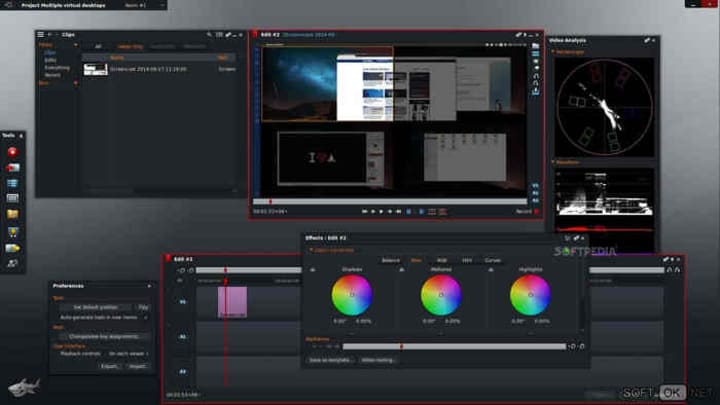
Lightworks is a free, professional-grade video editing software ideal for users who need advanced editing capabilities. Trusted by editors for decades, it distinguishes itself by offering advanced editing features at no cost, including multi-camera editing and chroma key support, which makes it the top choice for users who need advanced editing features without paying. Available on Windows, macOS, and Linux, Lightworks caters to a broad audience. It also delivers strong editing capabilities, such as the capacity to incorporate plugins and effects, positioning it as an excellent free option for boosting video quality.
Pros:
- Professional-grade features with support for 4K editing.
- Multi-camera editing and chroma key support.
- Available on multiple platforms.
Cons:
- Steep learning curve for beginners.
- Export restrictions in the free version.
- Requires a high-performance system for smooth operation.
3. InShot
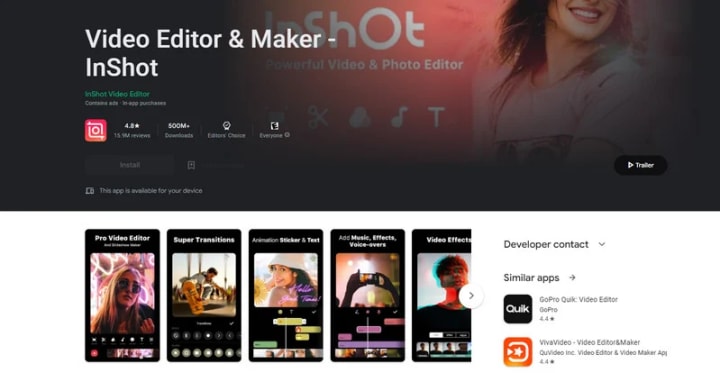
InShot is a free app for enhancing video quality on both iOS and Android devices. It’s especially made for social media, offering easy aspect ratio adjustments that are great for creating videos optimized for platforms like Instagram and TikTok. It also offers a variety of tools to enhance your videos, including trimming, merging, and adjusting brightness and contrast. InShot also supports adding filters, text, music, and stickers, making it easy to create engaging content for social media.
Pros:
- User-friendly interface, ideal for beginners.
- Tailored for social media content creation.
- Available on both iOS and Android.
Cons:
- Free version contains ads and watermarks.
- Lacks advanced editing features.
Read more: avclabs.com
About the Creator
Keep reading
More stories from Madeline and writers in Photography and other communities.
How to Blur Video in Canva: 5 Super Easy Steps
Blurring videos is a common technique for hiding sensitive information, protecting privacy, or creating special effects. However, not all video editing tools can blur videos easily and quickly. In this article, we’ll introduce Canva, a free online tool that allows you to blur your videos in a few simple steps. We also compare Canva to other online and desktop tools for blurring videos, so you can choose the one that works best for you.
By Madelineabout a year ago in Photography
My Year, in Prattling and Photos
It's been a year since... last year. Ironically, it seems I've found myself a new tradition of getting sick during the New Year holidays. At least, this year (that is, this inter-year period remarkable for its shiny decorations in the streets and houses, and closed supermarkets and pretty much everything), I'm doubtlessly doing better: I've managed to come visit my friends in Germany for Christmas (which I failed to do last year) and—after having some good quality time eating machanka, playing Munchkin and swinging machetes (the last one obviously crept into this checklist only for the sake of the phonological form)—I came back home via proverbial Deutche Bahn and probably less known Schweizerische Bundesbahnen, my body hosting a family of viruses, virions and who knows what other tiny critters somewhere inside my chest.
By Andrei Z.17 days ago in Photography



Comments
There are no comments for this story
Be the first to respond and start the conversation.