
Make Your Planner Stand Out And Sell More
Make your planners stand out from the crowd.

Do you dream of having a gorgeous, realistic looking Digital planner?
But have no design skills...... or access to expensive design programs?
As much as we all love the perks of Digital Planning, there are definitely some things to miss about good old fashion paper planners.
Fun things like realistic spiral rings, sticky notes and one of my personal fave, washi tape!
And I know you guys have seen stunning social media pics of other peoples Digital planners that include all these amazing finishes that take Digital Planners to WOW.
The problem with creating these planners?
You need to pay for and know how to use expensive professional design programs, such as Adobe Photoshop.
I know that it can be really hard to learn how to use these programs... and also a hit on the budget.
The great news is that my friend Thass over at PowerHouse Planners has been working hard to help us all out.
She has created an easy to use planner bundle for all aspiring and experienced digital planner creators, who want to create beautiful and personalized digital planners without the hassle of expensive and hard-to-use professional design programs.
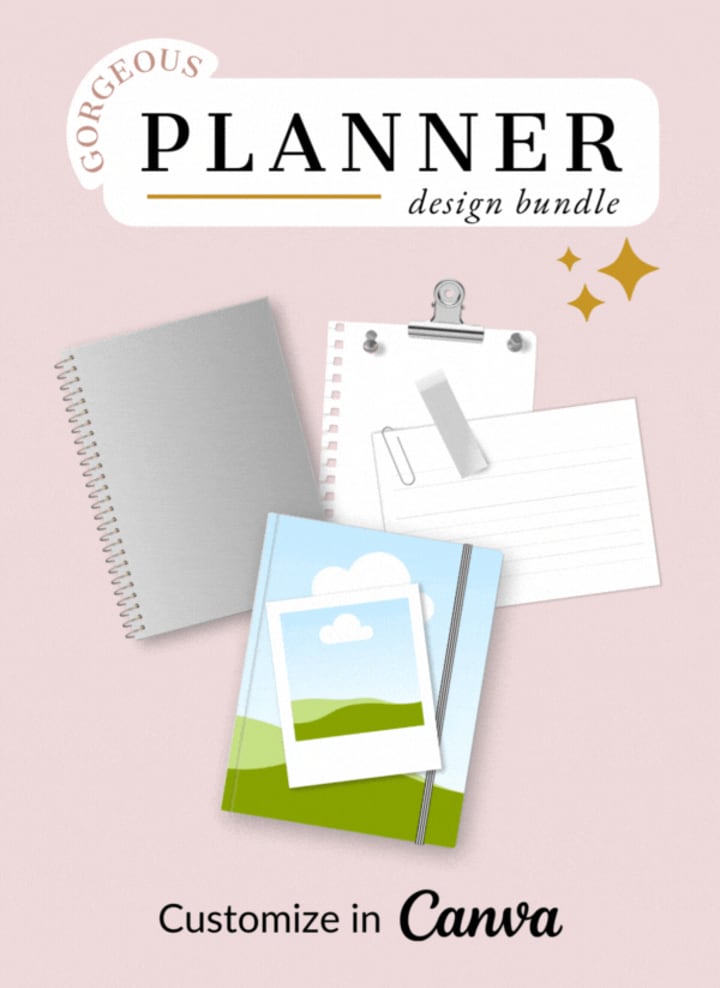
Here it’s a taste of what you can do with The Gorgeous Planner Design Bundle:
• Personalize your own planner... even if you have no design skills, with just a few quick clicks.
• Mix and match elements to create unique designs using a free Canva account... no more expensive design programs with a steep learning curve.
• Simplify your planner creation process by creating your gorgeous planner background in Canva then importing only an image to Keynote, Affinity Publisher or Powerpoint to create your planner.
• Develop a range of different planners faster to sell. The bundle comes with Personal and Commercial License (hello passive income stream!).
This design bundle also includes step-by-step video tutorials for all the steps, to make everything super simple for you to start designing your planner backdrop!
Ready to hear more about the Gorgeous Planner Design Bundle?
Thass has really created a little bit of MAGIC with this bundle that I personally haven't seen available anywhere else.
I just know that it is going to make creating a realistic Digital Planner so easy for everyone... not just those with the right programs or skills.
So what do you get with the Gorgeous Planner Bundle?
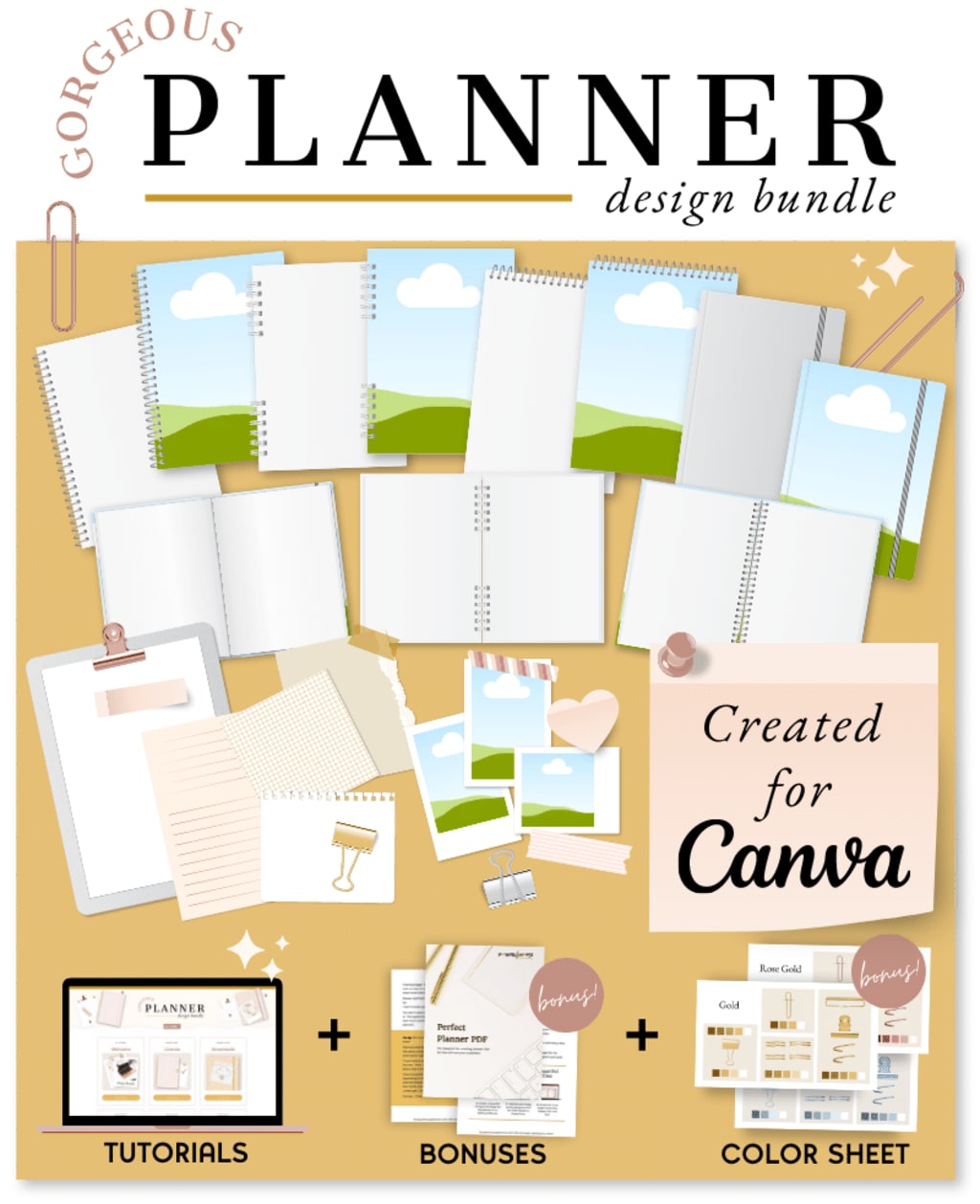
NOTEBOOK COVER DESIGNS
• Create realistic notebook covers using colors or images.
• Includes single spiral notebook cover, double rings notebook cover and hard cover notebook.
• Realistic highlights and shadow.
• Customize each cover with colors, drag and drop images or patterns.
OPEN NOTEBOOKS AND TABS
• Select from a range of notebook styles. Customize these items to any color you want.
• Includes notebooks in both landscape and portrait styles.
• Includes first page and middle pages elements.
• Includes a selection of tab styles.
CLIPBOARD, CALENDARS AND GRID WALL FRAME DESIGNS
• Create planners with different elements to make your products stand out in the market.
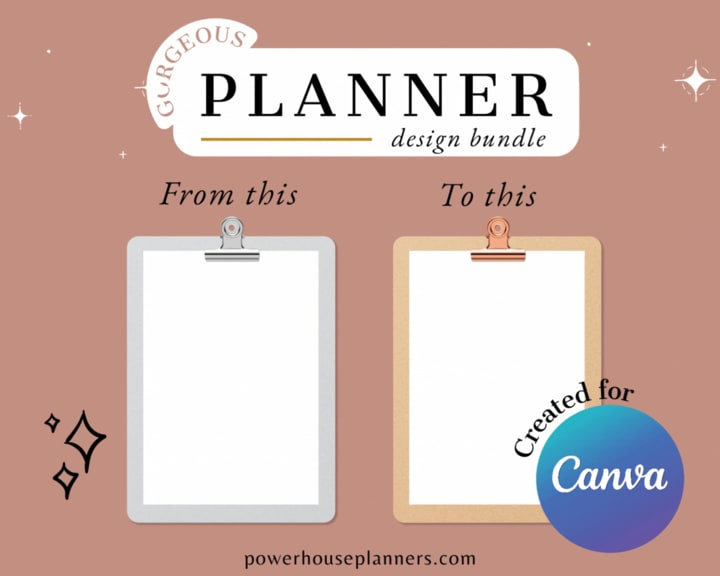
• Clipboards with hardboard or glossy texture and 3 different clips for mix and match effects.
• Different calendars and grid wall frame designs
• Customize with colors, drag and drop an image or patterns.
PAPER AND STICKY NOTES
• Square, landscape oriented and portrait oriented paper.
• 4 different styles of sticky notes.
• Customize to any color you want.
• Includes a variety of paper sizes with different paper templates such as blank, ruled, dot and graph paper.
PINS, CLIPS AND WASHI TAPE
• Realistic design elements to make your digital journal just like a paper one.
Customized to any color you want.
• 3 designs of board pins and 3 designs of paper clips.
• 4 sizes of washi tape with 15 different patterns included with each tape.
Don't forget this kit also comes with a unique Customer Hub that has instant access anytime you need it. In the hub you'll find all files and downloads, as well as easy to follow video tutorials and more.
The bundle is a collection of digital resources to use in the Canva app (there are no physical products). All your resources will be available immediately after purchase.
You can revisit the tutorials and re-download your items whenever you want.
You will need to create a free Canva account to use the resources.
I don't know how to use Canva. Will that be a problem?
It's an advantage if you have some previous knowledge of Canva, such as changing colors of objects, copying and pasting, resizing and rotating elements. If you are brand new to Canva it might take a little longer for you to get started, but you'll find that the app is very intuitive and easy to learn.
However, Thass has video tutorials for all the steps. If you follow along with the videos, you'll be able to customize everything included.
Where can I find these elements in Canva?
You cannot find the elements of the Gorgeous Planner Design Bundle [ ADD YOUR AFFILIATE LINK] anywhere in Canva. It's not Canva Pro!
These elements are custom creations, only available in this bundle.
Do I need Canva Pro to use these elements?
No. The elements will work with both the free and pro account.
Will my Canva downloads expire?
No, the downloads don't have an expiring date. If you delete an object by mistake you can always redownload the Canva files and have access to everything again.
Does this bundle teach me how to create a digital planner?
No. This is not a course on how to create digital planners. It's a design bundle intended to help you create the realistic planner image in Canva and then import that image as the background of your planner in whichever software you use for creating digital planners (e.g. Keynote, Affinity Publisher, PowerPoint, Google Slides etc).
Thass will teach you how to export the image and add it as backdrop in the softwares mentioned above. But you should know how to create your hyperlinks and planning pages of your digital planner already, this part is not taught inside the bundle!
Do I have access to updated versions of the Gorgeous Planner Design Bundle?
Yes, you can purchase now and have access to all updated versions in the future.
Can I use these items in Planners that I intend to sell?
Yes. This bundle comes with a Commercial Licence.
You can personalize these items and use them as a flat background image in any planner you want to sell. A flat background is just a static image that your customers won't be able to edit.
In short, the elements of this Design Bundle must be included as a flat static file in your designs (JPEG or PDF format only), and your customers should have no way of editing or manipulating any of these elements separately.
The Gorgeous Planner Design Bundle
• Notebook cover designs
• Open notebook designs, rings and tabs
• Binder cover designs
• Open binder designs with binder rings
• Clipboard, calendar and grid wall frame designs
• Paper designs and sticky notes
• Pins, paper clips, polaroid frames, washi tape, pen and pencil designs
• Customer hub and video tutorials
• BONUS #1: Perfect Planner PDF - $17 Value
• BONUS #2: Color Cheat Sheet - $12 Value
• BONUS #3: iPad mockups - $17 Value
• BONUS #4: Planner design ideas - $12 Value
• PLUS any update that we ever make for free.
This bundle is going to make creating your own realistic Digital Planner so much fun... as well as being faster and cheaper!
Don't miss out and click now to get your Gorgeous Planner Design Bundle today. CLICK HERE
*This post contains affiliate links*
About the Creator
Victoria Velkova
With a passion for words and a love of storytelling.
Keep reading
More stories from Victoria Velkova and writers in Motivation and other communities.
Your Roadmap To Success - Goal Setting Made Simple
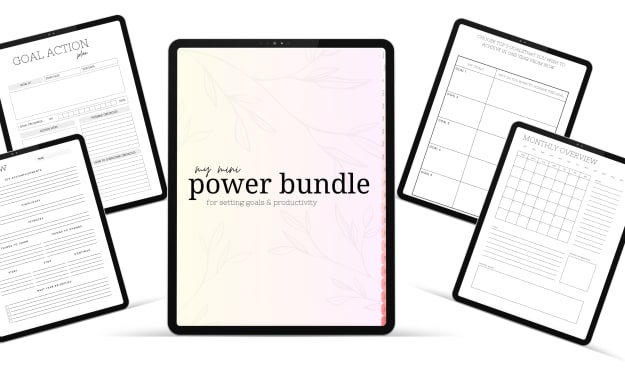
In today's dynamic and rapidly evolving world, where distractions abound and time is a precious resource, staying focused and achieving our goals can be a daunting task. Whether it's personal or professional aspirations, having a clear plan and staying productive is crucial. That's where effective goal setting and productivity tools come into play. In this blog post, we'll explore the power of goal setting and how it relates to productivity. We'll also introduce a digital planner based on Warren Buffett's two-step system that can help you accomplish your dreams.
By Victoria Velkova3 years ago in Motivation
The Woman Whose Idea Was Rejected — Until It Won the Nobel Prize
We love the cinematic image of a brilliant scientist staring at a chalkboard, suddenly connecting the dots, and being immediately hoisted onto the shoulders of their cheering peers. We celebrate the breakthroughs, the ribbon-cutting ceremonies, and the Nobel Prizes.
By Frank Massey 7 days ago in Motivation


Comments
There are no comments for this story
Be the first to respond and start the conversation.