
Water Damage on Your iWatch?
Here is What to Do Before Repair
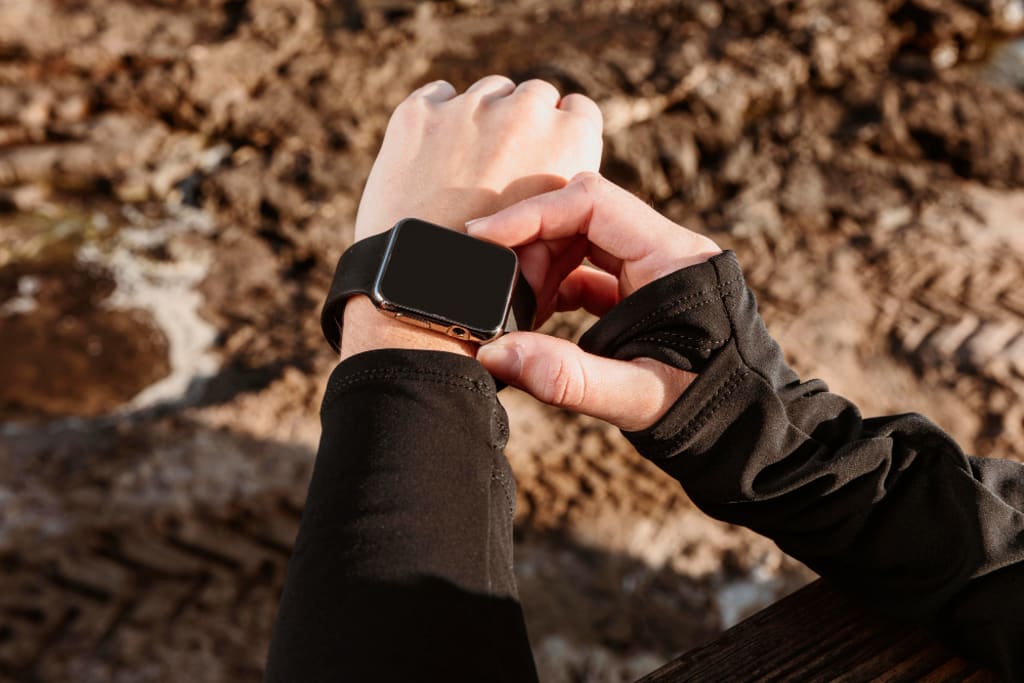
Let me guess – you're reading this because your precious iWatch just had an unfortunate encounter with water. Maybe it was a splash in the pool, caught in the rain, or (oops!) forgotten during your shower.
Don't panic. I'm going to walk you through exactly what to do before you rush to iWatch repair. Because here's the thing – what you do in the next few minutes could be the difference between a simple fix and a costly repair.
The Immediate Actions
Listen up, because these first steps are crucial:
- Take off your iWatch immediately (if you haven't already)
- Power it off right away (yes, even if it seems fine)
- Remove the bands.
- Dry the exterior with a soft, lint-free cloth.
But wait – don't reach for that bag of rice just yet. I'll tell you why in a minute.
What NOT to Do (This Is Important!)
Before we get to the solutions, let's talk about what could make things worse. Because let's be honest, panic makes us do stupid things.
Don't:
- Use a hair dryer (heat is your enemy).
- Put it in rice (I know, everyone says to do this, but trust me).
- Shake it vigorously.
- Press any buttons repeatedly.
- Try to charge it.
- Turn it on to "check if it works".
Each of these "solutions" could push water deeper into your device or cause additional damage.
Understanding Your iWatch's Water Resistance
Here's something most people don't realize: Your iWatch is water-resistant, not waterproof. And that resistance can wear down over time.
What does this mean for you?
- Newer models can handle submersion better than older ones.
- Regular exposure to soaps and chemicals weakens the seals.
- Even "water-resistant" watches can fail if the seals are compromised.
When to Seek iWatch Repair
Now, let's talk about when you need professional help. Look for these signs:
- Screen showing water spots.
- Fogging under the display.
- The touch screen not responding.
- Digital Crown is feeling sticky.
- Battery draining unusually fast.
- Display glitching or showing lines.
If you spot any of these, it's time to look for iWatch repair near me services.
The Real Cost of Water Damage
Let's talk money. iWatch repair cost varies depending on:
- The extent of water damage.
- Your model.
- Whether you have AppleCare+
- The repair service you choose.
Here's what you might expect to pay:
- Minor water damage: $100-200.
- Major internal damage: $200-400.
- Complete replacement: $300-800.
But here's the good news: If you act fast and follow the right steps, you might avoid the higher end of these costs.
DIY First Aid for Your Wet iWatch
Before heading to iWatch repair, try these safe DIY steps:
- Use the Water Lock feature if your watch is still on.
- Place it in front of a fan (room temperature air only)
- Leave it to dry for at least 48 hours.
- Use silica gel packets if you have them (much better than rice)
Remember: Patience is key. Rushing to turn it back on could fry your circuit board.
Professional iWatch Repair
Sometimes, despite your best efforts, you'll need professional help. Here's why professional repair is often worth it:
- Technicians have specialized tools.
- They can open the watch safely.
- They'll clean corrosion before it causes permanent damage.
- They can test all functions thoroughly.
- They often provide warranties on repairs.
The Hidden Dangers of Waiting
Here's something most people don't realize: Water damage gets worse over time. Even if your watch seems fine now, corrosion could be spreading inside.
Signs you shouldn't ignore:
- Delayed touch response.
- Weird screen behavior.
- Battery issues.
- Overheating.
- Strange noises.
Prevention is Better Than Repair
Once you've dealt with this crisis, let's make sure it doesn't happen again. Here's how:
- Check your water resistance settings regularly.
- Update your water lock settings.
- Avoid wearing in hot showers or saunas.
- Clean your iWatch regularly to maintain seals.
- Consider AppleCare+ for future protection.
What Makes a Good Repair Service?
When looking for iWatch repair near me, check for:
- Certified technicians.
- Warranty on repairs.
- Quick turnaround time.
- Transparent pricing.
- Good reviews.
- Experience with water damage.
The CellularPort Solution
Speaking of reliable repair services, let me tell you about CellularPort. Located in Houston, they've become the go-to experts for iWatch repair. Their certified technicians specialize in water damage repair and have saved countless devices that others deemed hopeless.
What makes them different? They don't just fix the immediate problem – they do a complete diagnostic to prevent future issues. Plus, they offer some of the most competitive iWatch repair costs in Houston, backed by a solid warranty.
In Conclusion
Water damage to your iWatch isn't always a death sentence. The key is acting fast and smart. And if you're ever in doubt, remember that professional repair services like CellularPort are just a call away, ready to help save your device.
About the Creator
Keep reading
More stories from Cellular Port and writers in Lifehack and other communities.
Dropped Your iPhone? Here's What to Do Before It Gets Worse
Look, we've all been there. That heart-stopping moment when your iPhone slips from your hand and crashes to the ground. Time seems to slow as you watch your precious device tumble through the air and then... crack.
By Cellular Port11 months ago in Lifehack
The AI Ecosystem in 2026
By 2026, the ecosystem of artificial intelligence will have matured beyond experimentation and early adoption. It is now a complex, interconnected infrastructure shaping industries, markets, institutions, and everyday life. AI is no longer a niche technology: it is a foundational layer of the digital economy, much like the internet itself. Understanding this ecosystem requires looking beyond models and algorithms to the roles, relationships, and platforms that make AI an essential and sustainable force.
By Sathish Kumar 2 days ago in Lifehack




Comments
There are no comments for this story
Be the first to respond and start the conversation.