
Warning to Gmail Users: 183 Million Passwords Stolen in Massive Data Leak
Gmail users are being urged to take immediate action after a shocking revelation that more than 183 million passwords were stolen in a massive data breach.

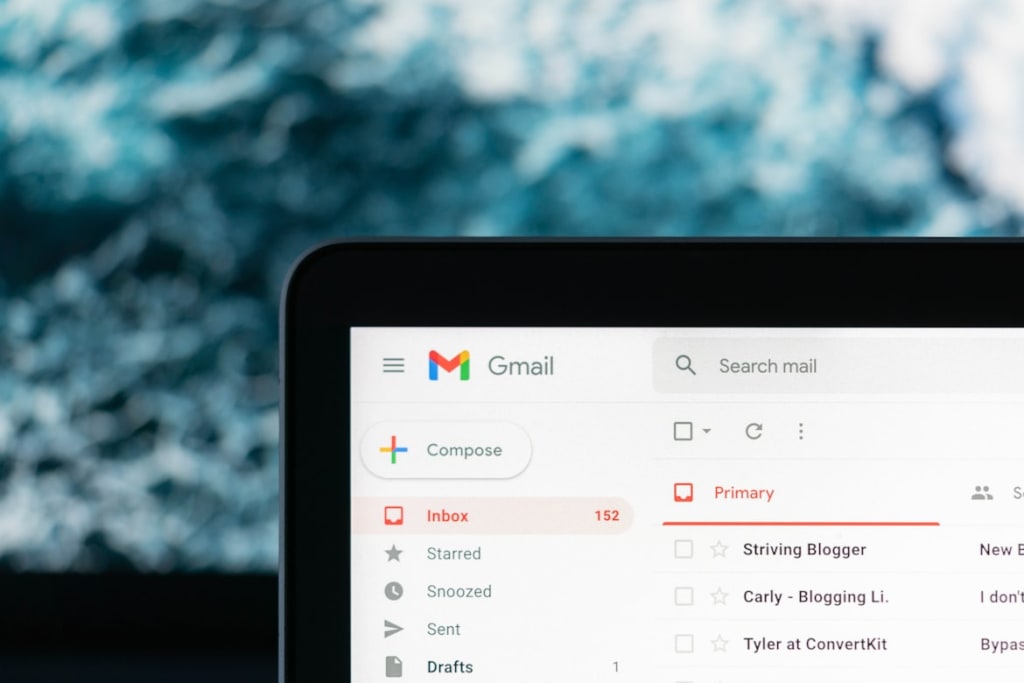
The discovery was made by Australian cybersecurity expert Troy Hunt, who described the stolen data as a “vast corpus” of breached information—amounting to 3.5 terabytes, or roughly the size of 875 full-length HD movies.
According to Hunt, all major email providers are affected, including Gmail, Outlook, Yahoo, and others. “They’re from everywhere you could imagine,” he told the Daily Mail, “but Gmail always features heavily.”
How to Check If You’ve Been Affected
The breach, which occurred in April, was only recently disclosed on Hunt’s website, Have I Been Pwned (HIBP). The compromised files include 183 million unique email addresses, the websites they were used on, and the passwords entered.
To find out if your data has been compromised, visit Have I Been Pwned
and enter your email address in the search bar. Click “Check,” and the site will show whether your information appears in any known data breaches—this one or older incidents going back more than a decade.
If your email is listed, change your password immediately. Then, enable two-factor authentication (2FA) to add an extra layer of security. 2FA sends a verification code to your phone or device whenever you log in, preventing unauthorized access even if your password is stolen.
What Really Happened
This incident isn’t the result of one single hack but rather a collection of “stealer logs”—data files compiled by malware that captures login credentials and other personal information.
“Stealer logs are like a firehose of data constantly spewing personal info all over the internet,” Hunt explained. Once this stolen information is circulated, it often spreads across multiple criminal networks and platforms, making it nearly impossible to contain.
So even if only one password was initially exposed, it can quickly end up in numerous databases and on the dark web.
More Than Just Your Gmail at Risk
It’s not just your Gmail password that could be compromised. The breach may also include the login credentials you used on other websites—for example, Amazon, Netflix, or eBay—if they were connected to the same email address.
Hunt warns that using the same password across multiple sites greatly increases your risk. If your email appears on HIBP, you should change your password on any service where you’ve used it.
Cybersecurity expert Graham Cluley also emphasizes the importance of unique passwords:
“Always use different passwords for different online accounts,” he said. “You can’t remember them all, so use a password manager to keep track of them. And always enable multi-factor authentication when available.”
Expert Insights and Google’s Response
The breached data was discovered by Benjamin Brundage, a cybersecurity researcher at Synthient, a platform that detects and blocks malicious activity. Despite being a college student, Brundage played a key role in uncovering and forwarding the stolen data to HIBP.
He cautioned users not to assume they’re safe just because they use strong passwords. While strong passwords—at least 16 characters with a mix of letters, numbers, and symbols—are essential, they’re still vulnerable if stolen by malware.
A Google spokesperson confirmed there was no Gmail-specific attack, stating:
“This report covers known infostealer malware activity that targets many types of internet use. We protect users with multiple layers of defense, including resetting passwords when we detect credential theft. We strongly encourage users to enable 2-step verification and adopt passkeys for stronger protection.”
What Is Have I Been Pwned?
Created by Troy Hunt, Have I Been Pwned is a trusted website that allows users to check whether their email address or password has been compromised in any known data breach.
Simply enter your email on the homepage, and the site will scan its massive database of leaked credentials. If your details appear, it means they were exposed in one or more past breaches.
Importantly, Have I Been Pwned does not store passwords alongside personal data, and all passwords are securely encrypted.
Stay Safe Online: Three Simple Steps
To improve your online security, Troy Hunt recommends following these easy but effective practices:
- Use a password manager – Tools like 1Password or LastPass can create and securely store strong, unique passwords for every account.
- Enable two-factor authentication (2FA) – Adds an extra layer of protection even if your password is stolen.
- Stay informed about breaches – Regularly check sites like Have I Been Pwned to know if your data has ever been exposed.
About the Creator
General gyan
"General Gyan shares relationship tips, AI insights, and amazing facts—bringing you knowledge that’s smart, fun, and inspiring for curious minds everywhere."
Keep reading
More stories from General gyan and writers in Lifehack and other communities.
5 Smart Ways to Master ChatGPT in Your Daily Life
If you haven’t been living under a rock, chances are you’re already using ChatGPT in your daily life. Whether it’s drafting emails, learning new skills, or planning a big project, this AI tool can be incredibly useful. But if you often find that it gives generic or shallow answers, don’t worry — the problem isn’t with the app itself. You just need to know how to collaborate with it effectively.
By General gyan4 months ago in Lifehack
Zojirushi BB HAC10 vs BB SSC10: Which One Should You Buy?
Choosing between the Zojirushi bb hac10 vs bb ssc10 can feel confusing when both promise great homemade bread in a compact size. I like how each model focuses on small 1-pound loaves, which fit typical U.S. households and reduce waste.
By Mohammed mamun4 days ago in Lifehack
Southern Paws Boxers Puppies: Pricing, Temperament, and Buying Guide
Choosing a Boxer puppy is not just about finding a cute companion. It is about selecting a healthy, well bred dog that fits your lifestyle for the next decade or more. Many buyers searching for regional breeders often come across Southern Paws Boxers. Before making any commitment, it is important to understand the breed, realistic pricing expectations, and the standards that separate responsible breeders from questionable ones.
By Rohit Mishraabout 14 hours ago in Lifehack




Comments
There are no comments for this story
Be the first to respond and start the conversation.