
Never Charge Your Phone Beyond 80%, Here's Why
Protect your phone's battery
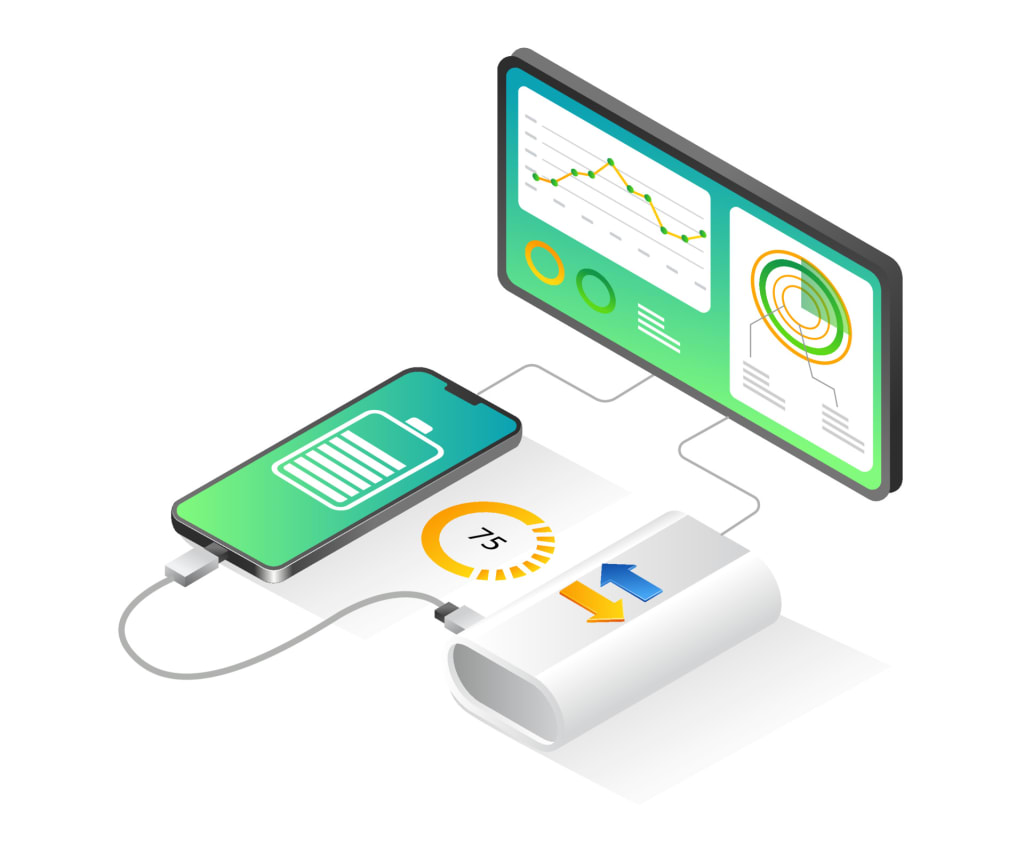
Have you ever been lost in a new city without navigation or run out of battery at your favorite band's concert when they were about to play your song? These are just two of the many moments when you need your phone not to fail you, but your battery begs to differ. What can you do to win this argument? Well, the first thing you'll probably do is shut down all the apps that you have running in the background. It seems like the logical way to go, but it actually only makes things worse. When you force quit an app, your phone spends its precious juice on closing the app and clearing it from RAM. When you decide to open the app again, it'll spend more resources on bringing it back to life. When you leave one app and start using a different one, the first one is stored in RAM. It sits there quietly, ready to relaunch in exactly the same condition state, and will jump back into action without wasting any extra battery time or data.
Your phone has its own memory management mechanisms. It'll close the apps that you haven't used for a long time or the ones that are using more battery than they should (those greedy little pigs!). You can help the system work smoothly and fast by not trying to do the job for the phone and letting it decide which app to keep running in the background. Do you have a bright image from your last vacation as wallpaper on your phone? It's not so obvious, but this phone could actually be the reason why you're losing battery faster than ever. Many new phones have an OLED display. When you set a dark wallpaper, it doesn't have to waste power on lighting up black pixels. So, the larger the darker areas on the screen, the less battery it eats.
You can also turn on dark mode. It can boost up the battery on your phone or tablet quite a bit. You can choose to activate it at sunset or sunrise automatically every day. By the way, if you turn on dark a la mode, you'll wind up with chocolate ice cream on your phone. Better skip that one. One solution that always helps both on phones and laptops is adjusting the screen brightness. You can deactivate the automatic brightness mode to save some juice. It's brought to you by a light sensor that spends even more power on collecting and analyzing data about the surroundings to pick the right light level. You can manually dim your screen brightness to a comfortable level and waste energy on something you don't really need.
You can also shorten the auto-lock time to a minimum. The sooner your screen goes off when you're not using the phone, the less energy it's heating. The default timeout is 30 seconds for most phones, but you can bring it down to 15. Twice as fast could be a great energy saver for you. Do you like to charge your phone from zero to one hundred percent or maybe even let it eat some extra juice after it hits the 100 mark? Well, you aren't doing the battery any good like this. Experts say that the best range is between 25 to 85 percent if you want your battery to last longer and live a healthier life. If you let the lithium-ion battery go down to zero all the time and then juice it back up, this can wear it out faster than normal.
Another possible solution for your hungry battery is a portable charger. They come in all possible shapes, colors, and sizes. You just need to decide how much power you want from it. There are models that can help your phone last until the end of the day and some stronger ones that will keep you covered for an entire weekend. Do you need to charge your portable battery before it can feed your phone? Don't overdo it. Only charge when you're about to
About the Creator
Factold Focus
Insightful tips, fascinating facts, and helpful tricks on a wide range of topics. From health and wellness to technology and travel, we cover it all. Join us on our journey to discover new information and expand our knowledge base.
Reader insights
Nice work
Very well written. Keep up the good work!
Top insights
Easy to read and follow
Well-structured & engaging content
Eye opening
Niche topic & fresh perspectives
On-point and relevant
Writing reflected the title & theme
Keep reading
More stories from writers in Lifehack and other communities.
Mindful Movement vs. Intense Exercise: Listening to the Body’s Real Needs
Modern fitness culture often celebrates intensity, speed, and visible results. However, many people feel disconnected from their bodies despite exercising regularly. Mindful movement offers a different path, one that values presence over pressure and responsiveness over force. Instead of asking how much the body can endure, this approach asks what the body needs today.
By Jose Morrisabout 6 hours ago in Lifehack




Comments (1)
That's very interesting