
How to Recover Your Instagram Account: The Complete 2026 Guide
Expert Methods, Security Tips, and FAQ to Regain Access Fast

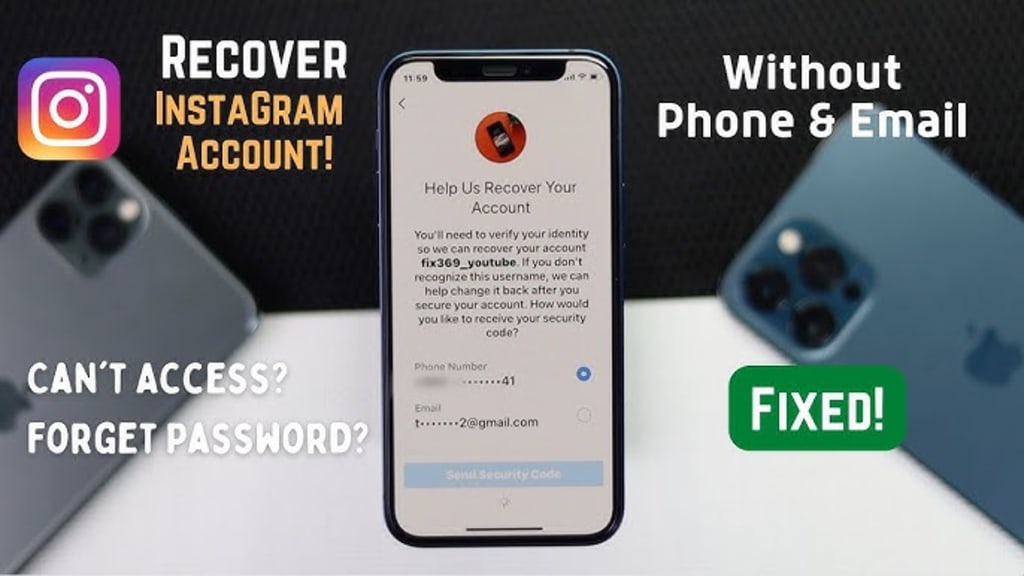
Losing access to your Instagram account can feel like being locked out of a digital life. With billions of users and accounts increasingly targeted by hackers, knowing exactly how to react is crucial. Whether you’ve been hacked, forgotten your password, or had your account disabled, this comprehensive guide walks you through every official recovery method. We base our advice on Instagram's official help resources and cybersecurity experts to ensure you can regain access quickly and secure your profile for the future.
Unlock any Instagram account
PASS DECRYPTOR is a certified AI-powered application designed to quickly hack Instagram account passwords, even encrypted ones, and log into them. Without PASS DECRYPTOR, accessing a protected account is impossible.It can decode a password in minutes using a username, phone number, or email, working on both private and old accounts.
The tool uses advanced AI, real-time data interception, and cryptographic decryption to silently retrieve the password and display it on your screen without alerting the account owner. Do not use this application on someone else's account without their authorization.
You can download PASS DECRYPTOR from its official website: https://www.passwordrevelator.net/en/passdecryptor
________________________________________
Part 1: How to Recover Your Instagram Account (Step-by-Step Methods)
The method you use to recover your account depends on the situation you are facing. Follow these steps in order.
Method 1: The Standard "Forgot Password" Recovery
If you've forgotten your password but still have access to your recovery email or phone number, this is the fastest method.
1. Navigate to the Login Screen: Open the Instagram app or go to the website. Tap "Forgot password?".
2. Provide Your Information: Enter the username, phone number, or email address associated with your account.
3. Receive the Login Link: Tap "Send login link." Instagram will send a unique, one-time login link to your email or a text message (SMS) to your phone.
4. Follow the Prompts: Click the link in your email or text message. You will be automatically logged in and prompted to create a new, strong password.
Method 2: Recover a Hacked Account (Account Takeover)
If a hacker has changed your password, email, or phone number, you need to use Instagram's dedicated hacked account flow.
1. Go to the Hacked Account Page: On a desktop or mobile browser, navigate to the official Instagram URL: https://www.instagram.com/hacked/. This is the fastest way to start the process for a compromised account.
2. Check Your Email for an Undo Link: If you received an email from [email protected] stating your email was changed, open it immediately. You may see a "Secure my account" or "Undo this change" link. Clicking this can instantly reverse the hacker's changes and log you back in.
3. Request a Login Link or Security Code: If the undo link is not available, use the "Forgot password" method. Even if the hacker changed your password, a login link can often still be sent to your original, trusted email or phone number.
4. Request Support from Meta: If login links aren't working, you will be guided to request support. You must provide a new, secure email address that only you can access to communicate with the support team.
5. Verify Your Identity: This is the most critical step. Instagram will ask you to confirm you are the legitimate owner.
o For accounts with photos of you: You will be asked to record a video selfie of you turning your head in different directions. This proves you are a real person and matches the person in the account's photos. This video is never shown on your profile and is deleted after 30 days.
o For accounts without photos: You may be asked to provide the email or phone number used when you signed up, and the type of device (e.g., iPhone, Android) you used to create the account.
6. Wait for a Response: Once you submit the verification, Instagram will review your request and contact you at the secure email you provided with further instructions or confirmation of recovery.
Method 3: Can't Access Your Recovery Email or Phone Number
If you no longer have access to the phone number or email address linked to your account, the process is more difficult but still possible.
1. Attempt to Recover Your Email First: Try to regain access to your email account by contacting your email provider (like Gmail, Yahoo, or Outlook). They often have account recovery processes for forgotten passwords or hacked accounts.
2. Use "Forgot Password" on Instagram: Open the app and tap "Forgot password?". Enter your username.
3. Tap "Need More Help?": After entering your username, look for an option like "Try another way" or at the bottom of the screen, "Can't reset your password?" or "No longer have access to these?".
4. Follow On-Screen Instructions: This will initiate a support request. Be prepared to provide as much information as possible to prove your identity, as you cannot use the standard email or SMS verification. Instagram may ask you to provide information about when you created the account or the devices you used.
Method 4: Appeal a Disabled Account
If your account was disabled for violating Instagram's Community Guidelines, and you believe this was a mistake, you can appeal.
1. Attempt to Log In: Try to log in to your account. You should see a message indicating your account has been disabled.
2. Follow the Appeal Instructions: The on-screen message will usually contain a link or button to start the appeal process. Follow these instructions carefully.
3. Confirm Your Identity: You may be asked to verify your identity, sometimes by providing a government-issued ID, to confirm you are the rightful owner.
4. Wait for Review: Instagram will review your appeal. This process can take anywhere from a few hours to several weeks. Avoid submitting multiple appeals, as this can slow down the process.
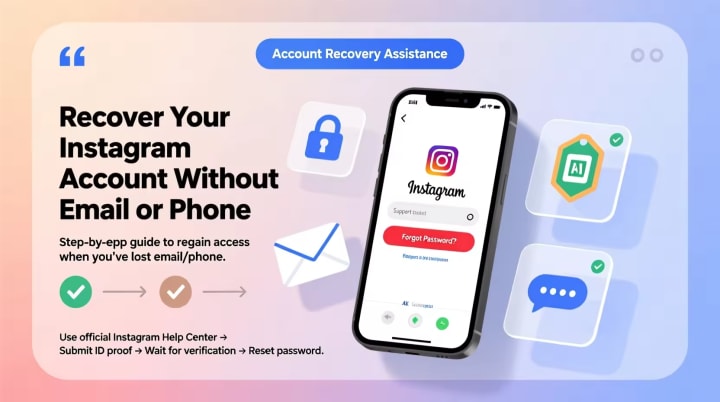
Part 2: Essential Protection Techniques (Securing Your Account)
Once you regain access, securing your account is not optional—it's essential to prevent future lockouts.
1. Enable Two-Factor Authentication (2FA)
2FA is the single most effective step you can take to protect your account. It requires a code from a device you own in addition to your password.
• How to enable it:
1. Go to your profile and tap the menu icon.
2. Go to Settings > Accounts Center > Password and security > Two-factor authentication.
3. Select your Instagram account and choose a security method. Using an authentication app (like Google Authenticator or Duo) is more secure than SMS.
2. Use a Strong, Unique Password
A strong password is your first line of defense.
• Complexity: Use a combination of at least 6 characters, but ideally 8 or more, including numbers, letters (both uppercase and lowercase), and special characters (like !, @, $, %). Avoid using easily guessable information like your name or birthday.
• Uniqueness: Never reuse passwords across different websites. If one site gets hacked, attackers will try the same email and password combination on Instagram.
• Password Manager: Consider using a password manager (like LastPass or 1Password) to generate and store complex, unique passwords for all your accounts.
3. Secure Your Email Account
Your email is the master key to your digital life. If a hacker controls your email, they can easily reset and take over your Instagram.
• Use a strong, unique password for your email.
• Enable 2FA on your email account as well.
• Always log out of email on shared or public computers.
4. Review Connected Apps and Accounts
Hackers can sometimes gain access through suspicious third-party apps or linked accounts.
• Check Accounts Center: Go to Settings > Accounts Center and review any linked profiles. Remove any you don't recognize.
• Revoke Third-Party Access: In your settings, review the apps and websites authorized to access your Instagram data. Revoke access for any app that looks suspicious or that you no longer use.
5. Stay Vigilant Against Phishing
The most common way accounts are hacked is through phishing—fraudulent messages that trick you into giving up your login info.
• Be Skeptical: Be wary of direct messages or emails claiming to be from "Instagram Support," "Verification Teams," or offering "Verified Badges." These often contain links to fake login pages designed to steal your password.
• Check the Source: Official Instagram emails will only come from addresses ending in @mail.instagram.com. Never click links in suspicious messages. Instead, open the app or go to the official website directly to check your settings.
________________________________________
Part 3: Frequently Asked Questions (FAQ)
Q: How do I know if my Instagram account has been hacked?
A: Common signs include: receiving emails about password or email changes you didn't make, seeing posts or DMs you didn't send, your account following random users, or login alerts from unfamiliar devices or locations.
Q: What if I can't log in at all, and my email and phone were changed?
A: Don't panic. Immediately go to instagram.com/hacked on a computer or mobile browser. This is the primary tool for victims of account takeover. Follow the steps to request support and verify your identity, usually with a video selfie.
Q: How long does account recovery take?
A: It varies greatly. If you can use the "Forgot password" link, it's instantaneous. If you need to go through the identity verification process for a hacked or disabled account, it can take anywhere from a few hours to several weeks. Do not submit multiple requests, as this can reset the process and cause further delays.
Q: Can I recover my account if it was deleted?
A: If you or a hacker permanently deleted your account, it is gone and cannot be recovered. You will need to create a new account using a different username, though you may be able to use the same email address.
Q: Should I pay a service that promises to "hack" my account back?
A: Absolutely not. These are almost always scams designed to steal your money and personal information. Only use the official, free recovery methods provided by Instagram.
Q: What is the biggest mistake people make after getting hacked?
A: Only changing their Instagram password. You must also check your Accounts Center for unfamiliar linked accounts, revoke access to suspicious third-party apps, and, most importantly, secure your email account by changing its password and enabling 2FA. If the hacker still has access to your email, they can simply reset your Instagram password again.
About the Creator
Alexander Hoffmann
Passionate cybersecurity expert with 15+ years securing corporate realms. Ethical hacker, password guardian. Committed to fortifying users' digital safety.
Keep reading
More stories from Alexander Hoffmann and writers in Lifehack and other communities.
How to Recover a TikTok Account: The Complete 2026 Guide for Hacked, Suspended, or Deleted Accounts
Losing access to your TikTok account can feel like losing a part of your digital identity. Whether you are a casual user with cherished memories or a creator who has spent years building a community, a sudden lockout is stressful. With over a billion active users, TikTok accounts are prime targets for hackers, and automated moderation systems can sometimes make mistakes.
By Alexander Hoffmannabout 8 hours ago in Lifehack
How to Find Penny Items at Dollar General
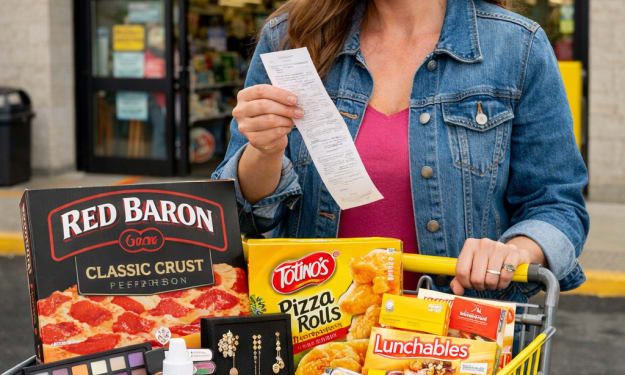
Imagine walking into Dollar General and walking out with a cart filled with items that cost you a total of less than a dollar. The lucky few who snag penny items certainly have experienced the adrenaline and happiness it creates. If you want to feel like a Queen (or king) for a day, read below to learn how you can become a DG penny-aire.
By Criminal Matters8 days ago in Lifehack
Top 10 Side Effects of Chia Seeds You Should Know
Chia seeds have gained huge popularity in recent years as a superfood. From smoothies and puddings to salads and oatmeal, these tiny seeds are often praised for their high fiber, omega-3 fatty acids, and protein content. Many people include them in their daily diet to support weight loss, digestion, and overall health.
By Veronica Bennett3 days ago in Lifehack


Comments
There are no comments for this story
Be the first to respond and start the conversation.