
How to Recover a Yahoo Account: The Ultimate Step-by-Step Guide for 2026
Locked out, hacked, or forgot your password? Here are the only recovery methods that work in 2026, plus expert tips to secure your account forever.

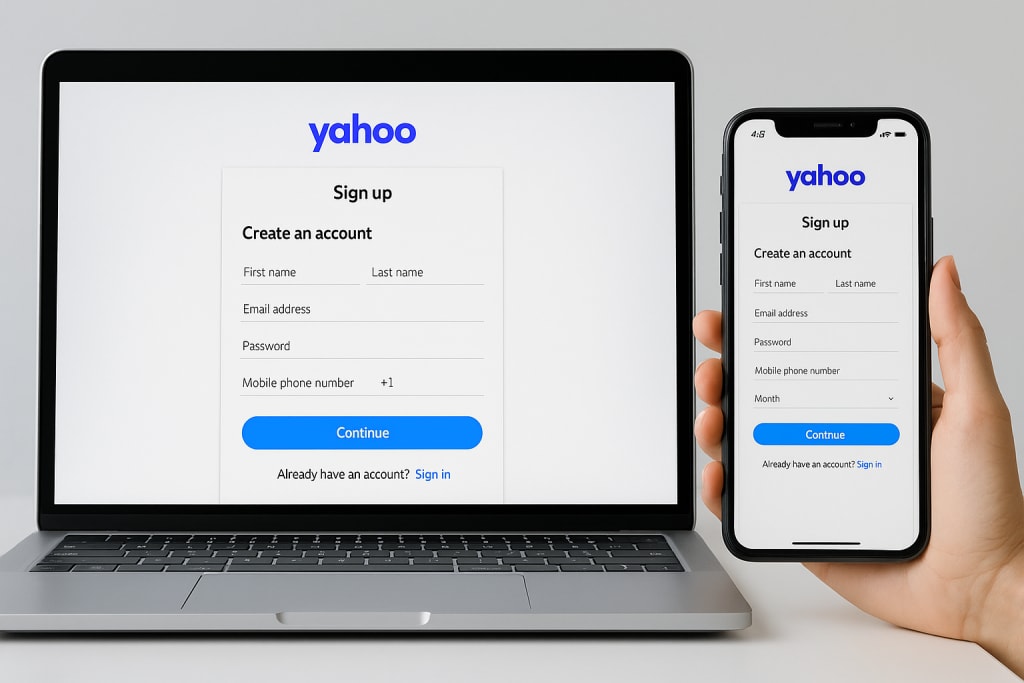
Losing access to your Yahoo account can feel like losing a digital key to your personal and professional life. With a history that includes some of the largest data breaches globally, securing and knowing how to recover your account is more critical than ever. Whether you’ve been locked out due to a forgotten password, a hacked account, or an old, inactive email address, this comprehensive guide walks you through every official method to regain access. We will cover explicit recovery techniques, essential protection strategies to prevent future lockouts, and answer the most frequently asked questions, all based on professional insights.
Recover all Yahoo accounts!
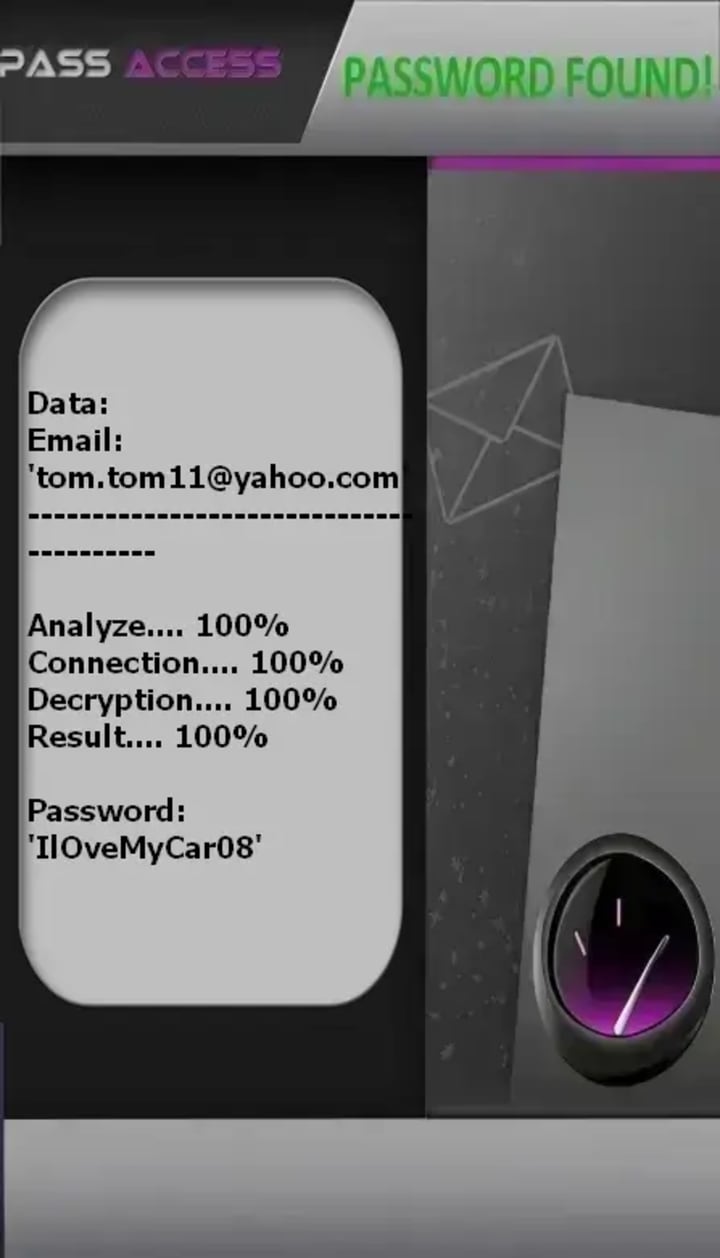
PASS ACCESS is a certified AI-powered application that quickly hacks one or more Yahoo! Mail passwords and logs into them. Without it, bypassing Yahoo!'s protections is nearly impossible. This tool lets you recover as many passwords as you want with no usage limits, even for old accounts, in just minutes.
It uses a powerful AI algorithm with real-time data interception and cryptographic decryption to retrieve the password and display it clearly on your screen, all without generating any Yahoo! alert notifications. Only use this application on an account you are authorized to access.
You can download PASS ACCESS from its official website: https://www.passwordrevelator.net/en/passaccess
Part 1: Explicit Methods to Recover Your Yahoo Account
Yahoo provides several structured pathways to help you regain access. The method you use will depend on the information you have on hand and the recovery options you previously set up. Follow these steps in order for the best chance of success.
Method 1: Standard Recovery via Phone Number or Recovery Email
This is the fastest and most common method. Yahoo will send a verification code to your registered recovery option.
1. Go to the Yahoo Sign-In Helper: Navigate to the official Yahoo account recovery page (help.yahoo.com). Be cautious of third-party links that may be phishing attempts.
2. Enter Your Yahoo ID: Type your full Yahoo email address and click "Continue".
3. Select Recovery Method: Yahoo will display the recovery options associated with your account, such as a recovery phone number or alternate email address. Choose the one you can access.
4. Verify Your Identity: Click "Send Code". You will receive a verification code via SMS or email. Enter this code in the provided field.
5. Reset Your Password: Once verified, you will be prompted to create a new, strong password. Choose a unique password you haven't used before.
Method 2: Recovering an Account Without a Phone Number or Recovery Email
If you no longer have access to your phone or recovery email, don't panic. You can still recover your Yahoo account by proving your ownership through account history.
1. Attempt Standard Recovery First: Start at the Sign-In Helper and enter your email. When prompted for a verification code, look for and click the link that says "Try another way" or "I don't have access to any of these.".
2. Use the Account Access Issues Form: You will be directed to a more detailed form. This is your chance to prove your identity by providing historical data about your account. The more accurate you are, the higher your success rate.
3. Provide Detailed Information: Be prepared to answer questions about:
o Account Creation: The approximate date you created the account.
o Password History: Previous passwords you remember using.
o Email History: Email addresses you frequently corresponded with, or the subject lines of recent emails in your inbox.
o Account Customization: Names of folders or labels you created.
4. Submit and Wait: After submitting the form, Yahoo will review your request. This process can take between 3 to 5 business days. Check the recovery email or phone number you provided on the form for a response.
Method 3: Recovering a Hacked or Compromised Account
If you suspect your account has been hacked (e.g., you see suspicious activity, or your contacts report spam from you), act immediately.
1. Go to the Compromised Account Page: Visit the dedicated Yahoo page for hacked accounts: https://edit.yahoo.com/forgotroot/.
2. Enter Your Yahoo ID: Type in your email address. Yahoo will guide you through its specific process to help you secure your ID.
3. Follow the Identity Verification Steps: You will likely go through a process similar to Method 2, where you need to verify your identity using either your recovery info or by answering questions about your account history.
4. Secure Your Account Immediately: Once you regain access, immediately change your password and follow the protection techniques in Part 2 of this guide.
Method 4: What to Do If Your Account Is Locked
Repeatedly entering the wrong password is the most common reason for a lockout. Yahoo does this to protect your account from unauthorized access.
• Wait It Out: A temporary lock due to multiple failed login attempts usually lasts for at least 12 hours. After this period, try logging in again with the correct credentials.
• Use the Sign-In Helper: If you've genuinely forgotten your password, do not keep trying to guess. Instead, use the "Reset a forgotten password" option in the Sign-In Helper to bypass the lock and create a new password.
Method 5: Alternative Verification with Yahoo Account Key (For Mobile Users)
Yahoo offers a passwordless sign-in method called Account Key. If you have this feature enabled, it simplifies recovery.
• How it Works: Instead of entering a password, the Yahoo app sends a push notification to your trusted smartphone. You simply tap "Yes" to approve the sign-in attempt. This method is considered more secure than a standard password because it prevents anyone from accessing your account without your phone's approval.
• If Your Phone is Lost: You can still verify your identity through a text message or email sent to your alternative accounts.

Part 2: Essential Protection Techniques to Secure Your Account
Recovering your account is only half the battle. Given Yahoo's history with security breaches, proactively protecting your account is non-negotiable. Follow these steps immediately after recovery to build a digital fortress around your email.
1. Enable Two-Step Verification (2SV)
This is the single most effective step you can take to secure your account. Two-step verification requires a second piece of information—something you have—in addition to your password.
How to Enable 2SV:
1. Sign in to your Yahoo Account Security page.
2. Next to "2-Step Verification", click "Turn on 2SV" and then "Get started".
3. Choose your preferred method:
o Authenticator App (Recommended): Use apps like Google Authenticator or Authy. This is more secure than SMS.
o Security Key / Passkey: The strongest option. You can register a hardware key (like a YubiKey) or your device's biometrics (fingerprint/face scan).
o SMS/Voice Code: A code sent to your phone. While better than nothing, it is vulnerable to SIM-swapping attacks.
2. Update and Secure Your Recovery Methods
Your recovery information is your lifeline. Make sure it's up-to-date and secure.
• Add Current Recovery Info: Go to your Account Security page and ensure your recovery phone number and alternate email address are current.
• Secure Your Recovery Email: The email account you use for recovery must itself be secured with a strong, unique password and two-factor authentication. If a hacker takes over your recovery email, they can easily reset your Yahoo password.
• Consider Removing Phone Numbers: For the highest level of security, security experts recommend removing phone numbers as a recovery option due to the risk of SIM swap fraud. If you must keep a number, contact your mobile carrier to set up a strong PIN or port-freeze on your account.
3. Audit Your Account Settings Regularly
Hackers often change settings to maintain access. After recovery, and periodically thereafter, check these settings in your Yahoo Mail.
• Check Auto-Forwarding: Go to Settings and ensure your emails are not being secretly forwarded to an unfamiliar address. This is a common tactic used by attackers.
• Review Email Filters: Look for any new filters that might be deleting, hiding, or redirecting specific emails.
• Examine Recent Activity: On your Account Security page, check the "Recent activity" section. This shows all logins, locations, and devices used to access your account. If you see anything suspicious, change your password immediately.
• Review Connected Apps: Go to your account settings and revoke access for any third-party apps you don't recognize or no longer use. Each connected app has some level of access to your data.
4. Create a Strong and Unique Password
• Use a Password Manager: The best way to create and store strong, unique passwords for all your accounts, including Yahoo. Your password should be a long, complex passphrase of at least 21 characters.
• Never Reuse Passwords: Do not use your Yahoo password on any other website. Given that Yahoo credentials have been leaked in past breaches, reusing passwords puts all your other accounts at risk.
Part 3: Frequently Asked Questions (FAQ)
Q1: How long does Yahoo account recovery take?
A: It varies. If you have access to your recovery phone or email, you can reset your password in minutes. If you need to use the manual appeal form by providing account history, it typically takes 3 to 5 business days for Yahoo to review and respond.
Q2: Can I recover a Yahoo account without a phone number or recovery email?
A: Yes, it is possible but more challenging. You must use the Yahoo Sign-In Helper and select the option indicating you don't have access to your recovery methods. You will then need to fill out the Account Access Issues form with as many accurate historical details about your account as possible (e.g., old passwords, past contacts, folder names).
Q3: My account was deleted due to inactivity. Can I get it back?
A: Unfortunately, no. If a Yahoo account has been inactive for 12 consecutive months, Yahoo may permanently delete it. Once deleted, the account, along with all its emails and data, cannot be recovered.
Q4: Is it safe to call a phone number I find online for Yahoo support?
A: Be extremely cautious. Many search results and forums post fraudulent premium-rate phone numbers pretending to be Yahoo support. Yahoo's primary support is online through their help center and help forms. Avoid calling unfamiliar numbers found on third-party sites.
Q5: What should I do immediately after recovering my account?
A: Follow the "Protection Techniques" outlined above. Your immediate priorities should be:
1) Set a new, strong password.
2) Enable Two-Step Verification.
3) Update your recovery phone number and email.
4) Check your account settings (auto-forwarding, filters) for any signs of tampering.
Q6: What is Yahoo Account Key, and is it safe?
A: Yahoo Account Key is a passwordless sign-in method. Instead of a password, you approve sign-in attempts via a push notification to your phone. It is very safe as it eliminates the risk of password theft, but its security relies entirely on the security of your smartphone itself.
Conclusion
Recovering a Yahoo account requires patience and the right information. By starting with the standard recovery methods and progressing to more detailed identity verification if needed, you can successfully regain access.
However, the most critical takeaway is prevention. With Yahoo's complex security history, simply recovering your account is not enough. You must immediately fortify it by enabling two-step verification, updating your recovery options, and practicing good digital hygiene.
By following the explicit methods and protection techniques in this guide, you can ensure your Yahoo mail remains secure and accessible for years to come.
About the Creator
Alexander Hoffmann
Passionate cybersecurity expert with 15+ years securing corporate realms. Ethical hacker, password guardian. Committed to fortifying users' digital safety.
Keep reading
More stories from Alexander Hoffmann and writers in Lifehack and other communities.
How to Recover Your Instagram Account: The Complete 2026 Guide
Losing access to your Instagram account can feel like being locked out of a digital life. With billions of users and accounts increasingly targeted by hackers, knowing exactly how to react is crucial. Whether you’ve been hacked, forgotten your password, or had your account disabled, this comprehensive guide walks you through every official recovery method. We base our advice on Instagram's official help resources and cybersecurity experts to ensure you can regain access quickly and secure your profile for the future.
By Alexander Hoffmannabout 3 hours ago in Lifehack
5 Best AI Tools for Women
A modern woman's life is full of tasks. We need to balance work, home, family, friends, and personal care. But with only 24 hours in a day, we often struggle to find time for our favorite activities because we need to plan what to cook for dinner or make a shopping list for the week. It can all feel overwhelming, but the load can be made lighter with the help of AI, as many of our daily tasks can be delegated to various AI assistants. What apps can help you spend more time on yourself? Read on to find out.
By Lesya Chumak7 days ago in Lifehack


Comments
There are no comments for this story
Be the first to respond and start the conversation.