
AI Code Assistant 2025: How Smart Tools Are Transforming the Way We Code
AI Code Assistant 2025: The Ultimate Dev Guide

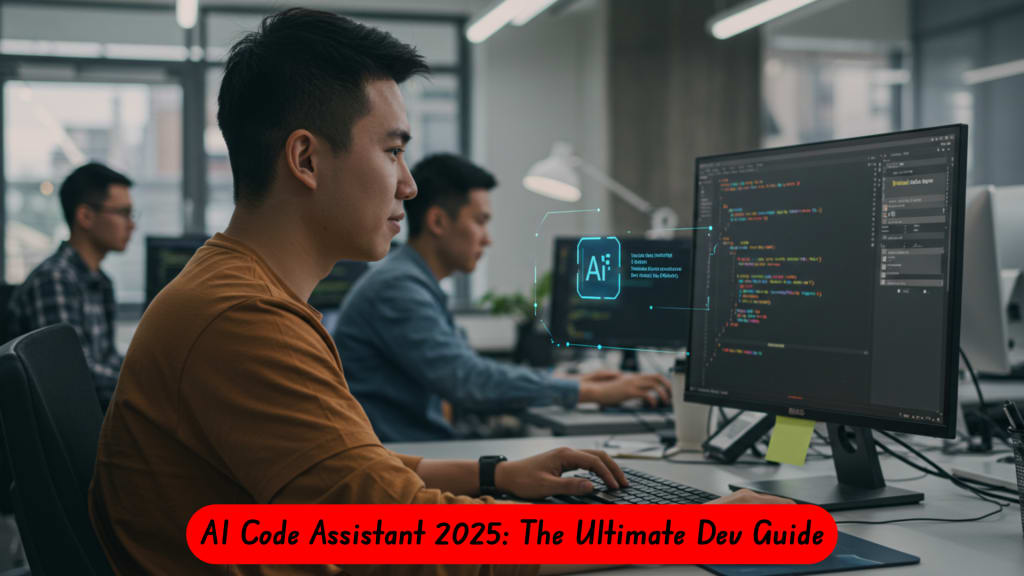
Artificial intelligence has quietly reshaped nearly every part of our digital lives — from writing and design to data analysis. But nowhere is its impact more profound than in software development.
The new generation of AI code assistants is redefining how developers plan, write, test, and maintain code. Instead of spending hours debugging or searching Stack Overflow, developers can now collaborate with intelligent systems that understand context, generate code snippets, and even suggest architectural improvements.
In this article, we’ll explore what these assistants do, their real benefits and limitations, and how developers and teams can use them responsibly.
What Exactly Is an AI Code Assistant?
An AI code assistant is a tool that uses machine learning models — often large language models (LLMs) — to help programmers write and optimize code. Think of it as an AI-powered coding partner that predicts your next lines, generates complete functions, explains bugs, or writes tests based on context.
Unlike traditional autocomplete tools, these assistants can:
- Understand project-specific context across multiple files.
- Generate documentation and inline comments automatically.
- Suggest libraries, frameworks, and even algorithms.
- Explain why something doesn’t compile or why a test failed.
Popular examples include GitHub Copilot, Tabnine, Replit Ghostwriter, Claude Code, and newer open-source options such as StarCoder 2 and Code Llama.
The Real Advantages (and What’s Overhyped)
The promise of these tools is appealing: faster development, fewer bugs, and reduced cognitive load. And yes — in many cases, they deliver.
1. Faster Prototyping
Developers can spin up REST APIs, UI components, or test frameworks in minutes. AI handles repetitive scaffolding so you can focus on design and logic.
2. On-Demand Learning
You no longer need to search tutorials for every syntax detail. Ask your assistant to “explain this code” or “convert it to Python 3.12 standards” and you’ll get a contextual explanation.
3. Reduced Mental Fatigue
Instead of juggling dozens of library calls or configuration files, you can offload boilerplate to the assistant. This keeps your brain free for problem-solving.
However, AI code assistants aren’t magic. They still make predictable mistakes:
- They hallucinate APIs that don’t exist.
- They reuse insecure code patterns from training data.
- They miss edge cases or misinterpret business logic.
In short: AI assistants write fast, but they don’t reason like humans — review everything they generate.
How Teams Are Actually Using Them
Early adopters across startups and enterprises report a few clear best practices.
Pair Programming with AI
Many teams use the assistant as a “junior developer.” Humans still lead design and review, but the AI handles boilerplate or repetitive test writing.
Automated Code Review
Some organizations use secondary models (or even the same assistant in “critic” mode) to perform basic code reviews before human eyes see a pull request.
Prompt Libraries
Teams build internal databases of reusable prompts like:
“Refactor this class using SOLID principles and add type hints.”
“Add a logging decorator and write a test for it.”
This transforms AI assistance from a novelty into a structured workflow asset.
Why Security and Legal Awareness Matter
One of the most overlooked aspects of AI-generated code is security. Because AI models are trained on public repositories, they may reproduce insecure patterns — or even copy snippets from copyrighted sources.
To stay safe:
- Always run static analysis tools (like Semgrep or Bandit) on AI output.
- Never paste sensitive code or credentials into a cloud-hosted AI prompt.
- Document which model and version were used for each contribution.
- Use self-hosted AI assistants if you handle regulated or proprietary code.
These steps protect your organization from data leaks and intellectual property conflicts — both of which are becoming hot legal topics in 2025.
Open-Source and Self-Hosted Alternatives
For developers or teams who can’t share code with third-party clouds, open models are an excellent option.
Projects such as Tabby, StarCoder 2, and Continue.dev allow local deployment of language models that integrate directly into VS Code or JetBrains IDEs.
The trade-off is performance: cloud-based assistants like Copilot or Claude have access to larger, continuously updated models. But privacy-first options are improving quickly, especially when paired with retrieval-augmented generation (RAG) — a technique that lets the model “look up” your own codebase before generating new suggestions.
What’s Next: Multi-Agent Development
The most exciting trend is multi-agent systems — where several AI models collaborate like a team of engineers:
- A planner agent breaks tasks into steps.
- A generator agent writes the code.
- A review agent audits for bugs or security flaws.
- A tester agent runs simulations and patches errors.
This architecture turns the assistant into something closer to an autonomous co-developer — capable of planning and testing with minimal prompting.
Over the next few years, expect deeper integration with CI/CD pipelines and observability tools, enabling continuous testing and even automatic rollback of broken builds.
How to Use AI Assistants Responsibly
AI can accelerate development, but it should never replace good engineering discipline. To get the best of both worlds:
- Keep humans in the loop. Every AI contribution must be reviewed.
- Log all AI interactions. Save prompts and outputs for traceability.
- Train your team. Teach secure prompting and ethical AI usage.
- Track performance. Measure time saved versus errors introduced.
- Focus on learning. Use the AI’s explanations to upskill, not shortcut.
Used wisely, AI assistants don’t just save time — they help developers become better thinkers by offloading mechanical tasks and emphasizing problem-solving.
The Bottom Line
AI code assistants mark the biggest leap in developer productivity since Git itself. But their real power isn’t just automation — it’s amplification.
They amplify the strengths of great developers, but also the weaknesses of careless ones.
By combining automation with accountability, you can turn these tools into a real competitive advantage — building smarter, faster, and safer software in the process.
Want to dive deeper?
Check out a full technical guide and benchmark comparison at ZoneTechAi for a detailed look at architectures, security audits, and enterprise adoption strategies.
About the Creator
ZoneTechAi
Discover cutting-edge tech & and AI insights at ZoneTechAi. Expert articles on artificial intelligence, machine learning, robotics, IoT, and cybersecurity.
Keep reading
More stories from ZoneTechAi and writers in Lifehack and other communities.
United States Self Storage Market to Reach USD 35.8 Billion by 2034, Growing at 1.73% CAGR
Access panels light up. Security cameras rotate quietly. Roll-up doors lift in synchronized rows across suburban corridors. Inside, furniture waits between leases. Inventory rests between sales cycles. Boxes hold documents that no longer fit in shrinking closets.
By Ashutosh Srivastava5 days ago in Lifehack



Comments
There are no comments for this story
Be the first to respond and start the conversation.