
Which Tasks Benefit Most From a 1080p Desktop Monitor?
Discover which everyday tasks, like office work, browsing, and casual gaming, are best suited for a 1080p monitor.

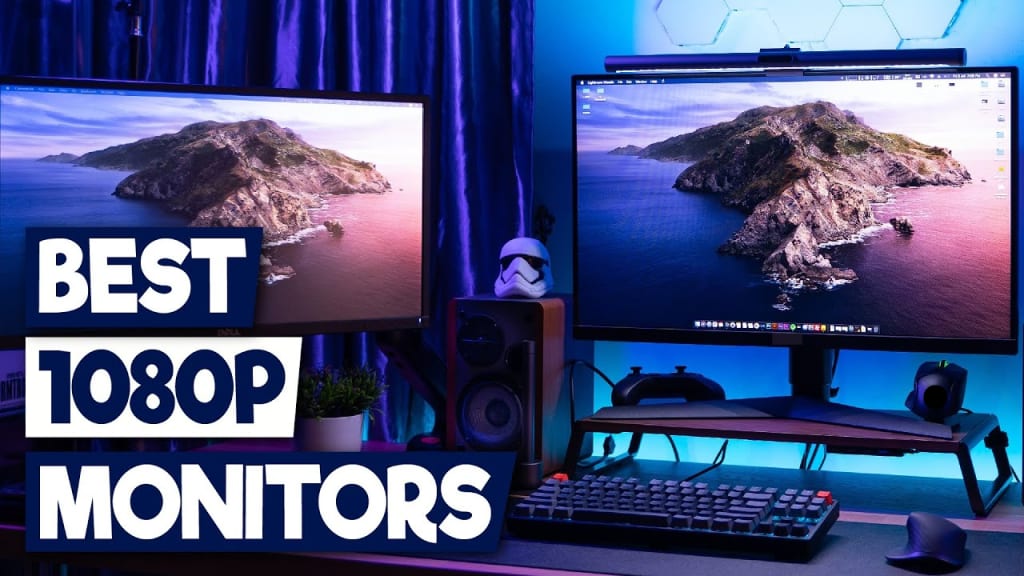
Screens guide how people work, learn, and relax every day. A clear screen reduces eye stress and keeps the mind fresh.
Recent data show that 1920×1080 (Full HD) remains the most common desktop screen resolution worldwide, with a share of around 20 to 22 percent of all desktop displays in 2025.
This trend demonstrates the importance of striking a balance between clarity and performance. A 1080p desktop monitor gives sharp visuals without a heavy system load. It works well with most computers at home and in offices. It also supports long hours without visual fatigue. Students, professionals, and home users trust it for many reasons.
This article explains five tasks that benefit the most from this screen type.
1. Office Work and Daily Productivity
Office work demands focus. Clear visuals support that focus. A 1080p desktop monitor displays text in sharp form. Words appear smooth and easy to read. This helps users stay productive for longer hours. The screen size also fits most desks without clutter.
People often open many tabs while working. Emails, reports, and spreadsheets fill the screen. Full HD resolution keeps each window clear. Users do not feel lost or confused. The work feels organized and calm.
The screen also reduces eye stress. Clear text lowers squinting. This helps maintain steady energy levels throughout the day.
Why Text Feels Easy on the Eyes
Clear text improves comfort. Full HD resolution shows smooth letters. Lines appear clean. This supports faster reading and typing. The eyes move naturally. The brain stays relaxed. This helps users complete tasks without fatigue.
Office work benefits include
- Clear text for long reading.
- Smooth app switching.
- Better focus across tasks.
2. Online Learning and School Activities
Online learning needs clarity. Lesson videos and notes must appear clean and professional. A 1080p desktop monitor effectively meets this need. It clearly displays slides, diagrams, and charts. Students follow lessons without zooming in.
This screen fits study desks easily. It also works well with basic school systems. Teachers and students both benefit from smooth visuals.
Learning becomes easier when visuals stay simple. This screen avoids overload. It keeps attention on the lesson.
How It Supports Young and Adult Learners
Students need simple visuals. Full HD screens offer clean layouts. Text stays readable. Videos stay sharp. This helps learners focus on content instead of adjusting the screen.
Learning benefits include:
- Clear lesson videos
- Easy note reading
- Better class focus
3. Casual Gaming and Light Entertainment
Games feel enjoyable when visuals stay smooth. Many popular games run best at full HD. A 1080p desktop monitor matches this level perfectly. It delivers clean motion and stable visuals. This helps players react more quickly and enjoy the gameplay more.
Casual gamers prefer comfort over extreme settings. This screen supports long play sessions without visual stress. Colors stay bright. Motion feels steady. The system also stays cool and responsive.
This balance makes gaming feel fun instead of tiring. Players focus on the game, not the hardware.
Gaming benefits include:
- Smooth screen movement
- Clear game details
- Stable performance
- Comfortable long sessions
4. Creative Work, Like Photos and Simple Videos
Creative work depends on detail. Editing photos or short videos needs clear visuals. A 1080p desktop monitor shows colors, shapes, and edges clearly. This helps users make clean edits with confidence.
Beginners benefit the most from this balance. The screen displays tools, timelines, and previews together. This keeps the workflow simple and organized. Users learn faster and feel less overwhelmed.
The system also runs smoothly. Full HD avoids heavy processing. This keeps creative work stress-free and enjoyable.
Why Creators Prefer Balanced Resolution
Creators need clarity without overload. Full HD delivers that balance. It keeps images sharp while staying easy to manage. This supports creativity and steady progress.
Creative benefits include
- Clear visual details
- Simple editing layout
- Smooth creative flow
- Better learning experience
5. Web Browsing and Media Viewing
Web browsing fills many daily moments. A 1080p desktop monitor makes this activity smooth and pleasant. Text appears clean. Images load clearly. Scrolling feels natural.
Most online videos stream in full HD. This screen plays them in native quality. Videos look sharp and smooth. Users enjoy shows, lessons, and clips without strain.
Long viewing sessions also feel comfortable. The eyes stay relaxed. This makes browsing and watching more enjoyable each day.
Media benefits include
- Sharp video quality
- Clean web layouts
- Smooth scrolling
- Comfortable viewing time
Conclusion
Choosing the right screen shapes for daily experiences. A 1080p desktop monitor supports work, learning, gaming, creativity, and relaxation. It delivers clear visuals without overloading the system. It fits common desks and everyday budgets. It also matches most online content used today.
Each task shows how balance matters more than extreme features. Comfort, focus, and simplicity drive real value. This screen continues to meet those needs year after year. For many users, it remains a smart, reliable, and practical choice that supports daily life with ease.
About the Creator
Gabriella Browne
Gabriella Browne is a sharp, detail-oriented news writer with a passion for investigative journalism. She delivers timely, well-researched stories, covering politics, business, and global affairs with accuracy.
Keep reading
More stories from Gabriella Browne and writers in Journal and other communities.
How AI Is Reshaping the Future of Software Development
Artificial intelligence is no longer an experiment running in parallel to engineering. It has moved directly into the production pipeline. For modern software development companies, AI is changing how code is written, tested, secured, and evolved. This shift is not cosmetic. It is structural. Businesses that treat AI as a feature will fall behind those that redesign their development model around it.
By Gabriella Browne2 months ago in Journal
Author’s Advice
If you would’ve asked me 20 years ago did I know I’d become a writer and an author, I would’ve said “nope, ain’t happening”. As fate would have it I did become an author and I can honestly say I’m loving it so far. It really does feel good to be a writer. I’ve learned a lot on this journey and I feel like with even me being as new to this world as I am, there’s some wisdom I need to share with every other aspiring author.
By Joe Patterson2 days ago in Journal




Comments
There are no comments for this story
Be the first to respond and start the conversation.