
What is the best check printing software for you?
Check Printing Software

Run a small business or write checks often? Don't waste time with hand-writing. Find out which check printing programs will save you time + money. Hand-written checks are a thing of the past. Today, you can save hours of time with check-writing software programs. But there's no one-size-fits-all option.
Below, find the top check writing software programs for home, business, and more. Plus, learn what supplies you'll need and how much they cost.
Tip: Look for software with unlimited checks to keep up with your business and personal needs. Programs like Online Check Writer offer unlimited checks and support multiple users for lots of flexibility.
Top Check Writing Programs for Home & Business
Before buying check writing software, learn what to look for in the program. For example, some programs have a one-time fee, and others have ongoing fees.
Online Check Writer, backed by Bank of America , offers both check printing software and digital check capabilities, allowing you to send checks electronically and physically.
Online Check Writer accepts blank check paper, which saves you money since you don't need pre-printed checks. You can design your checks to match your company's branding and integrate the program with your bank for seamless processing.
Online Check Writer has multiple tiers ranging from $49.99/year to $499/year, but most small businesses fall within the $49.99 - $199.99/year plan.
With each plan, you get unlimited checks, but the number of bank accounts and users it supports increases as you choose the higher plans. You can even accept payments over the phone and by email.
PRINT CHECKS PRO:
Because of its flexibility, Print Checks Pro is our top overall check printing software. Printing from a PC or most iOS, Android, and Windows phones is possible.
There is no need for special equipment or ink. You may make do with what you've got and print checks on blank check paper or pre-printed Quicken checks.
You may sync the software across several devices to get real-time updates and print a duplicate check for your records. You may customize the checks and deposit slips to match the logo of your company.
CHECKEEPER:
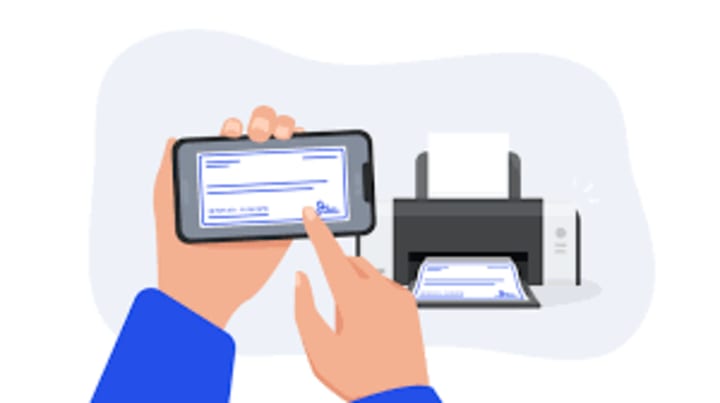
With Checkeeper and your regular printer, you can print personal or business checks using check-stock or regular paper.
If you print on regular paper, all you need is a free check template and the Checkeeper program to print professional-looking checks. It's a great money-saver for small businesses while helping you look professional.
With Checkeeper, you can customize your checks with your logo, images and even print your signature. It also offers excellent search tools and registry reports to help you stay on track with your finances.
CHECKSOFT
Checksoft is a great program for personal and small business use.
It works with both Quicken and QuickBooks and includes over 100 check templates for easy use. Checksoft includes 175 free checks, of which 100 are business-size checks. This saves you money on check paper, and the checks are completely bank-compliant.
In addition to the check templates, you can choose from 1,000+ custom backgrounds and logos. You can write checks by hand or print them and never have to worry about running out of checks for home or small business use.

CHECKBUILDERPRO:
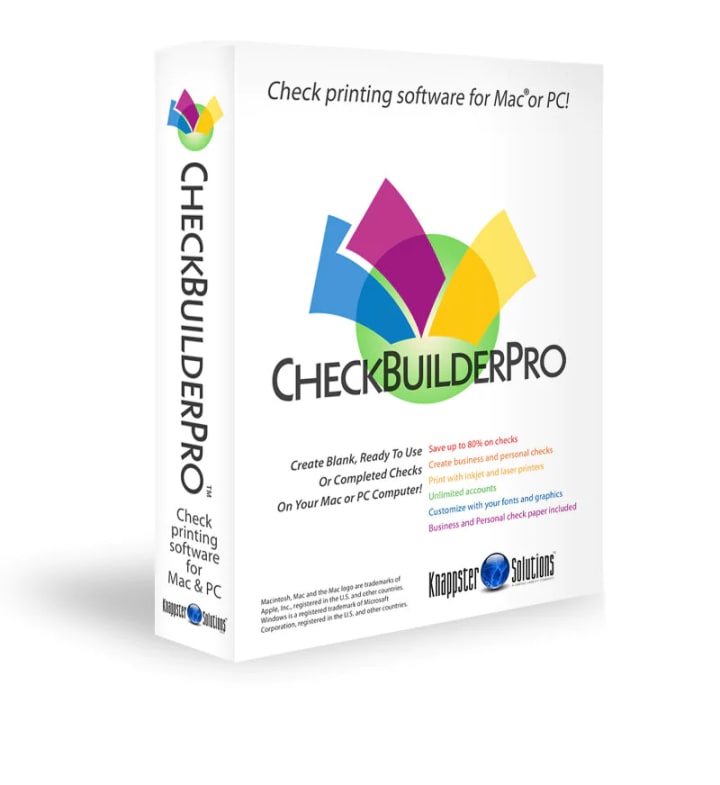
If you have a Mac, you know how much harder it is to find compatible programs, especially check printing software, but CheckBuilderPro came through for Mac users.
With CheckBuilderPro, you can print business or personal checks in unlimited quantities. It comes with 140 checks when you buy the program too.
You can customize the checks with your logos and designs, print the check blank, or with the payee information on it. Automatically track transactions in the check register and reconcile them with your bank statement.
CheckBuilderPro is delivered as a download, so there are no CDs to worry about.
Conclusion
If you're thinking about check printing software, think about how much you'll use it and what you'll use it for. Will you write a lot of checks each month and need to be able to print on demand, or do you only write a few checks a year?
Knowing your needs will help you choose the right program. For example, if you only write a few checks a month, it doesn't make sense to pay for a monthly subscription, but if you write hundreds of checks a month, it could be well worth the cost.
About the Creator
The Early Church Fathers and Why Their Writings Matter Today
The Early Church Fathers are some of the most important figures in the history of Christianity. Their writings, letters, sermons, and theological reflections helped define the beliefs, practices, and structure of the Church in the centuries following Christ. Understanding who the Church Fathers were and why their works matter today is essential for anyone seeking to understand Catholic teaching, tradition, and the roots of Christian faith.
By Sound and Spirit7 days ago in Journal


Comments
There are no comments for this story
Be the first to respond and start the conversation.