
What Causes a 502 Bad Gateway Error and How to Fix It
This blog examines the frequent HTTP status code 502 Bad Gateway Error, explains its causes, and offers strategies for fixing it. To fix this mistake and resume internet surfing, it also offers some useful hints and techniques.
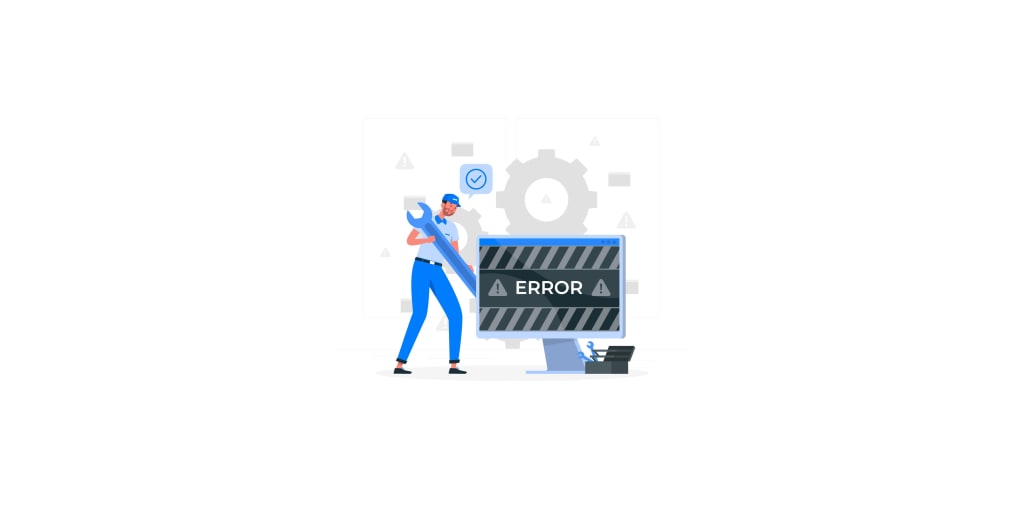
Have you ever attempted to browse a website and received a 502 Bad Gateway message? Then you are not alone. On the internet, this issue is often seen, but many users are unaware of its significance or how to correct it. We'll examine the 502 bad gateway error in more detail in this post, along with its causes and possible solutions.
What does "502 Bad Gateway Error" mean?
An HTTP status code of 502 indicates a bad gateway and indicates the presence of an incorrect response from the upstream server on a server serving as a gateway or proxy. This error happens when a server on the internet is unable to connect to another server in order to fulfill a request.
The website you are attempting to visit will show a notice that reads something like "502 Bad Gateway" or "Error 502: Bad Gateway" when you encounter a 502 Bad Gateway error. Further information that might aid you in determining the error's root cause may be shown along with this message.
Why do 502 bad gateway errors occur?
You could see a 502 bad gateway error for a number of reasons. Some of the most frequent reasons are as follows:
- Server Overload: The server you're attempting to visit may not be able to handle your request if it is experiencing a large number of traffic. A 502 bad gateway error may come from this.
- DNS Problems: You might get a 502 bad gateway error if the DNS server in charge of resolving the domain name you're trying to reach is down or set up wrong.
- Network Problems: If there is a problem with your network or the internet connection you are using to access the website, you may get a 502 bad gateway error.
- Problems with a proxy or firewall: If you're visiting the website using one of these programs, it's possible that it's preventing you from reaching the upstream server, which would cause a 502 bad gateway problem.
How Can a 502 Bad Gateway Error Be Fixed?
A 502 bad gateway issue may be resolved in a number of ways. The following are some of the best fixes:
- Refresh the Page: Refreshing the page may sometimes be all that is necessary to fix a 502 bad gateway problem. Reload the page and check to see if the issue still exists by pressing F5 on your keyboard or refreshing your browser.
- Examine Your Internet Connection: The best course of action is to verify your internet connection if you get a 502 bad gateway error. Ensure that you have a reliable internet connection and that you are connected.
- Clean Your Browser Cache: If your browser cache contains outdated or incorrect information, it might be the cause of the 502 bad gateway error. Try re-entering the webpage after clearing the cache in your browser.
- Disable Your Firewall or Proxy: If you're visiting the website using a firewall or proxy, consider temporarily turning these systems off to see if the issue disappears. If it does, you may need to set these systems up to permit communication with the upstream server.
- Inquire with the website administrator: If none of these fixes work, the website may have a server-side problem that only the website administrator can fix. If you encounter a 502 bad gateway error, get in touch with the website administrator and let them know.
Conclusion
It might be annoying to experience the frequent "502 bad gateway error." You can fix this issue and go to the website you need; however, if you have a little expertise and the necessary equipment. Use the suggestions in this article if you receive a 502 bad gateway problem too quickly, and simply go online again.
About the Creator
Keep reading
More stories from Saumya Yadav and writers in Journal and other communities.
Don't Let The "DNS Server Not Responding" Error Frustrate You Anymore
You can have "DNS server not responding" errors while you attempt to surf the internet. Since it keeps you from visiting the websites you want to, this error notice might be annoying. So what exactly is a DNS server, and why does it provide this error message?
By Saumya Yadav3 years ago in Journal
Global Stocks Slide as Trump’s Greenland Message Sparks Market Panic and Trade War Fears
Global financial markets woke up to a shockwave on Monday morning as investors digested an extraordinary message attributed to U.S. President Donald Trump, linking his long-standing desire to take control of Greenland to his failure to win the Nobel Peace Prize.
By Omasanjuwa Ogharandukun5 days ago in Journal
The Blue Ridge Stalker
Tom had left the Ford down the way, its spark plugs finally exhausted and no mechanics for a dozen miles back through the foothills to Strossburg. No matter, he had worn his boots—almost as if he planned for this to happen. The puzzle he sought to solve emanated from the woods clinging to the slopes above; the valley behind held no mysteries.
By Stephen A. Roddewig3 days ago in Fiction



Comments
There are no comments for this story
Be the first to respond and start the conversation.