
Transform Your Design Workflows with PDF to CAD Conversion
How PDF to CAD conversion can revolutionize your design workflows, enhance accuracy, and boost productivity.

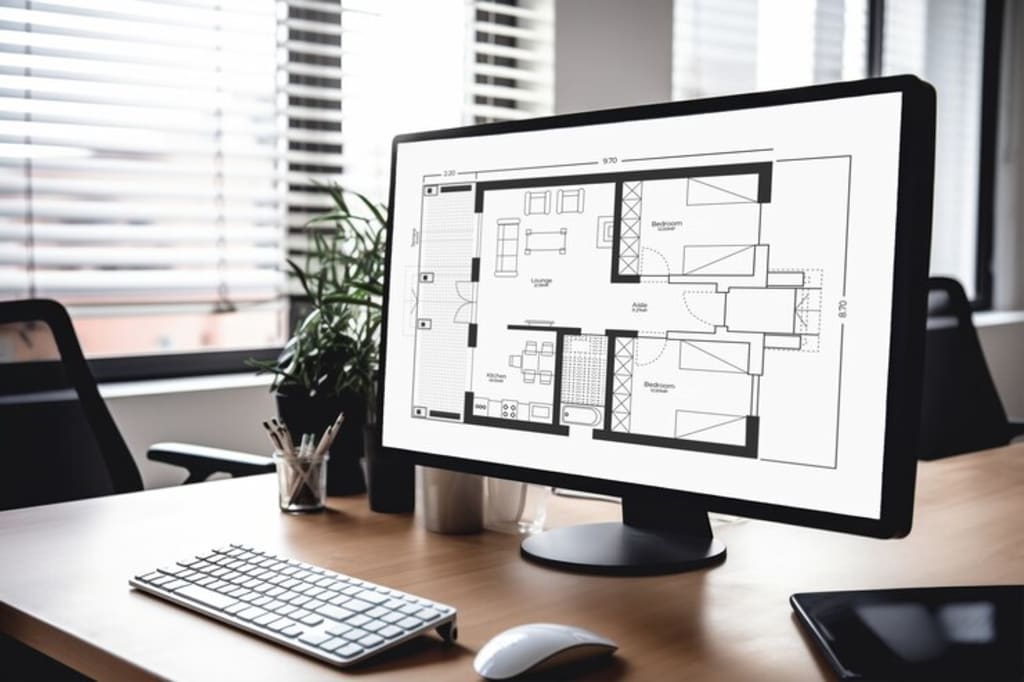
In today's fast-paced design industry, efficiency and precision are paramount. For architects, engineers, and designers, streamlining workflows can make a significant difference in project outcomes. One way this is achieved is through the innovative use of PDF to CAD conversion.
This technology not only addresses common challenges but also revolutionizes the way design professionals operate. In this blog post, we'll explore the significance of PDF to CAD conversion, its benefits, and best practices to optimize your design workflows.
What Are PDF and CAD Formats?
Before we dive into the intricacies of PDF to CAD conversion, it's essential to understand what these formats are and their typical uses in the design industry.
Portable Document Format (PDF) is widely used for sharing documents because it preserves the layout and formatting across different devices and platforms. It's user-friendly and accessible, making it a popular choice for finalizing and distributing design documents.
On the other hand, Computer-Aided Design (CAD) files are more specialized. They are used extensively in architecture, engineering, and product design due to their ability to contain intricate details and support various layers of information.
These files are critical during the initial design and development phases, allowing for precise measurements, detailed models, and complex calculations.
Despite their different purposes, both formats play crucial roles in design workflows. However, the need to convert between these formats often arises, leading us to explore the challenges and solutions associated with this process.
The Challenges of Design Workflows
Design professionals face several challenges in their daily work, many of which stem from inefficiencies in document handling.
For instance, architects may receive blueprints in PDF format that need to be converted to CAD for further development. This can be a time-consuming task if done manually, leading to delays and potential errors.
Engineers, too, often encounter bottlenecks when working with different file formats. Collaborations become cumbersome when team members use various software tools that aren't always compatible. The need to constantly switch between formats can disrupt the workflow and reduce productivity.
Freelancers and small businesses, who may not have access to advanced tools, find these challenges even more daunting. The cost and time associated with manual conversions can be prohibitive, affecting project timelines and outcomes.
The Role of PDF to CAD Conversion
Enter PDF to CAD conversion—a game-changer for design workflows. This technology allows for seamless translation of PDF documents into editable CAD files, addressing many of the challenges mentioned earlier. By automating the conversion process, professionals can save time, reduce errors, and improve overall efficiency.
The Role Of PDF To CAD Conversion fosters better collaboration among team members. When everyone works with the same file format, communication is enhanced, and misunderstandings are minimized.
This leads to more cohesive project development and superior results. Additionally, the accuracy of design details is significantly improved. Manual conversions are prone to errors, but automated tools ensure that all elements are accurately translated, preserving the integrity of the original design.
Benefits of Using PDF to CAD Software
The advantages of using PDF to CAD software are manifold. For professionals, these tools offer a substantial boost in productivity. Time spent on manual conversions can be redirected to more critical tasks, such as refining designs and engaging with clients.
Freelancers benefit from the accessibility and affordability of these tools. Many PDF to CAD converters are available at reasonable prices, making them a viable option for independent workers. The ability to handle conversions efficiently can also enhance the quality of their work and increase client satisfaction.
Small businesses stand to gain from cost savings and improved project outcomes. By streamlining workflows and reducing manual labor, these companies can operate more efficiently, complete projects faster, and deliver higher-quality results to their clients.
Best Practices for PDF to CAD Conversion
To make the most of PDF to CAD conversion, it's essential to follow some best practices. First and foremost, select the right software for your needs. There are numerous tools available, each with its features and capabilities. Research and choose one that aligns with your specific requirements.
Managing file sizes is another crucial aspect. Large files can slow down the conversion process and lead to performance issues. Ensure that your PDF files are optimized for size before converting them to CAD.
Accuracy is paramount in design work. Double-check the converted files for any discrepancies or missing elements. This step ensures that the integrity of your original design is maintained, and any necessary adjustments can be made promptly.
Future Trends in Design Technology
The future of design technology is bright, with continuous advancements in PDF to CAD conversion leading the way. As artificial intelligence and machine learning become more integrated into these tools, the accuracy and efficiency of conversions will improve even further.
We can expect to see more intuitive user interfaces and enhanced collaboration features, making it easier for design professionals to work together seamlessly. The potential for real-time conversions and cloud-based solutions will also revolutionize the way we handle design files.
The integration of augmented reality (AR) and virtual reality (VR) into design workflows is another exciting development. These technologies will allow for immersive experiences, enabling designers to visualize and interact with their projects in entirely new ways.
Conclusion
In conclusion, PDF to CAD conversion is a powerful tool that can revolutionize design workflows for architects, engineers, and designers. By addressing common challenges, improving accuracy, and fostering collaboration, this technology offers significant benefits to professionals, freelancers, and small businesses alike.
To make the most of this innovation, follow best practices for optimizing the conversion process and stay informed about future trends in design technology. By doing so, you'll be well-equipped to enhance your design workflows and deliver exceptional results to your clients.
Ready to transform your design workflows? Explore the best PDF to CAD conversion tools today and experience the difference for yourself.
About the Creator
CAD Drafting Services
CAD Drafting Services is a leading consulting firm that specializes in 2D and 3D CAD Drafting, CAD Drawing, and BIM Building Information Modeling in various areas of AEC sectors.
Keep reading
More stories from CAD Drafting Services and writers in Journal and other communities.
Common Mistakes to Avoid When Hiring CAD Drafting Services
In the fast-paced world of architecture, engineering, and construction—the AEC industry—getting your designs just right is crucial. The quality and accuracy of your project plans can make or break your success. That's where CAD drafting services come into play.
By CAD Drafting Servicesabout a year ago in Serve
The goals I did not achieve
Every writing goal I made for the year is a wash. It has been this way for a while, but I think it's important to be open about my failures and the reality of how life can get in the way. This is especially true considering the several times I have posted on Vocal about my writing goals, how I was changing my approach, and where I was hoping to be for the upcoming year. I will probably do that again in a couple months, but for now, it is time to acknowledge where I am today.
By Kay Husnick24 days ago in Journal




Comments
There are no comments for this story
Be the first to respond and start the conversation.