
Solving Compatibility Issues Using Flutter Development Services
Best Flutter Development Company

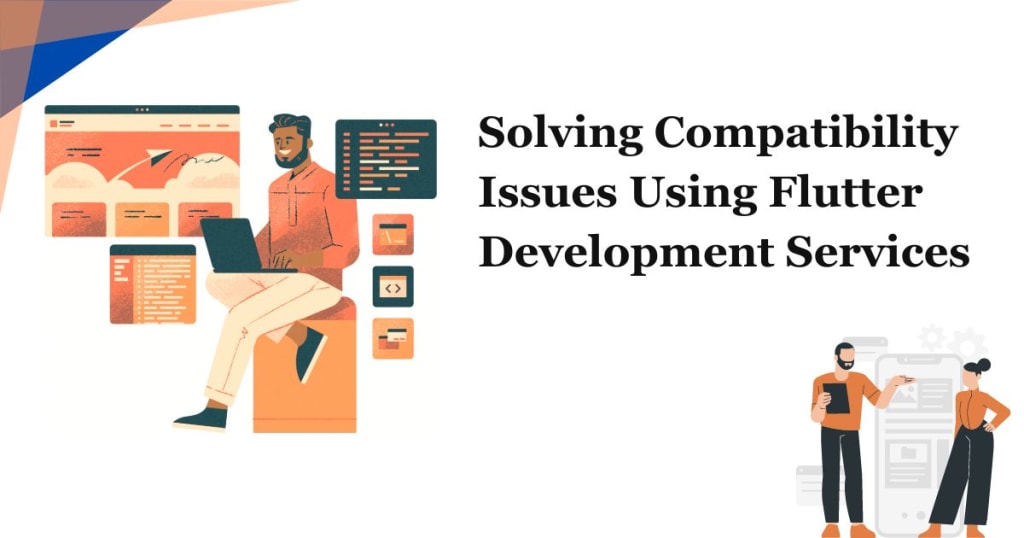
Developers are constantly challenged with creating apps that function seamlessly across various devices and operating systems. Flutter Development Services emerge as a robust solution to tackle these compatibility issues efficiently. In this article, we delve into the intricacies of Flutter and how it resolves compatibility challenges, ensuring a smooth and consistent user experience.
Understanding Flutter: An Overview
Flutter, developed by Google, is an open-source UI software development kit (SDK). It enables developers to create natively compiled applications for mobile, web, and desktop from a single codebase. The Dart programming language powers Flutter, which is specifically designed to optimize performance and ease of development.
Key Features of Flutter
1. Hot Reload: This feature allows developers to see changes in real-time without restarting the application. It significantly speeds up the development process.
2. Rich Widgets: Flutter provides a comprehensive set of customizable widgets that follow the Material Design and Cupertino standards, ensuring a native-like appearance on both Android and iOS.
3. Single Codebase: With Flutter developers write one codebase that runs on multiple platforms, reducing development time and effort.
Addressing Compatibility Issues with Flutter
1. Cross-Platform Consistency
One of the foremost challenges in mobile app development is ensuring consistent functionality across different platforms. Flutter's single codebase approach ensures that the same code runs on both Android and iOS, minimizing discrepancies and maintaining uniformity. This leads to a consistent user experience across various devices.
2. Device-Specific Adaptations
While maintaining a single codebase, Flutter allows for device-specific adaptations. Developers can easily incorporate platform-specific behavior and UI adjustments using conditional statements. This flexibility ensures that the app not only looks but also feels native to the platform it is running on.
3. Third-Party Library Integration
Compatibility issues often arise when integrating third-party libraries. Flutter provides a vast ecosystem of packages and plugins, readily available through pub.dev. These packages are regularly updated and maintained, ensuring seamless integration and compatibility. If a specific functionality is not available, developers can create custom plugins, further enhancing the app's capabilities.
4. Performance Optimization
Performance is a critical factor that affects user experience and retention. Flutter's architecture is designed to optimize performance, utilizing Dart's ahead-of-time (AOT) compilation to compile code into native ARM or Intel machine code for mobile, desktop, and the web. This results in faster startup times and a smoother execution, reducing the likelihood of performance-related compatibility issues.
Enhanced User Experience with Flutter
1. Smooth Animations and Transitions
Flutter's rich set of widgets and Skai Graphics Engine ensure that animations and transitions are smooth and responsive. This consistency in visual performance across different devices and platforms significantly enhances the user experience.
2. Customizable UI Components
Flutter allows developers to create highly customizable UI components that can be tailored to match the design specifications of different platforms. This customization ensures that the app maintains a native look and feel, adhering to platform-specific design guidelines.
3. Accessibility and Localization
Flutter supports accessibility features out of the box, ensuring that applications are usable by people with disabilities. It also provides extensive support for localization, enabling developers to create apps that cater to a global audience with ease. These features play a crucial role in addressing compatibility issues related to diverse user needs and regional requirements.
Streamlining Development with Flutter
1. Collaborative Development Environment
Flutter's architecture supports collaborative development, allowing multiple developers to work on the same project simultaneously. The hot reload feature is particularly beneficial in this context, as it enables real-time collaboration and instant feedback, reducing development time and enhancing productivity.
2. Comprehensive Testing Framework
Flutter offers a robust testing framework that includes unit tests, widget tests, and integration tests. This comprehensive approach ensures that the app is thoroughly tested across different scenarios, identifying and addressing compatibility issues early in the development cycle.
3. Continuous Integration and Deployment (CI/CD)
Integrating Flutter with CI/CD pipelines automates the testing, building, and deployment processes. Tools like Code magic and GitHub Actions streamline the CI/CD workflow, ensuring that the app is consistently built and tested across various environments, thereby mitigating compatibility risks.
Choose the best Flutter development company to overcome compatibility challenges, ensuring high performance and consistent user experience across platforms, enabling your app to stand out in a competitive market. By leveraging a single codebase, device-specific adaptations, and a robust ecosystem of plugins, Flutter ensures a consistent and high-performing user experience across different platforms. Its rich set of features, performance optimization, and streamlined development process make it an ideal choice for developers aiming to create versatile and reliable applications.
About the Creator
iGex Solutions
Contact us now if you are looking for WordPress, PHP, Laravel, Designer, React Native or Mobile App Design/Development services.
Follow us On:
Keep reading
More stories from iGex Solutions and writers in Journal and other communities.
How Laravel Development Services Can Solve Your Project's Challenges
The Best Laravel Development Services becomes a shining star that is responsible for resolving the myriad of problems that organizations facing in the development of complex projects. Coming from the Laravel PHP framework, a leading PHP framework, the services provide a full-stack of customized tools to tackle different project specifically for your needs.
By iGex Solutions2 years ago in Journal
The Quiet Link Between Evening Light and Restless Sleep
For a long time, I believed my restless sleep was caused by what happened in my head. Too much thinking. Too much stress. Too many unfinished thoughts that followed me into the night. I tried calming routines, earlier bedtimes, and stricter boundaries around work. Some nights improved. Many did not.
By illumipure6 days ago in Journal



Comments
There are no comments for this story
Be the first to respond and start the conversation.