
Record Online Meeting While Respecting Privacy
Recording Meetings Online the Right Way: Privacy and Consent
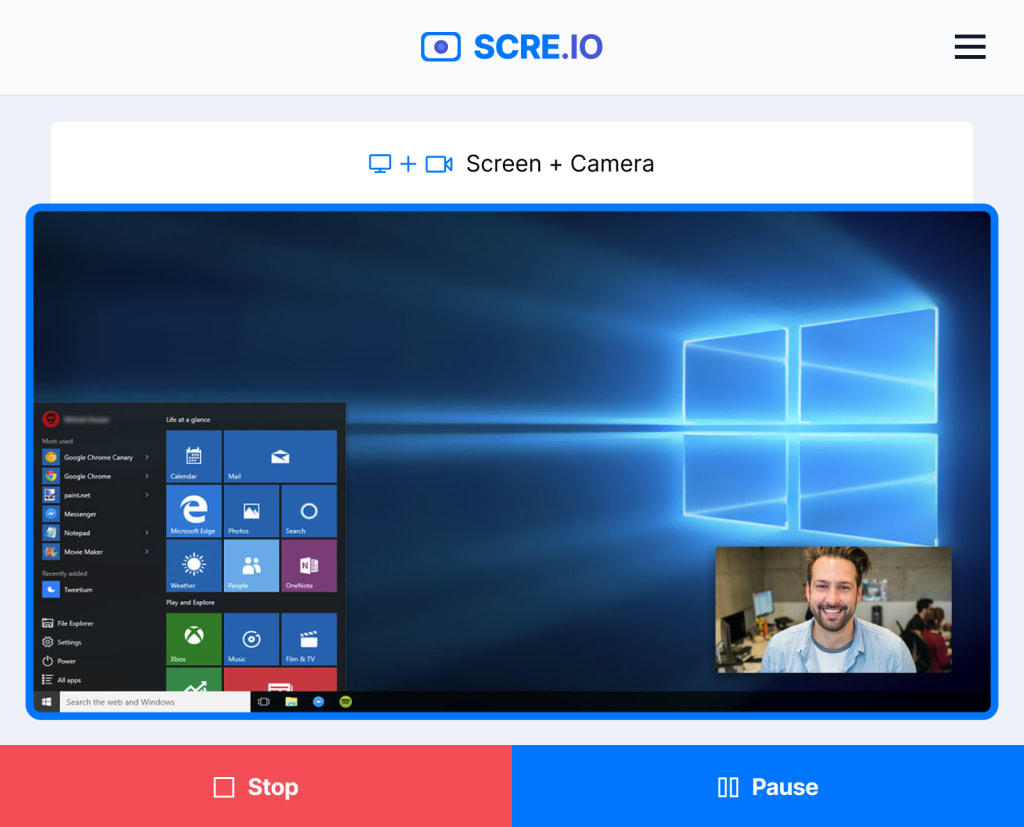
When you record screen of an online meeting, it’s essential to consider both privacy and consent to avoid legal complications and maintain trust.
With the rise of remote work, virtual calls have become standard for documentation, training, or reference. However, failing to inform participants or mishandling sensitive data can lead to privacy violations and ethical concerns.
In this guide, we’ll explore best practices, requirements, and practical tips for recording online meetings responsibly.
Legal considerations for recording meetings
Capturing virtual calls involves more than pressing a button—it carries legal responsibilities. Awareness of specific regulations is essential to protect both participants and your organization.
Consent Requirements Across Regions
Different jurisdictions impose distinct rules for meeting recording:
- Single-Party Permission: In many U.S. states, only one attendee needs to authorize the process. This allows you to document the meeting without notifying others.
- All-Party Agreement: Certain areas, including California, Canada, and several European countries, mandate that every individual in the session must provide explicit approval beforehand.
Pro tip: When participants join from multiple regions, err on the side of caution and request consent from everyone—it’s the most reliable approach.
Data Protection Guidelines
How resulting clips are stored and processed is regulated under privacy laws.
GDPR (European Union)
Virtual meeting recordings qualify as personal data. Organizations must clarify the purpose of capturing, employ secure storage, and provide everyone the right to request deletion.
CCPA (USA)
Individuals are entitled to transparency regarding how the output is managed, including who has access and how long they are retained.
Privacy best practices
Adopting careful habits ensures sensitive information remains confidential and interactions feel secure.
Notify Ahead of Time
Clarity is essential. Make sure everyone is aware that the session will be captured, either at the start or via the invitation. This gives people the opportunity to provide informed approval and opt out if necessary.
Include a brief note in your agenda or calendar. Transparency builds confidence and helps prevent misunderstandings.
Protect Stored Recording of Meetings
Utilize encrypted storage systems and avoid unsecured drives or folders. Cloud services with built-in security protocols and automatic backups can prevent unauthorized retrieval.
Control Who Can View
Access should be limited to those who need it. Implement permission-based sharing and review access regularly. Remove links or privileges once the material is no longer relevant.
Ethical guidelines
Recording online meetings isn’t just about legality or privacy—it’s also a matter of professional ethics.
Honor Boundaries
Treat attendees with consideration. Refrain from capturing private conversations or off-topic discussions without permission, and be mindful of those who may feel uncomfortable being recorded.
Quick tip: Pause if sensitive matters arise and resume only with agreement from those involved.
The content should focus on what is relevant and necessary. Avoid collecting personal details, confidential messages, or any data unrelated to the meeting’s purpose.
This minimizes potential misuse or exposure of sensitive information.
Be Transparent About Purpose
Clarity about why you record this video meeting is crucial. Explain how the result will be utilized, who will access it, and how long it will be retained. Participants are more likely to feel comfortable when intentions are upfront and well communicated.
Tools to record virtual meetings
Using the right platforms can make recording online meetings safer and more manageable.
This is a browser-based service that works without installing additional software. Key privacy-friendly features include:
- No account required: You can capture sessions without linking personal information.
- Temporary file handling: The results can be downloaded immediately and are deleted from the servers within 24 hours.
Safe Cloud Storage Options
Secure storage is as important as the recording itself. These platforms provide strong protection:
- Google Drive: Enables precise access controls and two-factor authentication.
- Dropbox: Features encrypted storage and team-specific sharing options.
- Microsoft OneDrive: Supports compliance with global privacy standards.
Utilizing a privacy-oriented online meeting recorder combined with secure cloud services ensures sensitive content stays protected and accessible only to authorized individuals.
Conclusion
Knowing how to record a video meeting can be useful for documentation, training, and collaboration, but it comes with significant responsibilities.
Ensuring privacy and obtaining consent are not just legal obligations—they are essential for maintaining trust and ethical standards in any organization.
Following these best practices helps create a transparent, safe, and professional virtual meeting environment.
About the Creator
The goals I did not achieve
Every writing goal I made for the year is a wash. It has been this way for a while, but I think it's important to be open about my failures and the reality of how life can get in the way. This is especially true considering the several times I have posted on Vocal about my writing goals, how I was changing my approach, and where I was hoping to be for the upcoming year. I will probably do that again in a couple months, but for now, it is time to acknowledge where I am today.
By Kay Husnick22 days ago in Journal
The Hour the World Went Quiet
It began with a flicker. Not of light, but of absence. The hum of my devices—the soft chime of messages, the buzz of updates, the endless scroll of curated lives—simply stopped. At first, I thought it was a glitch. I tapped screens. Checked cords. Restarted everything twice. But the silence held.
By KAMRAN AHMAD3 days ago in Journal


Comments
There are no comments for this story
Be the first to respond and start the conversation.