
How to Publish Your Food Delivery App Successfully on the App Store?
Publish Your Food Delivery App Successfully

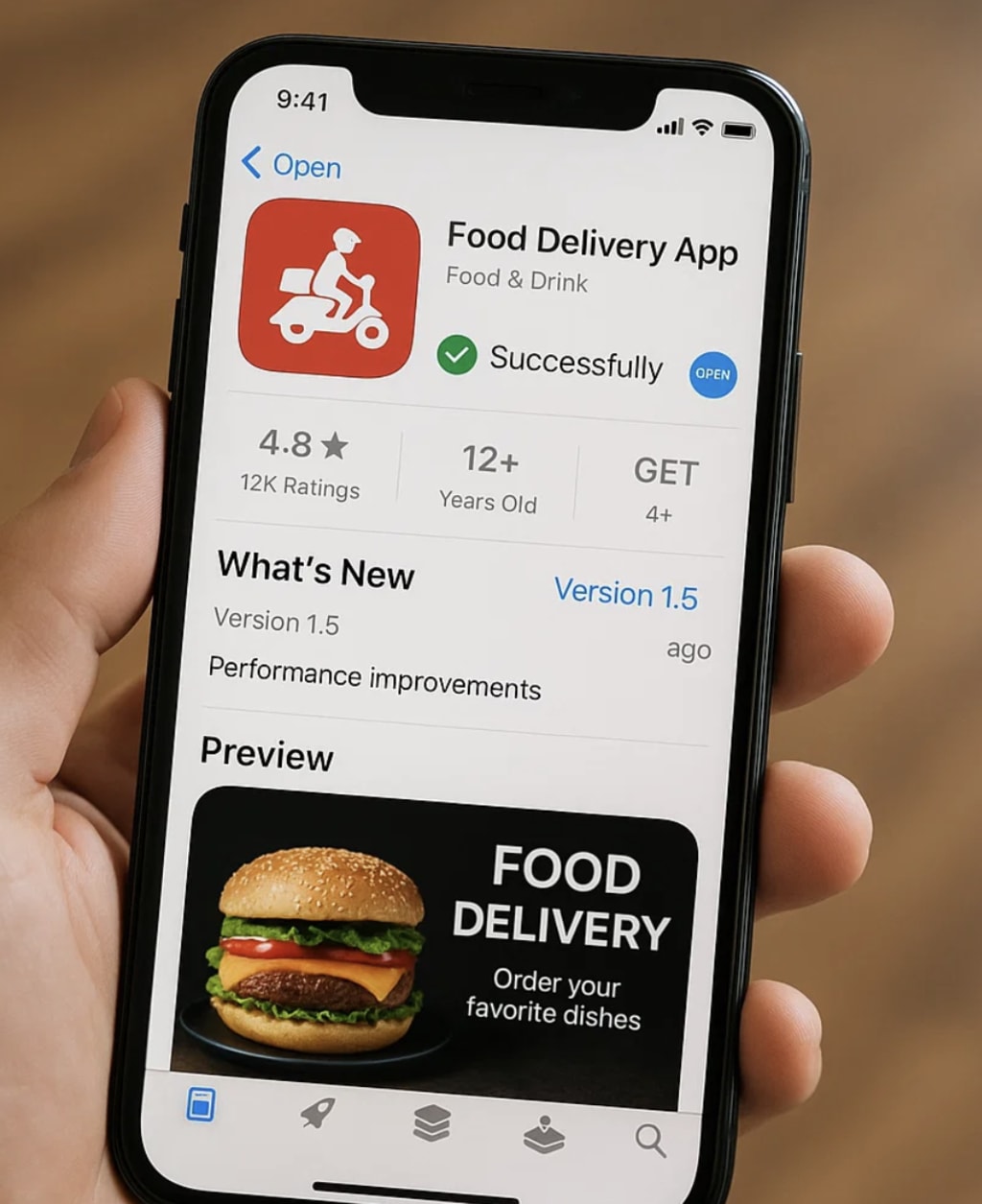
The food delivery industry is experiencing unprecedented growth, with market projections reaching $388.56 billion by 2025. This explosive expansion presents a golden opportunity for app developers and entrepreneurs looking to capitalize on the growing demand for convenient, on-demand food services. However, with opportunity comes competition, and successfully launching a food delivery app requires more than just a great idea—it demands strategic planning, technical excellence, and a thorough understanding of the App Store's requirements.
Publishing an app on the App Store can be a complex process, with many developers facing rejection due to guideline violations, technical issues, or inadequate preparation. The stakes are high: a successful launch can establish your brand in the competitive food delivery market, while a failed attempt can delay your entry and allow competitors to gain valuable market share.
This comprehensive guide will walk you through every step of developing an app and the publishing process, from initial preparation to post-launch optimization. By following this framework, you'll be equipped to navigate the App Store's requirements, avoid common pitfalls, and launch your food delivery app with confidence.
Preparing Your Food Delivery App
1. Define Your App's Unique Value Proposition (UVP)
In a saturated market dominated by giants like Uber Eats, DoorDash, and Grubhub, differentiation is crucial. Your app needs a compelling reason for users to choose it over established competitors. Consider these unique value propositions:
Real-time tracking with AI-powered delivery predictions that provide accurate arrival times
Eco-friendly delivery options using electric vehicles or bicycles
Local cuisine focuses on highlighting regional specialties and family-owned restaurants
Subscription-based models offering unlimited deliveries for a monthly fee
Social features allowing users to share meals or order together
Your UVP should address specific pain points in the current market, such as long delivery times, limited restaurant options, or poor customer service. This differentiation will not only help with user acquisition but also make your app more appealing to App Store reviewers.
2. Ensure Compliance with App Store Guidelines
Apple's App Store Review Guidelines are comprehensive and constantly evolving. For food delivery apps, pay special attention to these key areas:
Performance Requirements (2.1): Your app must launch quickly, run smoothly, and handle high traffic volumes without crashing. Food delivery apps often experience peak usage during meal times, so ensure your infrastructure can scale accordingly.
Design Standards (4.2): Your app's interface should be intuitive, visually appealing, and consistent with iOS design principles. Use native iOS components and follow Apple's Human Interface Guidelines.
Privacy and Data Security: Food delivery apps handle sensitive information including payment details, addresses, and personal preferences. Implement robust security measures and create a comprehensive privacy policy that clearly explains data collection and usage.
Content Guidelines: Ensure all restaurant listings, food images, and descriptions are accurate and not misleading. Fake reviews or manipulated ratings can lead to rejection.
3. Test Your App Thoroughly
Comprehensive testing is essential before submission. Focus on these critical areas:
Functionality Testing: Verify that all core features work flawlessly, including:
- User registration and login
- Restaurant browsing and search
- Order placement and modification
- Payment processing
- Real-time order tracking
- Push notifications
Performance Testing: Test your app under various conditions:
- Different network speeds (3G, 4G, 5G, Wi-Fi)
- Peak usage scenarios
- Low battery situations
- Background app refresh
Beta Testing with TestFlight: Use Apple's TestFlight platform to distribute beta versions to a select group of users. Collect feedback on user experience, identify bugs, and optimize performance based on real-world usage patterns.
Setting Up Your App Store Connect Account
2.1 Create an Apple Developer Account
To publish on the App Store, you need an Apple Developer Account. Here's the process:
- Visit developer.apple.com and click "Enroll"
- Choose between Individual ($99/year) or Organization ($99/year) account
- Complete the enrollment process with required documentation
- Pay the annual fee to activate your account
For food delivery businesses, an Organization account is typically recommended as it allows multiple team members and provides better credibility with users.
2.2 Configure App Store Connect
Once your developer account is active, set up App Store Connect:
- Create your app record with a unique bundle ID (e.g., com.yourcompany.fooddelivery)
- Set primary language and add additional languages if targeting international markets
- Add team members and assign appropriate roles:
- Admin: Full access to all features
- Developer: Technical access for uploads and testing
- Marketing: Access to analytics and metadata management
2.3 Prepare App Metadata
Your app's metadata is crucial for discoverability and conversion. Optimize these elements:
App Name: Maximum 30 characters, should include relevant keywords like "food delivery" or "takeout"
Keywords: Research and select relevant terms such as:
"food delivery"
"restaurant ordering"
"takeout"
"meal delivery"
"fast food"
Description: Write a compelling description that highlights your UVP and includes relevant keywords naturally. Focus on benefits rather than features.
Screenshots: Create high-quality screenshots showing key app functions like browsing restaurants, placing orders, and tracking deliveries. Include different device sizes and orientations.
Building and Submitting Your Food Delivery App
3.1 Develop with Apple Standards
Use the latest development tools and practices:
Xcode: Use the latest version for iOS development, ensuring compatibility with current iOS versions.
Programming Languages: Swift is preferred for new projects, though Objective-C is still supported.
Payment Integration: Implement Apple Pay for seamless transactions, and ensure compliance with in-app purchase guidelines if applicable.
Privacy Features: Implement App Tracking Transparency and other privacy features required by iOS.
3.2 Create App Store Assets
High-quality visual assets are essential for conversion:
Screenshots: Create screenshots that tell your app's story:
- Welcome screen with key features highlighted
- Restaurant browsing interface
- Order placement process
- Real-time tracking screen
- Profile and account management
App Preview Video: Create a 30-second video showcasing your app's core functionality. Focus on the user journey from opening the app to completing an order.
Localization: If targeting multiple regions, localize content for each market, including screenshots with local restaurants and cuisine types.
3.3 Submit for Review
When ready to submit:
- Archive your app in Xcode and upload to App Store Connect
- Complete all required forms:
- Export compliance (typically "No" for food delivery apps)
- Content rating based on your app's content
- Pricing and availability settings
- Address any pre-submission warnings about missing permissions or technical issues
- Submit for review and monitor the status in App Store Connect
- Navigating the Review Process Of Your App
4.1 Understand the Review Timeline
Apple's review process typically takes 24-48 hours, but can extend longer if issues are found. Monitor your app's status through App Store Connect and be prepared to respond quickly to any reviewer feedback.
4.2 Handle Rejections Effectively
Common rejection reasons for food delivery apps include:
- Crashes or performance issues during peak usage simulation
- Incomplete functionality such as non-working payment systems
- Guideline violations related to user-generated content or privacy
- Missing required information like privacy policies or contact details
- If rejected, carefully review the feedback, make necessary changes, and resubmit with detailed explanations of your fixes.
4.3 Leverage Apple Support
For complex issues, don't hesitate to contact Apple Developer Support. They can provide guidance on guideline interpretations and help resolve technical problems that may not be immediately obvious.
Launching and Promoting Your Food Delivery App
5.1 Plan Your Launch Strategy
- A successful launch requires coordination across multiple channels:
- Pre-launch Marketing: Build anticipation through:
- Social media campaigns highlighting your UVP
- Email marketing to existing customers
- Partnerships with local restaurants
- Influencer collaborations
- Launch Incentives: Offer compelling reasons for users to try your app:
- First-order discounts
- Free delivery promotions
- Referral programs with rewards for both referrer and referee
5.2 Optimize App Store Visibility
App Store Optimization (ASO) is crucial for organic discovery:
Keywords: Monitor and adjust your keyword strategy based on performance data.
Ratings and Reviews: Encourage satisfied users to leave positive reviews, and respond professionally to negative feedback.
Regular Updates: Maintain app freshness with regular updates that add new features, fix bugs, and improve performance.
5.3 Post-Launch Monitoring
After launch, continuous monitoring is essential:
Analytics Tracking: Use App Store Connect Analytics to monitor:
Download rates and conversion metrics
User retention and engagement
Revenue and in-app purchase performance
User Feedback: Actively monitor and respond to user reviews and support requests.
Performance Optimization: Regular app updates should address user feedback and add new features based on market demands.
Conclusion
Publishing a successful food delivery app on the App Store requires careful planning, thorough preparation, and strategic execution. By following this comprehensive guide, you'll be well-equipped to navigate the complexities of the App Store submission process and position your app for success in the competitive food delivery market.
The key to success lies in understanding that publishing is just the beginning. The real challenge is building a sustainable business that consistently delivers value to users while adapting to changing market conditions and user expectations. With the right approach, your food delivery app can capture a significant share of this growing market and establish a strong foundation for long-term success.
Start your journey today by defining your unique value proposition and beginning the preparation process. The sooner you begin, the sooner you can start capitalizing on the tremendous opportunities in the food delivery industry.
Frequently Asked Questions (FAQs)
Q: What are the costs to publish on the App Store? A: The primary cost is the $99/year Apple Developer fee. Additional costs include development, design, marketing, and ongoing maintenance expenses.
Q: How long does the review process take? A: Typically 24-48 hours, but can extend to several days if issues are found or during peak submission periods.
Q: Can I update my app after publishing? A: Yes, you can submit updates anytime through App Store Connect. Updates go through the same review process as initial submissions.
Q: What if my app gets rejected? A: Review the rejection feedback carefully, make necessary changes, and resubmit. You can also appeal decisions through the Resolution Center if you believe the rejection was incorrect.
Q: Do I need a privacy policy? A: Yes, a privacy policy is mandatory under App Store Guidelines (Section 5.1.1), especially for apps that collect user data like food delivery apps.
Q: How can I increase my app's visibility on the App Store? A: Focus on App Store Optimization (ASO) through relevant keywords, high-quality screenshots, positive reviews, and regular updates with new features.
About the Creator
Tru Inc
TRU is a global business transformation agency that delivers innovative digital solutions, from Salesforce ecosystems to UX design, eCommerce, and security integration.




Comments
There are no comments for this story
Be the first to respond and start the conversation.