
How to Convert ISO to MP4 Free via 4 ISO to MP4 Converters
Looking to convert your ISO files to MP4 format? In this article, we'll explore the top 4 best free ISO to MP4 converters that are available on both Mac and Windows.

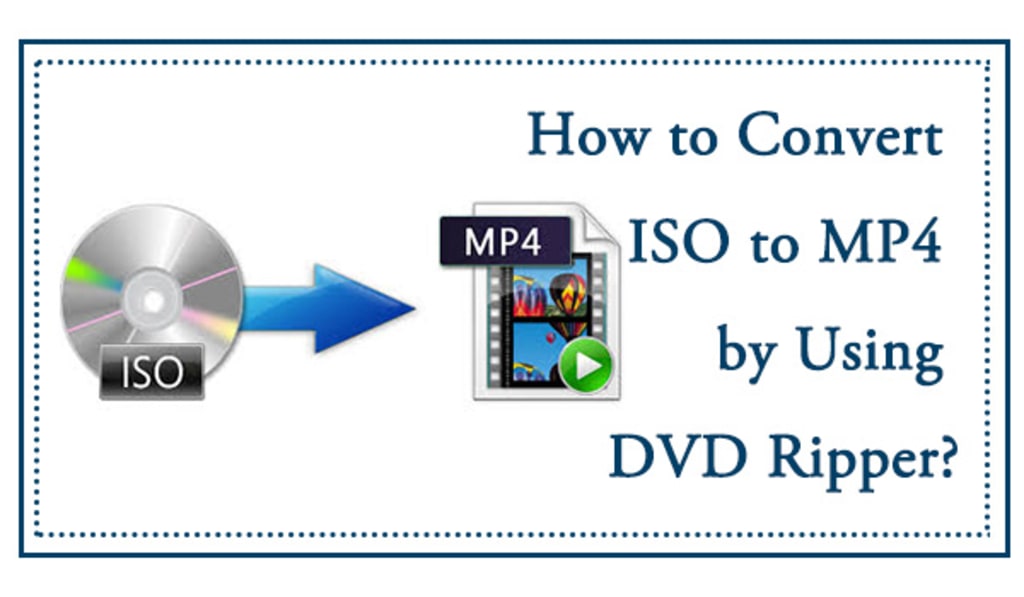
ISO files are a common way of storing data on CDs and DVDs, and they are often used for creating backup copies of important files. However, ISO files are not compatible with all media players and devices, which can be a problem if you want to access your data on the go. Fortunately, there are several ISO to MP4 converters that can help you solve this problem. In this article, we'll explore four of the best free ISO to MP4 converters that you can use to convert your ISO files to MP4 format.
Top 4 ISO to MP4 Converters
If you have an ISO image file of a DVD or Blu-ray movie and want to watch it on your computer or mobile device, you will need to convert it to a compatible video format like MP4. In this article, we will introduce 3 ISO to MP4 converters that are free to use and easy to operate. Whether you are a Windows or Mac user, you can find a suitable tool from the following list.
- Handbrake
Handbrake is a popular open-source video transcoder that can convert ISO files to MP4, MKV, and other formats. It has a user-friendly interface and provides advanced options for tweaking the output quality. You can adjust the video codec, bitrate, frame rate, resolution, and more to achieve the desired result. Handbrake also supports batch processing and can rip encrypted DVDs with the help of third-party software like libdvdcss.
Pros:
- Free and open-source
- Support for various input/output formats
- Customizable video settings
- Batch conversion available
- Cross-platform compatibility
Cons:
- Limited support for copy-protected discs
- No built-in DVD/Blu-ray decryption
2. DVDFab DVD Ripper
DVDFab DVD Ripper is a professional ISO to MP4 converter that can rip DVDs and Blu-rays to various video/audio formats. It has a sleek and modern interface and supports hardware acceleration to speed up the conversion process. DVDFab DVD Ripper can decrypt most copy protections and remove region codes from DVDs and Blu-rays. It also offers advanced video editing features like cropping, trimming, adding watermarks, and adjusting the playback speed.
Pros:
- High-quality output with hardware acceleration
- Advanced video editing functions
- Support for most DVD/Blu-ray copy protections
- Batch conversion and multi-threading available
- Fast conversion speed
Cons:
- Not totally free and requires a license
3. FFmpeg
FFmpeg is a reliable ISO to MP4 converter for users who want more control over the conversion process. As an open-source multimedia framework, it can handle ISO files and convert them to MP4 with flexible command-line options. Compared with many basic tools, FFmpeg gives users more freedom to adjust codecs, bitrate, resolution, audio settings, and other output parameters. Because of its wide format support and powerful customization features, FFmpeg is often considered a strong choice for advanced ISO to MP4 conversion.
Pros:
- Free and open-source
- Broad format and codec support
- Highly customizable output settings
- Cross-platform compatibility
- Powerful for advanced users
Cons:
- Command-line interface is not beginner-friendly
- No built-in visual editing tools
- Setup can be more complex than GUI-based converters
4. VLC Media Player
VLC Media Player is a popular media player that can also act as an ISO to MP4 converter. It supports a wide range of video/audio formats and can play almost any type of media file. To convert an ISO file to MP4 using VLC, you need to go to Media > Convert/Save and select the ISO file as the source. Then, choose MP4 as the output format and adjust the settings if needed. VLC can convert ISO files with menus and subtitles intact, which is a useful feature for DVD or Blu-ray backups.
Pros:
- Free and open-source
- Wide range of input/output formats supported
- Built-in media player and converter
- Option to preserve menus and subtitles
- Available for Windows, Mac, and Linux
Cons:
- Limited customization options
- No advanced video editing features
- Conversion speed can be slow for large files
Conclusion
Converting ISO files to MP4 format can be a great way to make your data more accessible on a wider range of devices and media players. HandBrake, VLC Media Player, and Free ISO Converter are all excellent options for converting ISO files to MP4 format, and they each offer their own unique features and benefits. Whether you're looking for advanced video settings and filters or a simple and easy-to-use interface, there's an ISO to MP4 converter out there that's perfect for
About the Creator
Wenny
Hi there, I'm Wenny, a technical writer sharing multimedia solutions accessible for everyone. Read my articles to turn "how?" into "let's do it!"
Author’s Advice
If you would’ve asked me 20 years ago did I know I’d become a writer and an author, I would’ve said “nope, ain’t happening”. As fate would have it I did become an author and I can honestly say I’m loving it so far. It really does feel good to be a writer. I’ve learned a lot on this journey and I feel like with even me being as new to this world as I am, there’s some wisdom I need to share with every other aspiring author.
By Joe Patterson5 days ago in Journal
How to organise a multi destination journey on the rails across Central Vietnam
Cutting through urban settings and connecting travellers with rural countryside and great cities, train journeys offer an entirely new perspective on a destination. Expect plenty of magic when you engage in this venture. With an abundance of amenities at hand in the carriages and fellow travellers to interact with or the dazzling landscapes you pass by, a rail trip through central Vietnam promises adventure and insights into the heart of the nation.
By Jeewanthi Armstrong4 days ago in Journal



Comments
There are no comments for this story
Be the first to respond and start the conversation.