
Easy Follow Guide: How to Activate the Cash App Card
How to Activate the Cash App Card
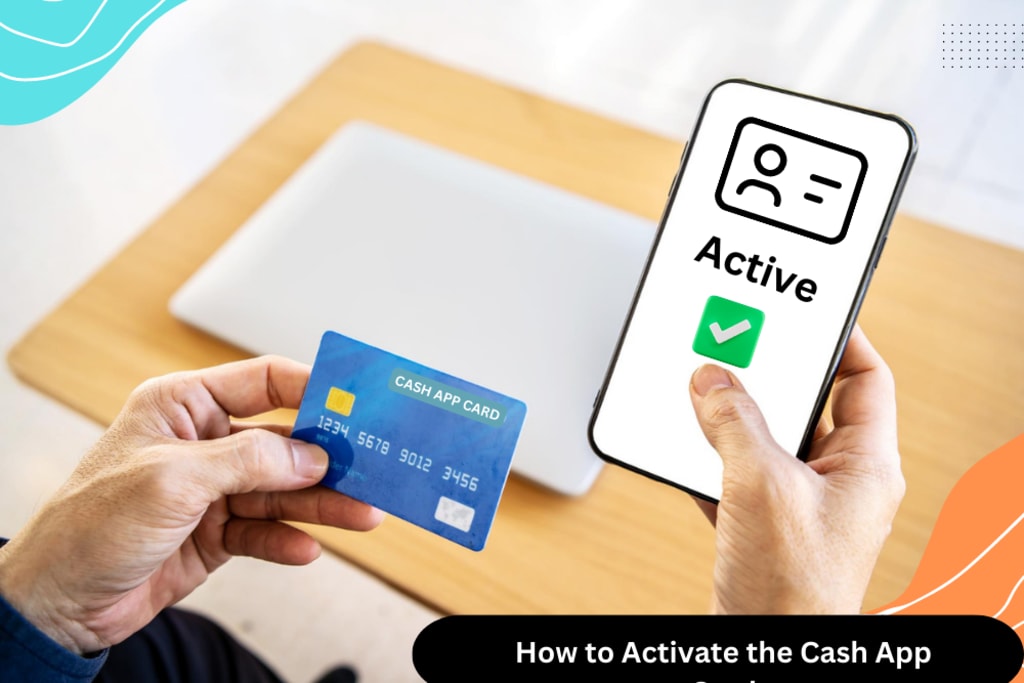
Have you got your cash app card, but don't know its activation? Want to know How to Activate the Cash App Card? Well, go through this guide and know all the answers.
The easiest way of activating your cash app card is by using the QR code that comes with the card. You can activate a cash app card with or without the QR code. But you cannot activate the card on the computer as this is prohibited.
Let's check out this well-explained guide of instructions for cash card activation:
Cash App Card Activation Using QR Code
You don't have to worry about cash card activation, as there are various ways. Using a QR code is one of the typical and common ways to activate your cash app card. Cash app users get the QR code along with the card via mail. So, users just need to use this QR code to get started with the cash card:
• Open the Cash App
• Look for the Cash Card icon for card activation
• Keep your QR code handy
• Use the mobile camera for scanning the QR code.
• In case of issues, users can also enter the cards manually.
• Ensure you’ve followed all the prompts.
You'll also get the option "Missing QR Code" if you are getting trouble scanning the QR code. Using a QR code can only be done on a mobile phone. So, make sure you're using your phone to activate the card in case of having a QR code.
After the cash card activation, you can use it for various things. Using this cash card, you can do anything from purchasing to withdrawing funds from ATMs. So, keeping your cash card PIN secure and safe with you is essential.
Cash App Card Activation If You No Longer Have QR
Now, the question arises: how do I activate the cash app card if I don't have the QR code? Users who have misplaced their QR codes can try another effective way of card activation.
Remember, even if you don't have the QR code, you'll have to activate the card on the phone. You cannot activate the card on a browser or computer in case of using a QR code.
1. Hit on the Cash Card tab from the home screen
2. Look for the green Activate button
3. Now, proceed with looking at the 'Missing QR Code.'
4. Enter CVV from the back of the card
5. Go through each of the screen prompts for card activation
How To Activate Cash App Card on Computer?
There's one limitation of using a cash app on a computer, and that's the non-activation of the cash app card. With your cash app on your computer, you can make payments and transfer money, but card activation is impossible.
This cash app card activation is a feature that is only available for mobile app users. You cannot do this on a computer whether you want to activate the cash card or close your cash app account.
No matter how much you try, you won't be able to activate the card on the computer. So, the only way that you can follow is by using your phone to activate the cash app card.
How To Know If My Cash App Card Is Active?
If you want to know about the activation status of your cash app card, you need to make traction using it. Also, after the activation process, you'll get a notification on your mobile number about the successful activation process.
However, you must pay using the card if you haven't received the notification. Your cash app card is likely activated if the transaction goes through.
If your card has not been activated for any reason, you can contact the support team of the cash app. In such a case, it would be better to contact cash app support like this:
• On your mobile device, open the cash app
• Select the profile icon of the cash app
• Navigate to the bottom to click on "Cash Support."
• Choose "Something Else" from the given menu
• Finally, click on "Contact Support."
• Now, request a call from cash app support or send a message.
• Keep your cash app details handy while contacting the support team.
Conclusion
We have explained all the easiest ways of activating the cash app card. By being mindful of all these steps, you will know how to activate the cash app card quickly. Once activated, a cash app card can be used at retail stores and ATMs. In case of any issue with card activation, you can also contact the official cash app support.
#how to activate the cash app card
About the Creator
Keep reading
More stories from writers in Journal and other communities.



Comments
There are no comments for this story
Be the first to respond and start the conversation.