
Complete Information about Android 11
Ready to learn all about what’s in Android 11
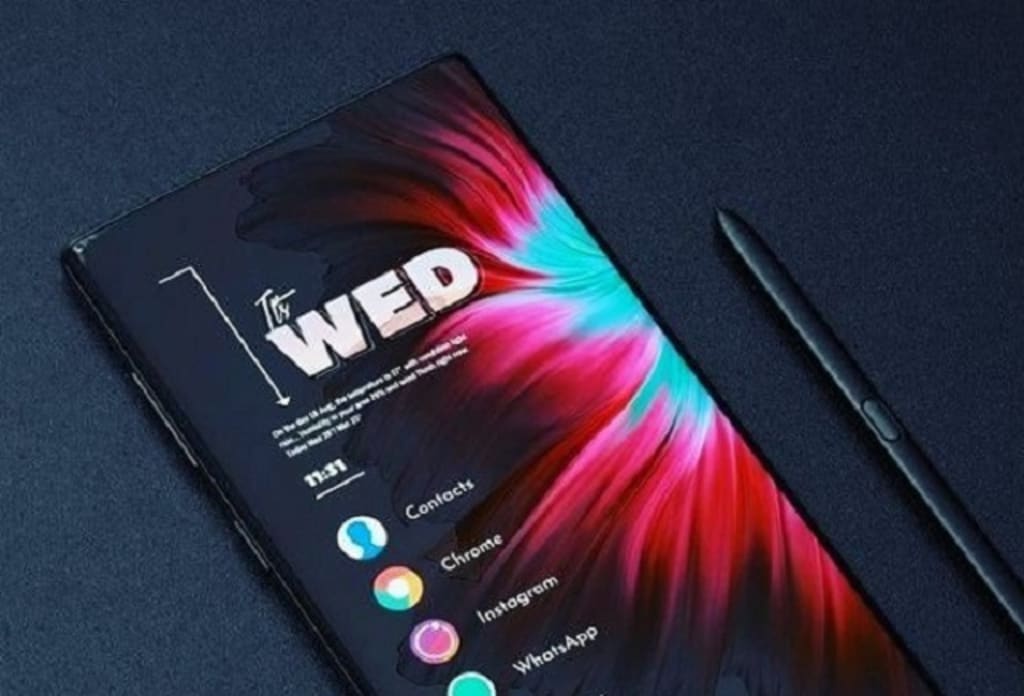
As of my last knowledge update in September 2021, Android 11 was the latest version of the Android operating system developed by Google. Please note that there might have been newer versions released since then. Here's a comprehensive overview of Android 11 based on information available up to September 2021.
Android 11 was officially announced by Google on September 8, 2020. It introduced a variety of new features, improvements, and optimizations to enhance the user experience, security, and performance of Android devices.
CHARACTERISTICS
1.Conversations and Messaging
2.Bubbles
3.Permissions Improvements
4.Media Controls
5.Screen Recording
6.Device Controls
7.Privacy and Security Enhancements
8.Performance Optimizations
9.5G Support
10.Notification History
11.Wireless Android Auto
Conversations and Messaging:
Android 11 focused on improving communication and messaging experiences. It introduced a dedicated conversation section in the notification shade, making it easier to access and manage ongoing conversations from various messaging apps. Priority conversations could be marked to always appear at the top of the notifications.
Bubbles:
Android 11 introduced a new way to multitask and interact with messaging apps through "Bubbles." Bubbles are small, floating circular notifications that provide quick access to ongoing conversations, allowing users to respond without switching between apps.
Permissions Improvements:
Android 11 provided users with more control over app permissions. It introduced one-time permissions, allowing users to grant temporary access to specific permissions (such as location, microphone, and camera) for apps. Background location access was also restricted, enhancing user .privacy
Media Controls:
Android 11 revamped the media controls, moving them from the notification shade to the quick settings panel. This change made it easier to switch between and control audio and video playback across different apps.
Screen Recording:
Android 11 introduced a built-in screen recording feature, allowing users to capture video of their device's screen activity without the need for third-party apps.
Device Controls:
The power menu received a makeover in Android 11, featuring quick access to smart home controls such as thermostats, lights, and other IoT devices connected to the Google Home platform.
Privacy and Security Enhancements:
Android 11 introduced several security and privacy improvements, including enhanced app permissions, scoped storage for better control over app access to files, and improvements to the biometric authentication framework.
Performance Optimizations:
The new version focused on optimizing system performance with features like increased app launch speed, improved memory management, and reduced background activity to prolong battery life.
5G Support:
Android 11 provided better support for 5G networks, enabling developers to build apps that take advantage of higher speeds and lower latency.
Notification History:
Android 11 introduced a notification history feature that allowed users to review past notifications even after they were dismissed.
Wireless Android Auto:
Android 11 enabled a wireless connection between compatible Android Auto-enabled vehicles and smartphones, eliminating the need for a USB cable.
FEATURES
1.Improved Accessibility
2.Muting Notifications During Video Playback
3.Updated Emoji and Keyboard Improvements
Improved Accessibility:
Voice Access: Enhanced voice access features for users with disabilities, allowing them to control their devices using voice commands.
Muting Notifications During Video Playback:
Improved Gaming and Video Experience: The "Do Not Disturb" mode can automatically mute notifications while users are playing games.
Updated Emoji and Keyboard Improvements:
New Emoji: Android 11 brought a set of new and redesigned emojis.
Autofill Enhancements: Improved keyboard-based autofill for more seamless password and data entry.
CONCLUSION:
In conclusion, Android 11, released by Google in September 2020, brought a range of significant enhancements and features that aimed to improve user experience, privacy, security, and performance on Android devices. Some of the standout features included a dedicated Conversations section for managing messaging interactions, the introduction of Bubbles for multitasking with messaging apps, refined permission controls such as one-time permissions and scoped storage, and a built-in screen recording feature.
About the Creator
Why Florida Car Dealers Must Carry a Surety Bond
If you’re planning to open a used car dealership in Florida, one of the first compliance requirements you’ll encounter is the dealer surety bond. Many people assume this is just another formality in the licensing process, but it plays a much bigger role than most applicants realize.
By American US Insurance7 days ago in Journal



Comments
There are no comments for this story
Be the first to respond and start the conversation.