
Complete Information about Android 11
Ready to learn all about what’s in Android 11
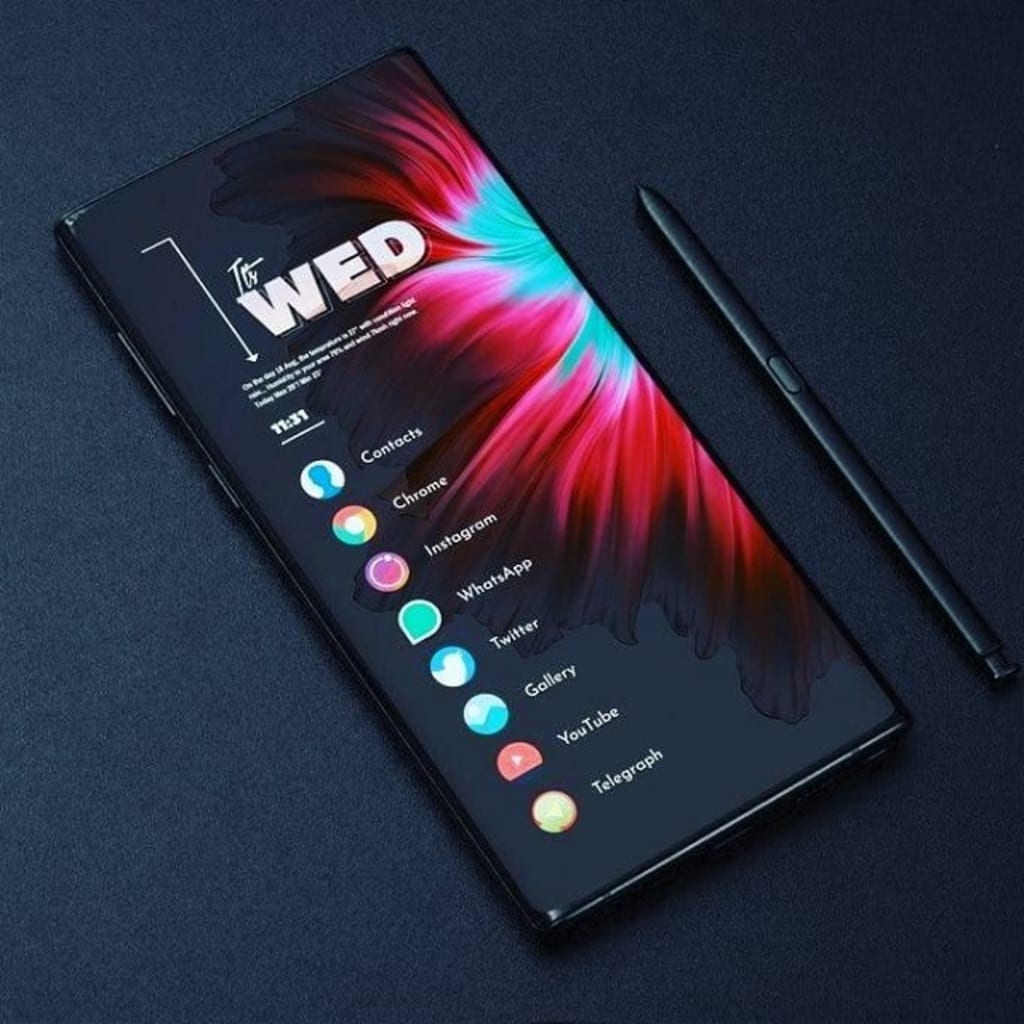
As of my last knowledge update in September 2021, Android 11 was the latest version of the Android operating system. However, please note that there may have been newer versions released since then. Here's some information about Android 11 based on the information available up until September 2021.
Android 11 was officially released by Google on September 8, 2020. It brought a range of new features, improvements, and optimizations to the Android platform.
CHARACTERISTICS
1.Conversations
2.Bubbles
3.Notification History
4.Screen Recording
5.Permissions and Privacy
6.Media Controls
7.Device Controls
8.Performance and Security Improvements
Conversations:
Android 11 focused on organizing and prioritizing conversations, making it easier to manage and respond to messages from various messaging apps. Notifications from messaging apps were grouped in a dedicated "Conversations" section in the notification shade.
Bubbles:
Android 11 introduced a new way to multitask and interact with conversations using a feature called "Bubbles." Bubbles allowed certain conversations to float on top of other apps, providing quick access to ongoing chats without switching between apps.
Notification History:
Users could access a history of past notifications through the notification shade, allowing them to review and potentially recover any missed notifications.
Screen Recording:
Android 11 added a built-in screen recording feature to capture video of your device's screen, eliminating the need for third-party apps.
Permissions and Privacy:
Android 11 enhanced user privacy by introducing one-time permissions, which allowed users to grant temporary access to location, camera, and microphone. The update also introduced background location access prompts and improved security measures for app data.
Media Controls:
The media controls in Android 11 were moved to the quick settings menu, making it easier to control audio playback across different apps and devices.
Device Controls:
A new feature called "Device Controls" provided quick access to device-specific controls like smart home devices directly from the power menu.
Performance and Security Improvements:
Android 11 included various under-the-hood improvements to enhance overall performance, security, and app compatibility.
FEATURES
1.One-Time Permissions
2.Smart Reply
3.Voice Access
4.Security and Privacy Enhancements
5.App Suggestions
One-Time Permissions:
Android 11 introduced the ability to grant temporary, one-time permissions to sensitive data like location, camera, and microphone. This added an extra layer of privacy control by limiting app access to your data.
Smart Reply:
Android 11's Smart Reply feature suggested contextually relevant responses to messages across different messaging apps, making it quicker to reply to messages.
Voice Access:
Improved voice accessibility features allowed users to control their devices using spoken commands, making it easier for people with disabilities to navigate and interact with their devices.
Security and Privacy Enhancements:
Android 11 included several security and privacy improvements, such as scoped storage, background location access prompts, and enhanced permission controls.
App Suggestions:
Android 11 introduced a feature that predicted which apps you were likely to use next and placed those suggestions directly on the home screen or in the app drawer.
CONCLUSION:
Android 11 was a significant update to the Android operating system, introducing a range of features and improvements that enhanced user experience, privacy, and overall functionality. Its focus on organizing conversations, improving privacy controls, and optimizing multitasking made it a noteworthy iteration in the Android ecosystem. The introduction of features like Bubbles, one-time permissions, and notification history added convenience and security for users, while the built-in screen recording, improved media controls, and voice accessibility features expanded the capabilities of the platform.
Android 11 also aimed to provide a smoother and more intuitive user interface through gesture navigation refinements and the inclusion of app suggestions on the home screen.
About the Creator
Russia Claims Ownership of Oil Assets It’s Developing in Venezuela
How Moscow’s energy ties in Caracas are shaping geopolitics amid U.S. pressure Russia has recently made a forceful declaration that the oil assets it is developing in Venezuela are legally and unquestionably its own, intensifying a geopolitical tug-of-war over one of the world’s most oil-rich nations. This claim comes amid heightened tensions between the United States and Russia, sparked by U.S. actions in Venezuela and disagreements over who controls the country’s massive energy resources. �
By Fiaz Ahmed Brohi7 days ago in Journal


Comments
There are no comments for this story
Be the first to respond and start the conversation.