
Best Practices for Migrating Exchange Public Folders Safely
Migrating Exchange Public Folders

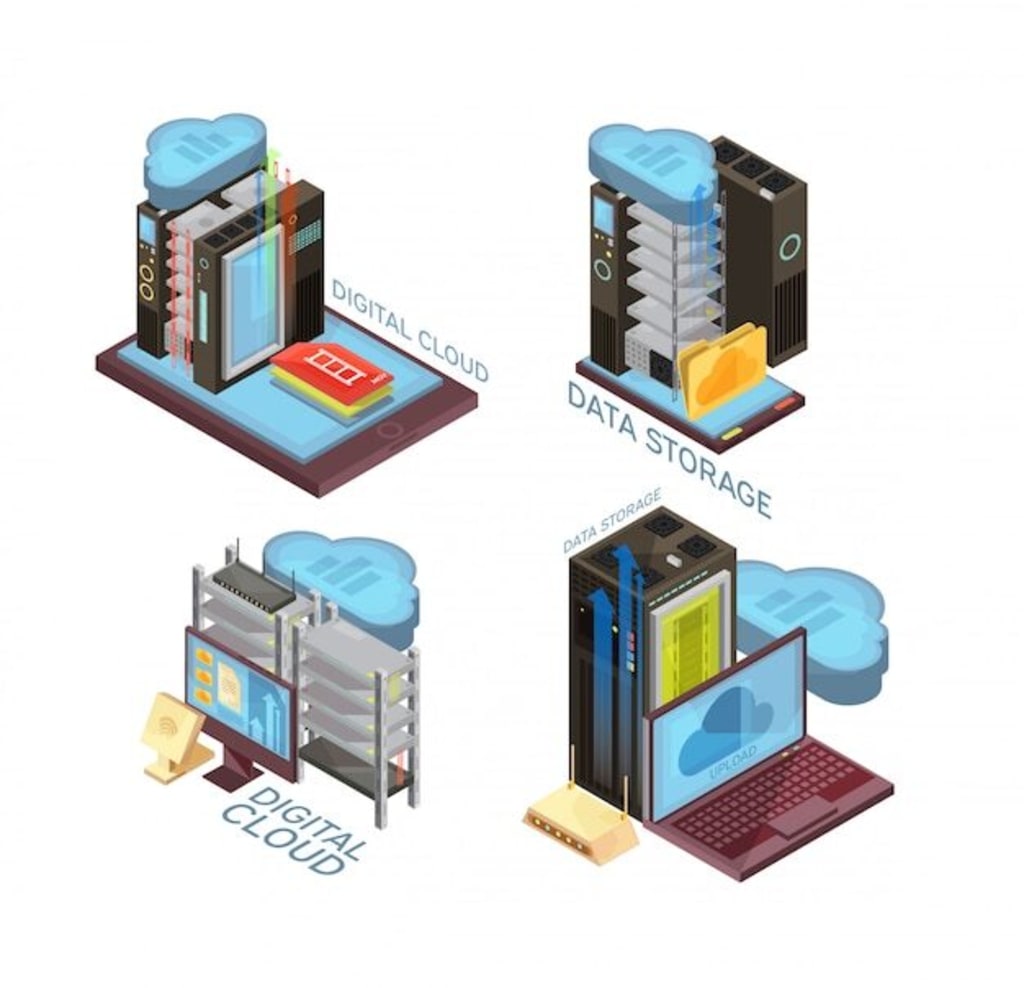
Public folders in Exchange have long been used to store shared data, manage team communication, and organize resources. Over time, the role of public folders has shifted as businesses adopt modern collaboration tools. Yet many organizations still rely on them for daily operations. Migrating these folders to a new Exchange version or Office 365 requires careful planning to avoid data loss, downtime, and security risks. Following best practices ensures that the migration is smooth and safe.
Assess the Existing Public Folder Environment
Start with a complete inventory of your current public folders. Review their size, structure, permissions, and active usage. Remove redundant or outdated folders to reduce migration volume. Cleaning up the environment before migration minimizes errors and ensures that only relevant data is moved to the target server.
Back Up Public Folder Data
Before making any changes, create a verified backup of all public folders. Backups act as a safety net if a migration batch fails or data corruption occurs. Ensure that backups are tested for integrity and stored securely in multiple locations. This step is non-negotiable in maintaining data safety.
Choose the Right Migration Strategy
The best method depends on the size and complexity of your public folders. Smaller organizations may benefit from a direct cutover approach where all folders are migrated in one move. Larger enterprises should consider staged migrations to handle data in manageable batches. The chosen strategy should align with user requirements and available downtime windows.
Map Permissions Accurately
Public folders often have complex permission structures that control who can access, edit, or manage content. During migration, it is critical to map these permissions correctly to the target environment. Misconfigured permissions lead to security gaps or user frustration. Use tools that support automatic permission mapping to minimize manual errors.
Test with a Pilot Migration
Never attempt to move the entire public folder hierarchy at once. Run a pilot migration with a small set of folders to validate the process. Verify folder hierarchy, item counts, and access permissions in the target system. This step helps identify issues early and allows you to fine-tune the migration plan before a full rollout.
Monitor and Validate After Migration
Once the migration is complete, monitor the environment closely. Compare pre-migration and post-migration reports to ensure no items are missing. Confirm that users can access folders and permissions remain intact. Validation is essential to guarantee that the migrated environment matches the original setup.
Use a Trusted Migration Tool
Manual processes are error-prone and time-consuming. A reliable migration solution ensures accuracy and saves significant administrative effort. EdbMails Exchange Migration Software is purpose-built for handling complex migrations including public folders. It provides direct server-to-server transfer, preserves hierarchy and permissions, and ensures zero downtime during the process.
Final Thoughts
Migrating Exchange public folders safely requires planning, accurate execution, and post-migration validation. Skipping steps increases the risk of data loss and security issues. By following these best practices and using a reliable tool, organizations can modernize their environment while maintaining data integrity.
For a secure and efficient migration, EdbMails Exchange Migration Software offers the features needed to move public folders without disruption. It reduces risks, automates complex tasks, and ensures a smooth transition to your new Exchange or Office 365 environment.
About the Creator
james
EdbMails Office 365 migration software offers seamless mailbox migration between Office 365, Exchange, IMAP, and PST. With secure authentication, automatic mapping, and detailed reports, it ensures a smooth and efficient migration process.
Regulatory Throughput as a Determinant of Aircraft Operational Availability
Aircraft operational availability is commonly attributed to fleet size, technological reliability, and market demand. This perspective underestimates the structural influence of regulatory compliance on aviation systems. This paper examines how regulatory throughput defined as the speed and capacity at which compliance processes are executed functions as a primary determinant of aircraft availability. By analyzing maintenance workflows, parts certification, and operational approvals, the study argues that aviation availability is governed more by regulatory process alignment than by technical capability or demand intensity.
By Beckett Dowhan7 days ago in Journal
Killing him slowly
There’s an intruder in my house again. He stumbles through the door, wet carrier bags in hand. He’s bought me offerings. I show my appreciation, letting him caress my beautiful body. He wants to touch me. I rub myself against his legs. He sighs, dropping the bags. He can’t resist touching me. Running his hand slowly down my spine, I arch my back towards his caress, let out a low purr. It’s what we both need.
By N J Delmasa day ago in Horror




Comments
There are no comments for this story
Be the first to respond and start the conversation.