
Best Digital Billboard Mockup Sites
Best Digital Billboard Mockup Sites
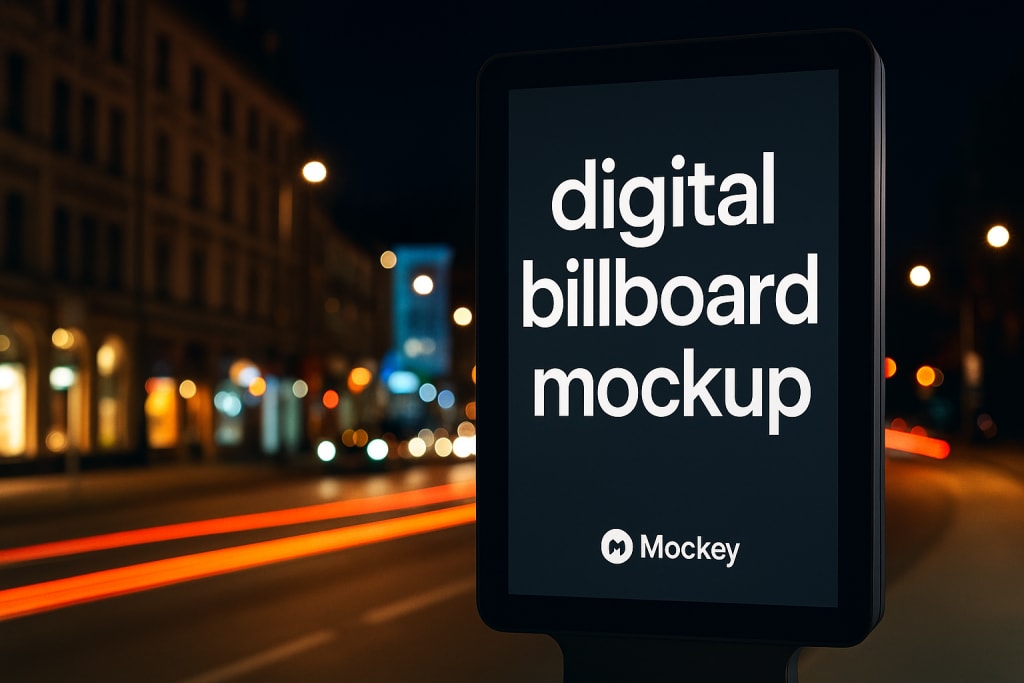
Creating a design is one thing, but presenting it in a real world setting makes all the difference. Whether you are a graphic designer, marketer, or business owner, using digital billboard mockups can take your work to the next level. Instead of just showing a flat image, mockups help you show how your design will actually look on a real billboard in a real place.
In this article, we will explore some of the best digital billboard mockup sites that can help you make your ideas look more professional. These tools are great for presentations, client approvals, or even promoting your services on social media.
Why Use Digital Billboard Mockups
Digital billboard mockups are not just for show. They have many practical benefits. Here are a few reasons why using them is a smart move:
- Better Visuals: A mockup shows how your ad or artwork would appear in real life settings like a busy street or a city corner. This gives a more powerful impression.
- Impress Clients: Showing a billboard design on a real photo background helps clients imagine the final product. It increases the chances of approval and saves time in revisions.
- Stronger Portfolios: Designers can build eye catching portfolios by adding billboard mockups. It makes your work stand out from the crowd.
- Boosts Marketing: For marketers, mockups help create better campaign visuals. It allows you to test how a message or product looks before launching.
- Saves Time: You do not need to create complex scenes or take photos. With mockup tools, you just upload your design and get a ready to use result.
What to Look For in a Mockup Site

There are many mockup generators out there, but not all of them offer the same features. When choosing a digital billboard mockup site, keep these points in mind:
- High Quality Images: Look for clear and realistic templates that do not look fake or pixelated.
- Template Variety: Make sure the site offers different scenes such as roadside billboards, city billboards, and building mounted ads.
- Customization: A good site lets you change background colors, shadows, angles, and more.
- Extra Features: Sites that offer video mockups, 3D views, or POD mockups are more useful.
- Ease of Use: The tool should be simple even for beginners.
- Price: Free tools are always nice, but even paid tools should give good value.
Top Sites for Digital Billboard Mockups
Let us look at the best websites where you can create stunning billboard mockups.
1. Mockey

Mockey is a free AI mockup generator that has quickly become popular among designers and business owners. It stands out not just because it is free, but also because it offers powerful features that many paid tools do not.
Key Features:
- Video Mockups: You can animate your billboard design and place it in a moving city scene. This is great for creating short videos or ads.
- 3D Mockups: Want to see how your billboard looks in three dimensions? Mockey has that too. This helps you show depth and make your ad look more realistic.
- POD Mockups: If you are selling print on demand products like shirts or mugs, Mockey offers mockups for those too. You can keep all your designs in one place.
- Simple Interface: Mockey does not require design skills. You just upload your design and pick a template.
- Free to Use: No hidden charges or monthly fees. You can create unlimited mockups without spending a dime.
2. Placeit
Placeit is one of the most popular mockup sites on the web. It offers thousands of mockup templates including digital billboard mockups.
Why Use Placeit:
- Web based and works directly in your browser
- No design software needed
- Wide variety of templates such as city streets, highways, buildings, and night scenes
- Includes both static and animated mockups
- Easy drag and drop upload system
Placeit is user friendly and offers a polished experience. You can quickly create and download your billboard mockup in just a few steps.
3. Vexels
Vexels is another great platform that provides a wide collection of billboard mockups. The site is known for its high resolution and artistic design resources.
Features:
- Large library of billboard templates
- Clean and modern mockup scenes
- Offers flat views and realistic perspective views
- Also provides design elements and tools
- Subscription model gives access to all templates
Vexels is perfect for professionals looking for both quality and variety.
4. Media Modifier
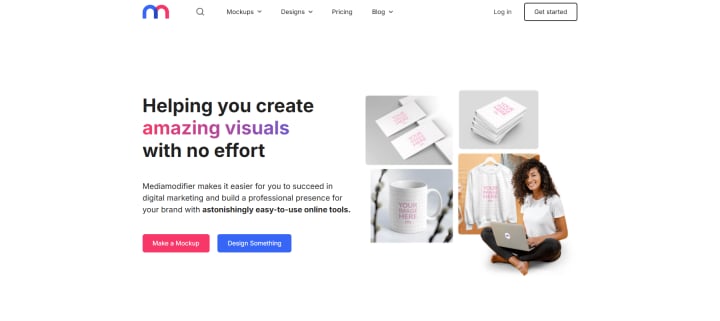
Media Modifier offers billboard and signage mockups with a professional touch. It is great for business owners and agencies who want to showcase their ads in style.
Key Features:
- Realistic scenes with shadows and lights
- Includes digital and printed billboard settings
- Simple online editor with no need for Photoshop
- Offers video and motion mockups
- Modern and up to date template library
Media Modifier is easy to use and great for creating polished presentations.
5. Yellow Images
If you want premium quality mockups, Yellow Images is the place to go. The site is a professional mockup marketplace with thousands of creative options.
Top Features:
- Detailed billboard mockup files in PSD format
- 3D mockups for realistic rendering
- High quality layers for deep customization
- Wide range of billboard styles and sizes
- Best for advanced users and agencies
Though it is a paid platform, Yellow Images gives unmatched quality for serious professionals.
Features That Matter Most
Not all mockup tools are equal. The ones that stand out offer some extra tools and options that help your projects shine. Here are a few features to look out for:
- Video Mockups: Let your designs move and grab attention
- 3D Mockups: Give a full view of your billboard in a real world setting
- POD Mockups: If you are into merchandise or eCommerce, these are a must
- User Friendly Editor: No need for design software
- Affordable Plans: Or better yet, free access like Mockey
Who Can Use These Mockup Tools
These billboard mockup sites are not just for designers. Anyone who needs to show off a design can benefit from them:
- Graphic Designers
- Marketing Professionals
- Freelancers and Agencies
- Small Business Owners
- Social Media Managers
- Print on Demand Sellers
Whether you are pitching to a client or promoting your own brand, these tools help you present your idea in the best light.
Tips to Get the Best Results
Here are some simple tips to help you create better mockups:
- Use clear and high resolution designs
- Choose the right setting for your message
- Match the design with the scene lighting and background
- Try different angles to find the best view
- Use video mockups for platforms like Instagram or TikTok
Final Thoughts
Using digital billboard mockups is one of the easiest ways to upgrade your presentations. It adds realism and makes your designs look more professional. Whether you use a free tool like Mockey or explore premium options, these mockup sites save time and make your work stand out.
Mockey is a free AI mockup generator that brings powerful tools like video mockups, 3D views, and POD mockups into your hands at no cost. It is perfect for beginners and professionals alike.
Try a few of these platforms and see how much better your designs look when they are placed in real life settings. Your clients and followers will notice the difference.
About the Creator
Keep reading
More stories from Zaheer Ansari and writers in Journal and other communities.
Free Mockup Sites Without Watermark
If you're a designer, business owner, or creator trying to showcase your ideas professionally, you already know the power of a good mockup. Mockups let you place your designs on realistic objects like t-shirts, mugs, packaging, devices, and more—without needing to shoot photos yourself. They help clients visualize the final product and give your work a polished, real-world feel.
By Zaheer Ansari7 months ago in Journal
~ Fired ~
— Ai Intrusion ~ Are you Next ~ Is Ai Evolution after your job? — Few workplaces haven't been affected. Ai is in supermarkets, at doctors' offices, and even monitoring farms. I just can't think of anything this machine is not getting into, can you? For instance: Education ~ Law and Tech jobs will one day have a major influence or be taken over by these inanimate machines, with accuracy and vigor. From mechanics' diagnoses to a wide variety of everyday jobs, including fast food workers, with this input having the ability to cut their unnecessary work hours. I'm certain all of us have been touched by this with our short stories and colorful headings, have you? Even comments are very questionable 'Non-Robot' insertions.
By Jay Kantor28 days ago in Journal




Comments
There are no comments for this story
Be the first to respond and start the conversation.