
Free Mockup Sites Without Watermark
Free Mockup Sites Without Watermark
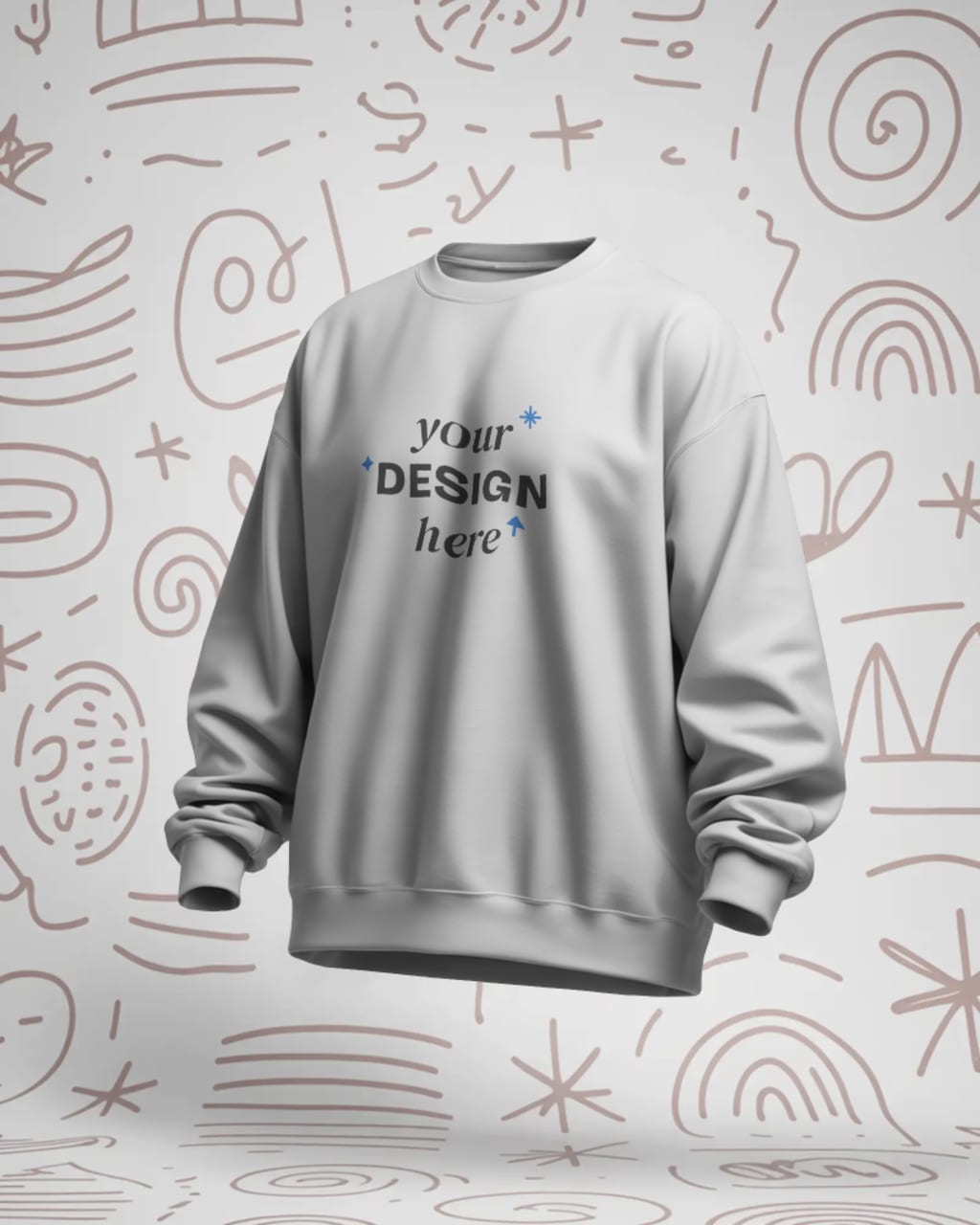
If you're a designer, business owner, or creator trying to showcase your ideas professionally, you already know the power of a good mockup. Mockups let you place your designs on realistic objects like t-shirts, mugs, packaging, devices, and more—without needing to shoot photos yourself. They help clients visualize the final product and give your work a polished, real-world feel.
But there’s a common problem: many mockup tools add a watermark unless you pay. That can make your work look less professional, especially when pitching to a client or launching a product.
So, what’s the solution? In this guide, we’ll explore the best free mockup sites that do not add any watermark, saving you both time and money.
Why Use Mockups?
Mockups are used across many industries:
- Fashion: T-shirt, hoodie, and cap designs
- Ecommerce: Product packaging, bags, and containers
- Technology: App UI on mobile and laptop screens
- Print: Posters, flyers, book covers, and more
They help make your designs look real before going to production. Whether you're building a portfolio or running a brand, mockups make your content more convincing and visually appealing.
The Issue With Watermarks
Most mockup websites offer “free” templates but include watermarks to push users into buying premium plans. These watermarks:
- Distract from your design
- Look unprofessional
- Cannot be removed without payment
That’s why creators are always looking for free mockup tools that export without watermarks.
Top Free Mockup Sites Without Watermark

Here are some of the best platforms where you can create and download mockups with no watermark and no hidden fees.
1. Mockey
Let’s start with the best all-in-one solution. Mockey is a free AI mockup generator that stands out for several reasons:
- No watermark on thousands of free mockups
- No hidden charges on basic mockups
- Offers t-shirts, hoodies, mugs, posters, ID cards, packaging, and more
- Provides POD (Print on Demand) product mockups for creators and sellers
Important note:
Mockey also offers video mockups and 3D mockups for a more dynamic and realistic presentation. These advanced features are part of the paid plan, but all standard mockups remain completely free with no watermark.
Whether you’re showcasing apparel or creating product displays for your online store, Mockey gives you a fast, high-quality solution.
2. Mockupgenerator.ai
This tool is a rising favorite among creators who want simplicity and results. With Mockupgenerator.ai, you get:
A wide range of mockups including apparel, devices, and packaging
- No watermark on exports
- Simple and fast editing process
- Clean and distraction-free design
- No signup necessary
It’s ideal for anyone who wants to quickly preview their designs on real-world objects without diving into complex tools.
3. Media Modifier
Media Modifier is a versatile online tool with mockups for:
- T-shirts
- Digital devices
- Books and magazines
- Product packaging
It allows for quick online customization. While some premium options exist, many templates are completely free and export without watermark.
This platform is great for bloggers, content creators, and ecommerce store owners.
4. Shotsnapp
If you’re in the tech space, Shotsnapp is a handy free tool focused on device mockups like:
- Mobile phones
- Laptops
- Tablets
You can upload your screen design and instantly see it in a realistic device frame. It’s clean, fast, and best of all—completely free with no watermark.
Perfect for showcasing apps, website previews, or tech products
5. Mockup Photos
This platform offers a large library of photo-based mockups in lifestyle and real-world scenes.
Categories include:
- Apparel
- Home decor
- Workspaces
- Outdoor settings
Many of the templates are free and do not include any watermark. Just pick a scene, upload your design, and download. It’s perfect for Instagram, product previews, and creative portfolios.
6. Mockup Bro
A straightforward tool with a decent collection of product mockups:
- Clothing
- Posters
- Digital devices
- Packaging
All templates are editable in-browser and downloads come without watermark. You don’t even need to create an account. It’s a great option for quick edits and social media use.
7. Artboard Studio (Free Plan)
Artboard Studio is a powerful online editor designed for mockups and product presentations. Its free plan allows you to:
- Use a variety of free templates
- Add your own graphics
- Export without watermark (when using free assets)
It also supports animations and layered compositions. If you want more control over your layout, this is a strong option.
8. Canva (Free Mockup Templates)
While Canva isn’t a full mockup generator, it offers many mockup-style templates that let you add your designs to:
- Shirts
- Mugs
- Mobile screens
- Books and magazines
All free templates can be downloaded without watermark. Canva’s drag-and-drop system makes it one of the easiest platforms for quick mockup-like results.
What Makes a Good Free Mockup Tool?
When choosing a platform, look for the following features:
- No watermark on download: Must-have for clean and professional results
- Wide mockup categories: Apparel, digital devices, packaging, print, etc.
- High resolution: Clear images make a big difference
- Easy customization: Add your design without using Photoshop
- Video and 3D support: Adds realism and engagement
- Transparent background option: Ideal for logos and branding assets
Why Mockey Stands Out
Among all these tools, Mockey remains the best option because:
- It's 100 percent free forever
- No watermark even on high-quality images and videos
- Offers 3D mockups and video mockups for advanced presentations
- Simple and fast editor that works in your browser
- No need for login or credit card
- Constantly updated with new templates
Whether you're designing a t-shirt for your brand or creating product shots for an online store, Mockey helps you do it in seconds—without spending a rupee.
Tips for Making the Most of Free Mockups

Here are a few quick suggestions to make your mockups shine:
- Use high-resolution templates for crisp results
- Choose mockups that match your brand tone and style
- Keep the background clean for focus on your design
- Use mockups in carousels or video format for social media
- Export with transparent background if you’re layering
Final Thoughts
Mockups can transform your design from flat to real. They’re powerful tools for building trust, attracting attention, and presenting your work professionally. But you don’t need to spend money or deal with watermarks to get there.
With tools like Mockupgenerator.ai, Shotsnapp, Mockup Bro, and especially Mockey, you have everything you need at your fingertips.
Remember, Mockey is a free AI mockup generator that offers video mockups, 3D support, and thousands of templates—all without any watermark.
So go ahead and explore these tools. Create stunning mockups and bring your ideas to life, completely free.
About the Creator
Keep reading
More stories from Zaheer Ansari and writers in Journal and other communities.
Best Product Mockup Generator
In today's fast-moving digital world, first impressions matter. Whether you are launching a new product, designing for a client, or running a marketing campaign, how your product looks can make or break your success. That is where product mockups come in.
By Zaheer Ansari7 months ago in Journal
Dick Rating Guide For OnlyFans Creators With Examples
Dick Rating Guide For OnlyFans Creators | Everything You Need To Know About Dick Reviews Are you ready to master the art of giving dick reviews to your OnlyFans community? Do you want to read a guide that discusses everything about dick reviews, including their types, important factors, and average pricing? If you answered yes, this is the perfect read for you.
By Intelligent Creator2 days ago in Journal
A Planetary Alignment will coincide with Mercury Retrograde
Double phenomena in the heavens Some people say in jest that the planets have aligned in their favor when life works the way they desire. Were you aware that there are seasons when things do line up in the heavens? There will be a planetary alignment AKA a planet parade, on February 28, 2026.
By Cheryl E Preston5 days ago in FYI


Comments
There are no comments for this story
Be the first to respond and start the conversation.