
Make an Android Game From Scratch: A Complete 2025-26
Choosing the Right Game Engine for Android in 2025
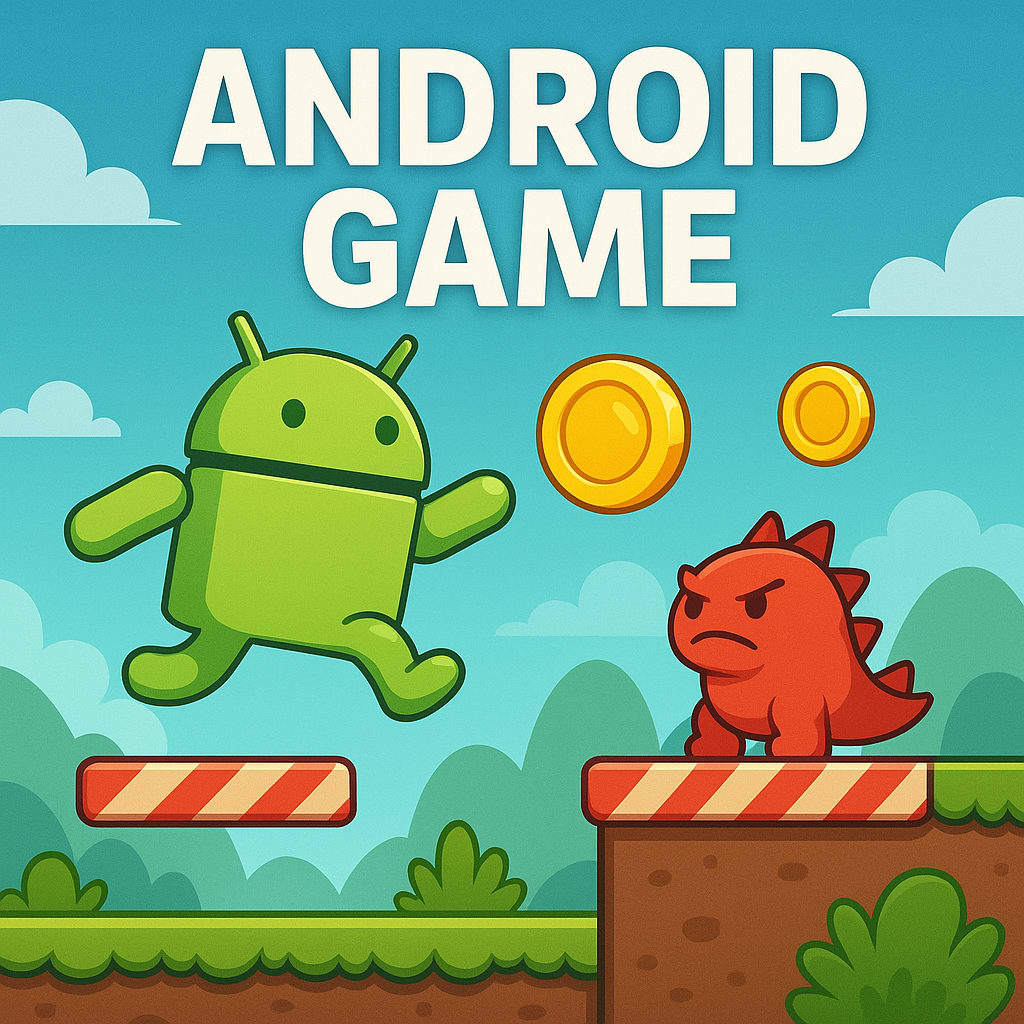
Have you ever dreamed of turning your game idea into reality? You're not alone. In 2025, creating games isn’t just for big studios—it’s for anyone with a spark of creativity and a willingness to learn. Whether you're a complete beginner or someone with basic coding knowledge, this guide will walk you through everything you need to make an Android game from scratch.
Let’s dive in and bring your vision to life!
Why Make an Android Game in 2025?
The Android platform dominates the global mobile market, giving you access to billions of potential players. It’s an open ecosystem, which means you don’t need to go through strict approval processes like on other platforms. Add to that free tools, thriving developer communities, and flexible monetization options—and you’ve got the perfect recipe for success.
In short, there’s never been a better time to make an Android game.
Step 1: Start With a Game Idea That Matters
Your game doesn’t need to be revolutionary, but it should be fun, engaging, and something you’re passionate about. Think about your favorite mobile games—what makes them click? What would you do differently?
Start by answering a few key questions:
What type of game are you making? (Puzzle, runner, strategy, casual, etc.)
Who is your target audience?
Is your game going to be free, paid, or freemium?
What makes your idea unique?
Remember: great games start with clear, focused concepts. Don’t try to do everything at once.
Step 2: Choose the Right Tools for the Job
Once your idea is ready, it’s time to choose how you’ll build it. To make an Android game, you need a game engine—a platform that lets you design and code your game.
Popular engines in 2025 include Unity, Godot, and Unreal Engine. Unity remains the go-to choice for Android developers thanks to its user-friendly interface, massive documentation, and cross-platform capabilities. If you're looking for a no-code option, platforms like Buildbox let you create simple games without writing code.
Pick the engine that best matches your comfort level and the complexity of your game.
Step 3: Design Your Game’s Visuals and Interface
This is where your game starts to take shape.
Think about the user experience. How will players interact with the game? What will the UI look like? Will your game have bright cartoonish visuals or a more realistic design?
You can create your own art using tools like Figma, GIMP, or Blender, or source assets from game asset marketplaces if you’re not an artist.
A clean and intuitive design is more important than flashy graphics—especially for mobile players.
Step 4: Begin the Development Process
Now comes the fun (and sometimes challenging) part—building your game.
Set up your development environment. If you're using Unity, install the engine along with Android Build Support. If you’re coding natively, Android Studio is your go-to IDE for building Java or Kotlin-based games.
Start by developing your game’s core loop. This includes basic player interactions, scoring, physics, animations, and sound effects. Break the work into small tasks and test as you go.
Don’t worry if you hit bugs—debugging is part of the process. Every great game had its share of errors before release.
Step 5: Test, Refine, and Polish
Testing is not optional—it’s essential. A game that crashes, lags, or behaves unexpectedly will drive users away quickly.
Test your game on different Android devices, screen sizes, and Android versions. Fix any UI glitches or performance issues. Ask friends or fellow developers to play your game and give honest feedback.
Use crash reporting tools or analytics platforms to track performance and improve your game before launch.
Step 6: Add Monetization (If You Want to Earn)
If you’re building a game as a side project or business, you’ll want to think about monetization.
There are several ways to make money from Android games:
Show ads using platforms like AdMob or Unity Ads
Sell in-app purchases like power-ups or extra levels
Offer a premium (paid) version of your game
Launch a subscription model for exclusive content
Choose a monetization strategy that fits your audience and doesn’t harm the player experience.
Step 7: Publish Your Game on Google Play
You’re almost there! It’s time to share your game with the world.
Create a Google Play developer account (a one-time fee). Prepare your app’s assets: game title, description, screenshots, icon, and promotional text. Then upload your APK or AAB file, set your pricing, and submit it for review.
Before publishing, optimize your game store listing. Use relevant keywords like make an Android game, your game genre, and terms users would search for. This improves your game’s visibility in search results.
Step 8: Promote and Update Your Game
Once your game is live, keep the momentum going.
Promote it through social media, game forums, Reddit communities, YouTube gameplay videos, and even short TikToks. Ask friends and early users to leave ratings and reviews.
Monitor feedback, respond to user suggestions, and roll out regular updates. Games that grow are games that evolve.
Final Thoughts
You don’t need a fancy degree or a big studio to make an Android game. What you need is commitment, curiosity, and the willingness to learn from your mistakes. 2025 is a powerful year for mobile game creators—with tools, communities, and guides like this one available at your fingertips.
So start small. Stay consistent. Make something you're proud of. Your first Android game is just the beginning.
About the Creator
PixelPlayground
PixelPlayground creates 1,000+ unique games across mobile, PC, and web. From casual fun to strategy, we deliver unforgettable gaming experiences for players worldwide.
Keep reading
More stories from PixelPlayground and writers in Gamers and other communities.
Gamifying Chess for Gen Z: How to Make Chess Cool Again with App Development
Getting Gen Z interested in chess (a traditional game) is as tough as talking to a brick wall. Of course, this generation loves fast, fun, and visually rich experiences, and why not? They are modern. So, how can we convince Generation Z to play chess? Well, the answer is short and simple: gamification in chess game development brings a fresh and fun twist.
By PixelPlayground9 months ago in Gamers
Fortnite Will Totally Change How You Play Battle Royale and Build Your Victory
Few games have had as profound an impact on modern gaming culture as Fortnite. Developed by Epic Games and released on Xbox, Fortnite combines fast-paced combat, creative building mechanics, and constantly changing environments to create a battle royale experience unlike any other. Its unique blend of action and construction has made it a cultural phenomenon, attracting millions of players worldwide.
By Lukáš Hrdličkaa day ago in Gamers
Diablo IV Will Drag You Into Darkness You Won’t Want to Escape From
Few action RPGs command attention like Diablo IV. Developed by Blizzard Entertainment and available on Xbox, the game marks a powerful return to the franchise’s darker roots. It blends intense combat, deep character customization, and a haunting world into an experience that feels both relentless and rewarding.
By Lukáš Hrdličkaa day ago in Gamers


Comments
There are no comments for this story
Be the first to respond and start the conversation.