
How Much Does a Gaming Computer Cost?
A Guide to Choosing the Perfect Setup

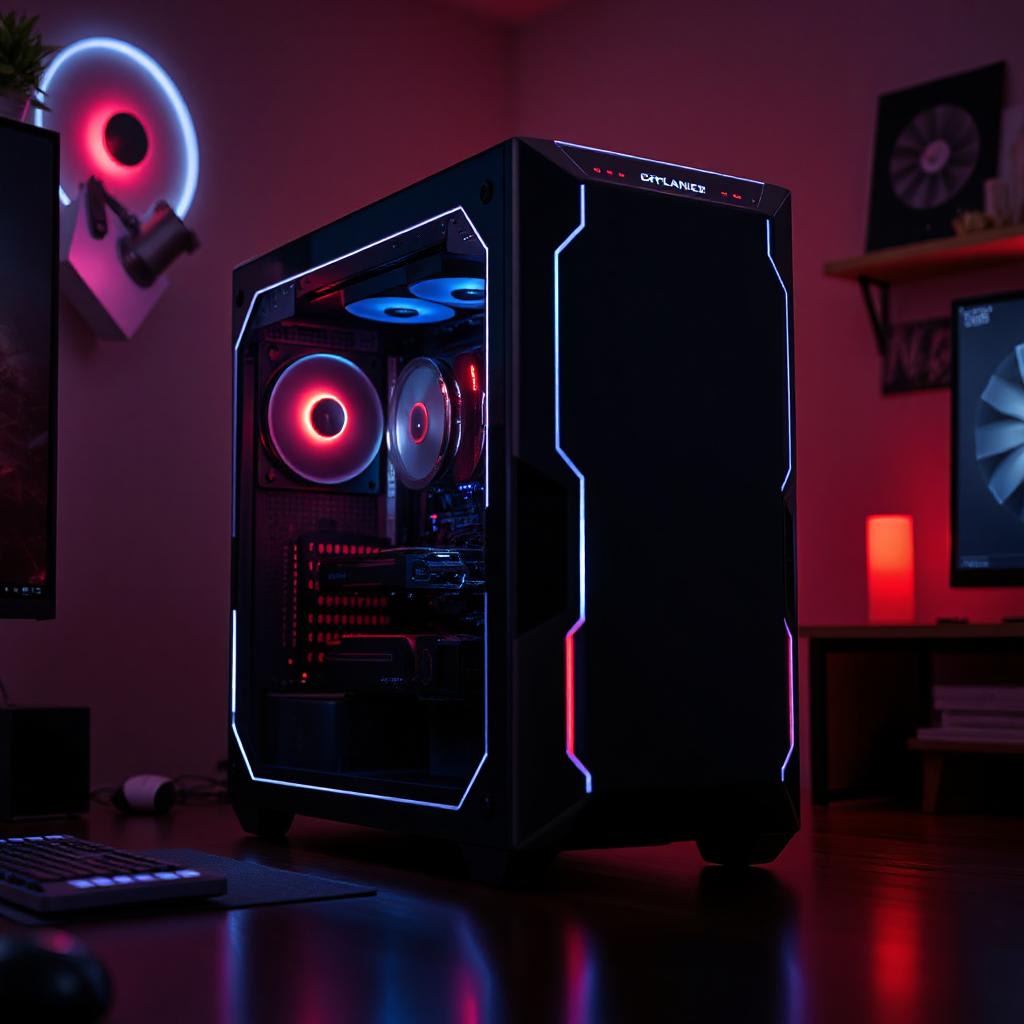
Introduction
The gaming computer is not for the accomplished technology enthusiast alone; it has become a mainstream investment these days, whether one is a casual or hardcore gamer. Be it to conquer epic battles, explore vast open worlds, or even just to enjoy the latest indie games, a gaming computer will be your ultimate tool. But how much does a gaming computer actually cost? That depends on your goals and preferences for gaming, not to mention whether you are after a prebuilt system or a custom build.
Ready to transform your gaming setup?
In this article, we'll break down the costs of gaming computers, highlight what you should get, and offer some tips on how to optimize your budget.
How Much Does It Cost: Breaking Down a Gaming Computer
The cost of a gaming computer can vary a great deal based on the components you choose. Let's take a closer look at the key hardware elements that drive the overall cost.
1. Graphics Card (GPU)
The GPU is probably the single most crucial part of any gaming computer, as it directly affects how well games run and look.
Entry-Level GPUs: Affordable options like the NVIDIA GTX 1650 (~$150-$200) should get by with less demanding games.
Mid-Range GPUs: Good for modern games at 1080p or 1440p, such as the NVIDIA RTX 3060 or AMD Radeon RX 6700 XT (~$300-$400).
High-End GPUs: For ultra settings and 4K gaming, cards like the NVIDIA RTX 4090 (~$1,500+) are top-tier options.
2. Processor (CPU)
A strong CPU will complement your GPU, handling other tasks such as in-game physics, AI, and multitasking.
Entry-Level CPUs: Intel Core i3 or AMD Ryzen 3 (~$100-$150).
Mid-Range CPUs: Intel Core i5 or AMD Ryzen 5 (~$200-$300).
High-End CPUs: Intel Core i9 or AMD Ryzen 9 (~$400-$700).
3. Memory (RAM)
RAM impacts how quickly your computer is processing game data. The majority of gaming PCs need at least 16GB (~$50-$100).
32GB (~$150-$200) would future-proof and ensure the best performance for multitasking.
4. Storage
Fast storage reduces load times and improves overall responsiveness.
HDD (Hard Disk Drive): Budget-friendly but slower, with 1TB priced around $50.
SSD (Solid-State Drive): Faster and more reliable. A 1TB SSD costs $100-$150, with NVMe SSDs offering even faster speeds.
5. Additional Components
Motherboard: $100-$300, depending on the feature set and compatibility.
Power Supply Unit (PSU): $50-$150 for decent, reliable power.
Case: $50-$200, balancing looks and cooling potential.
Gaming PC Cost Ranges
Here's a breakdown of what you can expect to spend based on your gaming needs:
1. Entry-Level Gaming PCs: $500-$800
Recommended for casual gamers who play lighter titles such as Fortnite, Valorant, or Minecraft.
This typically includes a basic GPU upgrade, 8-16GB RAM, and HDD storage.
2. Mid-Range Gaming PCs: $1,000-$1,500
Meant for gamers who want smooth performance in modern AAA games, using medium to high settings.
Mid-range GPU, such as RTX 3060, using a modern CPU with SSD storage.
3. High-End Gaming PCs: $2,000+
Great for enthusiasts and streamers wanting ultra settings, 4K gaming, or ray tracing.
Premium GPUs such as RTX 4080 or RTX 4090, High-Performance CPUs, Advanced Cooling System
Should You Build or Buy a Gaming PC?
Both options have their pros and cons, which are listed as follows.
Custom Builds
Pros: More personalization possible, better price-to-performance ratio, easier upgradeability.
Cons: It takes up time, effort, and some technical knowledge.
Cost Example: The equivalent of a mid-level store-bought PC could cost $1,200 for what would take $1,500 from a vendor.
Prebuilt Systems
Pros: Convenient, professionally put together, and usually comes with some warranty coverage.
Cons: Usually costlier, harder to upgrade.
Cost Example: Entry-level pre-built systems start at around $800, while high-end pre-builts can exceed $3,000.
Budget Tips for Your Gaming PC
Identify the Games You Will Be Playing and Resolution/Frame Rate
Identify the games you'll be playing and the resolution/frame rate desired from it. This should give a proper correlation between the equipment level needed and your budget.
Sales and Discounts
Black Friday, Cyber Monday, and Prime Day are events where big discounts are expected on gaming hardware.
Second-Hand or Refurbished Components
Old generation GPUs and CPUs will often provide very good performance at a fraction of the price.
Upgrade Over Time
Build a decent foundation (such as a good CPU and motherboard), then upgrade the GPU and RAM over time.
Focus on Performance Over Aesthetics
RGB lighting and fancy cases are cool, but don't compromise on the core parts.
Other Costs to Consider
1. Gaming Peripherals
Monitor: $150-$500 depending on resolution and refresh rate.
Keyboard and Mouse: $50-$200, depending on gaming-specific features.
Headset: $50-$150 for an immersive audio experience.
2. Operating System
Windows 10/11 licenses are roughly $100, though free alternatives exist, such as Linux.
3. Maintenance and Cooling
Good cooling solutions and regular cleaning go a long way in extending the life of your PC.
Conclusion
Buying a gaming computer is an investment in your experience in gaming itself, and how much it costs depends on your personal priorities and preferences. Whether you're a casual gamer who's looking for a budget option or a performance enthusiast who wants only the best equipment, knowing the cost of each component and employing smart buying strategies can definitely save one some bucks while giving you the proper setup you would like.
Ultimately, the best gaming computer is not the costliest one but rather the one that can offer you the needed performance for an agreeable price. Take your time, have a closer look, and enjoy the journey of finding-or creating-your perfect rig!
Ready to transform your gaming setup?
Frequently Asked Questions
1. Is it cheaper to build or buy a gaming PC?
Building is usually cheap with more customization; buying pre-built saves a lot of time and effort.
2. How much should I spend for a gaming PC?
Casual gaming: $500-$800 will do. For high settings in AAA gaming, you can go around $1,000-$1,500.
3. What is the life of a gaming PC?
A gaming PC lasts you 5-8 years, given that one upgrades continuously.
4. Can I game on a normal PC?
Yes, but performance would be crippled with the new games; use a dedicated gaming PC for better results.
This article contains affiliate links, if you make a purchase I may make a small commission.
About the Creator
Karl Jackson
My name is Karl Jackson and I am a marketing professional. In my free time, I enjoy spending time doing something creative and fulfilling. I particularly enjoy painting and find it to be a great way to de-stress and express myself.
Keep reading
More stories from Karl Jackson and writers in Gamers and other communities.
How Much Do Gaming Computers Cost?
Introduction The gaming computer has turned into the centerpiece of an exciting hobby, enjoyed by millions worldwide. Be it a casual player exploring gigantic open-world games or an aspiring pro in eSports, a decent gaming rig does all the talking. But how much will a gaming computer actually set you back? There is no one-size-fits-all answer: price depends on your needs, preferences, and how much money you are ready to spend.
By Karl Jacksonabout a year ago in Gamers
The Real Life of a Professional Poker Player: Myths and Reality
The life of a professional poker player often looks exciting from the outside. Television broadcasts show dramatic all-in moments, massive tournament prizes, and players celebrating victories under bright casino lights. Social media also contributes to this image by highlighting success stories, luxury travel, and high-stakes games. Because of this exposure, many people believe that professional poker players live an easy and glamorous life.
By Micah Raskin Poker 3 days ago in Gamers


Comments
There are no comments for this story
Be the first to respond and start the conversation.