
Can Your PC Handle That Game? A Look at Online Game Checker Tools
Make Sure Your PC Is Ready Before You Download or Buy That Game

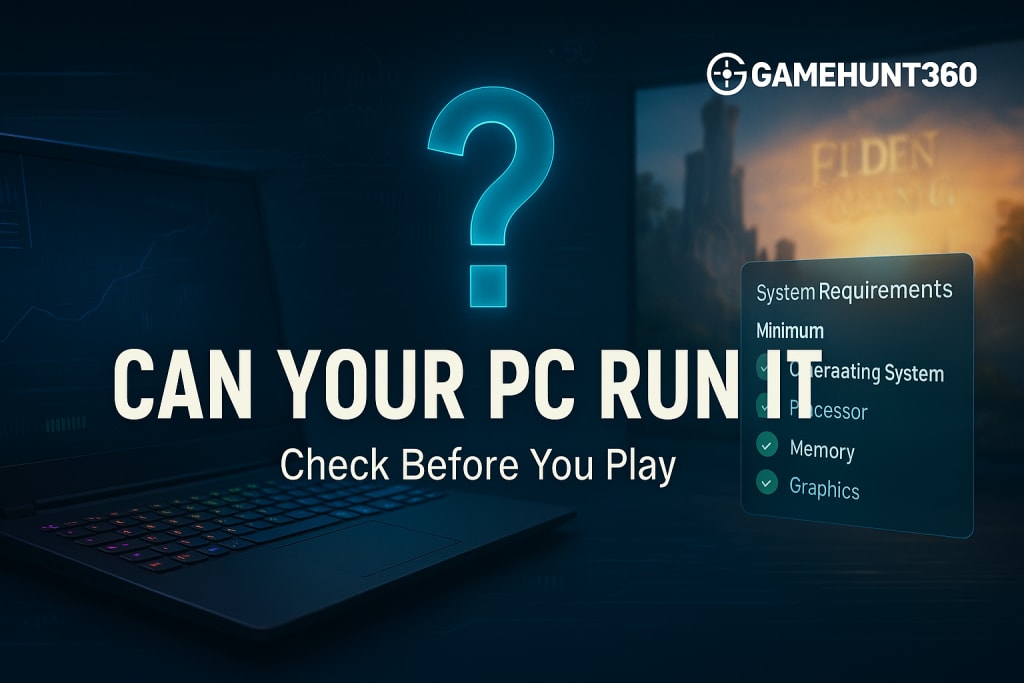
Every gamer has faced this question: “Can my PC run this game?” Before downloading or buying a new title, it’s smart to check if your system can handle it. No one wants to waste time or money only to see a game crash or run poorly. That’s where online game checker tools come in. They give quick answers and save a lot of frustration.
This article explores how these tools work and why they are useful. Whether you are new to gaming or have been playing for years, you will find value in checking your system before you play.
What Does a Game Checker Do?
A PC game checker tool compares your computer’s specs with the game’s system requirements. These tools check your processor, graphics card, RAM, and storage. Then they tell you if the game will run smoothly or not.
Many websites offer this service. You enter the name of a game, and the site checks your PC against the minimum and recommended specs. Some even scan your computer automatically. Others let you input details manually if you prefer.
This makes the process easy. You don't have to look up specs on different sites or guess if your hardware is good enough.
Why You Should Use a PC Game Checker
You may wonder why you should bother. Here are a few reasons:
- Save Time and Money
Downloading large games can take hours. If your system can't run the game, you waste that time. Worse, you may buy a game you can't even play. Game checker tools prevent this.
- Avoid Poor Performance
Games that do not match your system often run slowly or crash. That ruins the experience. These tools help you avoid that.
- Plan for Upgrades
If your PC can’t run a game now, the tool shows which parts are weak. Maybe you need more RAM. Or a better graphics card. This helps you make smart upgrade choices.
- Helpful for Streamers
If you stream your games online, your system needs to do even more. Not just gaming, but recording and uploading as well. Tools like Can Your PC Run It give clear advice. You’ll know if your setup is ready for both play and stream.
How to Use These Tools
Most tools follow a simple process:
- Visit the website.
- Choose a game from the list.
- Let the tool scan your system or enter your specs.
- Get results in seconds.
Some tools also compare different games. That way, you can choose a title your PC can handle now, instead of waiting to upgrade.
Websites like GameHunt360 offer more than just a check. They provide tips, system reviews, and buying guides. If you’re planning to upgrade or build a new system, their guide on the best gaming PC for streaming is worth a look. It breaks down what you need for smooth gameplay and stream quality.
Tips for Gamers on a Budget
Not every gamer has the latest graphics card or a high-end processor. That’s okay. Many fun games run well on mid-range or even older systems. The key is knowing your limits.
Here are a few simple tips:
- Stick to games with low or medium system needs.
- Adjust game settings like shadows and resolution to boost performance.
- Keep your system clean. Delete old files, update drivers, and check for background apps that slow things down.
- If you can upgrade one part, start with RAM or the graphics card. These often make the biggest difference.
Conclusion
A smooth gaming experience starts before you hit “Play.” Knowing if your PC can run a game saves time and avoids frustration. Online tools like Can Your PC Run It offer fast, useful checks. They help gamers make smart decisions, whether playing solo, streaming live, or just trying something new.
In today’s world, smart gaming is not just about having fun it’s also about being prepared. So, before you dive into your next title, take a few seconds and check. It could make all the difference.
About the Creator
Talha Zulfqar
Expert Content Publisher and Digital Marketer at Growlinko.com
Keep reading
More stories from Talha Zulfqar and writers in Gamers and other communities.
Smooth Streaming Starts Here: Your Complete Guide to Optimizing a Gaming PC
Game streaming has become a huge part of online life. Players everywhere want to share wins, chat with viewers, and build loyal followings. But a shaky, laggy stream can spoil the fun fast. You need more than a fast game to keep an audience you need a system that runs steady every time you go live.
By Talha Zulfqar9 months ago in Gamers
U4gm Black Ops 7 Season 2: Black Ops Royale, New Maps, and Major Updates
Season 2 of Call of Duty: Black Ops 7 is finally here, and it’s packed with content that’s set to reshape the way players experience the game. From a brand-new battle royale mode to fresh multiplayer maps, Zombies updates, weapon balancing, and seasonal events, there’s plenty for both veterans and newcomers to explore.
By Dangyc Dinga day ago in Gamers
U4gm ARC Raiders: Storms, Strategy, and Big Rewards
The world of ARC Raiders has always been unpredictable, but the recent Shrouded Sky update takes chaos to a whole new level. This update introduces high-risk zones in Dam Battlegrounds and a community-driven Weather Monitoring System project, giving players fresh reasons to explore, fight, and strategize.
By Billo Nali4 days ago in Gamers



Comments
There are no comments for this story
Be the first to respond and start the conversation.