
Can AI Laptops Improve Your Video Call Experience?
Explore how AI laptops enhance your video call experience with smart noise reduction, clearer visuals, adaptive performance, and smoother, more reliable online communication.

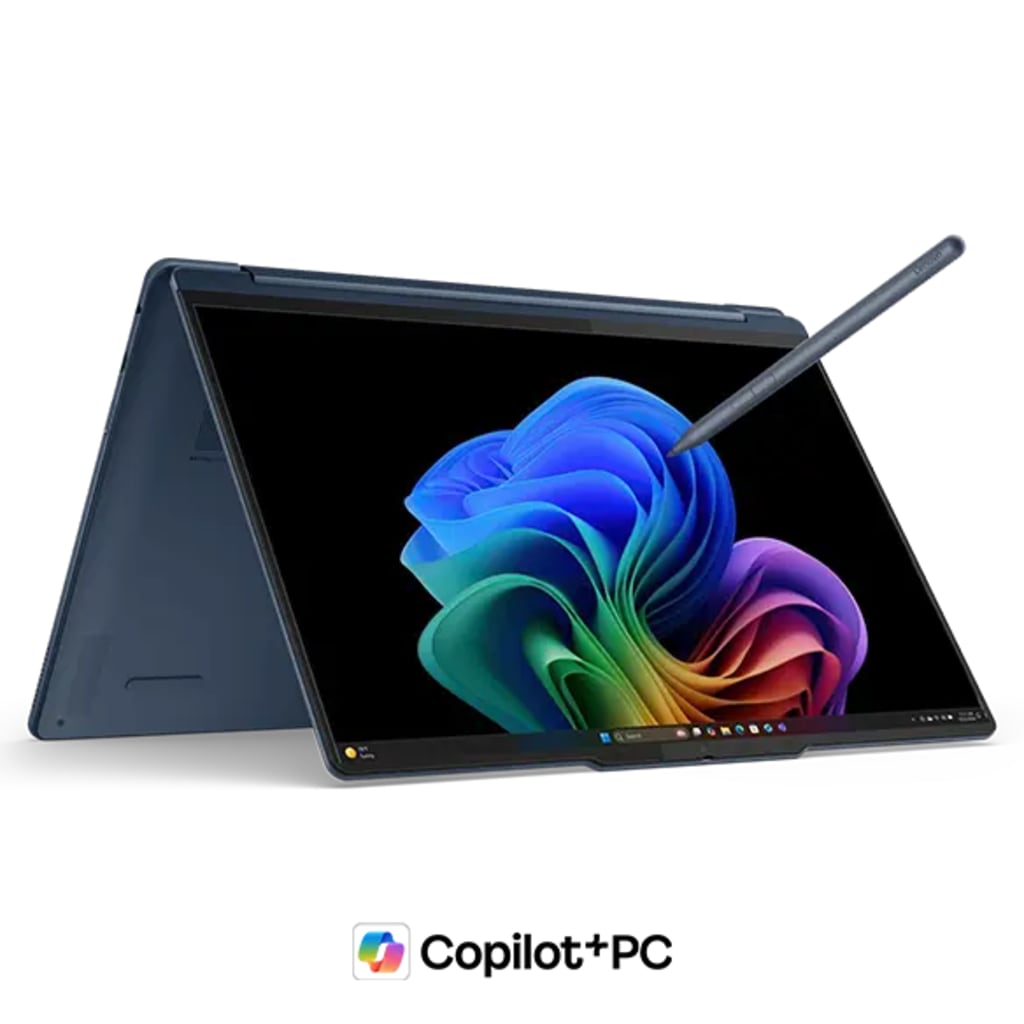
Video calls are now a daily part of life. People use them for school and work. Families use them to stay close.
Reports show that more than 66 percent of people in the United States take part in video calls every week.
This number keeps growing fast. Many people feel stressed when their calls freeze or their screen looks dull. Others worry when their audio cuts out or their background appears messy. These issues distract the mind and slow down the day.
AI laptops bring a fresh way to handle these problems. They offer smart tools that make calls feel smooth. Each tool works in real time. The whole experience feels easy and natural. This makes every call better from start to end.
The question is, "Can AI laptops improve your video call experience?" Let's find out how.
Sharper Video Quality Through AI Smarts
Clear video helps people feel close. It helps them stay focused. Many calls suffer when the light changes or the room feels too dark. AI laptops fix this in seconds and adjust brightness and sharpness on their own. This helps your face stay clear.
How AI Boosts Video Clarity
AI finds the best settings for your skin tone. It corrects dull colors and removes shadows. It tracks your face and keeps you in focus. You do not need to touch any button when the light changes.
AI also keeps the video steady. It reduces screen noise when the signal drops. The picture stays clear. This helps people enjoy long calls without strain.
You also get help in rooms with bright sunlight. AI balances strong light and makes the video soft. This helps you look natural in every call.
Smoother Sound For Easy Conversations
A good sound makes a call feel like real talk. It keeps your voice strong and clear. Many people deal with loud rooms and distractions. AI laptops help you handle these issues in a simple way.
How AI Makes Audio Better
AI removes background noise. It cuts fan sounds, traffic noise, and desk movement. It keeps your voice as the main sound in the call. This helps others hear you without effort.
- AI also adjusts volume in real time. It picks up soft speech and makes it clear. This helps when you speak gently or sit a bit far from the laptop.
- You also get echo control. Many rooms have empty walls that cause sound bounce. AI reduces echo and keeps your voice smooth. This helps people understand you with ease.
- AI also fixes sound delay. It keeps your voice in sync with your video. This is a big help in important calls.
Smart Background Cleanup For a Neat Look
Many people work from home. Rooms get messy. Kids run around. Pets move in the back. AI laptops clean your background to keep you relaxed.
AI replaces clutter with clean shapes. It softens light and builds a neat space around you. This helps you feel confident.
AI also smooths sharp edges, ensuring your outline remains smooth. This removes odd glowing lines. It helps your picture look natural.
Real-Time Face Framing For Better Focus
Some people move while they talk. They shift positions and lean away. AI laptops keep the frame centered on your face. This helps people stay focused on you.
AI tracks your head in real time. It moves the frame smoothly. It keeps your eyes in the center. This makes the talk more engaging. It also adjusts zoom levels. It keeps the view steady. This keeps the call professional even when you move around.
Faster Load Speeds For Stable Calls
A slow device ruins calls. It freezes screens. It drops sound. AI laptops can handle multiple tasks simultaneously. They keep your call fast and steady.
AI manages power in smart ways. It frees system load when your call gets heavy. This helps the video stay smooth.
AI also predicts frame needs. It prepares the next frames before they are displayed on your screen. This keeps the motion soft.
Better Multitasking While Staying On Call
People often read notes or switch screens during calls. Some laptops slow down during these moves. AI laptops keep the system lightweight, allowing you to multitask without interruptions.
Why AI Helps Multitask Better
AI shifts power to the apps you use. It keeps your call on top. It makes each click quick. This helps you stay focused and sharp.
AI also smoothly handles screen sharing. It adjusts picture quality to keep your call steady. People on the other side see your screen clearly.
AI also clears up small glitches before they become significant. This keeps your call safe from sudden drops.
Final Thoughts
Video calls matter in today’s world. They shape daily work and personal life. Many people want calls that feel smooth and easy. AI laptops meet this need with simple tools. They sharpen your video and lift your sound. They clean your background and center your face. They speed up your system and support multitasking.
Each tool operates in real-time, making your call feel natural. This gives you comfort and confidence in every talk. An AI laptop turns every call into a better experience from the first second to the last.
About the Creator
Arthur Leo
Hii! Arthur Leo is a passionate writer covering technology, fashion, lifestyle, and health, blending insights on AI, style, wellness, and modern living.
Keep reading
More stories from Arthur Leo and writers in Gamers and other communities.
How Edge Servers Enhance Content Delivery Networks (CDNs)
Individuals live-stream lectures, catch matches, post pictures, and make phone calls throughout the day. They do not want pages to take time to load with hiccups and prolonged delays since slow applications distract attention and waste time.
By Arthur Leo4 months ago in Gamers



Comments
There are no comments for this story
Be the first to respond and start the conversation.