
Best Among Us Mods for Mobile – How to Install and Play Safely
Explore the top Among Us mods for mobile, learn how to install them step-by-step, and discover essential tips to play safely without risking your device or account

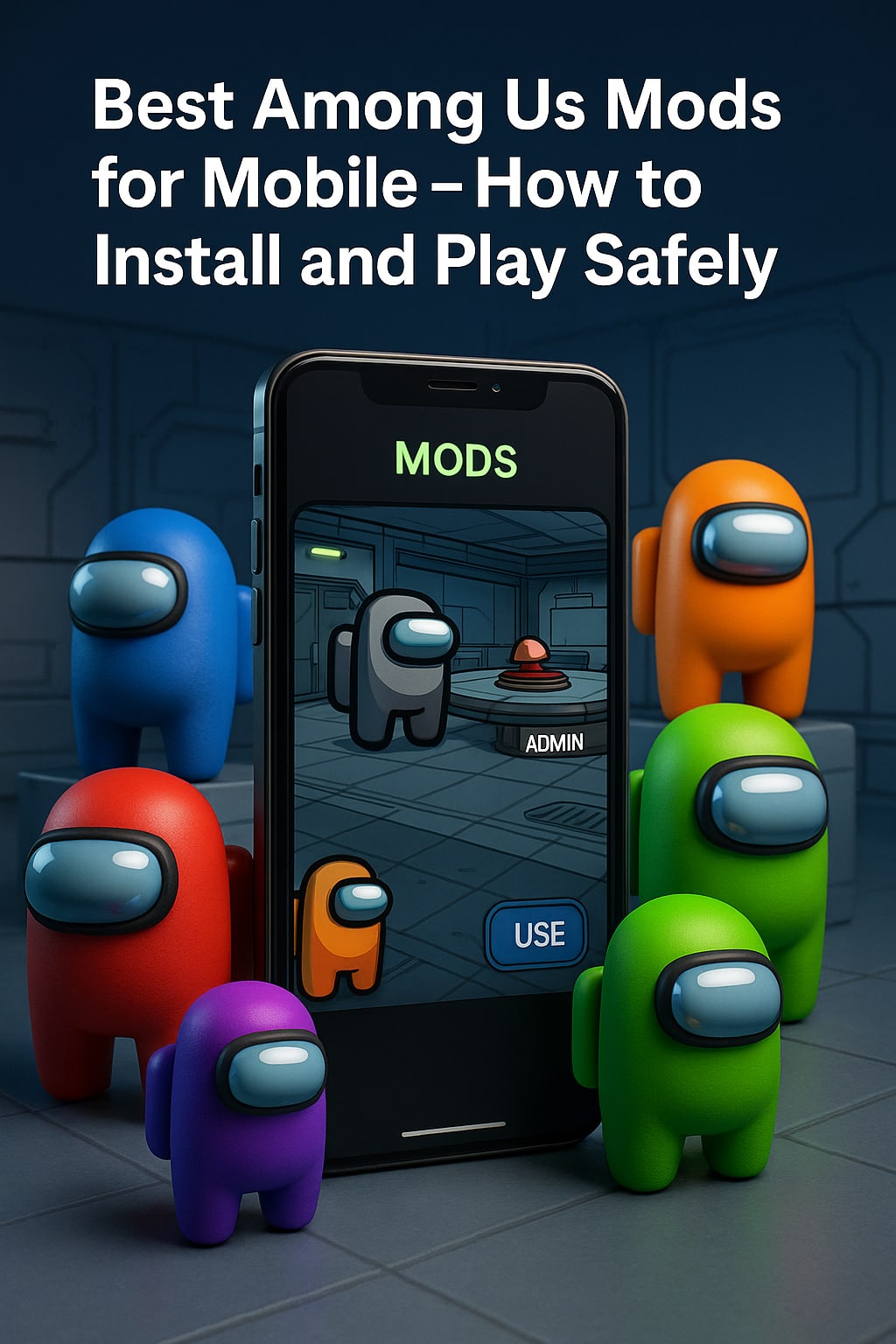
Among Us took the gaming world by storm, but once you’ve played dozens of matches, you might start looking for ways to spice up your experience. That’s where Among Us mods for mobile come in. Mods can add new roles, exciting game modes, fresh cosmetics, and even custom maps — completely transforming the way you play.
However, if you’re new to the world of modding, figuring out how to install Among Us mods and doing it safely can feel intimidating. In this guide, we'll walk you through the best mods available for mobile devices, explain how to install them step-by-step, and give you essential tips to keep your device safe.
Let’s dive in!
What Are Among Us Mods for Mobile?
In simple terms, mods (short for modifications) are unofficial alterations made by fans that change or expand the original Among Us game. On mobile devices, these mods typically come in the form of an Among Us mod APK — a modified version of the app that you install manually.
Mods can introduce brand-new content, like:
- Custom roles (e.g., Sheriff, Engineer, Jester)
- New game modes (e.g., Hide and Seek, Zombies)
- Extra maps and cosmetic items
- Improved graphics or special effects
Since the official developers (Innersloth) don't officially support mods, you must be careful about where you download them and how you install them.
Best Among Us Mods for Mobile (2025 Updated List)
Here’s a curated list of some of the best Among Us mods for mobile players:
1. Skeld.net Mod
Features: Adds multiple new game modes like Zombies, Hide & Seek, and Crazy Colors.
Why It’s Great: Skeld.net lets you connect to private servers without needing a full APK replacement.
Installation: Minimal, through a simple server switcher app.
2. Extra Roles Mod (Mobile Edition)
Features: Introduces roles like Sheriff, Engineer, Medic, Jester, and more.
Why It’s Great: Makes the game more dynamic and unpredictable.
Installation: Requires downloading a modified APK version.
3. Crewmate Mod Menu (APK)
Features: Menu allows cheats like teleport, speed boosts, or seeing impostors.
Why It’s Great: Fun for private games with friends where rules can be bent.
Installation: Via Among Us mod APK.
4. Town of Us Mod (Unofficial Mobile Port)
Features: Tons of custom roles and balance tweaks.
Why It’s Great: It’s one of the most content-rich mods from the PC version now ported unofficially to mobile.
Important Note: Mods that involve custom APKs require uninstalling the original Among Us app, so always back up your data first!
How to Install Among Us Mods on Mobile (Step-by-Step Guide)
If you’re ready to install mods, follow these steps carefully:
Step 1: Backup Your Game Data
- Before installing any Among Us mod APK, back up your game progress if possible.
- Link your progress to an account (like Google Play) to keep your skins and stats safe.
Step 2: Uninstall Official Among Us (If Needed)
- Most APK mods require you to uninstall the original game first.
- Go to Settings > Apps > Among Us > Uninstall.
Step 3: Enable "Install from Unknown Sources"
- Go to Settings > Security on your device.
- Enable the option to Allow Installation from Unknown Sources.
Step 4: Download the Mod APK
- Find a trustworthy website that offers Among Us mods mobile downloads.
- Make sure to read reviews and avoid sketchy sites filled with pop-ups or malware.
- Example safe sources: Skeld.net (official server site), Itch.io modders, or well-known Android mod communities.
Step 5: Install the Mod APK
- Open the downloaded file.
- Follow the prompts to install it on your device.
Step 6: Launch and Enjoy!
- Open your modded Among Us app.
- Some mods will show custom UI changes or let you join custom servers immediately.
How to Stay Safe When Installing Among Us Mods
Modding can be exciting, but it also comes with risks like malware, scams, or bans if you're not careful. Here’s how to stay safe:
1. Only Download from Trusted Sources
Stick with well-known modding communities, official creator websites, or verified APK hosts.
2. Use an Antivirus App
Before opening any downloaded file, scan it using a reliable antivirus app.
3. Avoid Giving Unnecessary Permissions
When installing a modded APK, if it asks for strange permissions (like access to your contacts or camera), cancel immediately.
4. Play on Private Servers
Many mods redirect you to private servers. Never use your primary gaming account on sketchy public servers.
5. Stay Updated
Developers often release updated mods to fix bugs or add security improvements. Keep an eye out for new versions!
Are Among Us Mods Allowed?
Technically, Among Us mods for mobile are unofficial and not supported by Innersloth.
While most mods are tolerated (especially for private games), using mods in public servers without consent can get you banned. Always:
- Play mods with friends who agree to it.
- Avoid using cheats in public lobbies.
- Respect the community, and you’ll have no problems!
Should You Try Among Us Mods?
If you’re feeling burned out from the standard Among Us gameplay, installing a mod can breathe new life into your experience.
Mods like Skeld.net, Extra Roles, and Crewmate Mod Menu offer endless new possibilities.
Just remember: safety first! Stick with trusted downloads, use antivirus protection, and respect fellow players.
Now that you know the best mods, how to install them, and how to play safely, it’s time to jump into your next great Among Us session — modded style!
FAQ: Best Among Us Mods for Mobile
Q: Can I install Among Us mods on iPhone (iOS)?
A: Mods are much harder (and riskier) to install on iOS. Most modding is safer and easier on Android devices.
Q: Will I get banned for using an Among Us mod APK?
A: Only if you use unfair advantages (like cheats) in public lobbies. Stick to private games with friends for safe modding.
Q: Do I need to root my Android phone to install mods?
A: No! Most Among Us mod APK files work without needing to root your device.
About the Creator
Richard Bailey
I am currently working on expanding my writing topics and exploring different areas and topics of writing. I have a personal history with a very severe form of treatment-resistant major depressive disorder.
Keep reading
More stories from Richard Bailey and writers in Gamers and other communities.
Rush Royale Clan Wars Guide – How to Maximize Rewards Every Week
Clan Wars in Rush Royale are more than just a side event — they’re a high-stakes, team-based competition that determines your clan's prestige and resource flow. Whether you're aiming to climb the leaderboards or just boost your weekly earnings, mastering Clan Wars is crucial.
By Richard Bailey10 months ago in Gamers
Early March 2026: 4 Goals Accomplished
It's early March and I've now accomplished my 4th writing goal for the year of 2026. Before diving into the behind-the-scenes of it... why not tell you up front what that accomplishment was? I was published in a 2nd publication for this year. Published in Helix Literary Magazine out of Central Connecticut State University. You can read it for free right now!
By Stephen Kramer Avitabile7 days ago in Writers



Comments (1)
Awesome!!!