
Battlefield 6 How crossplay and cross progression change the game experience
Battlefield 6 How crossplay and cross progression change the game experience
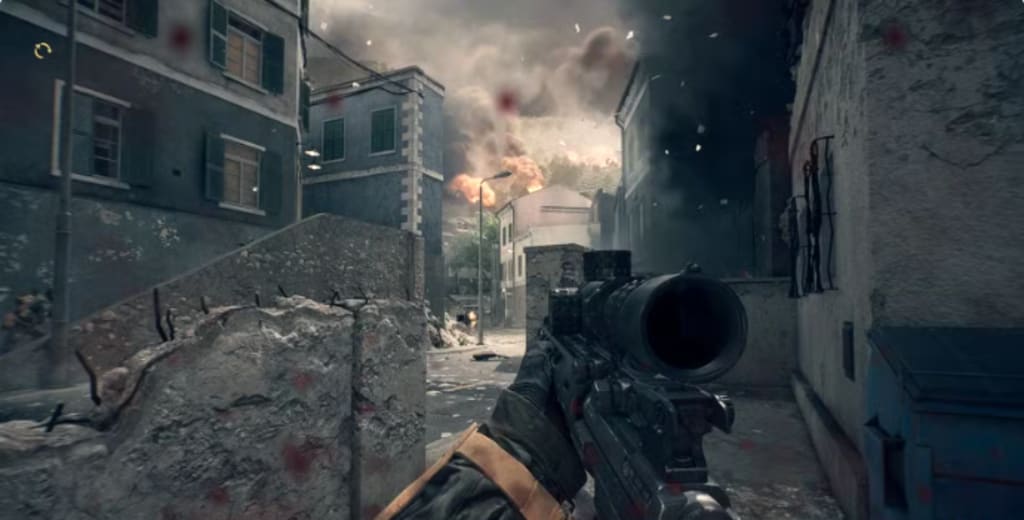
Playing Battlefield 6 has been an absolute blast, especially with the fantastic features around crossplay and cross-progression that really make squad gaming easier and more enjoyable. If you have friends using different platforms—whether that’s PC, Xbox, or PlayStation—this game is designed so you can all jump in and fight together seamlessly. Let me walk you through how it works and why it’s such a game-changer.
One of the biggest hurdles in multiplayer gaming used to be platform differences. You might have your mates on Xbox while you’re on PC or PlayStation, and teaming up was complicated or impossible. Battlefield 6 removes that barrier by using something called an EA ID. This ID links your account across all platforms, so it doesn’t matter if you’re on different devices, you can still add friends and play as a team.
To get started, everyone needs to create and link an EA account to their Battlefield 6 game. It’s easy to do when you launch the game for the first time—you’re prompted to either sign in or create an EA account. Once done, your game progress and friend list can sync wherever you play. This linkage is what powers both crossplay (playing with others on different systems) and cross-progression (carrying your progress across devices).
Adding friends is simple. From the main menu, just click the “+” icon at the top right. If you’re on PC, you head to the “Friend Requests” tab; on consoles, press RT (Xbox) or R2 (PlayStation) to open the Connect menu, then scroll with LB/RB or L1/R1 to find the “Add Friends” option. Here you’ll see your EA ID displayed in a box on the right—make sure to share this with your friends regardless of their platform. To add others, you’ll enter their EA ID exactly as they give it to you and send a request. Once they accept, you both appear on each other’s Battlefield 6 friend list.
With friends added, you can invite them to your party or join their game easily, streamlining the process of teaming up no matter the hardware. Just a quick heads-up though—console players need to have crossplay enabled to make this happen smoothly, which brings me to the next important point.
Crossplay is turned on by default when you start Battlefield 6 on consoles, allowing you to be matched with friends and players from other platforms. Console matchmaking prefers players on the same platform first, which helps avoid issues with control differences, but if enough players aren’t found locally, it opens the pool to crossplay matchmaking with PCs as well. If you prefer to avoid cross-platform matches, you can disable crossplay on consoles by going to Settings → System → Setup and toggling the Crossplay option. PC players don’t have this choice; their matchmaking always includes mixed platform players to keep games filled quickly.
Now, beyond just playing together, the cross-progression feature is equally impressive. You can start playing Battlefield 6 on one platform and switch to another without losing any progress. All your stats, unlocks, and customization stay intact as long as you log in with the same EA account. The only catch is you need to own the game copy on each platform you want to play on. So if you switch from console to PC, you will need to buy the game again for that platform, but your entire Battlefield profile follows you.
This combination of features makes Battlefield 6 incredibly flexible. Whether you game across multiple platforms or just want to squad up with friends who don’t share your console, it feels effortless. In the past, I’ve had to deal with separate friend lists and no cross-progression, which was frustrating. Now, with the EA ID system, managing friends and progress is smooth and stress-free buy Battlefield 6 Boosting.
In conclusion, Battlefield 6’s robust support for crossplay and cross-progression truly elevates the multiplayer experience. Added convenience, freedom of choice in gaming platforms, and easy connection with friends mean more time enjoying the game and less time setting up. If you haven’t tried it yet, definitely get started—grab your EA ID, link your friends, and queue up together for some epic battles!
About the Creator
Rsvsr Helldivers 2: Entrenched Division Warbond Brings Trenches, Tactics, and Explosive Firepower
Helldivers 2 is taking combat to a whole new level with its latest Premium Warbond update: Entrenched Division, set to launch on March 17, 2026. Designed for both solo adventurers and coordinated squads, this update introduces a full suite of new weapons, tactical gadgets, and immersive WW1-inspired gear, creating the ultimate trenches warfare experience.
By Billo Nali5 days ago in Gamers
7 Intelligent Automation Skills That Define AI Digital Assistants
AI Digital assistants or virtual assistants are smart software applications/programs that use Artificial Intelligence to help you with your daily tasks. The software functions as a personal assistant that operates through voice and text commands. These tools use natural language processing and machine learning to understand exactly what you need. They can manage your schedule, emails, or even control your smart devices.
By Arthur Leo4 days ago in Gamers



Comments
There are no comments for this story
Be the first to respond and start the conversation.