
Tips for Buying a Used CNC Plasma Cutter Without Regrets
Discover expert tips and detailed insights for buying a used CNC plasma cutter. Avoid costly mistakes and make an informed purchase with this comprehensive guide.

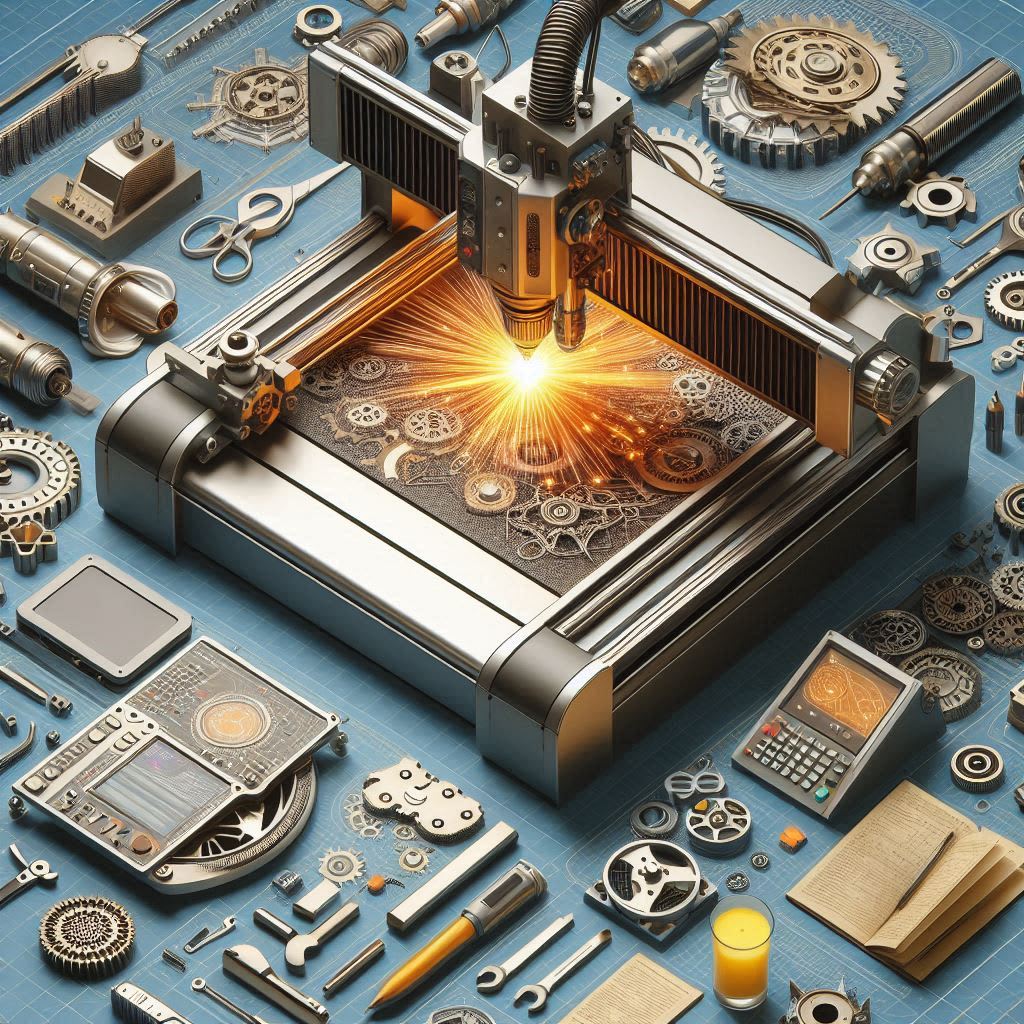
Buying a used CNC plasma cutter can be a smart investment—if you know what to look for. With the right knowledge and inspection techniques, you can acquire a high-performing machine for a fraction of the cost of a new one. However, if you're not careful, you could end up with outdated technology, hidden repair costs, or inefficiencies that hurt your bottom line.
In this comprehensive guide, we'll walk you through the most critical factors to check before purchasing a used CNC plasma cutter. You'll learn how to assess machine condition, evaluate software compatibility, and ensure you're getting the most value for your money.
1. Understand Your Cutting Requirements
Before shopping for a used CNC plasma cutter, define exactly what you need the machine to do. Not all machines are designed for the same applications, and choosing the wrong one can significantly affect your production quality.
Material Type and Thickness: Know the types and thickness of materials you plan to cut. Light-duty plasma cutters may handle sheet metal well, but they'll struggle with thick stainless steel or aluminum.
Cutting Speed and Volume: Consider how often and how fast you need to cut. High-production environments require machines with higher amperage and faster motion systems.
Tolerances and Accuracy: Tight tolerances require machines with precise motion control and robust design.
By identifying your cutting needs, you can better match those requirements to the machine specifications and avoid overpaying for features you don’t need—or buying a machine that can’t deliver.
2. Inspect the Machine’s Overall Condition
First impressions count. Look for visible signs of wear, damage, or neglect.
Frame and Structure: Check for cracks, rust, or welded repairs. A warped or misaligned frame can affect cutting accuracy.
Linear Rails and Bearings: These are essential for smooth and precise motion. Excessive play, pitting, or misalignment can be expensive to fix.
Cable Management: Inspect cable carriers and wiring for wear or cracking. Poor cable management can cause intermittent faults and costly downtime.
A well-maintained machine will show signs of care: clean surfaces, fresh lubrication, and organized wiring. A neglected machine often reflects how well it was maintained internally.
3. Evaluate the CNC Controller
The controller is the brain of the machine. Older systems may be less user-friendly, less efficient, and incompatible with modern file types.
Software Version and Compatibility: Ensure that the machine uses up-to-date software and can be integrated with your existing CAD/CAM systems.
Ease of Use: Modern controllers often have touch screens, better visualization, and easier setup routines.
Manufacturer Support: Is the software still supported by the manufacturer? If not, finding spare parts or technical help might be a problem.
Choosing a machine with a modern, supported controller ensures you're not locked into outdated tech.
4. Check the Plasma Power Supply
The power source determines the machine’s cutting capabilities.
Amperage Rating: Make sure the power supply matches your intended cutting thickness.
Consumable Compatibility: Are consumables (electrodes, nozzles) easily available and affordable?
Duty Cycle: This is the amount of time the power supply can operate without overheating. A higher duty cycle is better for industrial operations.
Ask to see the machine perform a test cut if possible, so you can verify power consistency and cut quality.
5. Review the Motion System
The motion system determines the precision and speed of your cuts.
Drive Type: Most CNC plasma cutters use stepper motors or servo motors. Servos offer better feedback and accuracy.
Transmission Method: Look for rack and pinion or ball screw drives. Belt drives may be cheaper but can stretch and cause backlash over time.
Accuracy Ratings: Ask for the original spec sheet to confirm positional and repeatability accuracy.
The smoother and more accurate the motion system, the better your cut quality.
6. Inspect the Cutting Table and Downdraft System
The cutting table takes a lot of abuse and is vital for workpiece stability and smoke extraction.
Slats Condition: Bent, warped, or missing slats affect support and airflow. Replacement slats are inexpensive but labor-intensive to swap.
Downdraft or Water Table: These systems manage fumes and debris. Make sure fans or pumps are functioning correctly.
Table Flatness: A flat table ensures material stability during cutting. Use a straight edge to check flatness.
Neglected tables can drastically affect performance and safety.
7. Check for Backlash and Mechanical Play
Backlash can lead to inaccurate cuts, especially in tight-tolerance jobs.
Test Jogging: Move the gantry in small steps and listen for clicking or rough movements.
Measure Backlash: Use a dial indicator to measure backlash on each axis.
Check Pinions and Bearings: Excess wear here usually means other components are affected as well.
Even if repairable, backlash problems may require realignment or expensive parts.
8. Assess Torch Height Control (THC)
THC automatically adjusts the torch height for consistent cut quality. It’s essential for plasma cutting.
Check Responsiveness: Watch the THC in action—does it smoothly adjust or lag?
System Compatibility: Older THC systems may not work well with modern plasma units.
Maintenance Requirements: Ask when the last maintenance was done on the THC.
A faulty or outdated THC system will reduce cut consistency and increase scrap.
9. Understand Maintenance History
Maintenance records can give insight into how the machine was treated.
Ask for Logs: Serious shops usually keep records of preventive maintenance.
Look for Patterns: Repeated repairs on the same component might indicate a design flaw.
Recent Upgrades: Some used machines include new drives, wiring, or torch heads—great bonuses that increase value.
The more detailed the maintenance records, the more confident you can feel about the purchase.
10. Verify Manufacturer and Dealer Reputation
Where you buy matters as much as what you buy.
Read Reviews: Look up feedback about the manufacturer and the seller.
Support Availability: Check if technical support and spare parts are still available.
Return Policy and Warranty: Some dealers offer short-term warranties even on used machines. It’s a sign they trust what they’re selling.
Reputable dealers like MachineStation go the extra mile to test and verify every machine they sell.
Final Thoughts
Buying a used CNC plasma cutter can be one of the best investments for your fabrication shop—if done right. By thoroughly inspecting the machine, understanding its capabilities, and choosing a trusted seller, you can score a powerful, cost-effective tool that performs like new. Always make sure to test, verify, and document everything before finalizing your purchase. When in doubt, bring an experienced technician to help with inspection.
Want a risk-free way to find a used CNC plasma cutter?
Contact MachineStation today—we specialize in tested, verified, and warranty-backed used CNC machines to keep your production running without regret!
About the Creator
Machinestation
At MachineStation, we specialize in buying, selling, and trading used CNC machinery. We offer a wide range of certified pre-owned machines from more than 70 brands, including Haas, Mazak, and Doosan.
Visit: https://www.machinestation.us/
Keep reading
More stories from Machinestation and writers in FYI and other communities.
Backlash in CNC Machines: What It Is & How to Test for It
Backlash is a typical problem of CNC (Computer Numerical Control) machines that can cause considerable impact on accuracy and precision. It is an unsolicited little movement or clearance between machinery parts, for example, ball screws and lead screws, when the machine reverses direction. Backlash can cause dimensional errors, unsatisfactory surface finishes, and wasted material, leading to production cost wastes.
By Machinestation11 months ago in FYI
A Failed Artist, A Disillusioned Poet, An Underpaid Game Show Host
I took my son and niece to Gori, a small town in Georgia where Joseph Stalin was born. They talked me into visiting the Stalin's Museum, the largest in the post-Soviet space. I had resisted going there because I just can't stand the monster and know enough about him, or so I thought.
By Lana V Lynxabout a month ago in FYI
Why Some Sports Never Globalize
Not all sports are meant for the world—or, more precisely, not all sports survive the journey. While football, basketball, and cricket have crossed borders and embedded themselves into multiple cultures, many other sports remain stubbornly local. They thrive intensely in specific regions yet fail to translate beyond them, despite media exposure, professionalization, or institutional effort. This uneven globalization is not accidental. It reflects deep structural, cultural, and economic constraints that shape how sports travel—or don’t.
By Gus Woltmann3 days ago in FYI
Trouble at the Tea Leafing Café
The rain had started right around the time that Annie was buttering her second thick slice of homemade toast for breakfast, and hadn’t paused since. Not that anyone could tell. The windows of the café were fogged over, and with every seat filled with happy customers munching on fresh baked pastries or steaming bowls of the delicious soup of the day, it was hardly surprising. Annie looked around the room, finally taking a moment to breathe after the lunch time rush. Her old life already felt like a bad memory, a part of her history, always, but just that. History.
By Hannah Moore6 days ago in Fiction



Comments
There are no comments for this story
Be the first to respond and start the conversation.