
Will MS Copilot destroy standard system level jobs ?
What is Microsoft Copilot and why we should be concerned? Is it similar to Chat-GPT? Is AI gonna takeover our daily jobs? Have we reached the pinnacle of development?
What is Microsoft Co-pilot ?
Microsoft Co-pilot is an artificial intelligence (AI) tool developed by OpenAI in collaboration with Microsoft. It is a language model that can be used to assist developers in writing code. Co-pilot is designed to suggest code snippets and completion suggestions in real-time as the developer types, allowing them to write code more quickly and with fewer errors.
Co-pilot is powered by GPT-3, one of the largest language models in the world, which has been trained on a massive dataset of text from the internet. This training allows Co-pilot to understand and generate natural language code, making it easier for developers to communicate with the tool. Co-pilot is integrated into Microsoft's Visual Studio Code editor and is available as a plugin. Co-pilot is intended to improve developer productivity and efficiency by reducing the amount of time spent on repetitive tasks and enabling faster iteration.
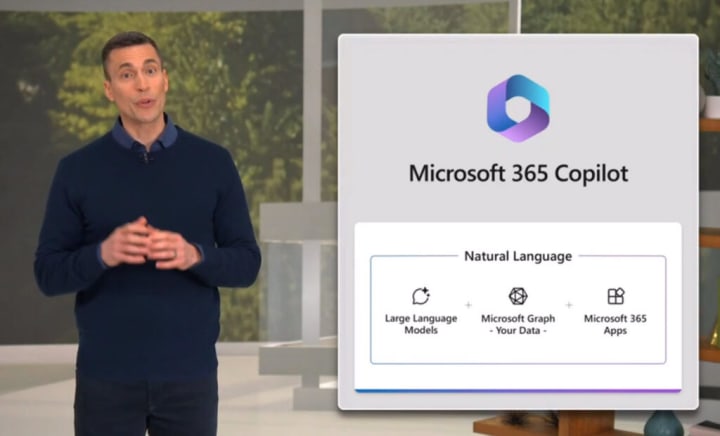
How MS Copilot takes over your office applications ?
Microsoft Copilot is primarily designed to assist developers in writing code. However, some of its features may be helpful in office applications as well. For example, Copilot can be used to generate text for emails, documents, and other written communication. It can also suggest templates and formatting options based on the context of the document.
In addition, Copilot's ability to understand natural language and generate appropriate responses could be useful in customer support and other communication-heavy roles. For example, it could be used to generate responses to frequently asked questions or to suggest the best way to respond to a customer inquiry.
However, it is important to note that Copilot is primarily designed for use in software development, and its capabilities in other applications may be limited. It is always important to evaluate the appropriateness of using AI tools like Copilot in a given context and to ensure that they are used in a way that is ethical and respectful of user privacy.
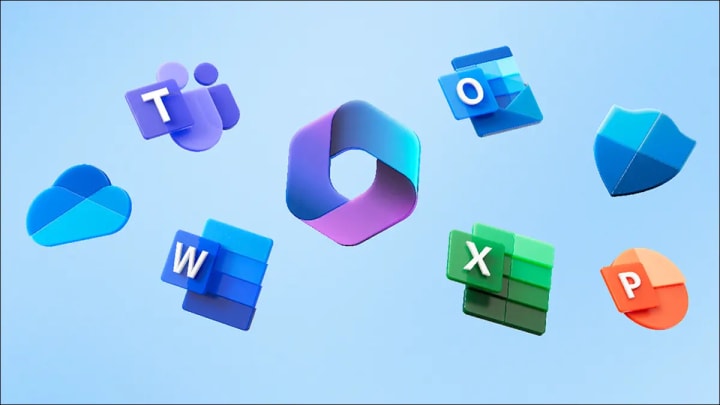
How MS Copilot provides assistance on every Microsoft applications ?
- Microsoft Excel:
- Formula suggestions: Copilot could suggest formulas or functions to use based on the context of the data in a spreadsheet.
- Data analysis: Copilot could assist with data analysis tasks, such as generating pivot tables or creating charts.
- Macros and automation: Copilot could assist in creating macros to automate repetitive tasks, such as formatting or data entry.
- Integration with Visual Studio Code: Microsoft Copilot is integrated with Microsoft's Visual Studio Code editor, which could be used to develop custom solutions for Excel.
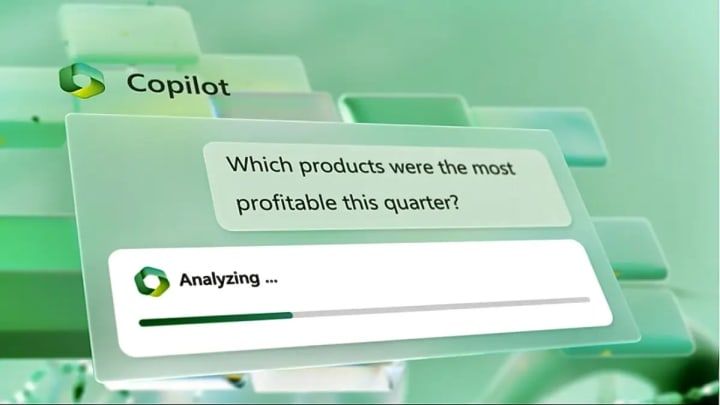
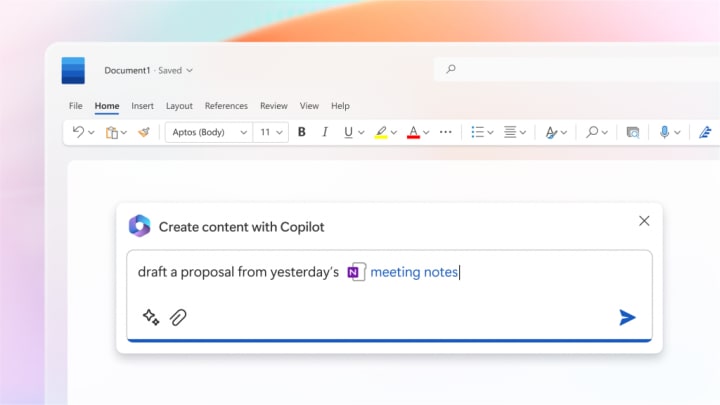
- Microsoft Word
- Writing assistance: Copilot could suggest words or phrases to use based on the context of the document, making it easier to write and edit text. For example, you can type "Write a formal letter for my leave of absence" and it will write a standard letter format where you can make the necessary changes.
- Formatting suggestions: Copilot could suggest formatting options, such as font size and style, based on the content of the document.
- Templates: Copilot could suggest templates or document structures based on the type of document being created.
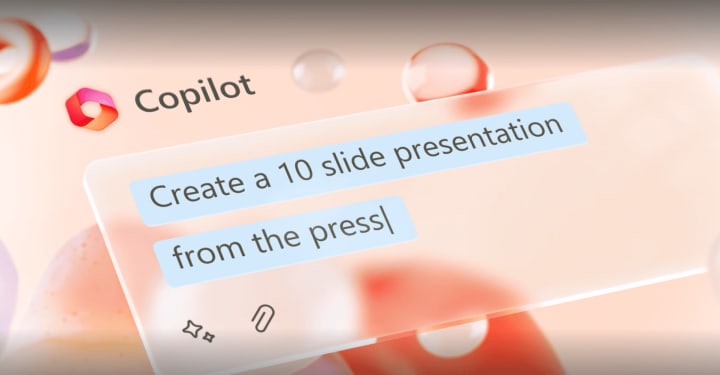
- Microsoft Powerpoint
- Slide formatting: Copilot could suggest formatting options for individual slides or the overall presentation, such as font size, color schemes, or slide layouts.
- Image suggestions: Copilot could suggest relevant images or graphics to use in a presentation, based on the content of the slides.
- Data visualization: Copilot could assist in creating charts or diagrams to display data in a presentation.
- Integration with Visual Studio Code: Microsoft Copilot is integrated with Microsoft's Visual Studio Code editor, which could be used to develop custom solutions for PowerPoint.
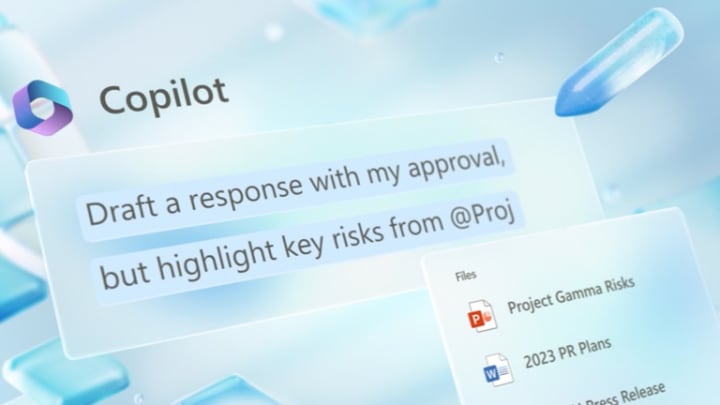
- Microsoft Outlook
- Email composition: Copilot could suggest words or phrases to use in emails based on the context of the message, making it easier to write and edit emails.
- Templates: Copilot could suggest templates for common types of emails, such as meeting requests or thank you notes.
- Rules and filters: Copilot could assist in creating rules and filters for organizing incoming emails.
- Macros and automation: Copilot could assist in creating macros to automate repetitive tasks, such as flagging or deleting emails.
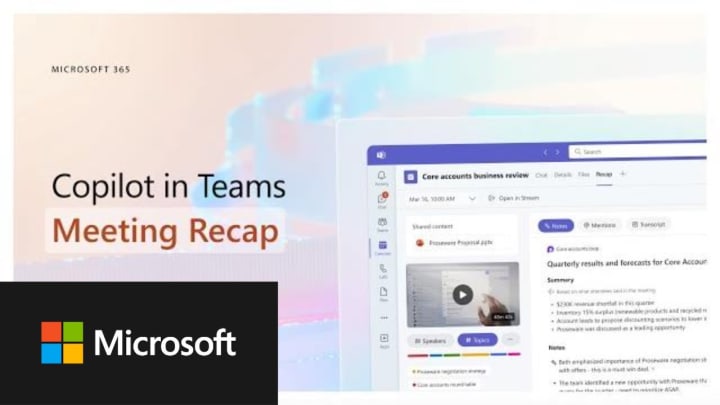
- Microsoft Teams
- Chat assistance: Copilot could assist in composing chat messages, suggesting relevant phrases or links to share.
- Meeting notes: Copilot could assist in taking meeting notes, suggesting action items or next steps based on the content of the meeting.
- Bots and automation: Copilot could assist in creating bots or automating tasks within Teams, such as sending reminders or scheduling meetings.
- Integration with Visual Studio Code: Microsoft Copilot is integrated with Microsoft's Visual Studio Code editor, which could be used to develop custom solutions for Teams.
Is MS Copilot a major concern for our daily jobs ?
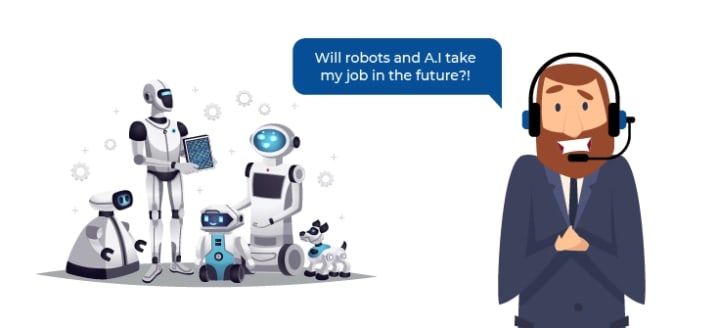
As with any new technology, there are potential concerns that arise with the use of Microsoft Copilot. Here are some things to consider:
- Bias: Like all AI models, Microsoft Copilot has been trained on a large dataset of text, which may contain biases and stereotypes that could be reflected in its suggestions. It is important to be aware of these potential biases and to evaluate the suggestions generated by Copilot in context.
- Privacy: Copilot uses a large amount of data to generate its suggestions, including code snippets and user inputs. It is important to consider the privacy implications of using Copilot and to ensure that appropriate measures are taken to protect sensitive information.
- Intellectual property: Copilot generates code snippets that may be based on existing code and programming languages. There may be questions about the ownership of the resulting code and the potential for copyright infringement or other legal issues.
- Reliance: While Copilot is designed to assist developers, it is important to remember that it is a tool and not a replacement for human expertise. Over-reliance on Copilot could lead to the creation of code that is not optimal or secure.
Overall, the concerns around Microsoft Copilot are similar to those that arise with any AI tool. As with any technology, it is important to evaluate the benefits and risks and to use it in a way that is ethical and responsible.
Currently, MS Copilot is now in testing phase with only 20 users actively working on improving the product. It is slated to roll out to general public with additional fees included for the services offered.
Hope we make use of this tool for reducing our workload. But nothing can ever replace the creativity of human mind and no AI can replicate it too.
About the Creator
Niko Royce Teixeira
Aspiring Entrepreneur and content creator. Willing to enlighten people about the unfiltered and unbiased opinions on Social, political, economic changes in the world
Keep reading
More stories from Niko Royce Teixeira and writers in Futurism and other communities.
Liqueurs Market Outlook: Premium Spirits Demand and Flavor Innovation Opportunities
According to IMARC Group's latest research publication, The global liqueurs market size reached USD 131.3 Billion in 2024. Looking forward, IMARC Group expects the market to reach USD 164.0 Billion by 2033, exhibiting a growth rate (CAGR) of 2.38% during 2025-2033.
By James Whitman4 days ago in Futurism
Artificial Intelligence (AI) earbuds Market will Reach Nearly USD 51.86 Billion by 2034
The Global AI Earbuds Market is projected to reach approximately USD 51.86 Billion by 2034, increasing from USD 5.75 Billion in 2024, growing at a robust CAGR of 24.6% during the forecast period from 2025 to 2034. This growth is primarily driven by the increasing demand for advanced audio solutions that integrate artificial intelligence (AI) to enhance user experiences.
By Roberto Crum5 days ago in Futurism


Comments
There are no comments for this story
Be the first to respond and start the conversation.