
Best Prompts to Use with AI Image Tools for Stunning Results
Master the Art of Prompting and Create Visually Captivating AI-Generated Images

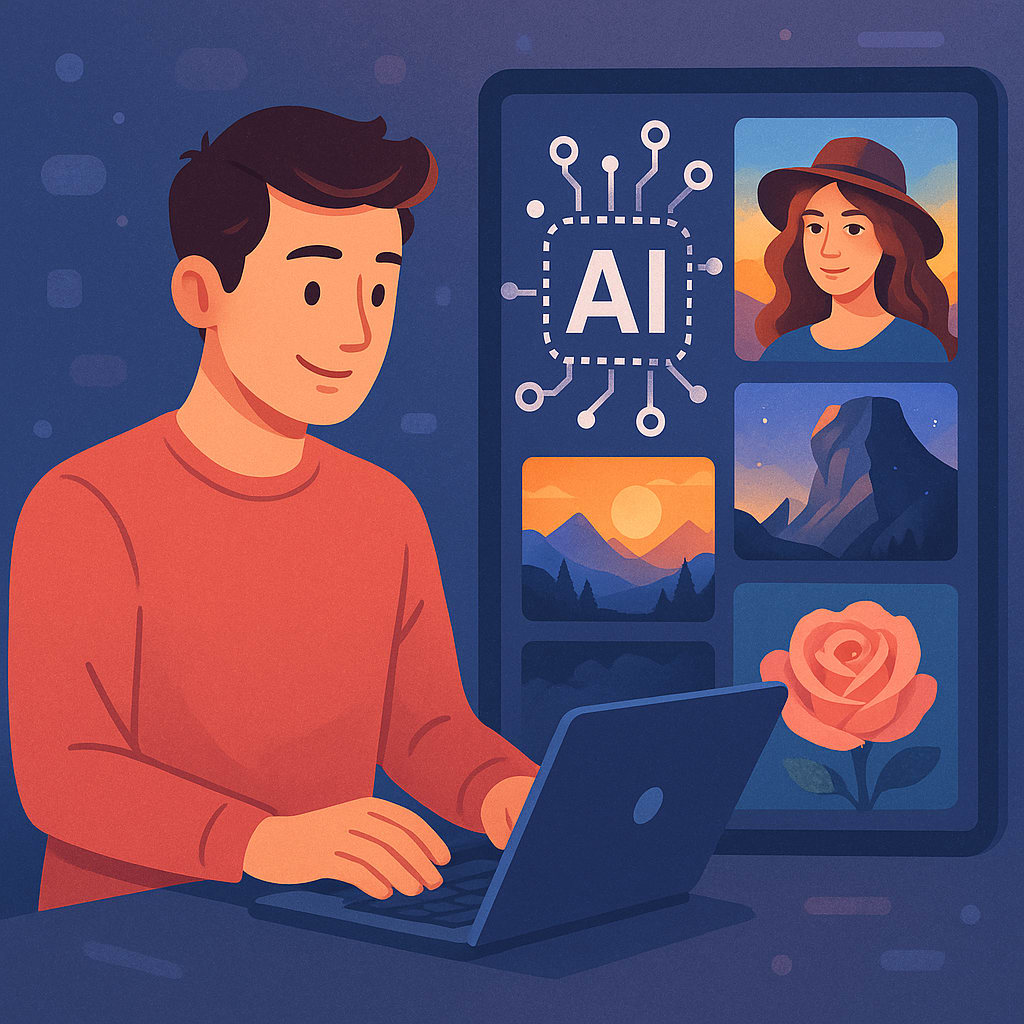
AI image generation has redefined the creative process—making it easier than ever to produce artwork, product designs, branding visuals, and surreal scenes with just a few words. But the key to unlocking truly stunning results lies in crafting the right prompt. The better your prompt, the more visually compelling your output.
Whether you’re using AI tools for Image Generators for professional projects or personal creativity, knowing how to guide the tool with an effective prompt is essential. This guide shares the best practices and examples of high-performing prompts that can help you generate striking visuals consistently.
Why Prompts Matter in AI Image Generation
AI image generators interpret natural language and convert it into images using advanced algorithms such as GANs or diffusion models. However, they are only as effective as the instruction you provide. A vague prompt may deliver a generic image, while a detailed and creative prompt gives you high-quality, targeted output.
Think of prompts as bridge between your imagination and the AI’s visual capabilities. The more descriptive & intentional your input, the better the final image.
Anatomy of a Great Prompt
To craft an effective prompt, try to include these elements:
- Subject – The main object or scene: "A futuristic city," "A portrait of a robot," etc.
- Style – Artistic direction: "watercolor," "cyberpunk," "oil painting," etc.
- Lighting & Mood – Set the tone: "dramatic lighting," "soft morning glow," etc.
- Perspective or Composition – Add specifics: "bird’s-eye view," "close-up portrait."
- Reference Artists or Themes – Optional, but helpful: "in the style of Van Gogh" or "Studio Ghibli inspired."
Top Prompt Examples for Stunning Results
1. Realistic Landscapes
Prompt:
“Ultra-realistic mountain valley during sunrise, soft fog above the river, golden hour lighting, 8K detail, cinematic tone.”
Use this for nature blogs, wallpapers, or travel visuals.
2. Sci-Fi Urban Settings
Prompt:
“Cyberpunk street in futuristic Tokyo, neon-lit signs, rainy night reflections, flying cars, cinematic lighting, Blade Runner atmosphere.”
Perfect for book covers, concept art, and digital storytelling.
3. Fantasy Creatures
Prompt:
“Dragon perched on a cliff at night, glowing blue eyes, stormy sky background, fantasy art style, dramatic contrast.”
Great for game art or mythical themes.
4. Product Mockups
Prompt:
“Modern smartwatch on a wooden table, soft lighting, realistic shadows, product ad style, minimal background.”
Ideal for branding, e-commerce, or advertising visuals.
5. Abstract Digital Art
Prompt:
“Exploding colors in a liquid swirl pattern, digital expressionism, surreal mood, HD resolution, motion blur effect.”
Use this for creative backgrounds, posters, or social media visuals.
Prompting Tips for Beginners
- Be clear, not vague – Instead of “a pretty scene,” try “a lavender field at sunset with soft lighting.”
- Use structured phrases – Break up prompt elements with commas or prepositions.
- Mention resolution/aspect ratio – Include "4K," "vertical," or "square format" as needed.
- Experiment with styles – Combine aesthetics like “low-poly 3D + watercolor.”
Unlock the Full Power of AI Image Generators
Once you master prompt writing, your creative potential skyrockets. Whether you're working on marketing visuals, concept art, NFTs, or social media campaigns, a strong prompt makes a huge difference. If you're looking for the best tools to bring your ideas to life, check out these top AI tools for Image Generators.
Final Thoughts
The beauty of using AI image tools is that anyone can become a visual creator no drawing skills required. But great art still starts with great vision, and that vision needs to be expressed through your prompt.
So, start exploring. Write, revise, and experiment. The more you prompt, the better you’ll get and more breathtaking your AI-generated results will be.
With the right prompt, your imagination is only limit.
About the Creator
Salvina Gorges
Experienced AI tools expert providing in-depth reviews and insights into the latest AI-powered solutions, helping businesses and professionals leverage technology for smarter decision-making and enhanced efficiency.
Keep reading
More stories from Salvina Gorges and writers in Futurism and other communities.
AI Detection vs Human Review: Which One Is More Reliable in 2025?
In an era where AI-generated content floods the internet, the ability to distinguish between human and machine-written text has never been more crucial. With the rise of powerful generative AI models like GPT-4 and beyond, both AI detection tools and human reviewers are being used to assess content authenticity, intent, and quality. But in 2025, which method stands as the more reliable gatekeeper—AI detection or human review?
By Salvina Gorges8 months ago in Futurism
One Unchecked Box
"Republished" because it was the only way to add the embed for the newly recorded audio version of this story due to the Top Story badge. Plus it serves as a nice, informal announcement of the podcast's revival for another season (go subscribe!):
By Stephen A. Roddewig6 days ago in Fiction




Comments
There are no comments for this story
Be the first to respond and start the conversation.