
Building Your Kid’s First PC: A Parent’s Guide for 2026
Budget friendly guide for parents
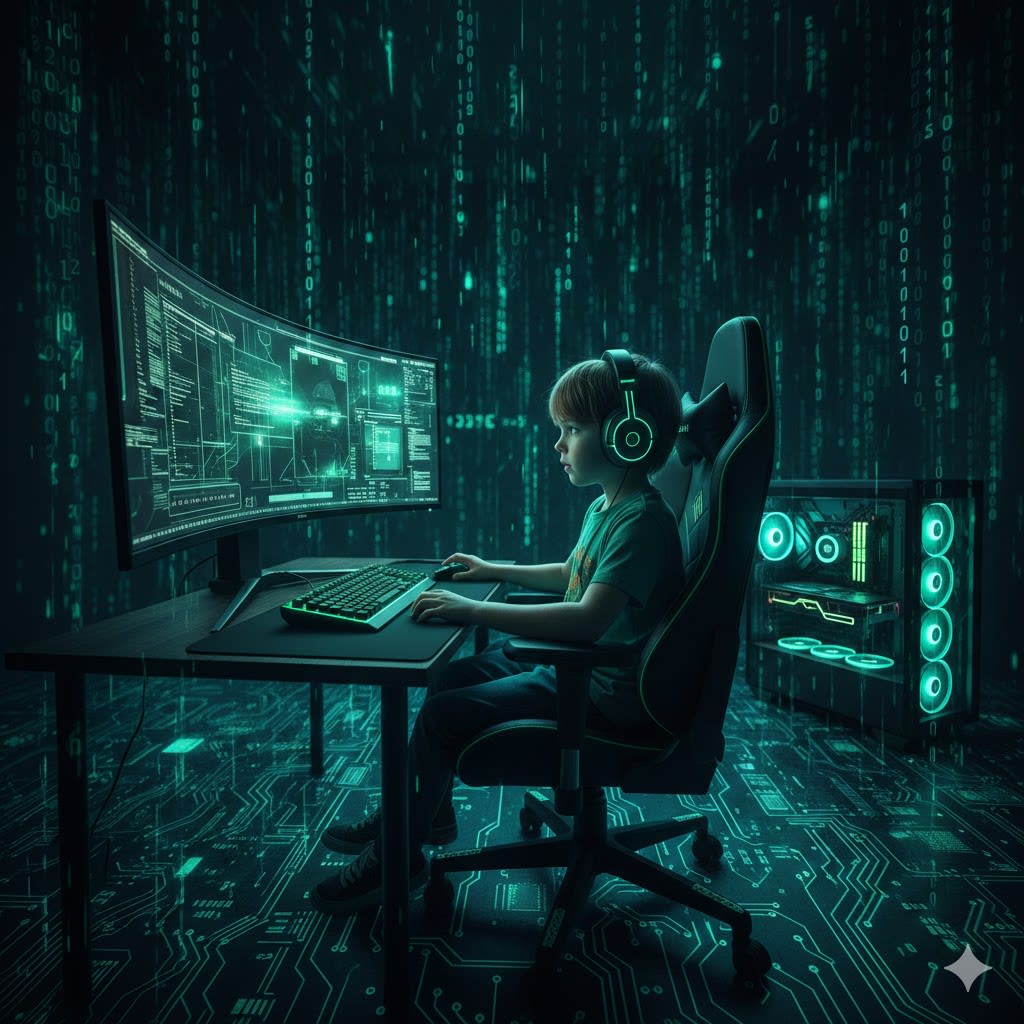
If you are building your kid a PC or buying a prebuilt, there are a few things to look out for. Buying a PC isn't as simple as a console—there are so many options that some components might work perfectly together, while others won't work at all. This article will help you navigate the process without needing to be an expert.
Why a PC Instead of a Console?
If it’s only for games, buy a console. But a console is a closed system. A PC is an education tool. Learning how to build a spreadsheet, typing faster, and even basic troubleshooting are skills kids learn fastest. If you limit their game time but let them explore the PC for everything else, that curiosity will eventually benefit their future.
1. The Monitor: The 1080p Sweet Spot
The higher the resolution, the more expensive the components need to be.
My Pick: 24" 1080p (Full HD). It’s easier for the hardware to play games smoothly without stuttering.
Panel: Choose an IPS panel. It’s the most popular for a reason—great colors and performance for a fair price.
Refresh Rate: Look for 144Hz. It’s easier on the eyes and makes everything feel smoother.
2. The Graphics Card (GPU)
This is the heart of the gaming experience. We want a card that won't look like a "slideshow" in modern games.
NVIDIA Option: The RTX 5060 Ti (16GB). This is the latest "Blackwell" architecture. It’s the gold standard for features like DLSS 4, though it usually costs around €400–€450.
AMD Option: The Radeon RX 9060 XT (16GB). This RDNA 4 card is a value powerhouse. It costs around €350–€380 and is perfect for 1080p gaming that will "age" well thanks to the large 16GB memory.
3. The Brains (CPU & Motherboard)
To stay budget-friendly in 2026, we are sticking with the reliable AM4 platform.
CPU: The AMD Ryzen 5 5600 (or 5600X/XT). Take whichever is cheapest. For a kid, the difference in "overclocking" doesn't matter.
Motherboard: You need an AM4 socket. A B550 is the best choice for performance, but a B450 works if you are on a very tight budget.
4. Memory and Storage
RAM: You want 16GB (2x8GB) DDR4 at 3200MHz. Do not use just one stick of RAM, as it slows down the system significantly.
Storage: A 1TB M.2 SSD (like the WD Green) is plenty. It’s much faster than old hard drives and keeps loading screens short.
5. Power and Case
PSU (Power Supply): Use a 750W unit from a reputable brand like Corsair. The PSU runs everything—don't buy a "no-name" cheap version.
Case: Kids love RGB (flashy lights). Look for a case with pre-installed RGB fans. Ensure it has a "mesh" front rather than glass for better airflow, which prevents the PC from overheating.
Summary Checklist for Your Build:
Monitor: 24" IPS, 1080p, 144Hz
GPU: RTX 5060 Ti or RX 9060 XT (16GB)
CPU: Ryzen 5 5600 series
RAM: 16GB (2x8GB) DDR4
Storage: 1TB M.2 SSD
PSU: 750W (Reputable Brand)
While this is a good way to inform yourself of what a build should look like, it is always important to do your own research before buying. Unless you follow articles like this to a letter, there are things to be aware of because in some cases, some components are not compatible with others.
Your focus is not to get the "most" out of your PC, as that would cost money that is not budget-friendly and will do nothing for your kid or your wallet. You are building a PC that is good for education, playing games, and taking those first steps into the IT world. That is exactly what this build achieves.
About the Creator
josip
I'm a gamer who likes to write, talk and record video games. Being an introvert person with little to no hobbies or interest in world outside of my house I try to leave my mark online with my gameplay videos, written text and so on.
Punch the Macaque: The Baby Monkey Who Found Comfort in a Plush Friend
Today we look back at one of the most unexpected viral stories of 2025—a tale that began quietly in a zoo in Japan and grew into a global symbol of resilience and tenderness. It is the story of Punch, a Japanese macaque born in July 2025 at Ichikawa City Zoo in Chiba Prefecture. His life began with hardship, but what followed has touched millions across the world.
By Haroon Pasha5 days ago in Families




Comments
There are no comments for this story
Be the first to respond and start the conversation.