
🚀 Best Gaming Computer Brands in 2025: Top Picks for Power, Performance & Future-Proofing 🎮
Ultimate Guide to Performance and Power

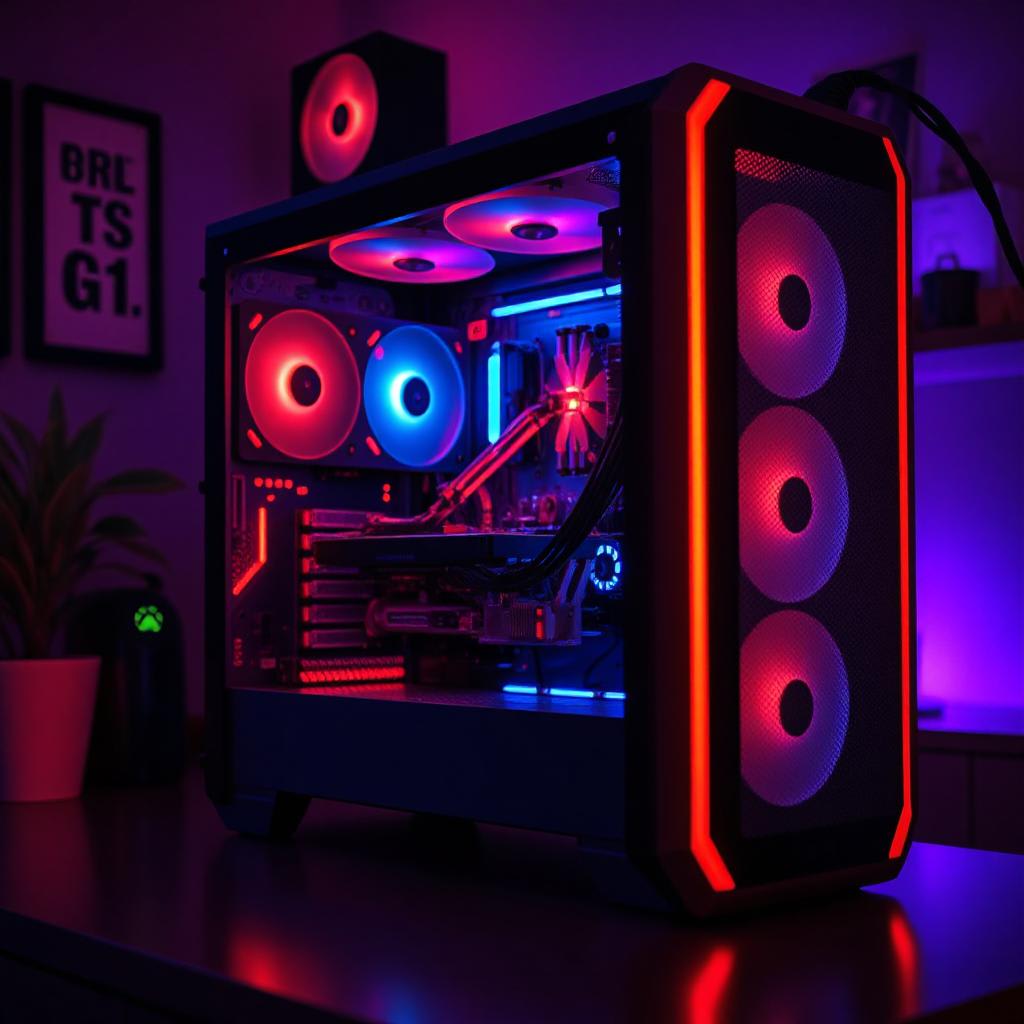
Introduction: The Quest for the Perfect Gaming PC 🎯
Gaming in 2025 isn’t just a pastime—it’s an immersive experience that demands top-tier hardware. Whether you're an eSports competitor, a streamer, or a casual gamer, your gaming PC needs to deliver smooth performance, ultra-high refresh rates, and superior cooling systems.
Are you ready to take your gaming experience to the next level?
But with so many gaming computer brands on the market, how do you pick the best one? Which brands offer reliability, power, and future-proofing?
In this guide, we’ll break down the best gaming PC brands of 2025, highlight their best models, and provide actionable tips on picking the right system. Let’s dive in! 🎮🚀
🏆 Best Gaming Computer Brands in 2025
1. Alienware – The King of High-End Gaming 👑
💡 Why Choose Alienware?
✔️ Powerful high-end specs (RTX 4090, Intel i9-14900K)
✔️ Futuristic aesthetics with customizable RGB lighting
✔️ Advanced cooling systems for marathon gaming
✔️ Pre-built overclocking features for hardcore gamers
Best Model: 🚀 Alienware Aurora R16
The Alienware Aurora R16 is a beast, packing an Intel i9-14900K with an NVIDIA RTX 4090, making it perfect for 4K gaming and content creation.
Who is it for?
✔️ Hardcore gamers who demand maximum performance
✔️ Streamers & content creators needing high multitasking capabilities
✔️ Players who love premium, cutting-edge designs
🔹 Pro Tip: Alienware PCs are pricey but long-lasting. If you want a future-proof system, choose upgradeable components like extra RAM slots and SSD expansion.
2. ASUS ROG – The Innovator of Gaming PCs 🎮🔥
💡 Why Choose ASUS ROG?
✔️ Best motherboards & GPUs for gaming performance
✔️ AI-powered cooling systems for peak efficiency
✔️ Customizable RGB lighting with Aura Sync
✔️ Great for DIY builders & prebuilt enthusiasts
Best Model: 🚀 ASUS ROG Strix G16
Equipped with a Ryzen 9 7950X3D and an RTX 4080, this PC is built for high refresh rate gaming and overclocking.
Who is it for?
✔️ Gamers who love high-end cooling solutions
✔️ DIY builders who want to tweak their rigs
✔️ Competitive gamers needing precision performance
🔹 Pro Tip: ASUS Armoury Crate software allows you to fine-tune performance, adjust RGB lighting, and optimize AI-enhanced cooling.
3. MSI – Best Price-to-Performance Ratio 💲💪
💡 Why Choose MSI?
✔️ Affordable yet powerful gaming rigs
✔️ Exceptional thermal management for longevity
✔️ High FPS performance for eSports & FPS gaming
✔️ Easy upgradability for future-proofing
Best Model: 🚀 MSI Aegis RS 14th Gen
Features Intel i7-14700KF, RTX 4070 Ti, and 32GB DDR5 RAM, making it an excellent choice for budget-conscious gamers.
Who is it for?
✔️ Gamers looking for solid mid-tier performance
✔️ Competitive players who need high refresh rates
✔️ Those who want long-term upgradability
🔹 Pro Tip: MSI Afterburner is a free overclocking tool that helps squeeze extra performance from your GPU.
4. HP Omen – Best for Customization & Upgrades 🛠️
💡 Why Choose HP Omen?
✔️ Highly upgradable components
✔️ Great balance of performance & affordability
✔️ Intelligent cooling systems to prevent overheating
✔️ Prebuilt options with customizable specs
Best Model: 🚀 HP Omen 45L
This beast packs an AMD Ryzen 7 7800X3D, an RX 7900 XT, and an innovative Cryo Chamber cooling system.
Who is it for?
✔️ Gamers who like upgrading their PC over time
✔️ Those looking for mid-to-high-end specs at a reasonable price
✔️ Users who value sleek aesthetics and performance balance
🔹 Pro Tip: OMEN Gaming Hub software lets you overclock, customize lighting, and optimize performance for specific games.
5. Corsair – Best for DIY Builders & Premium Quality ⚡🖥️
💡 Why Choose Corsair?
✔️ Superior build quality & cooling solutions
✔️ Ideal for DIY enthusiasts & modular upgrades
✔️ Seamless integration with Corsair accessories
✔️ Sleek, modern designs with top-tier components
Best Model: 🚀 Corsair Vengeance i8200
Loaded with an Intel i9-14900KF, RTX 4090, and liquid cooling, this PC is built for ultimate performance and durability.
Who is it for?
✔️ DIY builders who want quality parts & upgradability
✔️ Gamers looking for elite-level builds
✔️ Those who want a clean, high-end aesthetic
🔹 Pro Tip: Corsair iCUE software syncs your RGB lighting across all Corsair peripherals for a stunning gaming setup.
How to Choose the Best Gaming PC for You 🤔💡
🔹 Prioritize Performance Over Branding – While big names are great, focus on CPU, GPU, and RAM when making a decision.
🔹 Ensure Proper Cooling – Look for liquid cooling or high-end air cooling to prevent thermal throttling.
🔹 Think About Future Upgrades – Opt for systems with extra RAM slots, M.2 SSD expansion, and modular GPUs.
🔹 Set a Budget & Stick to It – Gaming PCs range from $1,000 to $5,000+, so choose one based on your needs.
🔹 Check Software Optimization – Brands like ASUS ROG, MSI, and HP Omen offer performance tuning software to enhance your gaming experience.
Final Verdict: Which Brand Should You Pick? 🏁
✔️ Best for High-End Gaming: Alienware
✔️ Best for DIY Builders & Overclocking: ASUS ROG
✔️ Best Price-to-Performance: MSI
✔️ Best for Customization: HP Omen
✔️ Best Premium Build Quality: Corsair
Your perfect gaming PC depends on your budget, performance needs, and upgrade plans. Choose wisely, and game on! 🎮🔥
Are you ready to take your gaming experience to the next level?
FAQ: Best Gaming Computer Brands 2025
💡 Q1: What is the best gaming PC brand for 4K gaming?
Alienware and Corsair offer top-tier RTX 4090 setups for 4K gaming.
💡 Q2: Which gaming PC brand is best for budget-friendly gamers?
MSI and HP Omen deliver high-quality, affordable gaming rigs.
💡 Q3: Should I buy a prebuilt gaming PC or build my own?
If you want convenience, go prebuilt. If you love customization & saving money, build your own.
💡 Q4: How often should I upgrade my gaming PC?
Every 3-5 years, depending on GPU & CPU advancements.
About the Creator
Karl Jackson
My name is Karl Jackson and I am a marketing professional. In my free time, I enjoy spending time doing something creative and fulfilling. I particularly enjoy painting and find it to be a great way to de-stress and express myself.
Keep reading
More stories from Karl Jackson and writers in Families and other communities.
🥫 How to Start Stockpiling Food in 2025: The Ultimate Guide for Beginners
Introduction: Why Stockpiling Food is a Smart Move 🍽️ Imagine waking up one day to empty grocery store shelves, skyrocketing food prices, or a sudden power outage disrupting your daily routine. Would you be prepared?
By Karl Jacksonabout a year ago in Families
The Shadow in the Screen: Why Your Child’s Identity is the New Gold for AI Hackers
I remember the first time I saw it. A photo of my niece, the one I had taken at her fifth birthday party, appearing on a profile that didn’t belong to anyone in our family. The name was different. The location was halfway across the world. But the smile was unmistakably hers.
By Alex Sterling 6 days ago in Families
My First Time Skiing and I Got Lost, Alone, in the French Alps
Looking back, I can trace some of my life’s biggest adventures to a simple action from my sister. She’d introduced me to Tommy (a very long time ago), a colleague of hers, who had overshared his penchant for Italian-looking women, and I ticked that box.
By Chantal Christie Weiss2 days ago in Humans




Comments
There are no comments for this story
Be the first to respond and start the conversation.