
Best 4K Display Monitor
Honest reviews, real stories, and practical advice to help you choose the perfect 4K monitor


Have you ever looked at a screen and thought: Wait… have I been missing this much detail my whole life?
That’s exactly what happened to me the first time I sat down in front of a 4K display monitor. At the time, I was still using an old 1080p monitor I’d had for years. It worked fine for browsing, gaming, and a little photo editing until a friend invited me over to see his new setup.
When I saw a 4K screen for the first time, I was honestly stunned. Photos looked sharper than real life. Even something as boring as spreadsheets felt “cleaner” and easier on my eyes. That day, I knew I had to get one.
Dell UltraSharp U3223QE
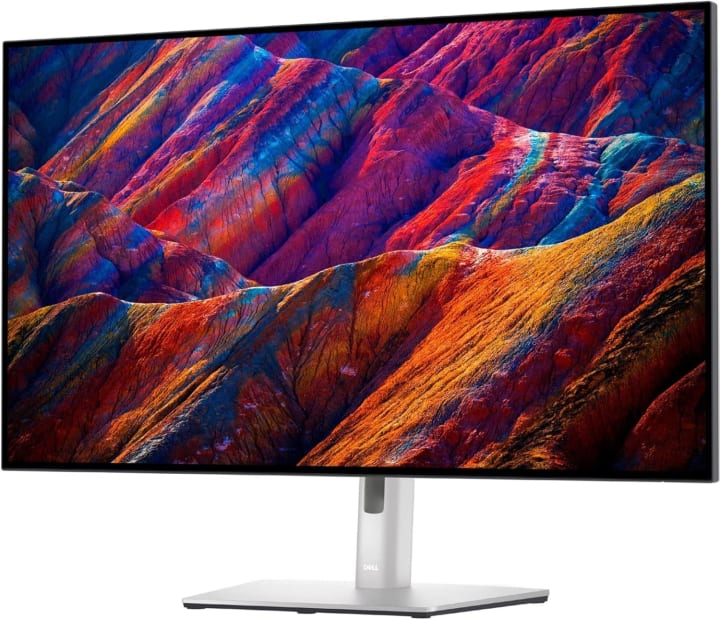
The Dell UltraSharp U3223QE was my first “serious” 4K monitor and it set the bar high.
Story:
I bought it during a work-from-home phase, and suddenly my 9–5 felt less draining. The text clarity and vibrant colors made endless spreadsheets a little more bearable.
Key Features:
32-inch 4K IPS Black panel with deep contrast
Excellent color accuracy (99% sRGB, 99% Rec.709)
USB-C hub with 90W power delivery
Why I Chose It:
I wanted a monitor that could double as a docking station for my laptop. This one nailed it.
What Makes It Stand Out?
The IPS Black panel—it produces deeper blacks than traditional IPS, which makes everything look richer.
Who Is It Best For?
Professionals, remote workers, and anyone who stares at text all day.
Pros:
Gorgeous, accurate colors
Built-in USB-C hub saves desk clutter
Comfortable for long sessions
Cons:
Pricey for casual use
Not ideal for fast-paced gaming
LG 27UK850-W
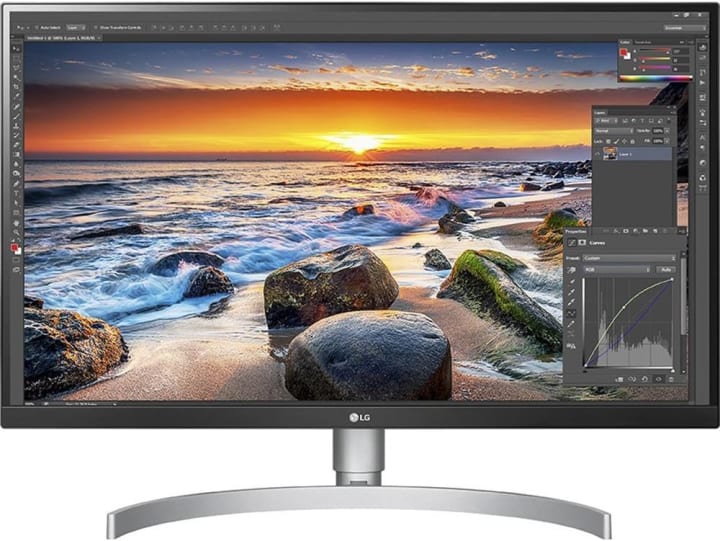
LG 27UK850-W was my “budget-but-good” experiment—and it paid off.
Story:
I needed a secondary monitor for my desk setup, but I didn’t want to spend a fortune. The LG 27UK850-W gave me almost everything I needed at half the price of premium options.
Key Features:
27-inch 4K IPS display
HDR10 support
USB-C with 60W power delivery
Why I Chose It:
I wanted something affordable with USB-C for my MacBook.
What Makes It Stand Out?
It delivers a balanced mix of price, performance, and convenience.
Who Is It Best For?
Students, freelancers, and casual content creators.
Pros:
Solid value for money
Crisp text and vivid colors
Sleek, minimalist design
Cons:
HDR feels underwhelming
Not as bright as premium models
ASUS ProArt Display PA32UCX
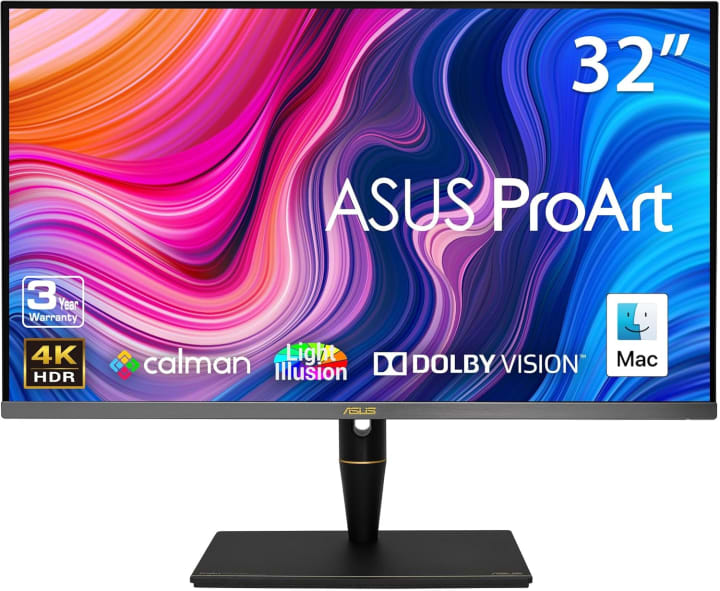
ASUS ProArt Display PA32UCX one was a dream come true for my creative projects.
Story:
A friend lent me this monitor for video editing, and I didn’t want to give it back. Editing in true HDR felt like opening a whole new world.
Key Features:
32-inch 4K HDR mini-LED panel
97% DCI-P3 and 99% AdobeRGB
HDR brightness up to 1200 nits
Why I Chose It:
For color-critical projects, nothing beats it.
What Makes It Stand Out?
It’s designed for professionals who demand accuracy.
Who Is It Best For?
Photographers, video editors, and designers.
Pros:
Incredible HDR performance
Wide color gamut
Factory-calibrated accuracy
Cons:
Extremely expensive
Overkill for casual users
Samsung Odyssey Neo G7
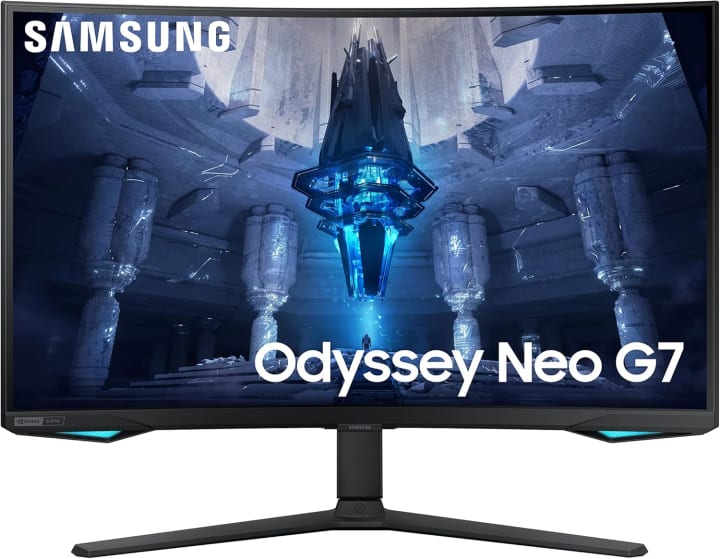
When I wanted to take my gaming to the next level, Samsung Odyssey Neo G7 was the answer.
Story:
I paired it with a new graphics card, and suddenly games I’d played for years felt brand new. Explosions, textures, and even shadows looked breathtaking.
Key Features:
32-inch 4K curved VA panel
165Hz refresh rate with HDR600
HDMI 2.1 for next-gen consoles
Why I Chose It:
I needed something built for gaming but still usable for productivity.
What Makes It Stand Out?
High refresh rate plus 4K resolution it’s stunning for both PC and console gaming
Who Is It Best For?
Gamers who want immersive visuals without sacrificing performance.
Pros:
Smooth 165Hz gameplay
Excellent contrast and brightness
Perfect for both PC and console
Cons:
Bulky design
Colors not as accurate as IPS
BenQ EW3270
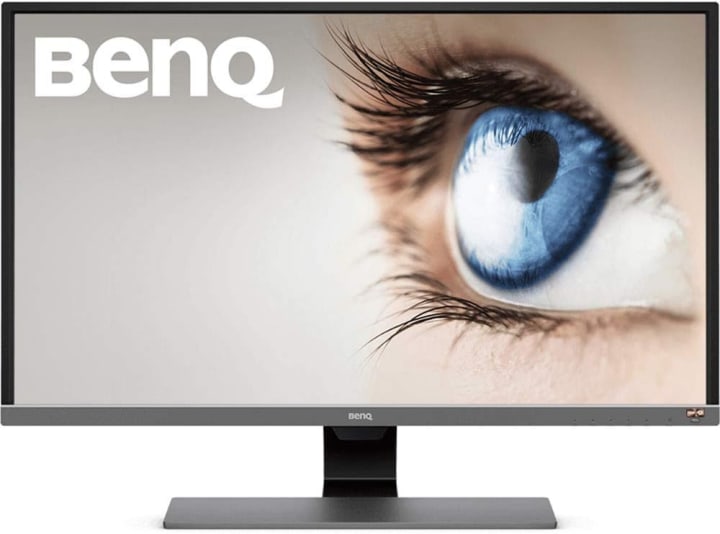
BenQ EW3270 was my “budget surprise”a monitor I bought on a whim and didn’t expect much from.
Story:
I picked this up as a backup display, but I found myself using it more than expected. The eye-care features made long nights of writing and editing way easier.
Key Features:
32-inch 4K VA panel
HDR10 support
Eye-care tech with low blue light
Why I Chose It:
I wanted an affordable large 4K screen that wouldn’t strain my eyes.
What Makes It Stand Out?
Comfort. This monitor feels designed for long hours of everyday use.
Who Is It Best For?
Everyday users who want a big 4K monitor without breaking the bank.
Pros:
Affordable
Eye-friendly features
Solid image quality
Cons:
Average HDR
Stand isn’t very adjustable
Why 4K Monitors Are Worth Considering
When I told my brother I was upgrading to 4K, he laughed. “Isn’t that overkill? Your eyes can’t even tell the difference!”
Spoiler alert: your eyes can tell the difference. Here’s why:
Sharper text and images: Reading long documents or editing photos feels noticeably better.
More screen real estate: You can fit more windows side-by-side without things looking cramped.
Better for future-proofing: Apps, games, and even YouTube videos are increasingly optimized for 4K.
Creative accuracy: If you edit photos or videos, 4K resolution and wide color coverage are game-changers.
Of course, not every monitor is created equal. Let’s break down what really matters when shopping for one.
Factors That Make a 4K Display Truly “The Best”
When I was researching monitors, I realized specs can be overwhelming. But in practice, a handful of features actually make or break the experience:
Panel type (IPS, VA, OLED): IPS is great for color accuracy, VA for contrast, OLED for unbeatable blacks (but pricey).
Size vs. desk space: A 32-inch looks amazing but can feel overwhelming if your desk is small. 27-inch is the sweet spot for many.
Refresh rate: For gamers, 120Hz or 144Hz is a must. For office or creative work, 60Hz is fine.
Ports & connectivity: USB-C can simplify your life if you use a laptop. HDMI 2.1 is essential for next-gen gaming.
Ergonomics: Don’t underestimate adjustable stands or eye comfort features you’ll thank yourself later.
5. Mini Buyer’s Guide: How to Choose the Right 4K Monitor for Your Needs
When I was shopping, I made a few mistakes (like buying a monitor too big for my desk). Here’s what I learned:
Measure your desk space. Don’t assume a 32-inch will fit comfortably.
Decide your priority. Gaming → refresh rate. Creative work → color accuracy. Productivity → ergonomics + USB-C.
Don’t ignore scaling. At 4K, text can look tiny adjust scaling in your OS.
Think about the future. HDMI 2.1, USB-C, and HDR support will keep your monitor relevant for years.
6. FAQs About 4K Monitors
Q: Do I need a powerful computer for 4K monitors?
A: For basic tasks, no. But for gaming or heavy editing, yes—you’ll need a strong GPU.
Q: Is 27-inch too small for 4K?
A: Not at all it’s actually a sweet spot for many people. Text is sharp and manageable.
Q: Are 4K monitors good for the eyes?
A: Many include blue light filters and flicker-free tech, but remember to take breaks too!
Q: Is HDR worth it?
A: Only if the monitor has strong brightness and contrast. Budget HDR often feels lackluster.
Q: Should I get curved or flat?
A: Curved is immersive for gaming, but flat works better for productivity.
7. Final Thoughts
After years of trying different models, my conclusion is simple: the best 4K display monitor depends on your needs.
For work → Dell UltraSharp U3223QE
For budget → LG 27UK850-W or BenQ EW3270U
For creative work → ASUS ProArt PA32UCX
For gaming → Samsung Odyssey Neo G7
A good monitor isn’t just tech it’s an investment in your comfort, productivity, and even creativity.
As an Amazon Associate, I earn from qualifying purchases at no extra cost to you.
What followed was a long journey of testing, comparing, and even returning a few monitors. Some were amazing, others not so much. In this guide, I’ll share my real experiences and the best 4K display monitors I’ve personally used, so you can skip the frustration and find the right one for you.

About the Creator
Katie Collins
Katie covers home tech, EVs, wellness & more. She aims to help people make smart buying choices & reach life goals.
Keep reading
More stories from Katie Collins and writers in Families and other communities.
Best PC Monitors
A couple of months ago, I was juggling work projects and late-night gaming sessions on the same desk setup. The monitor I’d been using was technically “fine,” but honestly, it was holding me back. Colors looked washed out, my eyes would ache after just two hours, and when I tried editing a video for a client, the details just weren’t crisp enough. I felt stuck not because my PC wasn’t powerful enough, but because my monitor wasn’t keeping up.
By Katie Collins4 months ago in Families
Wise~Guys
— Look Behind what's in Front of You ~ Make Good Choices — Hey, So how you Doin'..! Made~Men — Mobster Movies romanticise a distinctive, elegant appearance, impeccable attire style, along with the 'Families' expressive lingo. Making their 'Bones' gave them Panache — with vintage fedoras, tailored pin-striped suits, mirror-polished wing-tip shoes adorned with tassels; with their 'Gun Moll' gorgeous dates on their arms.
By Jay Kantor16 days ago in Families




Comments
There are no comments for this story
Be the first to respond and start the conversation.