
Your Guide to Free Government Laptops and More
Empowering Your Digital Future: Your Essential Guide to Free Government Laptops Tech and More

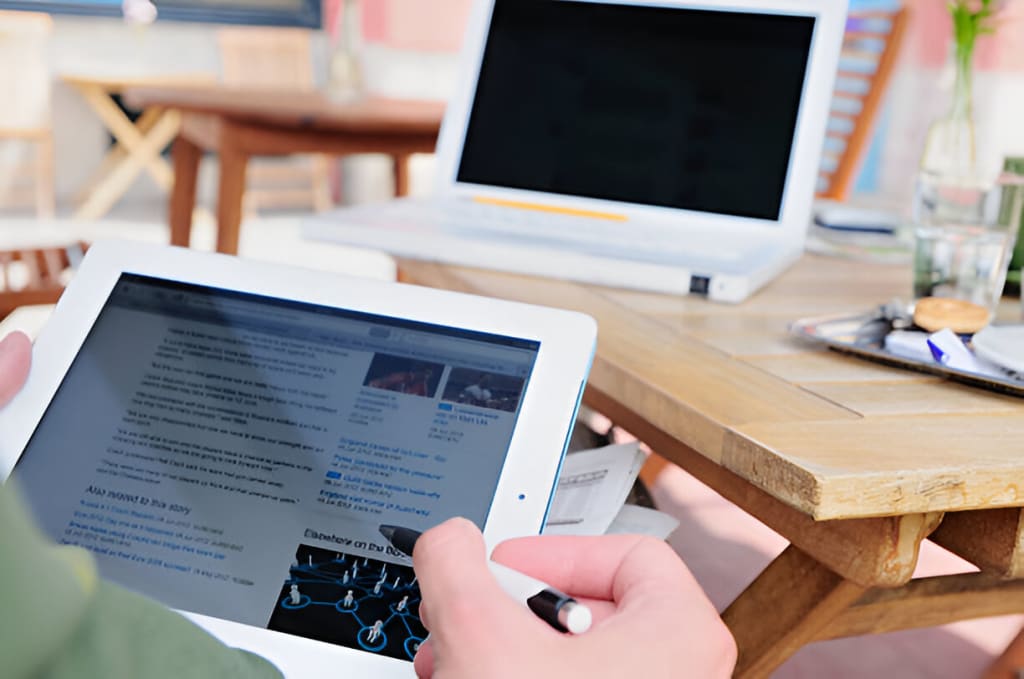
In today’s technology-driven world, access to laptops, tablets, phones, and the internet is no longer optional—it’s a necessity. For low-income families, students, and individuals, affording these essentials can be a challenge. Fortunately, government programs, non-governmental organizations (NGOs), schools, colleges, and universities offer free or discounted devices and internet services to help close the digital gap. This article is a comprehensive, easy-to-read guide to accessing free government laptops, iPads, phones, internet, and more. We’ll dive into key programs like EBT, Medicaid, and ACP, spotlight NGOs providing technology, and highlight educational institutions supporting low-income communities. Let’s get started!
Why Technology Access Matters
Imagine a student unable to complete homework, a parent missing job opportunities, or a senior disconnected from family—all because they lack a laptop or internet. The digital divide affects millions, but help is available. From government initiatives to nonprofit efforts and educational programs, this guide will show you how to access free or affordable technology, empowering you to thrive in a connected world.
1. Key Government Programs Explained
Government programs don’t always hand out free laptops directly, but they pave the way to technology access through subsidies, discounts, and eligibility for other resources. Here’s a breakdown of the big three: EBT, Medicaid, and ACP.
a. EBT (Electronic Benefits Transfer)
What is it? EBT is an electronic system that delivers benefits like SNAP (food stamps) or TANF (cash assistance) to low-income individuals and families via a debit-like card.
How does it connect to technology? While EBT doesn’t provide laptops, having an EBT card often qualifies you for tech-focused assistance programs.
Who’s eligible? Anyone enrolled in SNAP, TANF, or similar state programs.
Why it matters: EBT is a golden ticket to proving low-income status for other benefits.
b. Medicaid
What is it? Medicaid offers free or low-cost health insurance to people with limited income, covering millions across the U.S.
How does it connect to technology? Medicaid enrollment can unlock eligibility for programs providing laptops, phones, or internet discounts.
Who’s eligible? Varies by state, but typically includes low-income families, seniors, and individuals with disabilities.
Why it matters: It’s a widely accepted proof of need for tech assistance.
c. ACP (Affordable Connectivity Program)
What is it? A federal program offering internet discounts and device subsidies to low-income households.
Benefits:
- Up to $30/month off internet bills (or $75/month on Tribal lands).
- A one-time $100 discount on a laptop, tablet, or desktop (with a small co-pay).
- Who’s eligible? Households with income at or below 200% of the federal poverty level, or those enrolled in SNAP, Medicaid, or Lifeline.
- How to apply: Visit GetInternet.gov and apply through a participating provider.
- Why it matters: It’s one of the easiest ways to make technology affordable.
2. NGOs Providing Free Government Laptops and Devices
Nonprofits and NGOs play a massive role in distributing free or low-cost laptops and other devices to those in need. Here’s a list of top organizations and how they can help.
a. PCs for People
- What they offer: Refurbished laptops and desktops at steep discounts (e.g., $50-$100) and low-cost internet.
- Eligibility: Income below 200% of the poverty line or enrollment in SNAP, Medicaid, etc.
- How to apply: Visit PCsforPeople.org, submit proof of eligibility (e.g., EBT card), and order online or visit a store.
- Fun fact: They’ve distributed over 300,000 computers nationwide!
b. EveryoneOn
- What they offer: Connects people to affordable internet and devices through local partnerships.
- Eligibility: Varies by region and partner offers.
- How to apply: Go to EveryoneOn.org and enter your ZIP code to find deals.
- Fun fact: They focus on digital literacy training, too.
c. Human-I-T
- What they offer: Refurbished laptops and tech support for low-income families and students.
- Eligibility: Proof of low-income status.
- How to apply: Check Human-I-T.org for details and apply online.
- Fun fact: They operate in over 35 states and recycle tech to reduce waste.
d. The On It Foundation
- What they offer: Free laptops for K-12 students from low-income families.
- Eligibility: Kids enrolled in free or reduced lunch programs.
- How to apply: Visit TheOnItFoundation.org and submit a parent letter plus school verification.
- Fun fact: Their mission is all about kids’ education.
e. Computers with Causes
- What they offer: Free laptops and computers based on need.
- Eligibility: Determined by a case-by-case needs assessment.
- How to apply: Visit ComputersWithCauses.org and share your story.
- Fun fact: They prioritize urgent needs like job training or school.
f. Adaptive.org
- What they offer: Free laptops for kids (ages 5 to college) and seniors in low-income households.
- Eligibility: Low-income status with proof.
- How to apply: Call 1-800-763-3097 or visit their site.
- Fun fact: They also support people with disabilities.
g. World Computer Exchange
- What they offer: Free laptops and computers to underserved communities.
- Eligibility: Varies; often through partnerships with local groups.
- How to apply: Contact them via WorldComputerExchange.org.
- Fun fact: They’ve impacted over 4 million people globally.
3. Free Government iPads, Phones, and Internet
Beyond laptops, government programs and providers offer tablets, smartphones, and internet access. Here’s the scoop.
a. Free Government iPads and Tablets
- Program: Lifeline Assistance.
- What you get: Discounted or free tablets (sometimes iPads) with a small co-pay (e.g., $10.01).
- Eligibility: Income below 135% of the poverty level or enrollment in SNAP, Medicaid, etc.
Providers:
StandUp Wireless
Q Link Wireless
- How to apply: Visit a provider’s website and submit eligibility proof.
b. Free Government Phones (Including iPhones)
Program: Lifeline Assistance.
What you get: Free smartphones, sometimes including iPhones or Androids, depending on the provider.
- Eligibility: Same as above.
Providers:
- AirTalk Wireless – Offers iPhones and more.
- Cintex Wireless – Free phones with data.
- How to apply: Apply online with proof of income or program participation.
c. Free or Discounted Internet
Programs:
- ACP: $30/month off internet (up to $75 on Tribal lands).
- Lifeline: Up to $9.25/month off internet or phone services.
- Eligibility: Low-income or enrolled in assistance programs.
- How to apply: Contact ISPs like AT&T, Verizon, or Comcast that participate in ACP or Lifeline.
- Tip: Combine ACP and Lifeline for maximum savings!
4. Schools, Colleges, and Universities Stepping Up
Educational institutions often provide free laptops, tablets, or internet to students, especially those from low-income backgrounds. Here’s how they help.
a. K-12 Schools
- What they offer: Free laptops or tablets, often with internet hotspots.
- Example: Gary Community School Corp. (Indiana) gives students tablets and Wi-Fi access.
- How to get it: Contact your child’s school district—policies vary widely.
- Tip: Ask about “1:1” programs where every student gets a device.
b. Colleges and Universities
What they offer: Free laptops, iPads, or loaner devices for students with financial need.
Examples:
- University of Kentucky: Free iPads for first-year undergrads.
- University of Maryland Global Campus: Tablets for students who file FAFSA and show need.
How to get it: Check with your school’s financial aid or IT office.
5. Extra Tips for Low-Income Families and Students
- Libraries & Community Centers: Many offer free computer access or device loans.
- Back-to-School Deals: Look for retailer discounts in late summer.
- Refurbished Tech: Buy affordable devices from NGOs or trusted sellers.
- Digital Skills Training: Some programs (like EveryoneOn) teach you how to use your new tech.
6. How to Get Started: Your Action Plan
Ready to claim your free or discounted tech? Follow these steps:
- Check Eligibility: Are you in SNAP, Medicaid, or below 200% of the poverty line?
- Gather Documents: Grab your EBT card, Medicaid proof, income statements, or ID.
- Pick a Program: Choose from NGOs, Lifeline, ACP, or school resources above.
- Apply: Visit websites or call—submit forms and wait for approval.
- Follow Up: Track your application and ask questions if needed.
Your Path to a Connected Future
Technology opens doors—to education, jobs, and community. Whether it’s a free laptop from an NGO, an iPad from Lifeline, or internet via ACP, resources exist to help low-income families, students, and individuals. Take action today: explore the options, apply with confidence, and step into a digitally empowered tomorrow. You’ve got this!
About the Creator
Free Laptops From Government
Free Laptops from Government supports your journey towards digital empowerment by highlighting opportunities for a Free Laptop with EBT. We provide essential information to help families gain critical technology access
Keep reading
More stories from Free Laptops From Government and writers in Education and other communities.
Unlocking Access to Free or Discounted MacBooks: A Comprehensive Guide for Students
In today’s digital age, owning a reliable laptop like a MacBook is essential for academic success, creative projects, and professional growth. However, the high cost of Apple’s premium devices can be a significant barrier for students. Fortunately, a combination of Apple-sponsored initiatives, nonprofit programs, university partnerships, and government support can help students acquire MacBooks at reduced prices—or even for free. This 1,000-word guide explores every avenue available to students, ensuring you have the knowledge to navigate these opportunities effectively.
By Free Laptops From Governmentabout a year ago in Education
The Digital Nomad Blueprint
In a not-so-distant future, where technology thrived and the world became increasingly connected, many people chose to break free from traditional lifestyles. Among them was a young woman named Mia. Mia was a digital nomad, traveling the globe with her laptop, working remotely while exploring new cultures. Her heart was set on living life to the fullest, but she was also searching for something greater—a sense of purpose.
By Hamad Afridi a day ago in Education



Comments
There are no comments for this story
Be the first to respond and start the conversation.