
When “Free” Isn’t Free: My Year of Learning to Stream Safely on Android
Discover how to enjoy free mobile streaming without putting your privacy or device at risk.
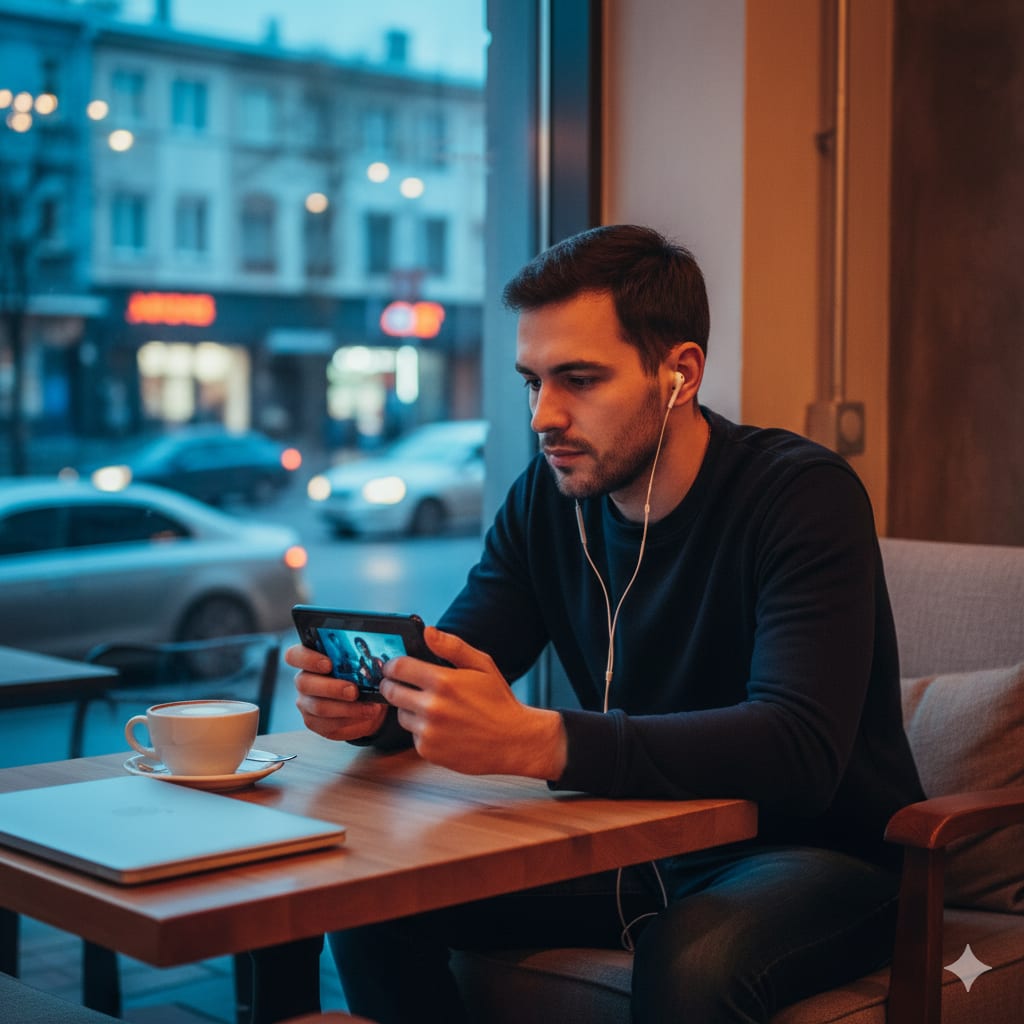
When my free-streaming habit started, it felt harmless: a quick app install, a thirty-minute movie on the bus, and zero cost. Over months, though, the little convenience began to show its teeth.
At first, it was just annoying — a pop-up every five minutes, intrusive ads that made the playback stop. Then a friend warned me about a suspicious SMS he’d received after trying an “underground” streaming player. After digging in, I realized these weren’t bugs — they were symptoms of deeper privacy and security issues many users don’t see.
This is the story of what I learned, and a practical checklist I now use whenever I try a new streaming app on Android. If you like free content (who doesn’t?), these steps will help you keep your device and data safe — without killing the fun.
The real cost of “free”
Free streaming apps often monetize in three ways: ads, data collection, and in the worst cases, malware. Ads are annoying; trackers are invasive; and malware is dangerous. I found apps that asked for permissions that made no sense — access to contacts, SMS, and storage for a simple video player. Why would a streamer need your contacts?
The truth is, some developers bundle ad SDKs and trackers to squeeze revenue out of users. Others use malicious installers to push further software. One careless install can expose your photos, contacts, or even let attackers listen through permissions you accidentally granted.
How I changed my approach
I used to install almost anything that promised content. Then I started treating every app like a guest in my home — and my phone is sacred real estate. Now I follow a short, strict checklist before I install anything:
Check the source. If the app isn’t on a trusted marketplace or a well-known, verified APK repository, think twice. There are reputable alternatives and community-reviewed options. (Tip: searching the app name + “review” often surfaces red flags quickly.)
Read recent reviews, not just the 5-star ones. Look at the latest comments — attackers update installers frequently and older positive reviews might not reflect current behavior.
Inspect permissions before install. If a video app asks for SMS, contacts, or call logs, it’s a no-go. A media player should ask for storage or microphone only if the feature explicitly requires it.
Use a sandbox / test device when possible. If you’re experimenting with less-known apps, try them on an older spare device or a virtualized environment so your main device stays safe.
Keep your OS updated. Security patches fix vulnerabilities; skipping them leaves doors open.
Protect your connection with a VPN in public Wi-Fi. Public hotspots are a playground for snoopers; a VPN is a simple privacy shield.
Install a reputable mobile security app. It can flag known malicious packages and suspicious network activity.
A practical example: choosing a safer app
I began preferring lightweight, privacy-minded players and repositories that explicitly mention malware scanning and don’t demand signups. One name I encountered frequently in trusted community discussions was Inat Box APK. Community mentions and user experience suggested a cleaner, less intrusive playback experience than many alternatives.
If you decide to explore apps like Inat Box APK, do so after you’ve ticked off the checklist above — especially verifying recent user reviews and permission requests. I’m listing the name here so you can look it up in communities where users share safe sources and install experiences.
What to do if something goes wrong
Even with care, problems can happen. Here’s a quick recovery plan that saved me once when a bad app started spamming ads aggressively:
- Uninstall the app immediately.
- Run a full scan with your mobile security app.
- Change passwords for accounts you accessed while the app was installed.
- Revoke suspicious app permissions via Settings → Apps → Permissions.
- If you suspect a more serious compromise, consider a factory reset (after backing up essential data).
The key is acting fast. Malware wants dwell time; the sooner you cut it off, the less damage it does.
The ethics of free content
There’s another side to this story: free streaming often involves questionable content licensing or redistributed media. As consumers, we can both seek safety and make ethical choices by preferring platforms that respect creators and licensing. When an app seems too eager to offer everything for nothing, ask: how is this being monetized, and at whose expense?
Final thoughts- make safety a habit, not a chore
Free mobile streaming will only grow. That’s great — but convenience shouldn’t cost our privacy. Treat your phone like a personal space; verify apps, limit permissions, and prefer community-vetted sources.
If you want to explore safer streaming apps, search community forums and privacy-focused app repositories. Look for names like Inat Box in discussions — but always return to the checklist before you install anything.
Free entertainment is wonderful. But the true value comes when you can enjoy it without worrying about who’s watching you back.
About the Creator
Keep reading
More stories from writers in Education and other communities.
Kiranmala: The tale of the princess who conquered magic mountain
Long ago, in a land far away, the queen was panicked, her grasp on reality seemingly slipping. She had given birth to two boys and one girl. But to her horror, before even meeting their father, each child vanished, something else taking their place. She faced accusations of witchcraft and demon sorcery. And though the king loved her, he was easily swayed. He soon grew doubtful and banished his wife, who left the kingdom in anguish. Little did they know, the queen’s jealous sisters were the ones to replace the newborns
By Munesh Yadav 26 minutes ago in Education




Comments
There are no comments for this story
Be the first to respond and start the conversation.