
Top 5 Laptops for Kids' School Work!
Finding the Ideal Tech Companion for Online Learning and Homework!


Introduction
Today's students, especially children, use computers as a necessary tool to finish their schoolwork and navigate online learning in the digital age. Finding the best laptop for young learners might be difficult, though, because there are so many options on the market. We've put up a list of the top 5 laptops for kids' school work, covering some of the greatest models in terms of performance, portability, durability, and user-friendly features, to help you make an informed choice.
Apple Macbook Air
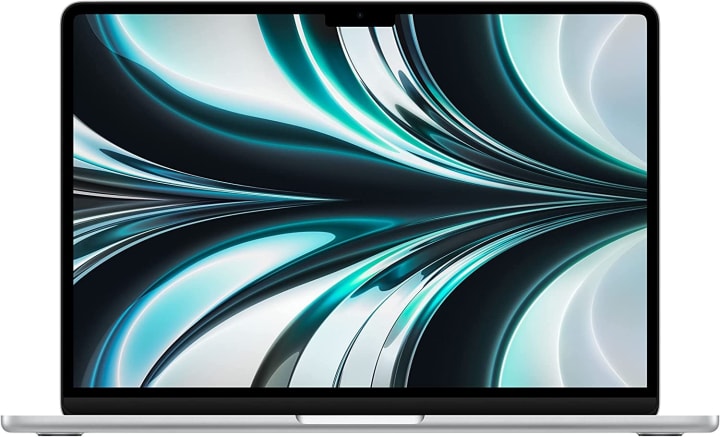
Apple MacBook Air: With its svelte style, lightweight construction, and remarkable speed, the Apple MacBook Air is a dependable option for kids. The Long study sessions are made possible by the power of Apple’s M2 chip's seamless multitasking, clear Retina display, and all-day battery life.
Children can learn and operate in a secure environment thanks to the macOS operating system's user-friendly design and cutting-edge security measures.
Pros:
- Outstanding efficiency courtesy of the latest Apple M1 processor.
- The design is sleek and lightweight for mobility.
- Battery life of up to 18 hours allows for all-day usage.
Cons:
- Fewer customising choices than Windows laptops.
- Priced relatively more expensive than several other laptops on the market.
- Due to the integrated graphics, the gaming capabilities are limited, making it unsuitable for hardcore gamers
Microsoft Surface Go
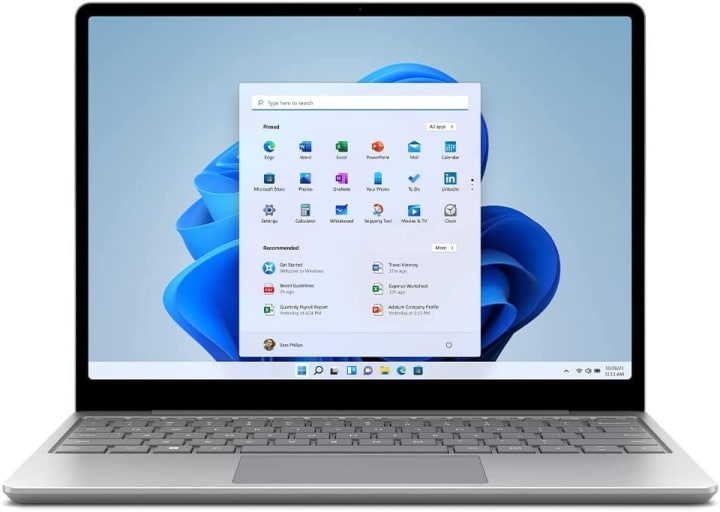
Microsoft Surface Laptop Go: The Microsoft Surface Laptop Go is a small, reasonably priced solution that provides young users with the perfect combination of performance and portability.
The device's 12.4-inch touchscreen display gives a clear and immersive viewing experience, while Windows 10 provides a dependable and flexible operating system. Kids may simply write, edit, and submit their projects using well-known productivity tools thanks to Microsoft Office's pre-installed functionality.
Pros:
- Premium build quality and sleek design.
- High-resolution touch display with excellent colour accuracy.
- Long battery life for extended usage without frequent charging.
Cons:
- Limited port options with only USB-A and Surface Connect ports, may require additional dongles for certain peripherals.
- Relatively higher price compared to other Windows laptops with similar specifications.
- Non-upgradeable hardware, including RAM and storage, may limit future customization options.
Get the Microsoft Surface now!
Lenovo Chromebook Duet
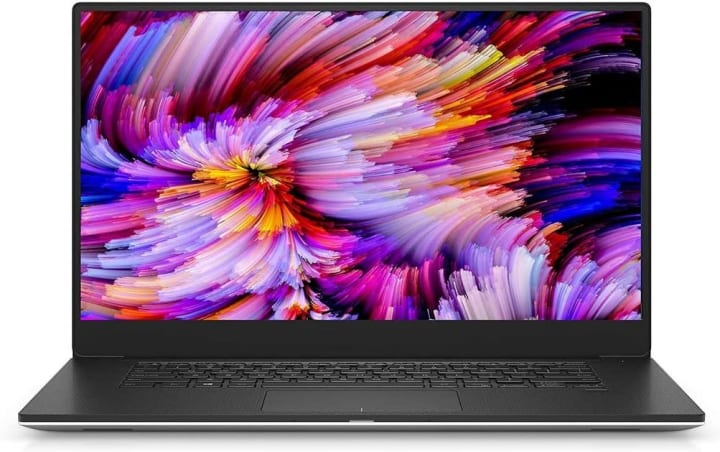
The Lenovo Chromebook Duet is a laptop for children who require flexibility in their learning environment, the Lenovo Chromebook Duet is a multifunctional 2-in-1 laptop that may be used as a laptop or a tablet.
It is powered by Chrome OS, a thin operating system built for online work that seamlessly integrates with Google Workspace. Kids may easily take the 10.1-inch touchscreen display around and use it for virtual lessons or schoolwork on the road because it is small and portable.
Pros:
- The low price point makes it a cost-effective solution for students and casual users.
- Long battery life lets you enjoy all-day use without the need for a regular recharge.
- Google Chrome OS provides quick and easy performance, as well as built-in security and access to a large selection of Google apps.
Cons:
- Less offline capabilities than Windows or macOS laptops.
- Storage capacity is limited since Chromebooks often rely on cloud-based storage solutions.
- Chromebooks are less adaptable for demanding applications like video editing or gaming because they are built primarily for online surfing and simple productivity tasks.
HP Pavilion x360
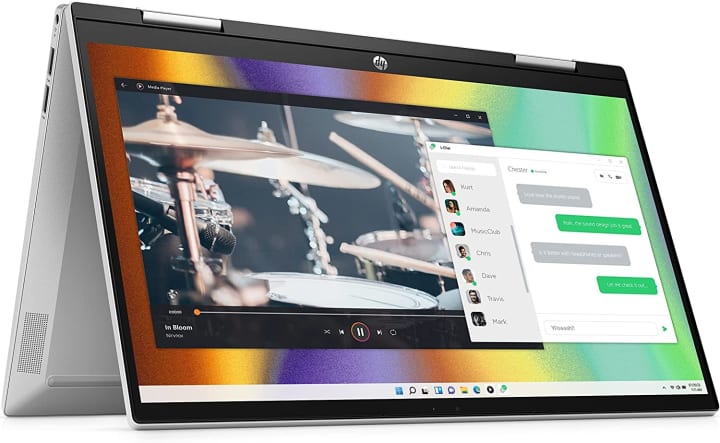
HP Pavilion x360: The HP Pavilion x360 is a different 2-in-1 laptop for children that combines performance and sturdiness. It has a 14-inch touchscreen for rich visuals, and Windows 10 serves as a dependable and flexible operating system.
The laptop is also equipped with a fingerprint scanner for increased protection and a flexible design enables kids to use the HP Pavilion x360 laptop in a variety of ways, including tablet mode for creative tasks.
Pros:
- Flexible 2-in-1 design with a touchscreen display that can function as a laptop or tablet.
- Powerful performance with Intel Core CPU choices and enough RAM for flawless multitasking.
- A range of connectivity options is provided for simple device and accessory connectivity, including USB Type-C, USB Type-A, HDMI, and an SD card reader.
Cons:
- The battery life is rather short in comparison to comparable laptops on the market.
- When compared to other ultrabook choices, it is larger and heavier.
- The build quality may not be as high as that of other laptops in the same price range, which might impair durability over time.
Dell Inspiron 14 5000
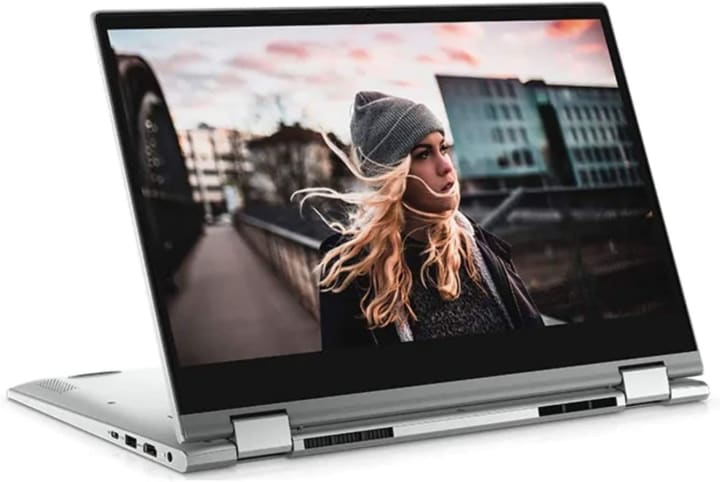
Dell Inspiron 14 5000: This cost-effective solution provides dependable performance for children's schoolwork. It runs Windows 10 and has a 14-inch screen for easy viewing. It also has plenty of storage for files and assignments. Additionally, the laptop has Dell's well-known build quality, ensuring durability for regular usage.
Pros:
- Good performance with Intel Core CPU choices and enough RAM for seamless multitasking.
- A 14-inch FHD display delivers sharp graphics and an immersive viewing experience.
- A variety of connectivity choices are available, including USB Type-C, USB Type-A, HDMI, and an SD card reader.
Cons:
- The battery life is average when compared to other laptops on the market.
- The build quality may not be as high as that of other laptops in the same price range, which might impair durability over time.
- When compared to other ultrabook possibilities, it is heavier and thicker, which may limit portability for some users.
Get the Dell Inspiron 14 5000 Now!
Our Conclusion
It's critical to take into account elements like performance, portability, durability, and user-friendly features while selecting a laptop for kids' schoolwork. When selecting a laptop, it is critical to examine factors like battery life, storage capacity, and display size. You may also choose laptops with parental control tools to keep your youngster safe while accessing the internet.
Among the top 5 laptops that meet the particular requirements of young learners are the Lenovo Chromebook Duet, HP Pavilion x360, and Dell Inspiron 14 5000. These laptops can be dependable computing companions for kids as they begin their educational adventure in the digital age thanks to their amazing features and usefulness.
About the Creator
TopRank5
TopRank5: Your ultimate source for expert reviews & recommendations on top products. Comprehensive, unbiased, & up-to-date info. Tech, sports, gardening, leisure & more. Simplifying your shopping experience. Trust us for wise choices!
Keep reading
More stories from writers in Education and other communities.
Harmony in Diversity: How Faith Connects Cultures Through Compassion
Faith is a powerful connector that reaches across borders and languages, uniting people through a shared sense of purpose and humanity. While cultures may differ in their expressions and traditions, faith often emphasizes universal principles such as love, forgiveness, and service. These guiding values help communities form meaningful relationships rooted in respect and understanding.
By Mike Signorelliabout 6 hours ago in Education
Trouble at the Tea Leafing Café
The rain had started right around the time that Annie was buttering her second thick slice of homemade toast for breakfast, and hadn’t paused since. Not that anyone could tell. The windows of the café were fogged over, and with every seat filled with happy customers munching on fresh baked pastries or steaming bowls of the delicious soup of the day, it was hardly surprising. Annie looked around the room, finally taking a moment to breathe after the lunch time rush. Her old life already felt like a bad memory, a part of her history, always, but just that. History.
By Hannah Moore3 days ago in Fiction



Comments
There are no comments for this story
Be the first to respond and start the conversation.