
Step-by-Step Guide to Making Whiteboard Animations That Drive Conversions
Learn how to plan, script, and design whiteboard animations that engage viewers and boost conversions step by step

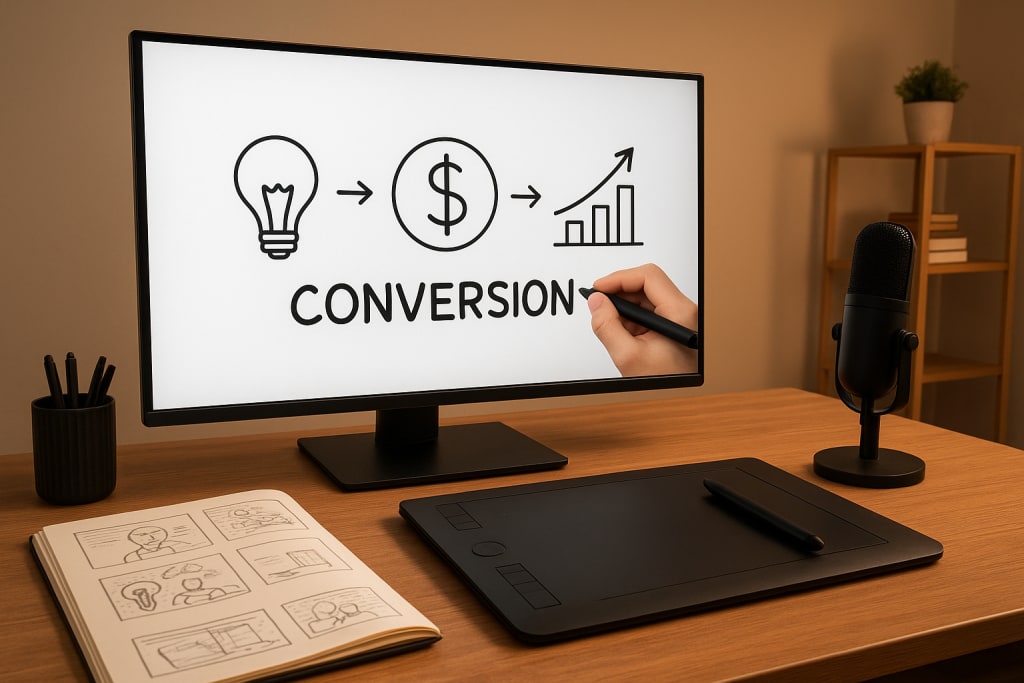
Whiteboard animations are more than just sketch-style videos. They are a strategic way to communicate ideas, educate audiences, and persuade potential customers. Their distinctive hand-drawn look, combined with narration and storytelling, makes them powerful tools for simplifying information while keeping attention high.
In today’s crowded digital space, people scroll past endless ads, articles, and videos. Yet, whiteboard animations consistently cut through the noise. Why? Because the act of “watching something being drawn” naturally triggers curiosity, pulling viewers to stick around longer. And the longer they stay, the more likely they are to take action.
This detailed guide shows you exactly how to create whiteboard animations step by step, from defining your message to optimizing for conversions.
Why Whiteboard Animations Work So Well
Before building your first animation, you need to understand what makes this medium so effective:
- Clarity over complexity: Visual metaphors, simple sketches, and guided narration make even complicated topics easy to grasp.
- Pattern interruption: The sketching motion is unusual compared to typical video ads, instantly catching the eye.
- Active participation: As viewers anticipate what’s being drawn next, their brains stay engaged.
- Storytelling power: Narration combined with unfolding visuals creates an emotional connection.
- Memory retention: Research shows people remember information better when visuals and audio work together.
When you combine these strengths with a targeted message, the result is not just attention—but action.
Step 1: Define Your Goal
Every strong whiteboard animation starts with intent. Without a clear purpose, you risk creating something entertaining but ineffective. Ask yourself:
- Who is my target audience? A B2B buyer needs a different tone than a student or casual consumer.
- What problem am I solving? People engage most when you address a pain point.
- What’s the desired action? Do you want them to buy, sign up, book a call, or learn more?
Example: If you’re a software company, your goal might be to explain a complex feature in a simple way, then encourage viewers to start a free trial. Keeping this focus ensures every decision—from script to visuals—points toward the conversion.
Step 2: Craft a Compelling Script
The script is the skeleton of your video. Without a strong one, no amount of visuals can save it.
Tips for writing a high-impact script:
- Hook fast. The opening must grab attention in under 10 seconds. Example: “What if your team could save 10 hours a week without adding new staff?”
- Tell a story. People don’t remember bullet points, but they do remember narratives. Show a relatable problem and a satisfying solution.
- Keep it conversational. Whiteboard videos work best when the script sounds like someone speaking naturally. Avoid corporate jargon.
- Highlight benefits, not features. Instead of listing software functions, explain how it saves money, reduces stress, or improves results.
- End with a strong call-to-action. “Click below to start your free trial today” works better than “Learn more.”
A good script is short, punchy, and always points back to the main goal.
Step 3: Storyboard the Sequence
A storyboard is your visual roadmap. It translates the script into drawings, helping you see how each scene will flow.
- Break each sentence into a visual idea. For example, if your script says, “Businesses waste hours on paperwork,” you might show a messy desk overflowing with documents.
- Use simple sketches. Whiteboard animation isn’t about perfect artwork. It’s about clarity. Stick figures and icons are often enough.
- Add transitions. Think about how one image connects to the next. Smooth flow keeps viewers from feeling lost.
Storyboarding takes time, but it prevents costly mistakes later in production. It’s much easier to adjust a sketch than re-edit a full video.
Step 4: Choose the Right Tools
You don’t need to be an illustrator to create professional whiteboard animations. The right software can do most of the heavy lifting.
Popular tools include:
- Doodly: Beginner-friendly, drag-and-drop, with a wide library of pre-made images.
- VideoScribe: Famous for realistic hand-drawing effects and smooth transitions.
- Explaindio: Offers more animation styles, useful if you want variety beyond whiteboard.
- Adobe Animate: Best for professionals who want maximum control and custom artwork.
When choosing a platform, consider budget, learning curve, and your long-term needs. If you plan to create many videos, investing in a premium tool may save time and money in the long run.
Step 5: Record the Voiceover
The voiceover brings the script to life. A great animation with poor narration can fall flat, while a clear, engaging voice can elevate even simple visuals.
Voiceover best practices:
- Invest in audio quality. Use a quality microphone and record in a quiet environment. Background noise ruins credibility.
- Match your tone to your audience. Friendly for consumers, professional for corporate buyers, energetic for younger audiences.
- Control pacing. Speak slightly slower than normal. Allow viewers time to absorb both visuals and words.
If budget allows, consider hiring a professional voice actor. A skilled narrator can make your message more persuasive and trustworthy.
Step 6: Sync Audio and Visuals
This is where your animation starts to feel polished. The drawings must appear in time with the narration.
- Keep it natural. If the voice says “a mountain of paperwork,” show the pile appearing as those words are spoken.
- Use pauses. Give the viewer a moment to process before moving to the next idea.
- Avoid overload. Don’t cram too many visuals in a short time.
Well-synced animation feels effortless, while poor timing makes the viewer work too hard to follow along.
Step 7: Add Background Music and Effects
Music adds emotional weight. A light, upbeat track can make content feel approachable, while a subtle, ambient track can keep focus on the message.
Guidelines for music and effects:
- Keep volume lower than the narration.
- Choose tracks without distracting lyrics.
- Use sound effects sparingly to highlight key actions.
The goal is to enhance the experience—not overwhelm it.
Step 8: Optimize for Conversions
The animation itself is only half the battle. To turn views into results, optimize every detail:
- Strong CTA placement: Don’t hide it. Put it at the end and, if possible, midway through as well.
- Keep it short. Aim for 90 seconds to 3 minutes. Anything longer risks losing attention.
- Test variations. Try different hooks, CTAs, or visuals. Track results to see what works best.
- Distribute widely. Upload to YouTube, embed on landing pages, and share across social media. Repurposing increases reach.
Common Mistakes to Avoid
Even great ideas can fail if these pitfalls aren’t avoided:
- Using overly complicated visuals that distract from the message.
- Writing scripts that sound robotic or too “salesy.”
- Forgetting sound quality, which instantly reduces professionalism.
- Neglecting a clear call-to-action, leaving viewers entertained but unsure of the next step.
Whiteboard animations combine the simplicity of sketches with the power of storytelling. They work because they are visual, engaging, and memorable. More importantly, they can convert when designed with intention.
By defining your goal, writing a script that speaks directly to your audience, storyboarding for clarity, syncing visuals with voiceover, and optimizing for conversions, you can create animations that don’t just inform—they persuade.
In a world overflowing with digital noise, whiteboard videos stand out as a proven way to engage, educate, and inspire action.
About the Creator
Richard Bailey
I am currently working on expanding my writing topics and exploring different areas and topics of writing. I have a personal history with a very severe form of treatment-resistant major depressive disorder.
Keep reading
More stories from Richard Bailey and writers in Education and other communities.
How to Start 2D Animation Without Expensive Software
For a long time, 2D animation felt locked behind expensive barriers. Professional studios used costly programs, powerful computers, and advanced hardware that seemed out of reach for beginners. Today, that has changed dramatically.
By Richard Bailey6 months ago in Education
Why Adaptive Testing Is the Future of Healthcare Licensing?
Healthcare is evolving at a pace never seen before. Patient acuity is increasing, clinical environments are becoming more complex, and accountability standards are rising across every healthcare system. In response, healthcare licensing exams are also transforming. Traditional fixed-length exams are no longer sufficient to measure real-world competence. This shift is why adaptive testing is rapidly becoming the future of healthcare licensing.
By Sulcus Learning3 days ago in Education
The Quiet Between Us
The first time Maya noticed him, he was laughing. Not the loud, attention-grabbing kind. Not the forced kind people use when they know they’re being watched. It was the kind that escaped before he could stop it — head tilted back slightly, hand covering his mouth like he didn’t mean to be that happy.
By Haidar ghafoori 5 days ago in Education



Comments
There are no comments for this story
Be the first to respond and start the conversation.