
Raspberry Pi for Beginners (Mac+PC): Tips and Tricks
Have you ever wondered about exploring the world of tiny computers and learning the ropes of coding and electronics? Look no further than the Raspberry Pi! Whether you're a Mac enthusiast or a PC aficionado, the Raspberry Pi offers an exciting and educational journey into the realm of technology. In this essay, we'll delve into the basics of Raspberry Pi for beginners, focusing on its use with both Mac and PC systems. We'll also share some valuable tips and tricks to help you get started on your Raspberry Pi adventure.
What is Raspberry Pi?
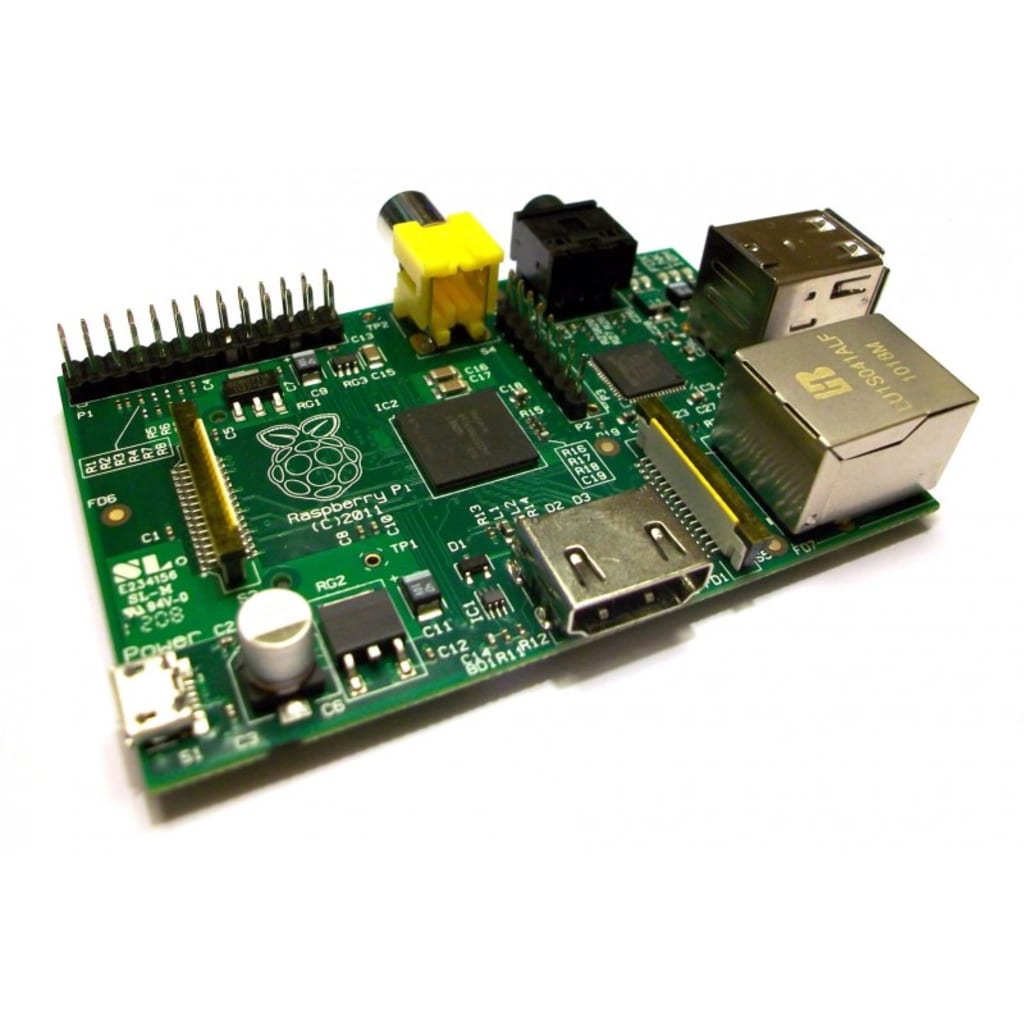
The Raspberry Pi is a small, affordable computer developed to promote programming and provide a hands-on learning experience. It's about the size of a credit card and packs a surprising amount of power. With its versatile capabilities, the Raspberry Pi can be used for a wide range of projects, from creating a retro gaming console to building a home automation system.
Getting Started with Mac and PC:
Before you begin, you'll need a few essential items:
- Raspberry Pi Board: This is the heart of your tiny computer. It comes in different models, each with varying specifications. Choose one that suits your needs.
- MicroSD Card: You'll need a microSD card to store the operating system and your projects.
- Power Supply: A suitable micro USB power supply is essential to keep your Raspberry Pi up and running.
- HDMI Cable: For connecting your Raspberry Pi to a monitor or TV.
- Keyboard and Mouse: Input devices for interacting with your Raspberry Pi.
- Internet Connection: To download software and updates.
Setting Up:
- Download the OS: Choose an operating system for your Raspberry Pi. Raspberry Pi OS is a popular choice, providing a user-friendly interface.
- Write the OS to MicroSD: Use a tool like Etcher to write the OS image onto the microSD card.
- Connect Hardware: Insert the microSD card, connect the HDMI cable, and plug in the keyboard, mouse, and power supply.
- Initial Setup: Follow the on-screen instructions to complete the initial setup.
Tips and Tricks:
- Explore the Desktop: Raspberry Pi OS features a user-friendly desktop environment. Familiarize yourself with the layout and icons.
- Software Updates: Regularly update your Raspberry Pi's software to ensure security and access to new features.
- Software Installation: Use the "Add / Remove Software" tool to install new applications and tools.
- Coding Playground: Scratch and Python are excellent programming languages for beginners. Experiment with coding to create simple games and projects.
- GPIO Pins: Raspberry Pi has GPIO (General Purpose Input/Output) pins that allow you to connect electronic components. Explore simple circuits and sensors.
- Backup your MicroSD Card: Create backups of your microSD card to avoid data loss.
Online Resources: Join Raspberry Pi courses and forums to learn from experienced users and find project ideas. One of these courses is The "Raspberry Pi for Beginners (Mac+PC): Tips and Tricks" course. It offers an invaluable opportunity for individuals eager to dive into the captivating world of Raspberry Pi, irrespective of their operating system preferences. This comprehensive course, designed with beginners in mind, serves as a guiding light to illuminate the path to technological prowess and innovation.
Conclusion:
The Raspberry Pi is a fantastic tool for beginners eager to learn about computers, coding, and electronics. Whether you're a Mac or PC user, the Raspberry Pi offers an exciting platform to explore and unleash your creativity. The "Raspberry Pi for Beginners (Mac+PC): Tips and Tricks" course nurtures these qualities, equipping individuals with the tools and knowledge to harness technology's potential. By demystifying the Raspberry Pi and its applications, the course paves the way for a transformative educational journey, where curiosity is kindled, challenges are conquered, and a newfound realm of possibilities awaits exploration.
About the Creator
Keep reading
More stories from writers in Education and other communities.
The USD 5.18 Billion Silhouette How Sustainability and Tech are Reshaping French Lingerie (2025–2033)
France has always been the heartbeat of global intimate apparel. From the intricate lace of Calais to the avant-garde designs of Parisian boutiques, the "French Touch" is more than a style it’s an institution. However, as we move through 2026, the industry is undergoing a structural and cultural "re-fit."
By Neeraj kumara day ago in Education
The Lesions of Devotion
Every day I set myself down on the freshly cut lawn and strip myself bare. I take my guitar and finger the frets and pick at the strings, listening for dissonance. My life is dissonance. I twist the tuning pegs until each string sounds bright. Then I kneel, calves pointing behind me, kneecaps facing forward. All exposed to the breeze. I close my eyes and play the melody.
By Paul Stewart4 days ago in Fiction




Comments
There are no comments for this story
Be the first to respond and start the conversation.