
Mastering the Art of Visual Foreshadowing in Animated Data Visualizations
Learn how to use visual foreshadowing techniques in animated data visualizations to guide attention, build anticipation, and enhance storytelling with data

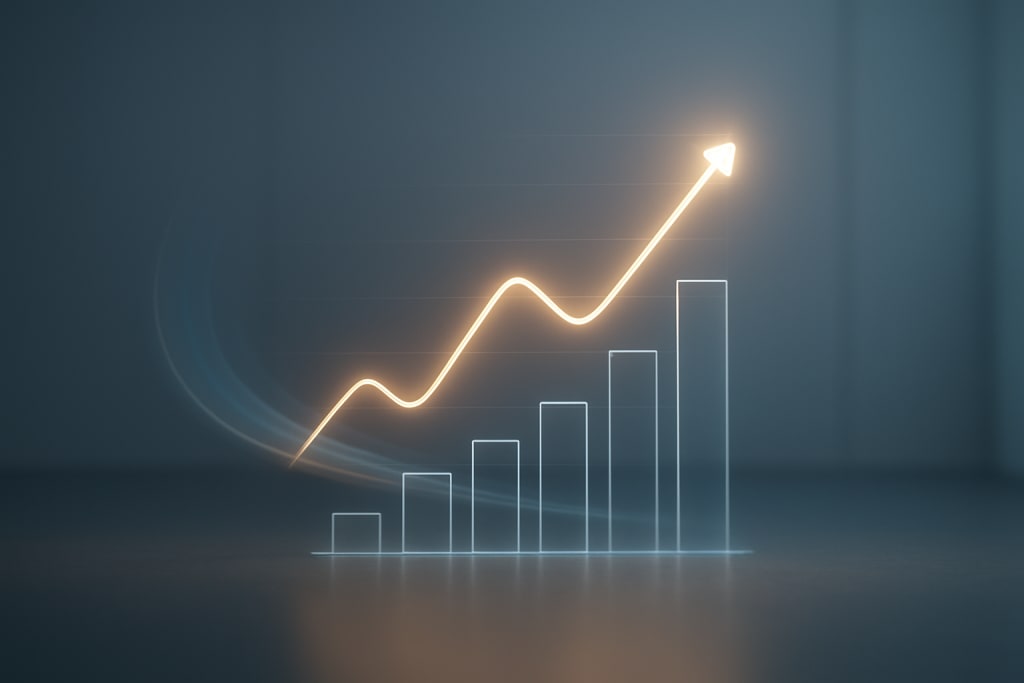
Data visualization has evolved far beyond static charts and graphs. In today’s digital landscape, animated data visualizations dominate because they blend clarity with storytelling.
Yet what separates a good visualization from a memorable one often comes down to visual foreshadowing—the subtle, intentional design technique that prepares the viewer for what’s coming next.
By mastering this method, designers and analysts can transform raw information into compelling visual narratives that both inform and engage.
What Is Visual Foreshadowing?
Visual foreshadowing is the practice of hinting at future insights through carefully chosen design cues. It borrows from film and literature, where foreshadowing builds anticipation without revealing the full story.
In the context of animated data visualizations, it means using movement, transitions, colors, or shapes to lead the viewer’s attention toward upcoming data points or trends before they fully unfold.
Think of it as the art of planting seeds. You’re not showing the entire picture immediately. Instead, you guide the audience through a sequence that builds context, creates tension, and delivers impact when the full visualization arrives.
Why It Matters in Animated Data Visualizations
Animated visualizations already offer the advantage of motion to highlight relationships, comparisons, or change over time. But motion without intent risks overwhelming or confusing viewers.
Visual foreshadowing provides structure. It ensures that the audience isn’t passively watching data appear but is instead actively following a clear path toward insight.
Key reasons it matters include:
- Improved comprehension: Viewers understand complex datasets more easily when transitions are gradual and expected.
- Stronger engagement: The audience feels invested when the animation hints at a reveal.
- Narrative control: Designers maintain control over pacing and focus, ensuring the story unfolds logically.
- Retention of information: Anticipation makes the final reveal more memorable.
Techniques to Master Visual Foreshadowing
Not all animated data visualizations require foreshadowing, but when applied correctly, the results can be striking. Below are some practical techniques:
1. Subtle Movement Before Change
Introduce slight shifts in position or scaling before the main animation. For example, bars in a bar chart might tremble or highlight faintly before a significant value spike occurs. This signals to viewers that something important is about to happen.
2. Layered Reveals
Instead of showing all elements at once, unveil them progressively. Begin with outlines, shadows, or blurred shapes, then transition into fully formed visuals. This layering builds anticipation and creates a visual breadcrumb trail.
3. Color Gradients as Hints
Colors are powerful guides. Gradually shifting tones can suggest where the audience should focus. A fading hue that deepens toward a central figure tells viewers subconsciously, “look here.”
4. Directional Motion
Movement across space naturally draws the eye. Animations that flow left to right, zoom inward, or spiral toward the center create a directional path. That path foreshadows the data’s journey.
5. Temporal Cues
Timing plays a major role. Small pauses, staggered delays, or rhythm changes can prepare the audience for a dramatic reveal. For instance, holding the frame for just a moment before showing a key data point amplifies its impact.
6. Symbolic Previews
Shapes or icons can act as premonitions. A faint dollar sign in the corner before revenue figures rise, or a shadow of a globe before global data appears, subtly primes the min
Balancing Clarity and Drama
The danger of foreshadowing lies in overuse. Too much anticipation leads to distraction, while too little makes the technique invisible. The goal is to strike a balance between clarity and drama. Consider the following best practices:
- Avoid clutter. Keep visual cues subtle, not overwhelming.
- Maintain consistency. Reuse the same type of foreshadowing throughout a project for coherence.
- Test pacing. Show your visualization to a small audience. If they predict outcomes too early, you may need to reduce hints.
- Prioritize accuracy. Foreshadowing should enhance the data story, not distort it.
Real-World Applications
Visual foreshadowing shines across multiple industries:
- Finance: Animated dashboards can foreshadow spikes in stock values, drawing attention before the final numbers appear.
- Healthcare: Growth curves or treatment outcomes can be previewed with subtle motion, easing users into complex datasets.
- Marketing: Campaign performance visualizations can tease results, building anticipation for engagement peaks.
- Education: Teachers using animated timelines can foreshadow historical turning points, keeping students curious.
Steps to Start Practicing
If you want to incorporate foreshadowing into your animated data visualizations, start small:
- Choose one cue (movement, color, or timing) and apply it to a simple dataset.
- Experiment with pacing. Lengthen or shorten pauses until the flow feels natural.
- Study audience reaction. Notice whether they follow the intended path.
- Iterate. Refine the animation until the foreshadowing feels intuitive, not forced.
The Future of Visual Foreshadowing in Data Design
As datasets grow larger and audiences demand more engaging ways to absorb information, foreshadowing will likely become a standard design element. Advances in interactive tools, machine learning, and immersive media such as VR and AR will give designers even more control over how anticipation is built.
Imagine interactive dashboards where hovering over a chart creates subtle premonitions of future outcomes, or AR environments where data layers fade into view, hinting at insights before full immersion. The future of animated data visualization will rely heavily on designers who can combine artistry, psychology, and technical skill.
Mastering visual foreshadowing in animated data visualizations is not simply about making data “look good.” It’s about transforming static facts into dynamic stories. By using subtle cues, designers can prepare audiences for insights, build anticipation, and deliver messages that resonate.
When done well, foreshadowing turns visualizations into experiences. It ensures that the audience doesn’t just see data—they feel the story behind it.
About the Creator
Richard Bailey
I am currently working on expanding my writing topics and exploring different areas and topics of writing. I have a personal history with a very severe form of treatment-resistant major depressive disorder.
Keep reading
More stories from Richard Bailey and writers in Education and other communities.
Innovative Applications of 3D Cosmetic Animation in Modern Marketing
The beauty and skincare industry has always thrived on visuals. From glossy magazine spreads to high-definition commercials, appearance sells. Yet, traditional advertising struggles to capture the level of detail and storytelling today’s consumers demand.
By Richard Bailey6 months ago in Education
Developing Strong Leadership Foundations for Sustainable Leadership Success
Strong leadership foundations help individuals guide teams, solve problems, and achieve shared goals. Leadership is not only about authority or position. It is about influence, responsibility, and the ability to support others. When people focus on building strong leadership foundations, they develop the skills needed to lead with confidence and purpose.
By Alfonso Kennard3 days ago in Education




Comments
There are no comments for this story
Be the first to respond and start the conversation.