
How to Use a Speed Square for Beginners
A Step-by-Step Guide

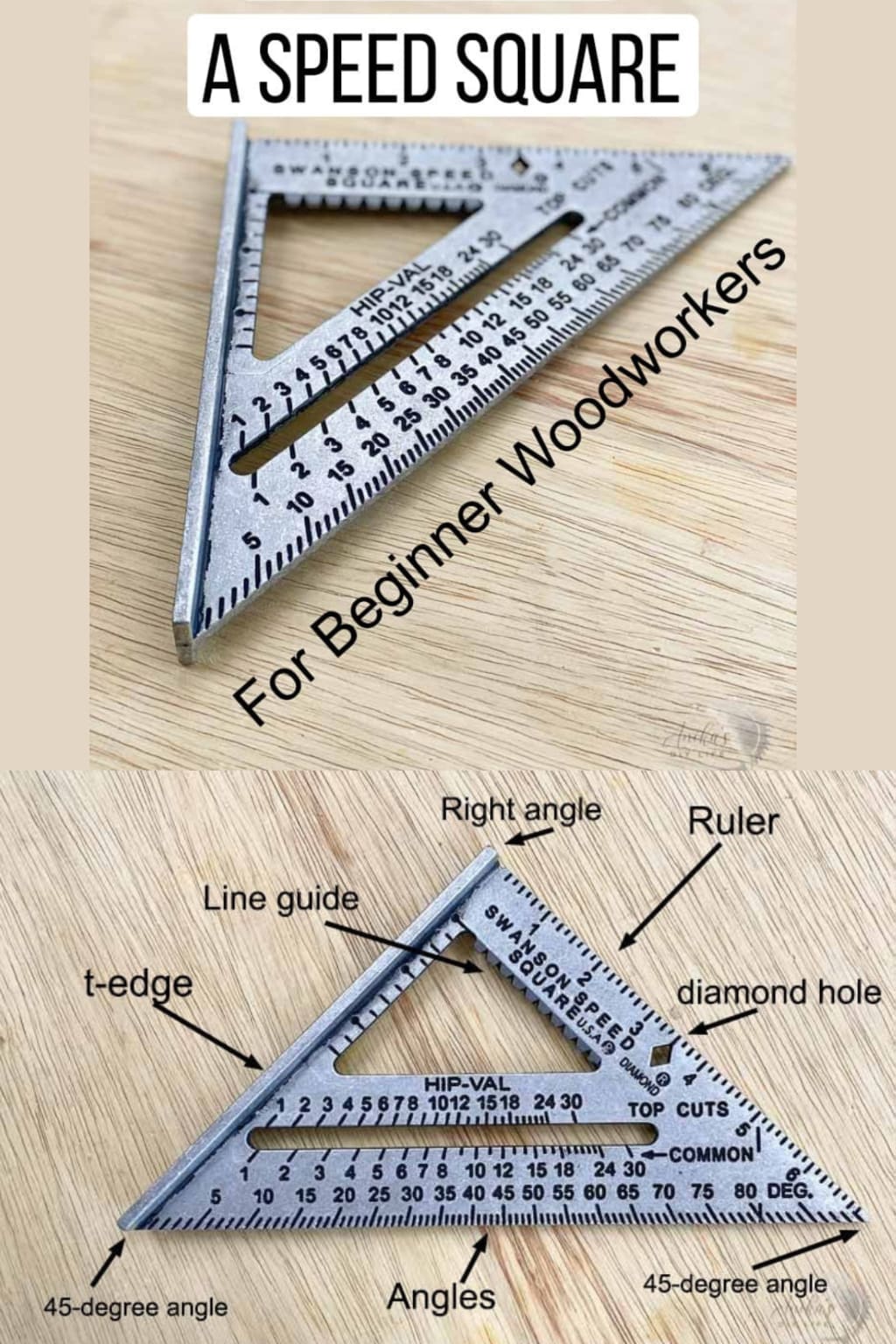
A speed square is an essential tool for carpenters, builders, and DIY enthusiasts alike. Whether you're working on a construction project, building a piece of furniture, or handling basic home repairs, understanding how to use a speed square can save you time and improve the accuracy of your work. In this guide, we'll break down the various uses of a speed square and provide tips on how to use it effectively.
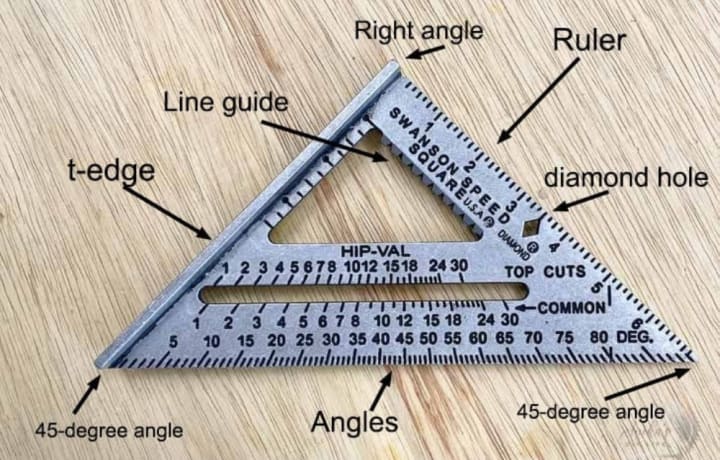
A speed square, also known as a rafter square or triangle square, is a triangular-shaped measuring tool that combines a ruler, a protractor, and a square all in one. Typically made from aluminum or plastic, the most common model is 7 inches long, making it compact and easy to carry in a tool belt. It’s used for marking angles, guiding saws, and framing.
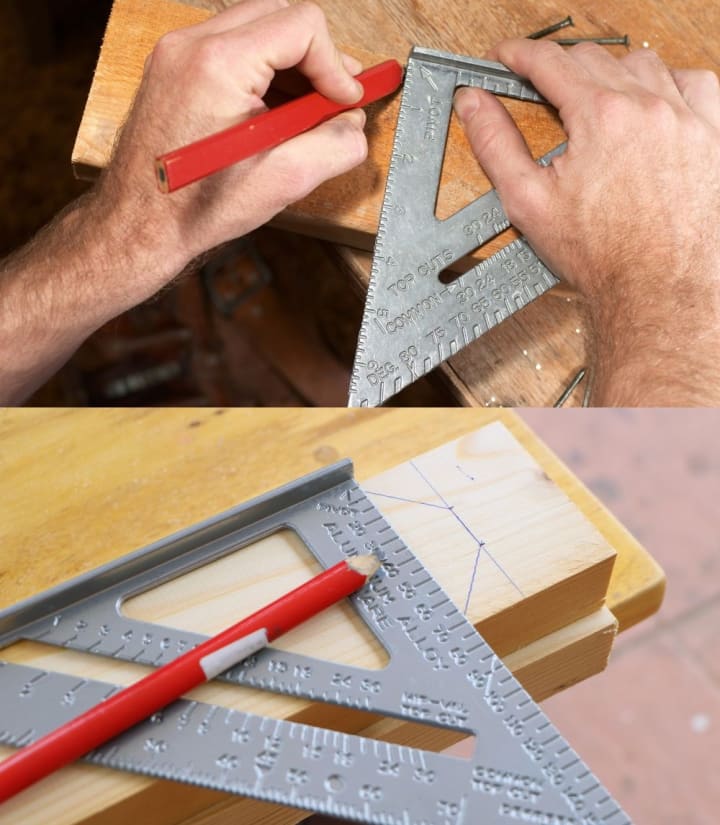
While it might look like a simple triangle, the speed square is incredibly versatile. Here are some of its common uses:
1. Marking 90-degree angles.
2. Marking 45-degree angles.
3. Measuring angles for miter cuts.
4. Serving as a guide for cutting wood.
5. Framing walls or rafters.
Let’s go over the specific tasks you can accomplish with a speed square.
1. Marking a 90-Degree Angle
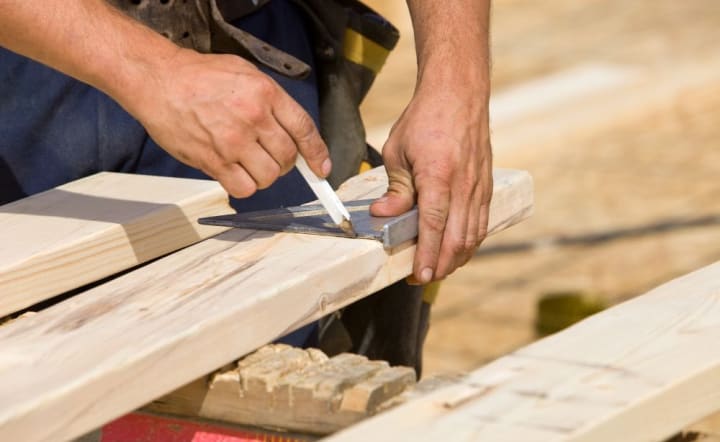
Marking a perfect 90-degree angle is one of the most common tasks you'll use your speed square for.
Step 1: Place the pivot point (the corner of the square) against the edge of the material.
Step 2: Ensure the lip is flush with the side.
Step 3: Draw a line along the straight edge for a perfect 90-degree mark.
2. Marking a 45-Degree Angle
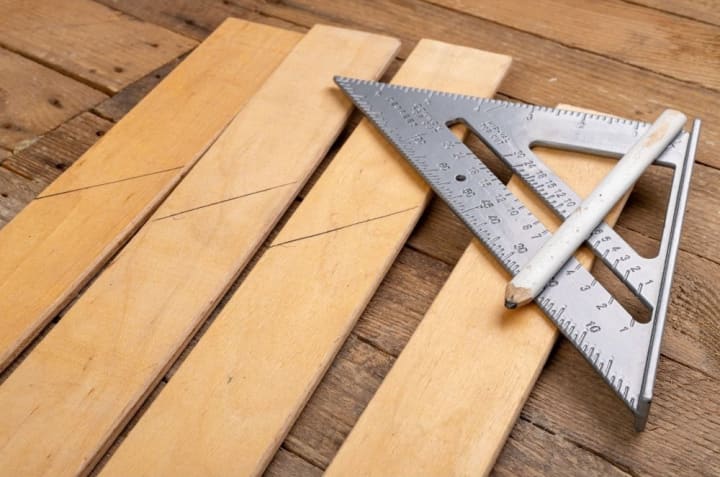
Marking a 45-degree angle is also simple with the speed square.
Step 1: Place the pivot point of the square against the edge of the material.
Step 2: Rotate the square until the 45-degree line matches the edge.
Step 3: Draw your line along the edge for an accurate 45-degree cut.
3. Measuring and Marking Angles for Miter Cuts
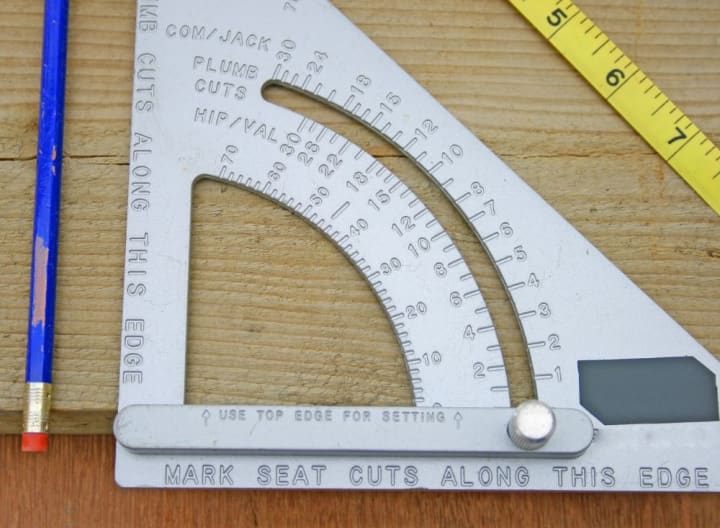
The speed square can also help with angled cuts (like miter cuts) using its built-in protractor.
Step 1: Position the pivot point against the edge of your material.
Step 2: Use the protractor scale on the hypotenuse to rotate the square until the desired angle is reached.
Step 3: Mark your line for cutting.
4. Using a Speed Square as a Saw Guide
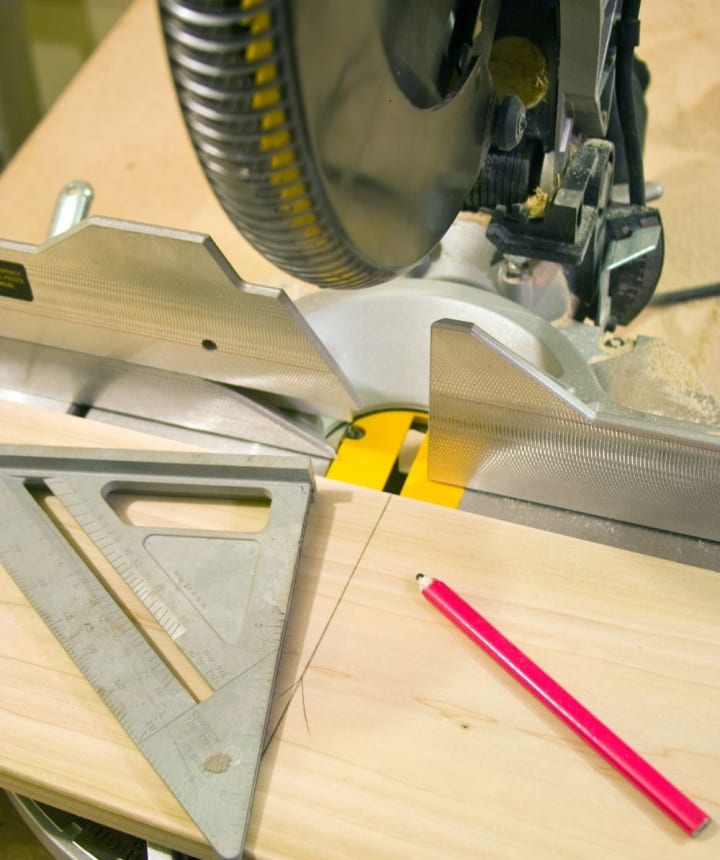
Another handy use of a speed square is as a guide for your circular saw.
Step 1: Place the square’s lip against the edge of the material.
Step 2: Align the circular saw with the straight edge of the square.
Step 3: Cut along the line, using the square to keep your saw aligned for a clean, straight cut.
5. Framing and Layout Work
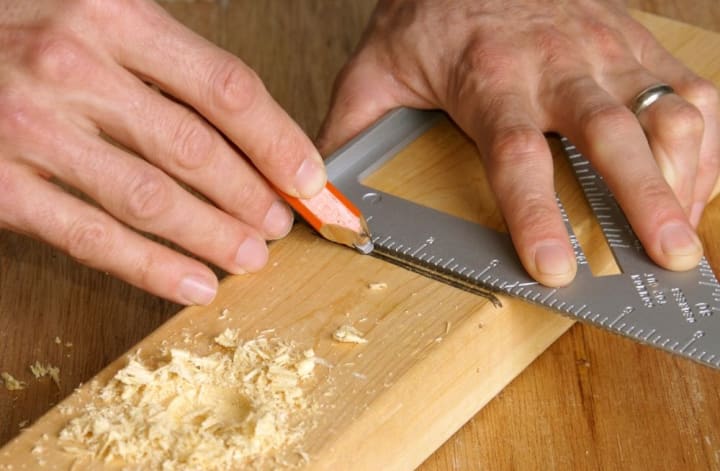
In construction, a speed square is essential for laying out framing work. It can be used to mark accurate lengths for rafters, joists, and studs.
Step 1: Align the square with the material and mark your cuts.
Step 2: Use the protractor to mark angles for roof rafters or other angled cuts.
Step 3: Measure lengths and ensure all components are marked accurately.
Tips for Beginners
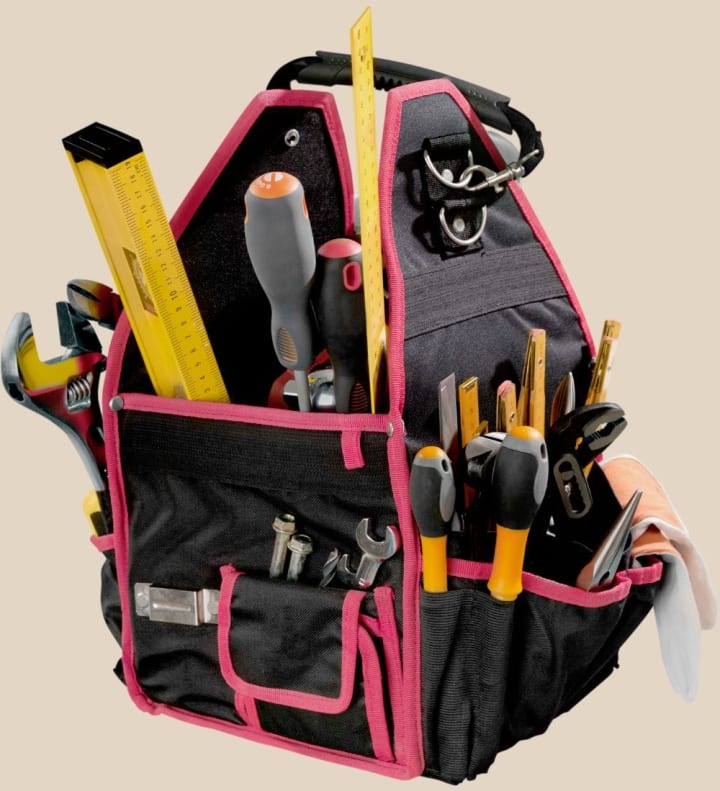
Here are some helpful tips to get the most out of your speed square:
1. Practice: The more you use the tool, the more comfortable you'll become with its functions.
2. Keep it clean: Dust and debris can affect accuracy, so clean your square regularly.
3. Combine with other tools: Use the speed square along with a tape measure or level for more precise results.
4. Double-check: Always double-check your lines before cutting to avoid mistakes.
Conclusion
The speed square is an indispensable tool for carpentry and DIY projects. Its versatility allows it to mark angles, guide saws, and assist with framing work, all while being easy to use. By following the steps and tips in this guide, you'll quickly gain confidence using your speed square for various tasks, making your work more accurate and efficient.
WORK FASTER & SMARTER WITH THE MASTER SQUARE BY THORVALD!! Click Here
About the Creator
Practical Tips & Product Picks
Offering practical advice and thoughtful product recommendations, I’m here to help you navigate everyday challenges and shop smarter. From handy tips to curated finds, discover solutions that make life easier and more efficient.
Keep reading
More stories from Practical Tips & Product Picks and writers in Education and other communities.
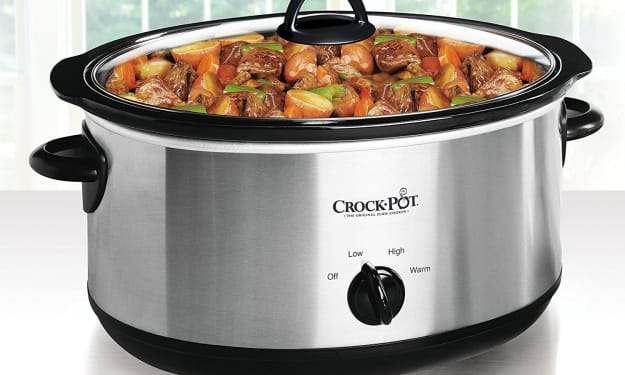
Set It and Savor: The Magic of the Crock-Pot 7 Quart Slow Cooker
The Crock-Pot 7 Quart Oval Manual Slow Cooker, Stainless Steel, has become a staple in my kitchen over the years. It’s not just because of its sleek design that seamlessly blends into my counter space, but also because of its reliability in delivering hearty, flavorful meals with minimal effort. As someone who enjoys cooking but doesn’t always have the time to hover over the stove, this slow cooker has saved me countless hours. Today, I’m excited to share not only my experience with this trusty kitchen companion but also a mouth-watering recipe that’s perfect for busy weeknights or lazy weekends.
By Practical Tips & Product Picksabout a year ago in Education
The Role of Families and Parents Towards Children in the Era of Digital Education
Given the shift in educational models, the responsibility of families and parents has become just as important—if not more so—than that of teachers and educational institutions. In today’s information age, technology has become an integral part of our daily lives, with education being one of the most significantly affected sectors. Digital education, or remote learning, has witnessed a substantial rise in recent years due to its proven effectiveness and necessity—especially in light of global circumstances that have brought about fundamental changes in learning methods.
By Vertex University P R E S S7 days ago in Education
Hosting a Book Fair
How many of you remember the “best week ever!” from when you were a child? Book fairs were the staple of many of our childhoods with Scholastic leading the way. While there are many choices for book fairs today and I absolutely want to talk about them, that’s going to be a later article.
By Reb Kreyling5 days ago in Education



Comments
There are no comments for this story
Be the first to respond and start the conversation.