
How to Make Professional 3D CGI Product Animations on a Budget
Affordable Strategies, Tools, and Techniques to Create High-Quality 3D CGI Product Animations Without Overspending

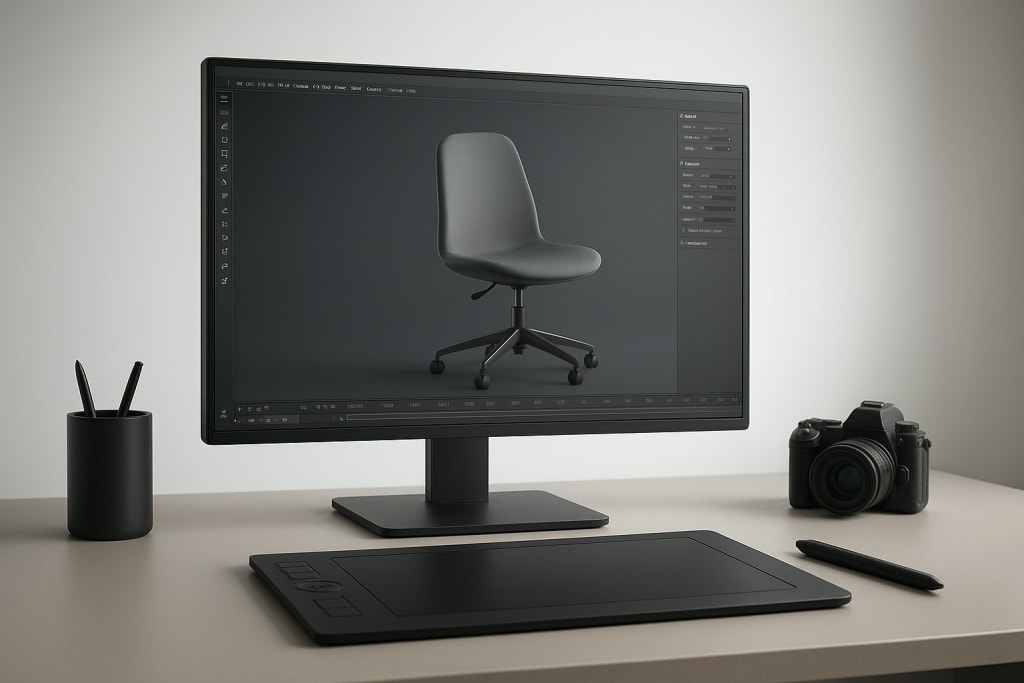
3D CGI product animation has become one of the most powerful tools in digital marketing, e-commerce, and brand storytelling. From sleek rotating views of electronics to realistic demonstrations of furniture in different spaces, CGI can transform how customers see and connect with products.
Yet, the common perception is that these animations are expensive and reserved for large corporations with limitless resources.
The truth is different. With the right strategy, tools, and creative approach, you can create high-quality 3D CGI product animations without draining your budget. This guide breaks down how to achieve professional results while keeping costs low.
Why 3D CGI Product Animation Matters
Consumers want to visualize products before making a purchase. Flat images are no longer enough. Animation gives a dynamic, lifelike experience that static photography simply cannot deliver.
Key advantages of CGI product animation include:
- Enhanced product visualization – Customers can see the item from every angle.
- Cost savings on photography – No need for repeated photo shoots or reshoots.
- Unlimited customization – Colors, textures, and environments can be changed instantly.
- Engaging marketing content – Video consistently outperforms static images across platforms.
This means that even small businesses can compete with larger brands if they learn how to produce these animations affordably.
The Budget Challenge
Professional studios often charge thousands of dollars for a single animation. The cost comes from skilled labor, high-end rendering systems, and time-intensive workflows. But if you’re willing to learn, experiment, and use smarter tools, you can dramatically reduce expenses.
The budget-friendly approach doesn’t mean compromising on quality. Instead, it requires prioritizing essential features, leveraging affordable software, and streamlining production.
Step 1: Choose the Right Software
One of the biggest cost drivers in 3D animation is software licensing. High-end packages like Maya or 3ds Max can be expensive, but there are alternatives.
Affordable or free options include:
- Blender – Free, open-source, and powerful enough for professional work.
- Cinema 4D Lite – Comes bundled with Adobe After Effects.
- SketchUp – Simple, lightweight, and great for product modeling.
- Daz 3D – Easy to use with pre-built models for beginners.
When working on a budget, Blender stands out. It supports modeling, texturing, rigging, animation, and rendering, all without licensing fees.
Step 2: Plan the Animation Before Production
Jumping straight into 3D modeling wastes time and resources. Planning helps you stay efficient and avoid unnecessary revisions.
Steps to plan effectively:
- Define the purpose – Is it for social media, an e-commerce page, or a trade show?
- Create a storyboard – Sketch out key frames and camera movements.
- Identify essential details – Focus on product features that matter most.
- Keep it simple – Minimal animations can often be more powerful than overcomplicated ones.
A clear plan reduces wasted effort and keeps rendering times shorter.
Step 3: Simplify the Modeling Process
Detailed product models can take weeks to build. On a tight budget, use smarter techniques.
- Download free or paid 3D models – Websites like TurboSquid or CGTrader offer affordable assets.
- Use CAD files from manufacturers – Many companies already provide 3D product files.
- Start with primitives – Build complex shapes from simple geometric forms.
- Prioritize visible surfaces – Only model what the camera will see.
By cutting unnecessary complexity, you save both time and computing power.
Step 4: Master Lighting and Texturing
Great animation isn’t just about the model—it’s about how the product looks under light. Even simple models can appear stunning with realistic lighting and textures.
Tips for budget-friendly realism:
- Use HDRI environments for natural reflections.
- Apply PBR textures (many are free online).
- Limit yourself to two or three light sources for simplicity.
- Focus on surface materials—a shiny phone screen or a matte fabric finish adds realism.
Lighting can elevate a low-cost model into something that feels cinematic.
Step 5: Keep Rendering Costs Low
Rendering is where time and money can vanish. High-resolution, photorealistic renders require powerful hardware, but there are ways around it.
Cost-saving strategies:
- Render at slightly lower resolutions and upscale with AI tools.
- Use real-time render engines like Eevee in Blender.
- Optimize models by reducing polygon counts.
- Outsource rendering to cloud services for big projects (only when needed).
Balancing quality with efficiency is key. A polished but simple animation will outperform a complicated render that strains your computer for days.
Step 6: Edit and Polish with Affordable Tools
Post-production ties everything together. Instead of expensive suites, use budget-friendly or free software.
- DaVinci Resolve – Free professional-grade video editor.
- Adobe After Effects (budgeted plan) – Adds motion graphics and effects.
- HitFilm Express – A solid free option for compositing.
At this stage, add branding, background music, and text overlays to make your animation feel polished.
Pro Tips for Staying on Budget
- Limit animation length – A 15–30 second clip is often more effective than a long showcase.
- Reuse assets – Once you’ve created a model, use it in multiple campaigns.
- Focus on storytelling – Strong narrative often outweighs expensive effects.
- Leverage free communities – Forums and tutorials can solve problems without hiring freelancers.
Creating professional 3D CGI product animations doesn’t have to be an expensive venture. By choosing cost-effective tools, planning carefully, and focusing on essentials like lighting, texturing, and storytelling, you can produce animations that look high-end while staying within your budget.
Small businesses and independent creators now have access to the same visual power once reserved for major brands. The only real investment is your time, creativity, and willingness to experiment.
About the Creator
Richard Bailey
I am currently working on expanding my writing topics and exploring different areas and topics of writing. I have a personal history with a very severe form of treatment-resistant major depressive disorder.
Keep reading
More stories from Richard Bailey and writers in Education and other communities.
How Genomics Powers Humanitarian Impact Across Global Communities
Genomics powers humanitarian impact by using genetic science to solve urgent human problems. Genomics is the study of all genes in a living being. It helps experts understand how diseases spread, how bodies respond to treatment, and how crops survive harsh weather. Today, genomics powers humanitarian impact in health care, agriculture, disaster response, and public planning. It brings science closer to communities that face daily risks.
By Mark Bouzyk7 days ago in Education
Effective Mentorship Strategies to Help Clinicians Lead Patient-Centered Healthcare Innovation
Healthcare organizations today face growing expectations to deliver higher-quality care while improving efficiency and patient satisfaction. Innovation is often discussed at the leadership level, yet some of the most valuable ideas originate from clinicians working directly with patients. These professionals understand daily challenges in care delivery and recognize opportunities for improvement that others may overlook. When healthcare leaders actively mentor clinicians, they unlock the potential for meaningful, patient-centered innovation.
By Dr. Janet Chollet5 days ago in Education
Writing To Succeed
If you want to find something that will help readers find your writing, possibly expand your audience, and maybe even get you noticed for other things, then you’re not alone. But how can you get it done in a world full of want-to-be writers? Look less at what you’re writing now, and more at what other writers have used to boost their views and reads.
By Jason Ray Morton 2 days ago in Writers




Comments
There are no comments for this story
Be the first to respond and start the conversation.