
how to deactivate instagram account
Learn how to deactivate your Instagram account temporarily with this easy step-by-step guide. Take a break from social media and protect your privacy today.
How to Deactivate Your Instagram Account: A Step-by-Step Guide
Instagram is one of the most popular social media platforms in the world, with over 1 billion active users. However, there may come a time when you want to take a break from the app. Whether you're looking for a temporary break or want to focus on other aspects of your life, deactivating your Instagram account can be a great option. In this article, we’ll walk you through the process of deactivating your Instagram account, explain why you might consider doing so, and answer some frequently asked questions about account deactivation.
Why Deactivate Your Instagram Account?
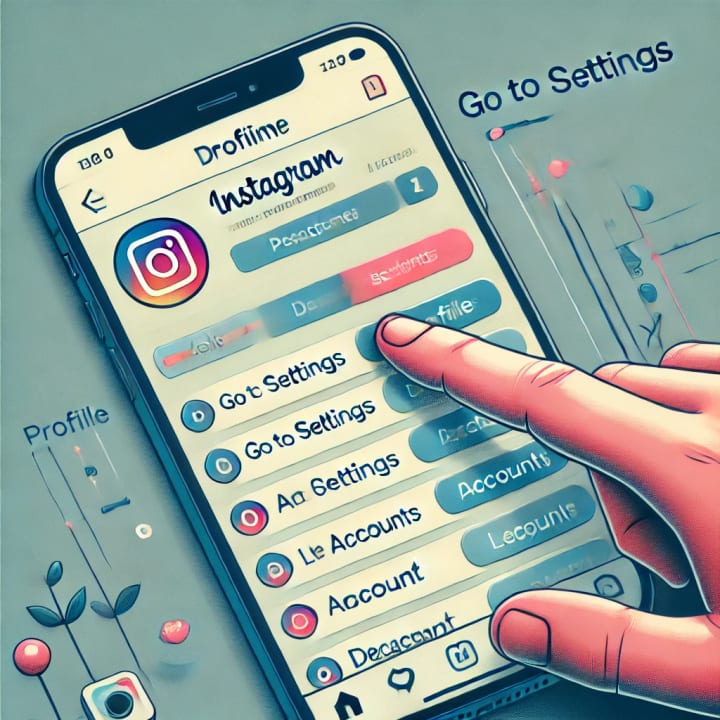
There are many reasons why someone might want to deactivate their Instagram account temporarily. Some common reasons include:
Taking a break from social media: Social media can be overwhelming and distracting. Deactivating your account allows you to step away and refocus on other areas of your life.
- Protecting your mental health: Constant exposure to social media can contribute to anxiety, depression, and negative self-image. Deactivating your Instagram account can help reduce these pressures.
- Privacy concerns: If you're worried about your data or privacy, deactivating your Instagram account can be a way to limit your exposure.
- Consolidating your time: Social media can be time-consuming. Deactivating your account can free up time for more productive activities.
No matter your reason, deactivating your Instagram account is a straightforward process. Let’s dive into the steps.
Step-by-Step Guide to Deactivate Your Instagram Account
Follow these simple steps to temporarily deactivate your Instagram account:
1. Log in to Instagram on a Web Browser
Instagram does not allow users to deactivate their account through the app. To do so, you'll need to use a desktop or mobile browser.
- Open your preferred browser (e.g., Chrome, Safari).
- Go to the official Instagram website at www.instagram.com
- Log in with your username and password.
2. Go to Your Profile
Once logged in, navigate to your profile page. You can do this by clicking on your profile picture in the top-right corner of the screen.
3. Access Account Settings
On your profile page, click on the "Edit Profile" button. This will take you to a page where you can update your account details.
4. Find the Deactivation Option
Scroll down to the bottom of the Edit Profile page. You’ll find an option labeled “Temporarily disable my account” on the right-hand side. Click on this option.
5. Select the Reason for Deactivation
Instagram will ask you to select a reason for temporarily deactivating your account from a drop-down menu. Choose the option that best describes why you want to take a break.
6. Re-enter Your Password
To confirm the deactivation, you’ll need to re-enter your Instagram password.
7. Click "Temporarily Disable Account"
After entering your password, you’ll see the option to “Temporarily Disable Account”. Click it, and your account will be deactivated.
8. Confirm Your Decision
Instagram will confirm that your account is now deactivated. You will no longer be able to access your account until you decide to reactivate it.
How Long Can You Keep Your Account Deactivated?
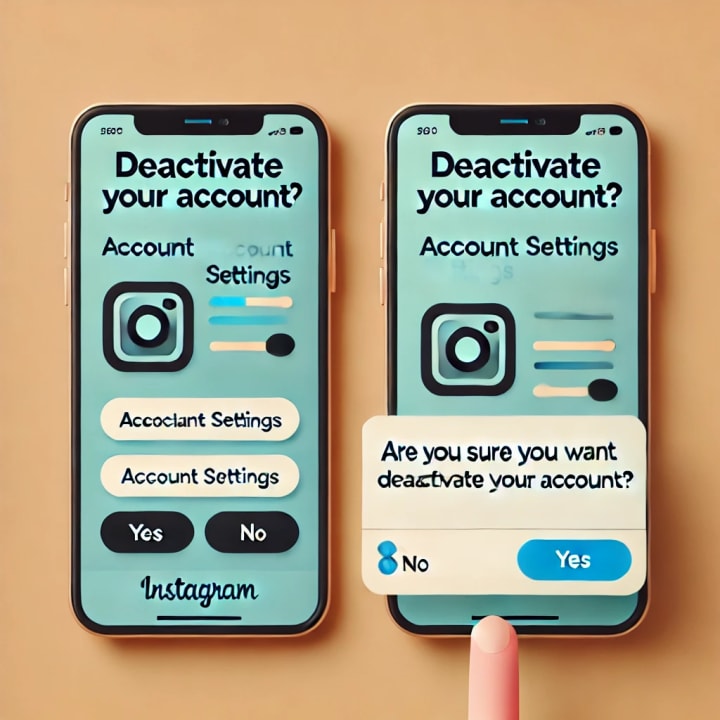
Instagram allows you to deactivate your account as long as you want. There is no time limit on how long your account can stay inactive. However, you can only deactivate your account once a week. If you want to reactivate your account, simply log in again, and your account will be restored to its original state, including all your photos, followers, and other data.
Frequently Asked Questions (FAQ)
Can I Permanently Delete My Instagram Account Instead of Deactivating It?
Yes, Instagram also offers the option to permanently delete your account. However, this is a more permanent decision. Deleting your account will erase all your photos, videos, followers, and comments. Once deleted, there’s no way to recover your account. If you're unsure, deactivating your account might be a better option, as it allows you to come back whenever you choose.
Will People Be Able to See My Profile When I Deactivate My Account?
No. Once your Instagram account is deactivated, your profile, photos, comments, and likes will be hidden from other users. However, when you reactivate your account, everything will return to normal.
How Do I Reactivate My Instagram Account?
To reactivate your Instagram account, simply log back into Instagram with your username and password. Your account will be restored with all its content.
Conclusion
Deactivating your Instagram account is a simple and effective way to take a break from social media without permanently losing your content. Whether you're looking for some time away for mental health reasons, privacy concerns, or just to focus on other activities, following these easy steps can help you disconnect. Remember, deactivation is temporary, so when you're ready to return, your account and all its content will be waiting for you.
You can read more information on:
For more Interesting Articles click here to visit my profile or you can read the how to article below:
About the Creator
Staying Active at the Gym: How to Avoid Burnout and Stay Consistent
Staying active at the gym offers many physical and mental benefits, but maintaining consistency can be challenging, especially when burnout appears. Many people start with excitement and strong motivation, yet after a few weeks, the pressure to perform or the demands of a busy life can lead to fatigue, boredom, or frustration. Avoiding burnout is essential for long-term success. A healthy fitness routine should support your well-being, not drain your energy or enthusiasm. With the right strategies, you can stay consistent, maintain a positive mindset, and enjoy your workouts for years to come.
By Keith Brautigam2 days ago in Education


Comments
There are no comments for this story
Be the first to respond and start the conversation.