
How to check Aadhaar-card linked with Bank account
Easy Ways to Check Bank Link with Aadhaar Card

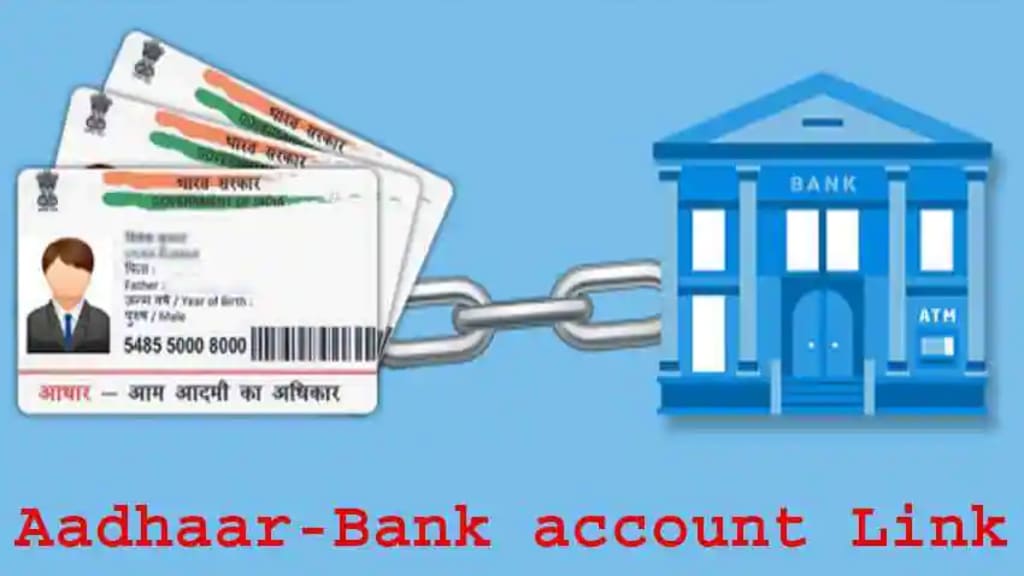
Linking your Aadhaar card with your bank account is a mandatory requirement issued by the Government of India to ensure transparency in financial transactions and prevent frauds. Aadhaar is a 12-digit unique identification number issued by the Unique Identification Authority of India (UIDAI) to residents of India. Linking your Aadhaar with your bank account has become very easy these days, and in this article, we will discuss how to check the bank link with Aadhaar.
Steps to Link Aadhaar Card with Bank Account:
The process to link your Aadhaar card with your bank account is straightforward and can be done through various methods, including online and offline. Here are the steps to link your Aadhaar card with your bank account:
Online Method:
i. Visit the official website of your bank and login to your internet banking account.
ii. Click on the "Link Aadhaar" option under the "Services" tab.
iii. Enter your Aadhaar number and verify the same by entering the OTP sent to your registered mobile number.
iv. Your Aadhaar will be linked to your bank account instantly.
Offline Method:
i. Visit your nearest bank branch and fill in the Aadhaar linking form.
ii. Submit the form along with a photocopy of your Aadhaar card and bank passbook.
iii. Your Aadhaar will be linked to your bank account within a few working days.
Once you have linked your Aadhaar card with your bank account, you can check the status of the same in the following ways:
Online Method:
i. Visit the official website of UIDAI (https://uidai.gov.in/).
ii. Click on the "Check Aadhaar & Bank Account Linking Status" under the "Aadhaar Services" tab.
iii. Enter your 12-digit Aadhaar number and the security code.
iv. Click on the "Send OTP" button and enter the OTP received on your registered mobile number.
v. Once the OTP is verified, the status of your Aadhaar and bank account linking will be displayed on the screen.
Offline Method:
i. Visit your nearest bank branch and ask the bank representative to check the status of your Aadhaar and bank account linking.
ii. Provide your bank account number and Aadhaar card details to the representative.
iii. The representative will check the status of your Aadhaar and bank account linking and provide you with the necessary information.
Points to Keep in Mind While Linking Aadhaar Card with Bank Account:
Ensure that your Aadhaar card details are correct and match the details mentioned in your bank account.
Make sure that your bank account is active and operational.
Keep a photocopy of your Aadhaar card and bank passbook handy while visiting the bank branch for Aadhaar linking.
Ensure that your mobile number is registered with both your bank and Aadhaar card.
In case of any errors or discrepancies in the linking process, contact the bank representative immediately.
Do not share your Aadhaar card details with anyone.
Linking your Aadhaar card with your bank account is a simple process that can be done online or offline. Once the linking process is completed, you can check the status of the same through the methods mentioned above. It is essential to keep your Aadhaar card details and bank account information up-to-date and accurate to avoid any discrepancies. Linking your Aadhaar card with your bank account is a mandatory requirement issued by the Government of India, and failure to do so can result in the deactivation of your bank account.
About the Creator
Natural Ways to Clear Blackheads and Whiteheads
Blackheads and whiteheads are very common skin problems that affect people of all ages. They usually appear on the nose, chin, forehead, and sometimes on the cheeks. These small bumps form when the pores of the skin become clogged with oil, dead skin cells, and dirt. Blackheads appear dark because the clogged material inside the pore reacts with air and becomes oxidized, while whiteheads remain covered by skin, giving them a white or flesh-colored appearance.
By DigitalAddi5 days ago in Education
Peter Ayolov’s Publications
Peter Ayolov is a media theorist and lecturer at Sofia University 'St. Kliment Ohridski', Faculty of Journalism and Mass Communication. His research focuses on the political economy of communication, propaganda models, digital media, narrative structures, and the transformation of language in contemporary technological environments. His work examines how digital communication systems organise dissent, amplify outrage, and reshape the relationship between media, public opinion, and political power.
By Peter Ayolovabout 8 hours ago in Education



Comments
There are no comments for this story
Be the first to respond and start the conversation.