
How to Backup and Restore Your Crypto Wallet Safely:
Crypto Wallet Safety

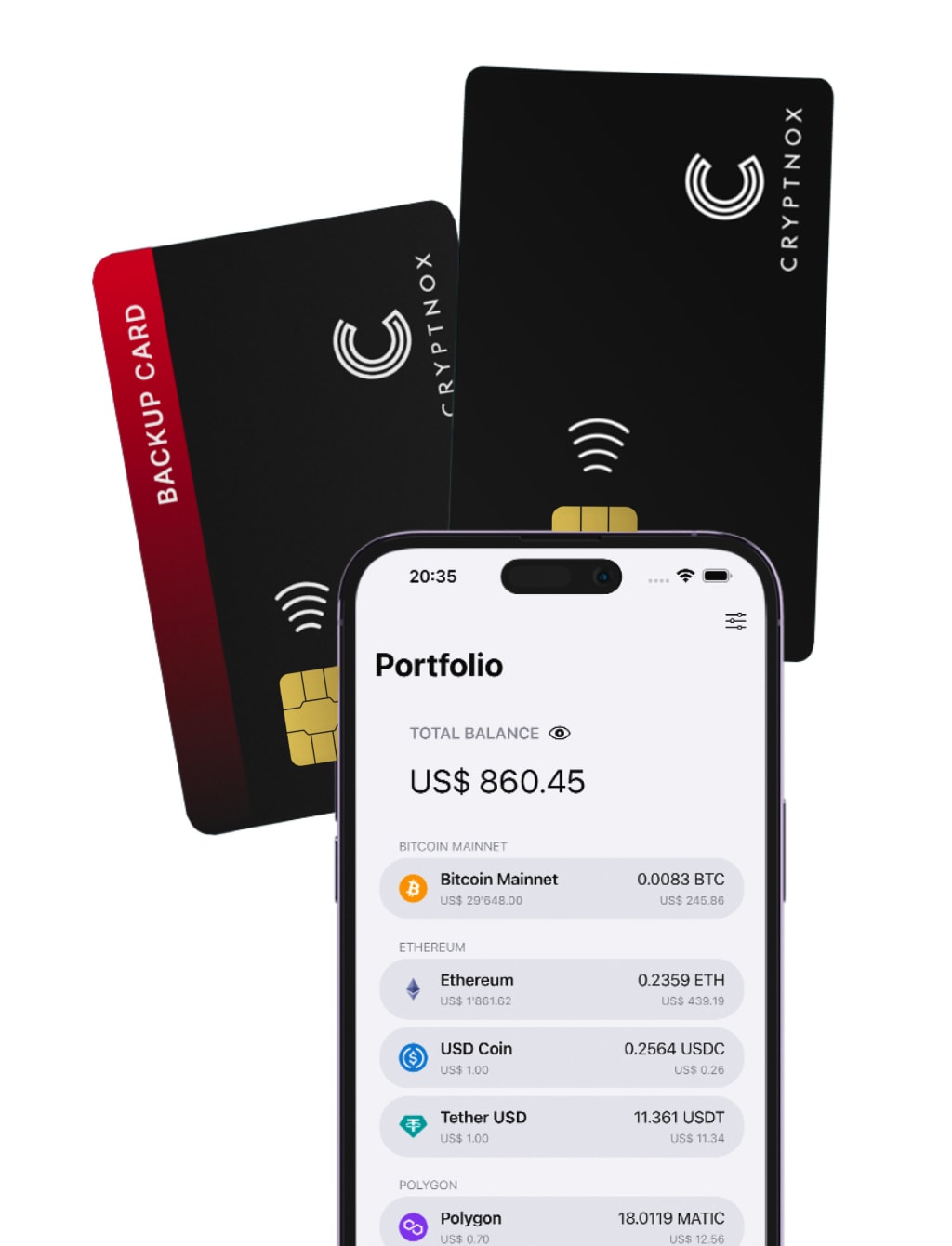
Cryptocurrency is going to become an extremely popular medium of digital investment. Alongside it, you would be handling responsibility regarding security measures for those assets. Ensuring a proper backup of your crypto wallet is perhaps the most important duty when securing your cryptocurrency holdings.
Using a hardware-based crypto wallet or a software-based one, you may always have your funds compromised if there are theft issues, damage to it, or even deletion through accidental manners. In this blog, we will take you through the process of how to safely back up and restore your crypto wallet.
Why Back Up Your Crypto Wallet?
Before getting into the how-to, it is vital to understand why you need to back up your crypto wallet. A crypto wallet is like a vault for your digital assets. It holds your private keys and allows you to manage your coins. If you lose access to your wallet or your private keys, you lose access to your cryptocurrency. There is no customer service line or recovery system like traditional banks, so if your wallet is lost or compromised, there's no way to retrieve your funds without a backup.
You use backups to avoid losing your crypto either due to a device malfunction, forgotten passwords, or anything that just pops up.
How to Back Up Your Crypto Wallet
Know What to Back Up
When you create a crypto wallet, it will automatically generate a private key that allows you to access and manage your funds. This private key is important for the security and recovery of your wallet. Most wallets, including hardware wallets for crypto, will give you a seed phrase or recovery phrase. It's a series of 12-24 words that can be used together to restore your wallet. Remember to always back up this seed phrase.
Write Down Your Seed Phrase
The easiest way to recover your crypto wallet is to write it down on paper. Not to store it on a computer or a phone. That would make it open to hacking. Always write it on paper and keep in a safe, like a fireproof safe or a safety deposit box.
Make Multiple Copies
If you are using a single piece of paper for your backup, you risk losing everything in case of fire, flood, or theft. To be safe, make multiple copies of your seed phrase. Store these copies in different, secure locations to avoid the possibility of losing your backup.
Use a Hardware Wallet
If you're serious about securing your crypto assets, then you should consider using a hardware wallet. Hardware wallet for crypto are physical devices that store your private keys offline, making them much less vulnerable to hacking attempts. Most hardware wallets also come with recovery phrases that you can back up in the same way. Hardware wallets are considered one of the safest options for backing up your crypto wallet.
Protect Your Backup
A backup is only of any use if it is stored safely. Do not have your seed phrase lying around and/or in a location where anyone else can easily access. Try not to write down your seed phrase in things such as notebooks or computers. This is a security risk. Store the backup in a safe place that no one but you and authorized users can access.
Consider Using a Password Manager
You are not supposed to have your seed phrase on your phone or computer, but some users will use a password manager that offers encryption to keep their recovery phrases safe. Should you do this, then make sure the password manager you are using is reputable and has a proven track record of security.
How to Recover Your Crypto Wallet
Restoring your crypto wallet is quite easy provided you have the backup information. Here is a step-by-step process.
Install the Wallet Software or Device
To restore your wallet, you need to first install the same wallet software or hardware wallet you used in the first place. For example, if you used an application for your crypto wallet or a hardware device, you must have access to the same version.
Insert Recovery Phrase
Once you have installed the wallet, you will be requested to input your recovery phrase. Carefully enter 12-24 words that must be in the proper sequence. Most wallets would permit you to input several tries for the recovery phrase. Please ensure that no one can see you while doing it because your recovery phase could not be safer.
Access Your Wallet
You would find that after successfully inputting the recovery phrase, your wallet would be restored and your money would be available. First, check if all balances and transactions are in order before making any transactions.
Conclusion
The most critical task for all holders of cryptocurrencies is to backup and restore their wallets. This makes sure your digital assets will always be safe and gives you a better chance to gain back access in case it has been lost. This then reduces risks of losing access in using a secure means, such as a hardware wallet for crypto, keeping a safe location for your backup, and checking periodically that the backup works.
For those who wish to raise the bar on crypto security, Cryptnox provides users with a secure, easy-to-use platform for managing their crypto wallets, ensuring peace of mind within the digital world. We have various services designed for the safety of your investments.
About the Creator
The Golden Pulse: Spain’s Luxury Revolution and the New Paradigm of 2026
For decades, the global luxury map was anchored by the historic maisons of Paris and the artisanal workshops of Milan. However, as we move through 2026, the narrative of high-end consumption has shifted significantly toward the Iberian Peninsula. Spain has emerged not just as a destination for sun and culture, but as a premier global hub for the Spain luxury goods industry. Driven by a resilient domestic affluent class, a record-breaking surge in high-net-worth tourism, and a unique blend of heritage craftsmanship and digital innovation, the Spanish luxury market has reached a historic valuation of over $7.4 billion this year. This "Spanish Renaissance" in luxury is defined by a shift from mere status symbols to "Experiential Value," where the soul of the product and the ethics of the brand are as important as the price tag.
By Neeraj kumar4 days ago in Education
Killing him slowly
There’s an intruder in my house again. He stumbles through the door, wet carrier bags in hand. He’s bought me offerings. I show my appreciation, letting him caress my beautiful body. He wants to touch me. I rub myself against his legs. He sighs, dropping the bags. He can’t resist touching me. Running his hand slowly down my spine, I arch my back towards his caress, let out a low purr. It’s what we both need.
By N J Delmas5 days ago in Horror



Comments
There are no comments for this story
Be the first to respond and start the conversation.