
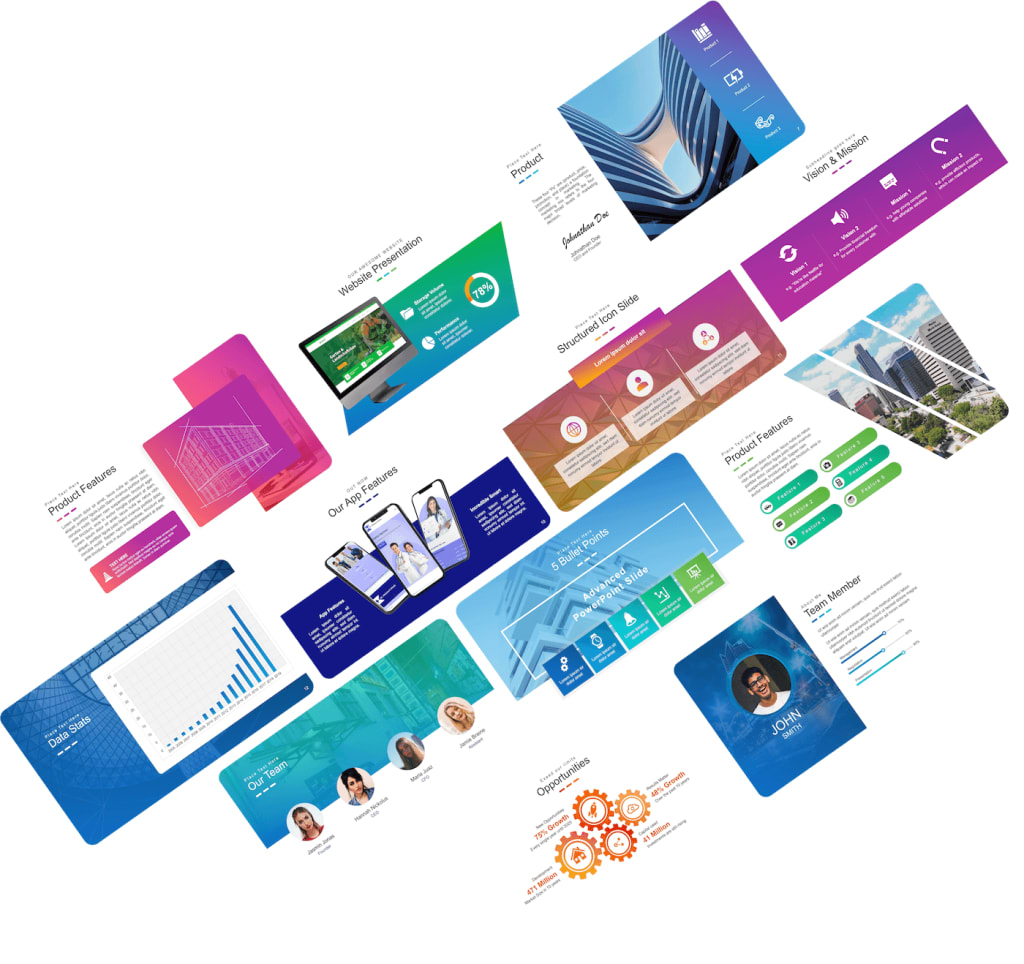
ExpertSlides Has Hundreds of Free PowerPoint Templates That You Can Use For Your Next Presentation
How ExpertSlides WorksHow ExpertSlides WorksHow ExpertSlides WorksHow ExpertSlides Works
Are you preparing for an upcoming presentation and need the perfect template to make it stand out? Look no further than ExpertSlides! ExpertSlides has hundreds of templates that you can use to create professional-looking presentations. With its completely free add-in for Microsoft PowerPoint, you'll be able to access a wealth of templates and resources to help make your presentation unforgettable. Read on to learn more about how ExpertSlides can help make your next presentation a success!
How to install ExpertSlides
Installing ExpertSlides is easy and free. To get started, you'll need to have Microsoft PowerPoint installed on your computer. Once that's done, you can download the free ExpertSlides add-in from the Microsoft Store. Once you've downloaded and installed ExpertSlides, it will appear in the ribbon of your PowerPoint.
Once you have ExpertSlides installed, you can start creating presentations right away. ExpertSlides has hundreds of templates that you can use to customize your presentation. You can browse through the vast selection of templates and choose the one that best suits your needs. Each template comes with a set of slides with placeholder text and images, so all you have to do is fill in your own content. ExpertSlides also allows you to preview each template before downloading it, so you can be sure it fits the look and feel you're going for. With just a few clicks, you'll be ready to start creating your presentation.
How to use ExpertSlides
ExpertSlides is a great tool for creating professional-looking presentations quickly and easily. It has hundreds of templates that you can use to customize your presentation. The templates come in a variety of styles, from modern and bold to more traditional designs.
Once you have installed ExpertSlides, open the program by clicking on the icon in your computer’s start menu or desktop. You will then be taken to the main window, where you can choose a template to use for your presentation. You can preview each template to see how it looks with your own content before deciding which one to use.
Once you have selected a template, it is easy to customize your presentation to make it unique and engaging. The program has a simple drag-and-drop interface that makes it easy to add images, videos, and text to your slides. You can also customize the font and color of your text, as well as add transitions and animations.
ExpertSlides also offers a variety of other features, such as sharing and collaborating with colleagues, real-time collaboration with team members, and even exporting your presentation to PowerPoint. With ExpertSlides, you have everything you need to create stunning presentations that stand out from the rest.
What are some of the features of ExpertSlides?
ExpertSlides is a great tool for any presenter who wants to create stunning presentations in no time. It has hundreds of templates that you can use to customize your presentation. You can easily select from a variety of options such as backgrounds, themes, fonts, and layouts. With these features, you can create an amazing presentation with minimal effort. You can also save your work as a template, so you can quickly reuse it for future presentations.
The ExpertSlides add-in also offers several animation features that make it easy to animate objects, text, and images. You can also add charts and graphs to your slides, which are great for presenting data in an interesting way. The ExpertSlides library also includes over 1 million images, which you can use to bring your presentations to life. Finally, ExpertSlides supports multiple languages, so you can present your work in any language you need.
How can I get more templates for my presentations?
ExpertSlides has hundreds of templates that you can use to customize your presentation. These templates come in a wide range of themes, layouts, and styles to suit any type of presentation. You can easily browse the ExpertSlides library and find the perfect template for your project. Plus, they are all completely free to download and use.
The best way to get more templates is to check the ExpertSlides library often. The team is always adding new designs, so you can be sure that you’ll never run out of options. You can also sign up for their newsletter to get notified when new designs become available.
If you need even more templates, ExpertSlides also offers a premium membership with access to thousands of additional templates. These templates are designed by professional graphic designers and are perfect for those who want a unique and professional look for their presentations. The membership also includes tutorials and support to help you get the most out of your templates.
No matter what type of presentation you need to create, ExpertSlides has the perfect template for you. With their extensive library and premium membership, you can find the perfect design that suits your needs.
About the Creator
Keep reading
More stories from Sabed Arrjan and writers in Education and other communities.
How to Earn From Amazon FBA in 4 Steps
How to Earn From Amazon FBA in 4 Steps To enter the free course Are you looking for a way to earn money from Amazon FBA? If so, you're in luck! In this blog post, I'm going to show you exactly how to earn from Amazon FBA in 4 easy steps. With these steps, you'll be able to set up your own FBA business and start earning income from Amazon quickly. I'll also share some tips and tricks I've learned along the way to help make your FBA journey as successful as possible. So, let's get started and learn how to earn from Amazon FBA! The paid course link is direct
By Sabed Arrjan3 years ago in Education
The Letter That Was Never Sent
In the quiet corner of an old town, where houses leaned gently toward one another as if sharing secrets, lived a man named Hamza. Hamza was known as a disciplined man — punctual, responsible, respected. He worked as an accountant in a private firm, kept his papers neat, his words measured, and his emotions carefully hidden behind polite smiles. People trusted him with money, deadlines, and serious matters. Yet no one knew what he trusted himself with. Regret. Every evening, after returning from work, Hamza unlocked a small wooden drawer beside his bed. Inside lay a bundle of letters tied with a faded blue ribbon. The paper had yellowed with time, the ink softened, but the words remained painfully clear. They were letters he had written to a woman named Ayesha. And never sent. Ayesha had once been the brightest chapter of his life. They met during university — in libraries, in corridors, in whispered conversations between lectures. She believed in him before he believed in himself. She read his early writings, encouraged his ambitions, imagined a future where their dreams walked side by side. But Hamza had been afraid. Afraid of commitment. Afraid of failure. Afraid of choosing love before security. When his family arranged a proposal from another household — practical, respectable, convenient — he did not protest strongly enough. He told himself that emotions fade, that stability matters more, that love is a luxury for the brave. Ayesha never argued. She only said quietly, “Some choices do not break hearts immediately. They break them slowly.” Then she left the city. Years passed. Hamza married, built a career, earned praise. His wife was kind, his life orderly, his future predictable. From the outside, everything looked successful. But inside him lived a persistent ache — not loud, not dramatic, just constant. Sometimes, late at night, he reread the unsent letters. I should have told you that you made me less afraid of the world. I should have said that loving you felt like coming home. I should have chosen courage once in my life. He never posted them. Not because he no longer cared — But because he cared too much. One winter evening, while organizing old files at the office, Hamza found a newspaper clipping folded carefully inside a forgotten folder. It announced a literary event in a nearby city. Among the invited speakers was a familiar name. Ayesha Rahman — Author and Educator. His breath paused. That night, sleep avoided him. Memories returned uninvited — her laughter, her patience, the way she listened as if every word mattered. After days of hesitation, Hamza decided to attend the event. Not to speak. Not to explain. Only to see whether time had softened what he never healed. The hall was modest but warm with voices and books. When Ayesha finally appeared on stage, Hamza almost failed to recognize her. She looked calmer now. Stronger. The same thoughtful eyes, but steadier, wiser. She spoke about writing, about loss, about how some experiences shape us silently for years before revealing their meaning. Her words were gentle, yet powerful — as if she had made peace with old wounds. Hamza listened with a tightening throat. After the session ended, people gathered around her. He waited at a distance, heart beating like a nervous student’s. When the crowd thinned, he stepped forward. “Ayesha,” he said quietly. She looked up. For a brief second, surprise crossed her face. Then recognition. Then something softer — acceptance, perhaps. “Hamza,” she replied calmly. “It’s been a long time.” They sat in a nearby café. Conversation came slowly at first — about work, writing, families, cities. Neither mentioned the past. Yet it hovered between them like a third presence. Finally, Ayesha spoke. “I once waited a long time for a letter that never came.” Hamza lowered his eyes. “I wrote many.” “I know,” she said gently. “You always did better with paper than with courage.” He smiled sadly. “I was afraid of choosing wrongly.” “And did choosing safely protect you from regret?” she asked, without bitterness. He did not answer. Before leaving, Hamza reached into his coat pocket and pulled out one folded letter — the oldest of them all. “I never sent this,” he said. “But I think… it belongs to you now.” She accepted it without opening. “Some letters,” she said softly, “are meant not to change the past, but to free the future.” That night, for the first time in years, Hamza returned home and found the drawer empty. He had burned the remaining letters. Not in anger. In release. Months later, something unexpected happened. Hamza began writing again — not letters this time, but stories. Stories about missed chances, quiet courage, slow forgiveness. He published anonymously at first, then openly. Readers connected with his honesty. Invitations followed — small workshops, talks, publications. He did not become famous. But he became lighter. One evening, he received an email from Ayesha. Your words have grown kinder, it read. I’m glad you finally learned to speak to yourself with mercy. Hamza closed his laptop and looked out the window. For the first time, regret no longer felt like a prison. It felt like a teacher. And he understood something that took him decades to learn: Some letters are never meant to be sent. Some loves are never meant to last. But every honest regret can become the beginning of a wiser life.
By Muhammad yaseen5 days ago in Education
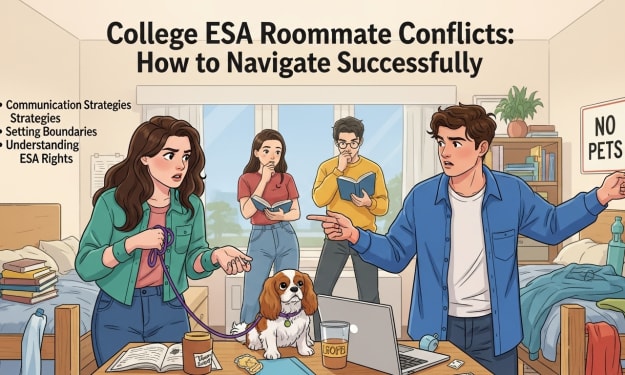
College ESA Roommate Conflicts: How to Navigate Successfully Guide
Managing student life can be challenging, especially when mental health intersects with housing arrangements. Emotional Support Animals (ESAs) have become essential companions for many students, providing comfort, reducing anxiety, and supporting overall well-being. College students face high-pressure academic environments, shared housing, and strict university policies, which makes understanding ESA accommodation rules critical. ESAs help create stability and a sense of routine that can significantly enhance a student’s mental and emotional health while promoting academic success.
By Zalen Vortan6 days ago in Education



Comments
There are no comments for this story
Be the first to respond and start the conversation.