
Digital Matte Painting and Environment Creation
A beginner guide

Matte painting is a technique used in film and television production to create the illusion of a painted or photographic backdrop that extends the physical set or location. It is often used to create the appearance of larger or more elaborate environments than would be possible to build on a real-world set, or to create entirely fictional locations.
The history of matte painting dates back to the early days of cinema, when filmmakers used painted backdrops and glass paintings to create the illusion of background elements in films. These early matte paintings were often created by hand, using techniques such as oil painting or watercolor.
With the advent of digital technology, matte painting has evolved to become a highly sophisticated and specialized craft that utilizes a wide range of software and techniques to create realistic and immersive environments. Today, matte painters use a combination of 2D and 3D techniques to create detailed and complex environments that can be seamlessly integrated into live-action footage.
matte painting is an important and longstanding technique in the film and television industry, and continues to evolve and adapt with the latest advances in technology.

There are many different techniques and tools used in digital matte painting, including:
- Painting software: This includes software such as Photoshop and Mari, which are used to create detailed and realistic environments by combining multiple images, adding effects, and adjusting colors and lighting.
- 3D modeling software: This includes software such as Maya and 3ds Max, which are used to create 3D models and environments that can be integrated into the matte painting to add depth and realism.
- Compositing software: This includes software such as Nuke and After Effects, which are used to composite the matte painting with live-action footage and add final touches and adjustments in post-production.
Digital matte painting techniques involve a combination of 2D and 3D techniques, and require a high level of skill and attention to detail to create realistic and seamless environments.
Overview of common software used for matte painting, such as Photoshop and Mari
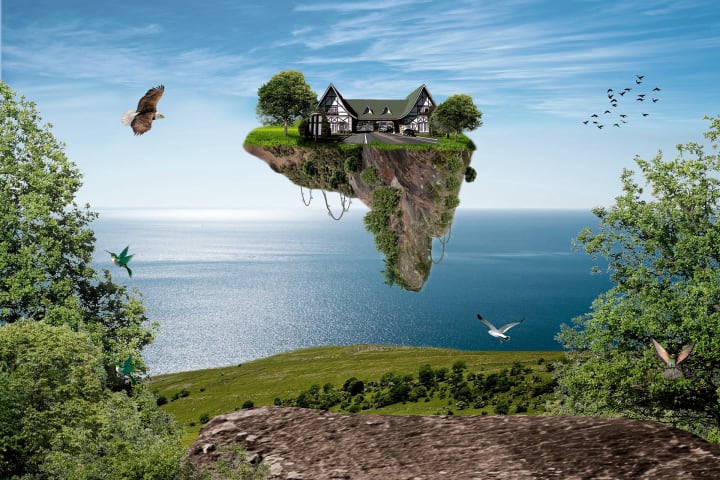
Photoshop is a powerful image editing software that is widely used in matte painting for its extensive range of painting, retouching, and compositing tools. It allows matte painters to create detailed and realistic environments by combining multiple images, adding effects, and adjusting colors and lighting.
Mari is a 3D texture painting software that is commonly used in conjunction with 3D modeling software to create highly detailed and realistic textures for 3D objects and environments. It has a powerful set of tools for painting, layering, and blending textures, and is particularly useful for creating organic surfaces such as skin, fur, and vegetation.
Other software that is frequently used in matte painting includes 3D modeling and animation software such as Maya and 3ds Max, as well as compositing software such as Nuke and After Effects. These tools are often used to create 3D elements and camera projections that can be integrated into the matte painting, as well as to composite the final image with live-action footage.
3D modeling software and its role in matte painting
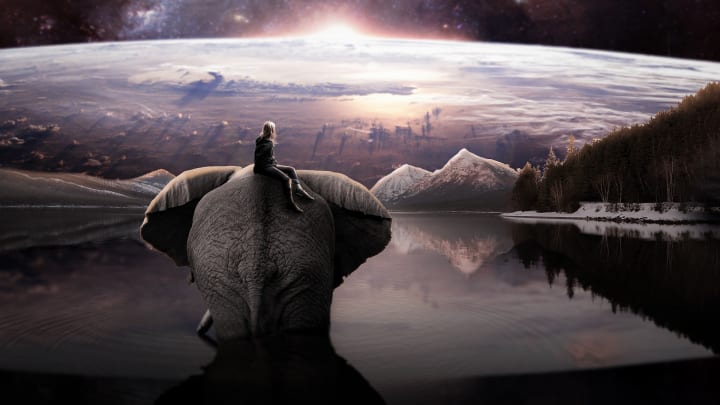
3D modeling software plays an important role in matte painting by allowing artists to create and integrate 3D elements into the environment, adding depth and realism to the final image.
There are many different 3D modeling software options available, each with its own set of features and capabilities. Some popular options include:
- Autodesk Maya: A comprehensive 3D modeling, animation, and rendering software used in film, television, and games.
- Autodesk 3ds Max: A powerful 3D modeling and animation software used in film, television, and games.
- Blender: An open-source 3D modeling and animation software with a wide range of features.
- ZBrush: A digital sculpting tool used for creating highly detailed and organic models.
- Houdini: A procedural 3D modeling and animation software used for creating complex effects and simulations.
3D modeling software allows artists to create 3D objects and environments by manipulating and sculpting virtual geometry. They can create models from scratch using techniques such as polygonal modeling, spline-based modeling, or sculpting, or they can generate models using algorithmic techniques such as procedural generation. Once the models are created, they can be textured, lit, and rendered to create the desired look.
Pre-production considerations

Pre-production considerations are the various steps and tasks that need to be completed before beginning the actual production process of creating a matte painting. These steps are important for ensuring that the project is well-planned and organized, and that all necessary resources and materials are available.
Some key pre-production considerations for matte painting include:
- Gathering reference images and materials: This involves collecting a range of reference images and materials to use as inspiration and guidance for the matte painting. This can include photos of real-world locations, concept art, and other visual reference.
- Planning and blocking out the composition: This involves sketching out rough drafts and concepts for the matte painting, and determining the overall composition and layout of the image. This can include sketching out the placement of objects and elements, and determining the overall mood and look of the image.
- Setting up the project file and workspace: This involves creating a new project file in the relevant software and setting up the workspace to suit the needs of the project. This can include creating layers, setting up color profiles, and organizing the file structure.
- Establishing a production schedule: This involves creating a schedule for the various tasks and stages of the matte painting process, including pre-production, production, and post-production. This can help to ensure that the project stays on track and is completed within the allocated time frame.
Painting techniques
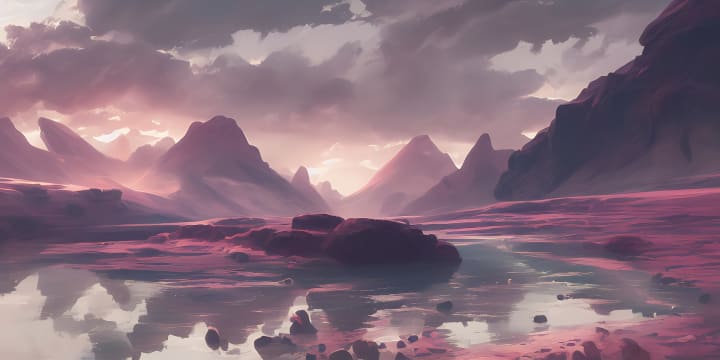
Painting techniques are an important aspect of matte painting, as they allow matte painters to create detailed and realistic environments by combining and manipulating images and colors. Some common painting techniques used in matte painting include:
Basic painting techniques are the foundation of matte painting, and involve using a combination of brushwork, shading, and blending to create the basic structure and form of the environment. Some common basic painting techniques used in matte painting include:
- Brushwork: This involves using different brush types and sizes to create different effects and textures in the painting. Matte painters may use a range of brush options, including round brushes, flat brushes, and textured brushes, to create different effects such as hard edges, soft transitions, and rough textures.
- Shading: This involves adding depth and dimension to the painting by adding shadows and highlights to the objects and surfaces in the image. Matte painters may use techniques such as gradient mapping and dodge and burn to create the desired shading effects.
- Blending: This involves smoothing out transitions between different areas of the painting, such as between different colors or textures. Matte painters may use techniques such as blending modes, soft brushwork, and blur filters to create seamless transitions between different elements in the image.
Advanced techniques are more sophisticated approaches that matte painters can use to create more nuanced and refined effects in their matte paintings. These techniques build upon the basic painting techniques and require a higher level of skill and experience to master. Some advanced techniques used in matte painting include:
- Color grading: This involves adjusting the overall color balance and tone of the image to create a specific mood or aesthetic. Matte painters may use techniques such as hue, saturation, and luminance adjustments, as well as color grading LUTs (lookup tables) to achieve the desired look.
- Blending modes: This involves using different blend modes in the painting software to create different effects by combining the colors and tones of different layers. Matte painters may use blending modes such as multiply, screen, and overlay to create a range of effects, including darkening, lightening, and color shifting.
- Masking: This involves using masks to selectively apply effects and adjustments to specific areas of the image. Matte painters may use masks to isolate specific elements in the image, or to apply adjustments such as color grading or blur to specific areas.
Advanced techniques such as color grading, blending modes, and masking allow matte painters to create more sophisticated and nuanced effects, and to fine-tune the overall look and feel of the environment. These techniques require a strong understanding of color and composition, and often involve a high level of experimentation and trial and error to achieve the desired results.
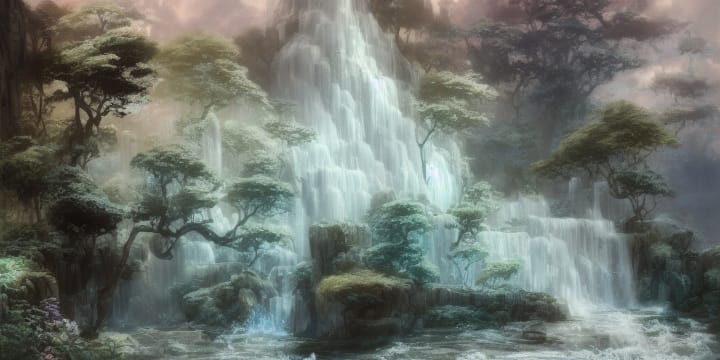
Creating realistic environments is a key goal of matte painting, and requires attention to detail, good reference material, and an understanding of how to use the various tools and techniques at the matte painter's disposal. Some tips and tricks for creating realistic environments in matte painting include:
- Use reference material: Gather a wide range of reference images and materials to use as inspiration and guidance for the matte painting. This can include photos of real-world locations, concept art, and other visual reference.
- Pay attention to lighting and perspective: Lighting and perspective are crucial for creating realistic environments, and require careful attention to detail. Pay attention to the direction and intensity of the light, and use techniques such as shadow casting and atmospheric perspective to create a sense of depth.
- Experiment with different techniques and approaches: Matte painting is an iterative process, and often requires experimentation and trial and error to achieve the desired results. Don't be afraid to try out different techniques and approaches, and see what works best for the particular project.
- Use 3D elements to add depth and realism: 3D models and projections can be a useful tool for adding depth and realism to the matte painting. Use 3D elements sparingly, and make sure that they are well-integrated into the overall composition.
creating realistic environments in matte painting requires attention to detail, good reference material, and a willingness to experiment and try out different techniques and approaches. By following these tips and tricks, matte painters can create highly realistic and immersive environments.
3D integration
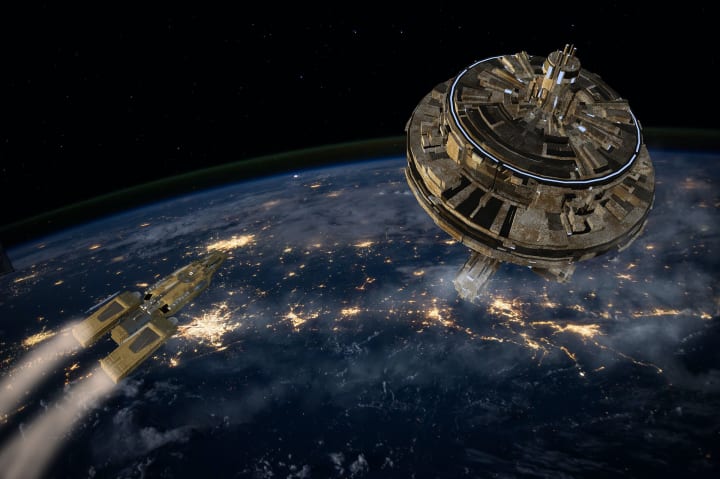
3D integration is the process of incorporating 3D elements into a matte painting to add depth and realism to the environment. This can involve creating 3D models and environments from scratch, or using pre-existing 3D assets. 3D integration can be a powerful tool for creating highly realistic and immersive environments that are not possible to achieve with 2D techniques alone.
There are several key techniques used in 3D integration for matte painting, including:
- Using 3D models: This involves creating or using pre-existing 3D models of objects or environments, and integrating them into the matte painting. This can include creating custom models from scratch, or using pre-existing assets such as 3D models of buildings or landscapes.
- Camera projection: This involves matching the perspective and distortion of the 3D models to the perspective and distortion of the live-action footage that the matte painting will be composited with. This can be achieved using techniques such as matchmoving and camera projection, and is important for creating seamless transitions between the 3D elements and the live-action footage.
- Lighting and rendering: This involves setting up the lighting and rendering for the 3D elements to match the lighting of the live-action footage, and rendering the final image. This can be done using 3D rendering software such as Arnold or V-Ray, and requires careful attention to detail to create a realistic and cohesive final image.
3D integration is an important aspect of matte painting, and can be used to add depth and realism to the environment by incorporating 3D models and camera projections into the image. By using 3D integration techniques, matte painters can create highly realistic and immersive environments that are not possible to achieve with 2D techniques alone.
Rendering and compositing
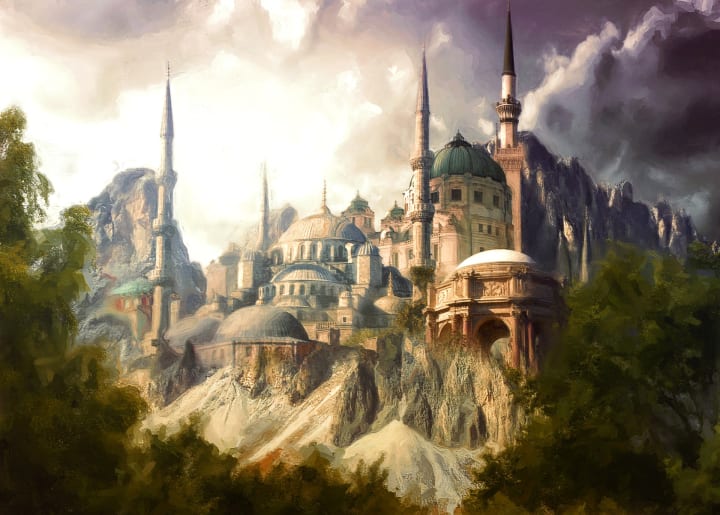
Rendering and compositing are the final stages of the matte painting process, and involve combining the matte painting with live-action footage and adding final touches and adjustments in post-production.
Some key steps in the rendering and compositing process include:
- Setting up rendering passes and layers: This involves organizing the various elements of the matte painting into different rendering passes or layers, such as background, midground, and foreground elements. This can make it easier to composite the various elements of the image together, and to make adjustments in post-production.
- Compositing the matte painting with live-action footage: This involves combining the matte painting with the live-action footage using compositing software such as Nuke or After Effects. This can involve techniques such as color grading, masking, and keying to blend the various elements together seamlessly.
- Final touches and adjustments: This involves making any final adjustments to the image in post-production, such as color grading, adding effects, and adjusting the overall composition. This can be done using a variety of software tools and techniques, depending on the specific needs of the project.
Overall, rendering and compositing are the final stages of the matte painting process, and involve combining the matte painting with live-action footage and making final adjustments in post-production to create the final image. These steps require careful attention to detail and a strong understanding of compositing techniques to create a cohesive and realistic final image.
Conclusion
There are many resources available for those interested in deepening their knowledge of matte painting, including:
- Online tutorials and courses: There are many online tutorials and courses available that cover various aspects of matte painting, ranging from basic techniques to more advanced approaches. These can be a good way to learn the basics and to get a feel for the process.
- Books and print resources: There are several books and print resources available that cover matte painting techniques and approaches in depth. These can be a good way to get a more in-depth understanding of the topic and to learn from experienced professionals.
- Industry events and conferences: Attending industry events and conferences, such as SIGGRAPH or the FMX conference, can be a great way to learn about the latest trends and techniques in matte painting, and to network with other professionals in the field.
- Professional organizations and communities: Joining professional organizations and communities, such as the Visual Effects Society (VES) or online forums and groups, can be a good way to connect with other matte painters and to stay up-to-date on the latest developments in the field.
There are many resources available for those interested in deepening their knowledge of matte painting, including online tutorials and courses, books and print resources, industry events and conferences, and professional organizations and communities. By taking advantage of these resources, matte painters can continue to learn and grow in their craft.
About the Creator
Keep reading
More stories from writers in Education and other communities.
Blue Gold The Quiet Revolution of Bangladesh Aquaculture in 2026
Bangladesh is often described as a land of rivers, but in 2026, it is more accurately described as a global leader in the "Blue Revolution." For decades, fish has been the primary source of animal protein for the Bangladeshi population encapsulated in the famous proverb "Mache Bhate Bangali" (Fish and rice make a Bengali). However, what was once a subsistence activity has transformed into a sophisticated, multi-billion dollar commercial industry. As we move through 2026, Bangladesh stands as one of the top five global producers of inland aquaculture, contributing significantly to its GDP and providing livelihoods for millions. Yet, this success is at a critical crossroads, facing the dual pressures of climate change and the complexities of graduating from the Least Developed Country (LDC) status.
By Neeraj kumara day ago in Education




Comments
There are no comments for this story
Be the first to respond and start the conversation.