
Decoding Various Audio Formats for Musicians
Audio Formats

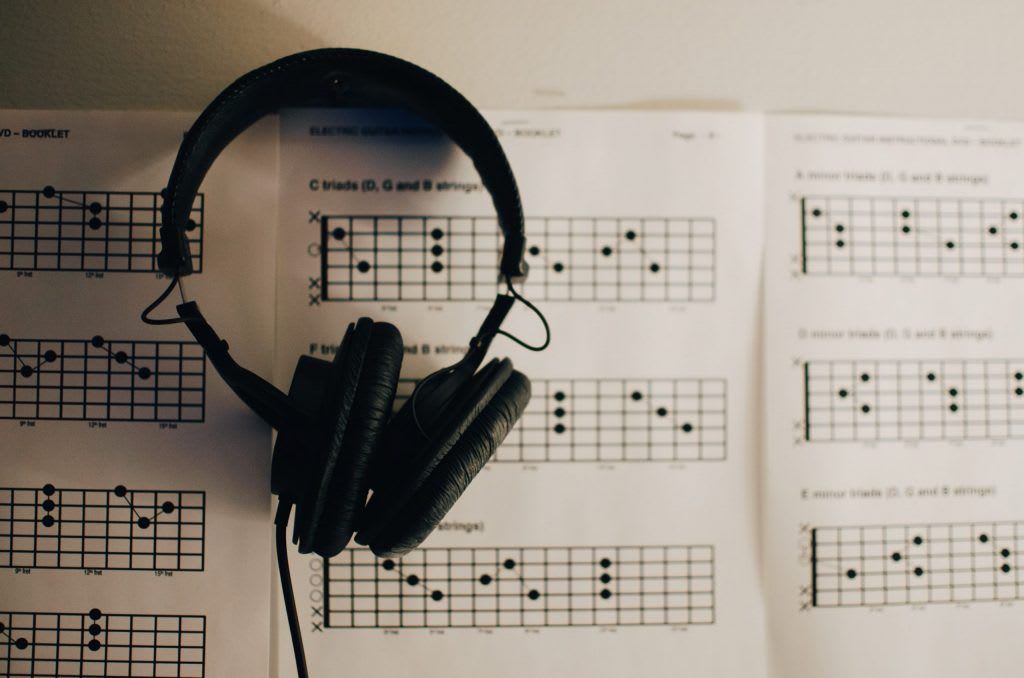
In the world of music, audio formats play a crucial role in how tracks are recorded, distributed, and consumed. Understanding these formats is essential for musicians, producers, and DJs who wish to create professional-quality music and ensure their work reaches audiences on multiple platforms without losing its essence. This article dives deep into the nuances of various audio formats, their importance, and how to optimize your music for different purposes.
Why Do Audio Formats Matter?
Audio formats determine the quality, compatibility, and size of your music files. The right format ensures that your listeners experience your music as intended, whether on a streaming platform, a professional sound system, or a pair of headphones. For musicians, selecting the ideal format can mean the difference between a pristine, immersive experience and a lackluster playback riddled with compression artifacts.
Popular Audio Formats in Music
Here’s a breakdown of the most commonly used audio formats and their applications:
MP3 (MPEG Audio Layer III):
Advantages: Small file size, universal compatibility.
Use Case: Ideal for online distribution, casual listening, and platforms with file size restrictions.
Drawback: Lossy compression reduces audio quality.
WAV (Waveform Audio File):
Advantages: Lossless quality, widely supported.
Use Case: Preferred for mastering, studio work, and professional settings.
Drawback: Large file size makes it impractical for streaming or sharing.
FLAC (Free Lossless Audio Codec):
Advantages: Lossless compression with reduced file size compared to WAV.
Use Case: Audiophile-grade playback and archival purposes.
Drawback: Limited support on older devices.
AAC (Advanced Audio Codec):
Advantages: Better quality than MP3 at the same bit rate.
Use Case: Streaming platforms like Apple Music prefer AAC.
Drawback: Compatibility issues with non-Apple devices.
AIFF (Audio Interchange File Format):
Advantages: Uncompressed and high-quality.
Use Case: Professional audio production and archiving.
Drawback: Similar to WAV, it has a large file size.
OGG (Ogg Vorbis):
Advantages: High-quality compression for streaming.
Use Case: Popular with platforms like Spotify.
Drawback: Lesser-known, limited device support.
Understanding these formats helps musicians and producers ensure their tracks sound their best, whether they're meant for streaming platforms or live performances.
Choosing the Right Format for Your Music
Selecting an audio format depends on the stage of production and intended use. Here’s a guide to help you decide:
Recording and Mastering: Use lossless formats like WAV or AIFF to preserve the original sound.
Distribution to Platforms: Opt for FLAC or AAC for high-quality streaming.
Casual Sharing: MP3 works well for demo distribution due to its small size.
DJs and Performers: OGG and WAV are often preferred for high-quality playback in live settings.
How Audio Formats Affect Mastering
Mastering your tracks in a suitable format ensures seamless playback across various platforms. Master tracks, which are polished versions of your songs, are usually created in lossless formats like WAV. These formats preserve the intricacies of the mix, making them perfect for platforms such as Vevo Music and professional DJ tools.
For more insights into mastering, check out our guide on master tracks.
Adapting Audio Formats for Streaming
Streaming platforms have specific format preferences to ensure consistency and quality:
Spotify: Uses OGG Vorbis for streaming, requiring musicians to upload lossless files like WAV or FLAC for optimal transcoding.
Apple Music: Prefers AAC files, which balance quality and size efficiently.
YouTube and Vevo Music: Accept MP3 and AAC formats but recommend lossless files for better audio fidelity.
Understanding the requirements of platforms ensures your tracks maintain their intended quality when uploaded.
Audio Formats in DJ Sets
DJs often rely on formats that are high-quality yet manageable in size. Platforms like DJ Come allow DJs to find tracks in formats that work seamlessly with their equipment. Lossless formats like WAV or FLAC are ideal for live performances due to their superior audio fidelity, while MP3s are reserved for casual practice sessions.
Tips for Optimizing Audio Quality Across Formats
Here are a few practical tips to ensure your tracks sound great regardless of the format:
Start with High-Quality Source Files: Always record and mix in the highest quality possible.
Test Across Devices: Ensure compatibility and quality by testing on various playback systems.
Understand Bit Rates and Sampling Rates: Higher bit and sampling rates improve quality but increase file size.
Know Your Audience: Use formats that your listeners’ devices can handle without compromising quality.
The Future of Audio Formats
With advancements in technology, newer formats like spatial audio and Dolby Atmos are emerging, providing immersive experiences for listeners. As these technologies become more mainstream, musicians and producers will need to adapt their workflows to ensure compatibility and deliver cutting-edge soundscapes.
Conclusion
The importance of various audio formats cannot be overstated. From mastering to distribution, every stage of music production is influenced by the choice of format. As a musician, understanding these formats ensures that your work resonates with listeners, whether they’re enjoying your tracks on streaming platforms, downloading your music, or dancing to your beats at a live event.
For more insights on how audio formats affect music production, visit our guides on simple musical instruments and Vevo Music, or check out platforms like DJ Come to explore tracks optimized for DJs.
About the Creator
Keep reading
More stories from Deliver My Tune and writers in Education and other communities.
Understanding Global Music Charts: Why They Matter and How to Leverage Them
The music industry is as much about data as it is about creativity. One of the most critical data points for artists is their ranking on global music charts. These charts not only serve as a reflection of popularity but also provide insights into trends, audience preferences, and potential growth markets.
By Deliver My Tuneabout a year ago in Education
Me and Study: Nights I Didn’t Tell Anyone About
There were nights when the world slept, and I stayed awake with my books like they were the only witnesses to my existence. No one knew about those hours—not my friends, not my family, not even the version of me I showed during the day. These were the nights I didn’t talk about, because explaining them felt heavier than living through them.
By Inamullah Momand 6 days ago in Education




Comments
There are no comments for this story
Be the first to respond and start the conversation.