
Computer Hardware Explained
Understanding System Unit, Input, Output & Storage Devices in computer

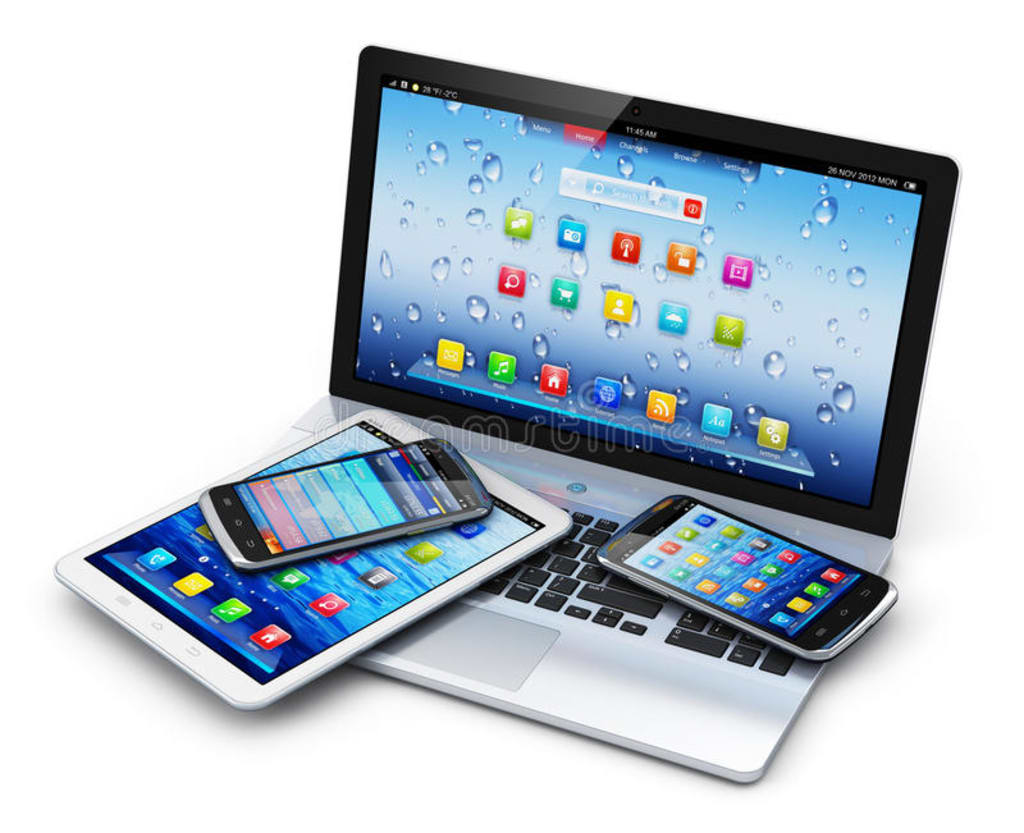
Computer Hardware
Computers consist of software and hardware. Software is the programs and applications that run on computer. Hardware is the physical parts of the computer that run programs and applications. Hardware can be seen and touched while software cannot be.
Computer Hardware is collection of all the physical parts or components of a computer. It includes the computer casing, the CPU or central processing unit, computer memory, VGA graphic card, sound card, and the motherboard.
Watch the Video Tutorial on YouTube and Subscribe my YouTube Channel:
System Unit
System Unit is the part of computer that contains the primary devices. The System Unit performs operations and produces results for complex calculations.
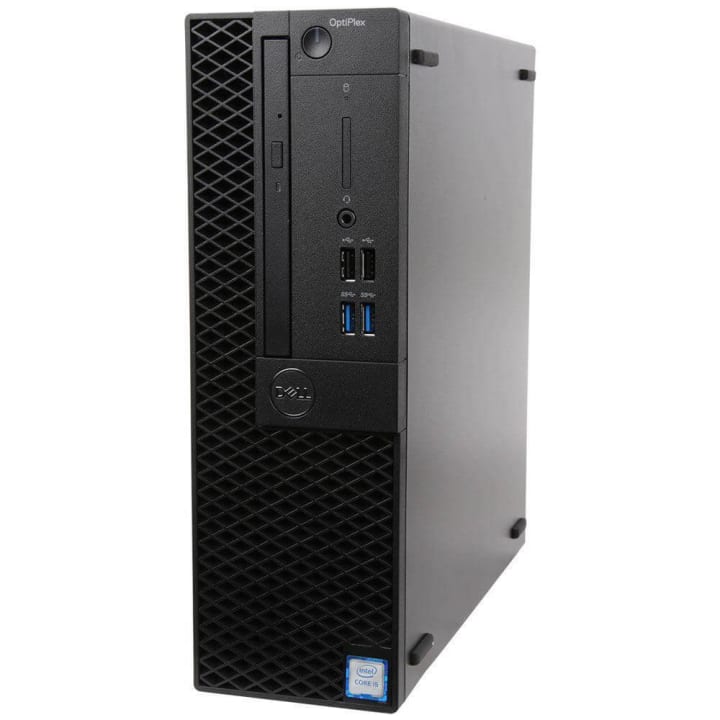
It includes the motherboard, CPU, RAM, and other components, as well as the case in which these devices are enclosed.
Motherboard
The motherboard is the main board which connects different parts of computer. It includes the following general components: Microprocessor (CPU), Slots, Ports, Buses, RAM, ROM and other electronic components for example resistors, capacitors, diodes, transistors, jumpers etc.
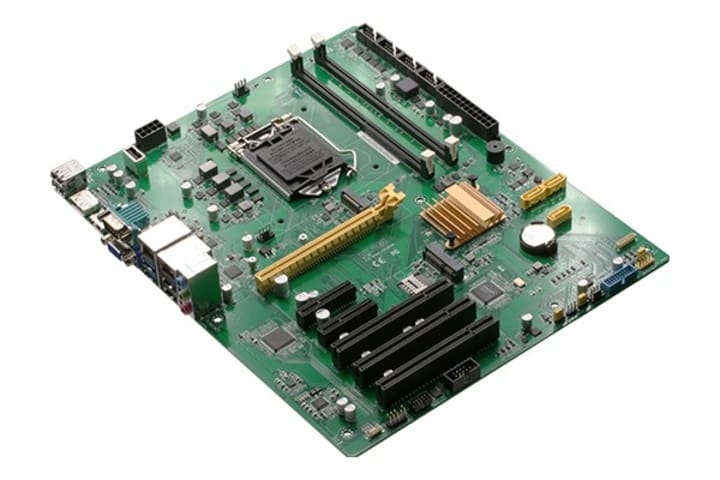
Just like nervous system, it allows communication between all parts of the computer. We can find CPU, memory slots, expansion slots, and a number of chipsets on a motherboard. Motherboards are made of layered fiberglass. These layers contain copper lines that form the circuitry by which electric signals are provided to all parts of computer. Various components of computer may be attached, detached and upgraded on motherboard according to need of the user. Motherboards also have connectors called ports. There ports are used to connect input, output, and other peripheral devices.
Microprocessor (CPU)
CPU or microprocessor is the brain of computer. The microprocessor is a chip containing millions of tiny transistors. These transistors manipulate data. CPU performs all calculations necessary for computer to work. These calculations are performed at very high speed and accuracy. It is made up of silicon. CPU fetches, decodes, executes, and stores all instructions given by user or other device.
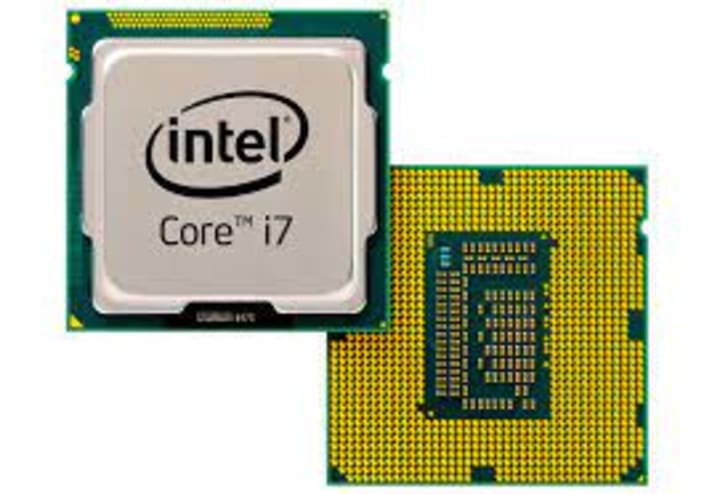
The speed of computer mainly depends upon the speed of microprocessor. CPU has faster clock speed (measured in GHz) and more cores and cache works faster.
There are five main components of CUP.
Arithmetic Logic
ALU performs all the actual calculations like arithmetic operations, and logical comparisons. Arithmetic operations include addition, subtraction, multiplication, and division while logical comparison include comparing, selecting, and matching of data.
Control Unit
Control Unit is responsible for controlling the transfer of data and instructions among other units of a computer but does not carry out any actual data processing operations. CU functions just like a traffic policeman. It manages and coordinates all the units of the computer.
Clock
Clock generates pulses and instructions are executed on the basis of pulses. Clock speed is measure in MHz and GHz.
Registers
It is a temporary storage area that holds the data that is being processed. It is also known as programming model which may be of 8 bits, 16 bits, 32 bits, or 64 bits.
Cache
Cache is an intermediate storage area, which is available inside microprocessor. The immediate processed information is stored in cache. The cache inside the microprocessor is called internal cache and outside is called external cache.
Buses
In a computer, Buses are the electric paths on which data is sent and received by different components. They are just like roads. As roads connect different places, buses connect all the parts of the computer to each other. They also connect all internal components on the motherboard.
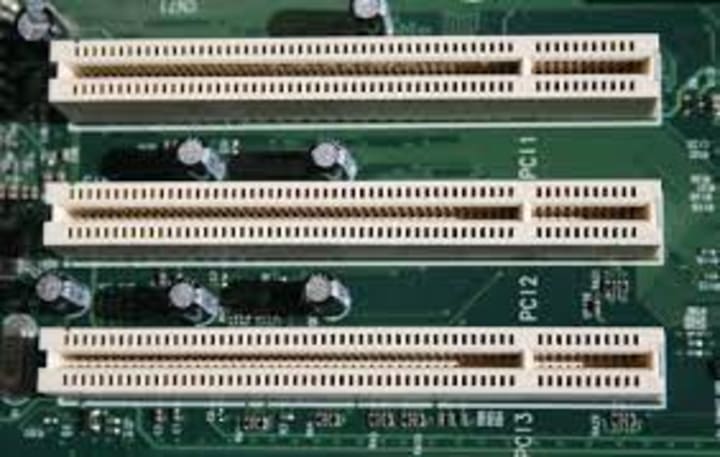
There are three types of buses:
Control Bus
It carries command between different components to control all activities in a computer.
Data Bus
It carries data between the processor, memory unit and other components.
Address Bus
It carries the address of the data (but not the data). The address bus is used to specify memory location to be used by microprocessor for specific operation.
Input Devices
Input Devices are used to enter data into computers. These devices can be categorized into Text Entering, pointing and image scanning devices.
Text Entering Devices
Keyboard:
It is the most common text entering device and used to enter data usually in text format or to perform other controlling functions.
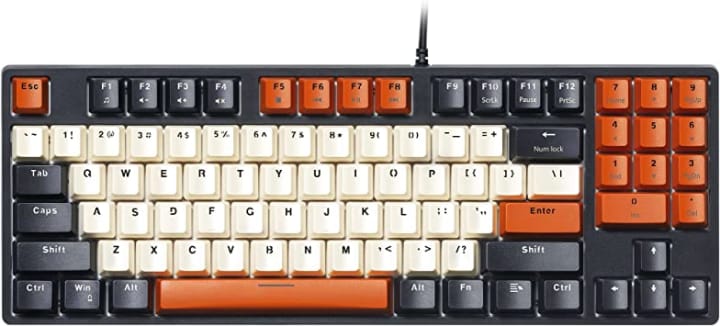
When a key is pressed, keyboard controller chip sends its corresponding code in keyboard buffer called scan code, which is then processed by CPU.
Pointing Device
They are used for the quick movement of cursor on screen needed usually in graphic mode.
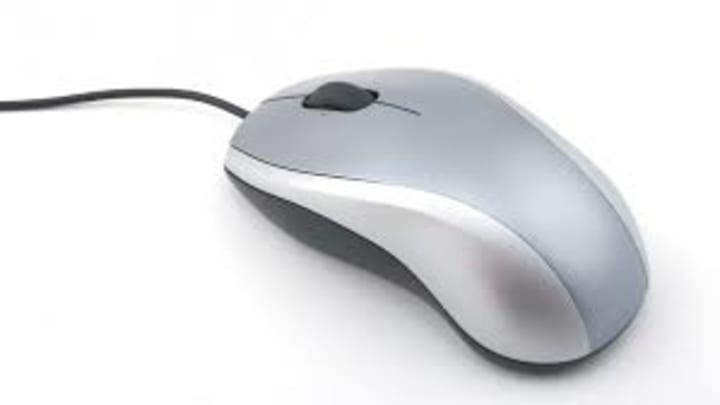
It includes mouse, joy stick, track ball and track pad.
Image Scanner:
Scanners convert image into electronic format understandable by computers through light sensing. They also work on optical recognition which occurs when a device scans a clear printed surface and translates the image into machine readable format that a computer understands.
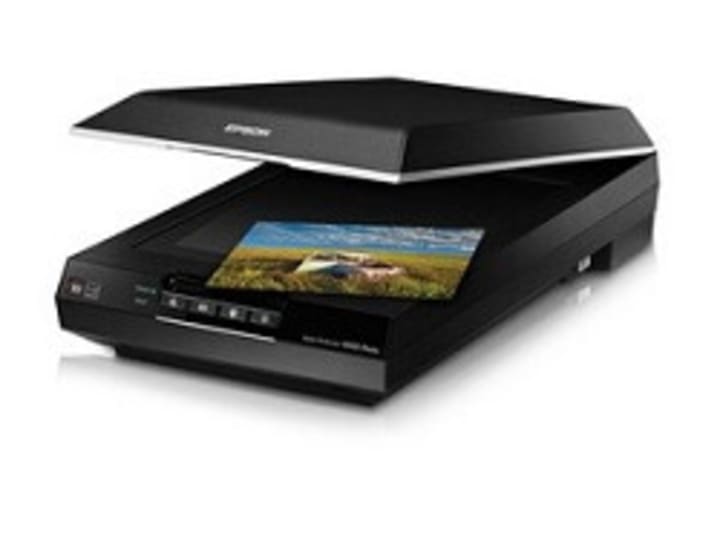
Image scanners also include Optical Mark Recognition (OMR), Optical Barcode Reader (OBR), and Optical Character Recognition (OCR).
Other types of input devices:
There are also other types of input devices. For example, microphones are used to accept sound input and convert it digital audio format.
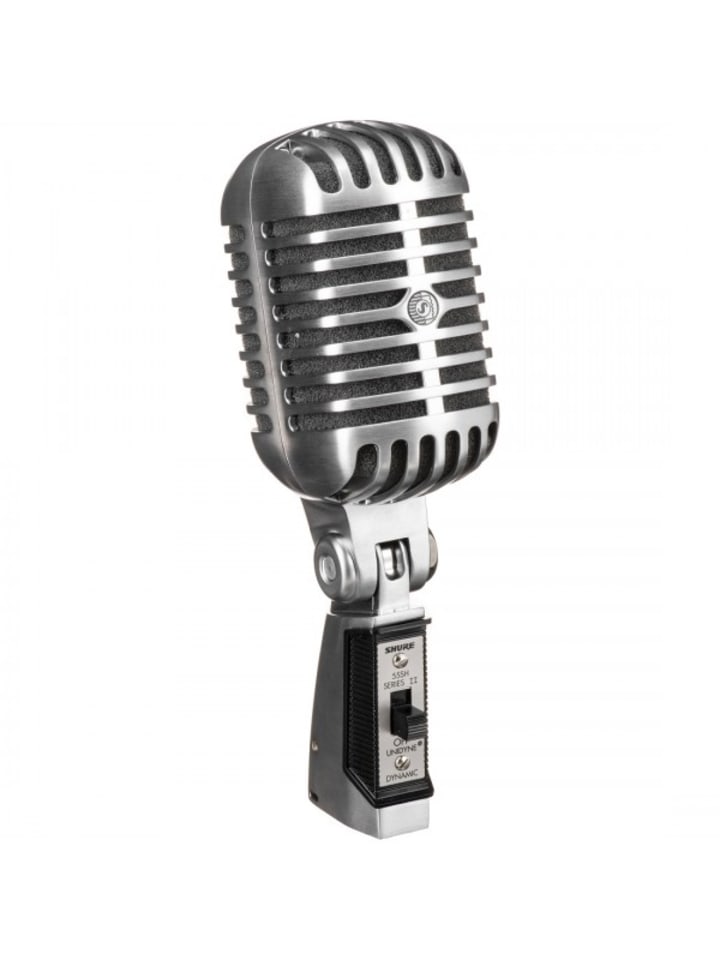
Microphones are also used for voice recognition which convert voice input into text files. Touch Screen is also used for input. It accepts input directly on monitor by touching finger or any other object on the screen.
Magnetic Ink Character Recognition (MICR), and Magnetic Strip Reader are also used for input.
Output Devices
A hardware device that send data from computer (CPU) to another device or user is called an output device. The most common output devices are monitor and printer. There are two types of output devices.
Soft Copy Output Devices
It is screen display or voice output. It is volatile output and lost when other output is shown or computer is turned off. Following are some of the devices used to give output in soft form.
Monitors
It is TV like devices that displays data by small bright dots called pixels. Monitors are of two types.
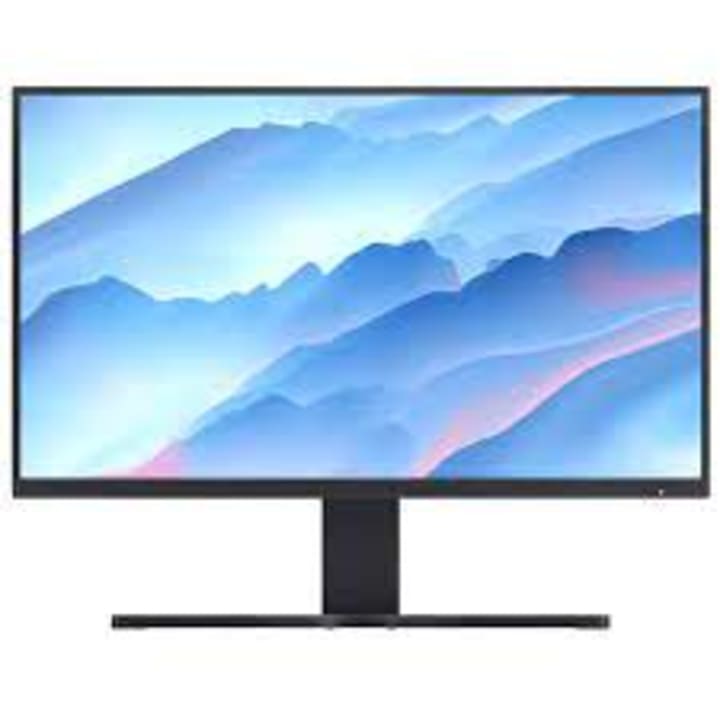
Cathode Ray Tube (CRT)
Flat Panel Display (FPD)
Data Projectors
Data projectors are used to show colorful slides and images directly from computer disk on a wall or large screen through an optical lens.
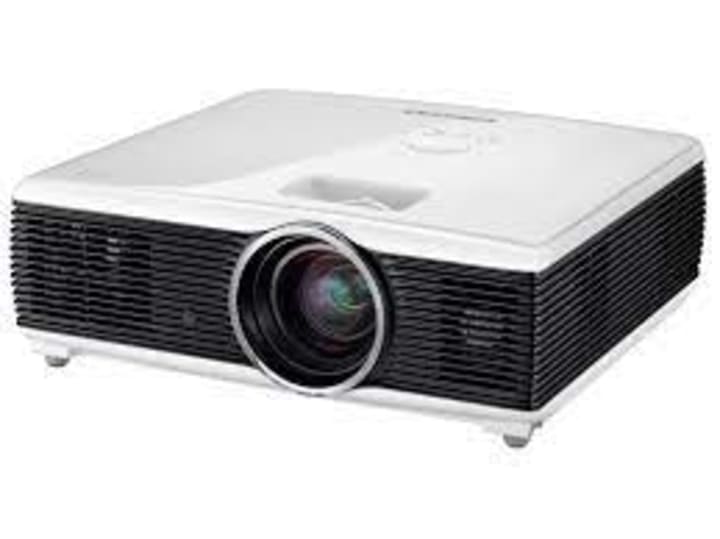
They are also called digital light projectors and video projectors.
Speakers
Speakers give output in form of sound. They are good for people with visual disabilities or where display is not easy.
Hard Copy Output Devices
It is an output on paper. It is nonvolatile output that is relatively stable and in permanent form. Hard Copy output devices are:
Printers
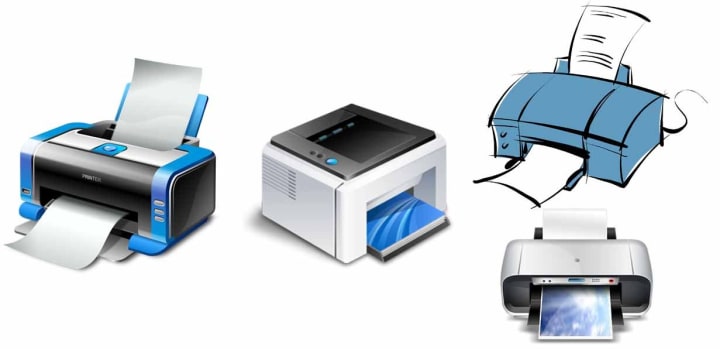
They usually give output on paper and can print both text and graphics. There are two types of printers.
Impact & Non-Impact
Plotters
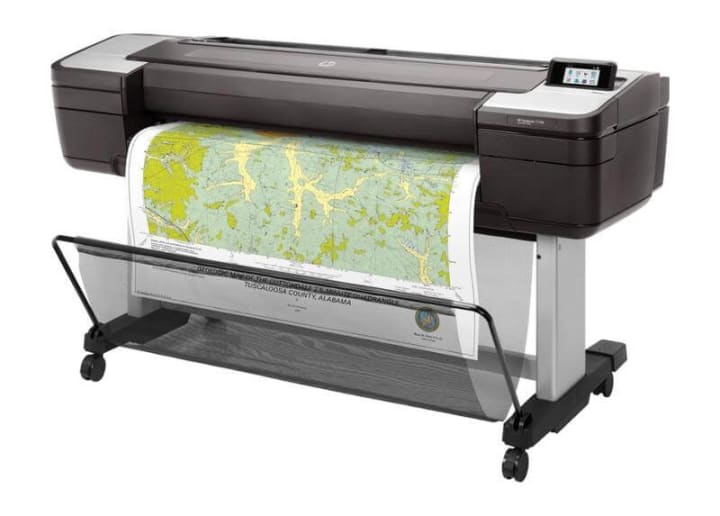
Like printer it gives images on paper but typically used to print large format images such as maps, construction drawing, advertising hoardings etc.
Storage Devices
A storage device refers to a hardware used to store information. There are two types of storage devices:
Primary and Secondary Storage Devices
Primary Storage Devices
Primary Storage Devices are used by computer during processing. They are quite smaller in storage capacity. Most primary storage devices are found inside the computer, and they have the fastest access to data. Primary Storage Device include RAM, and ROM.
RAM is the Random Access Memory. It is volatile, mean it loses its content as the power supply is disconnected. This is used to store data and instructions temporarily.
ROM is the Read Only Memory. It is permanent memory. It is quite small in capacity. It stores major setting of computer permanently.
Secondary Storage Devices
Secondary Storage Devices have a larger storage capacity and can store data permanently. Users save their data on secondary storage devices. Hard Disk, CD, DVD, SD Card and USD flash Disk are the examples of secondary storage devices.
Thank you for reading this articles. Please follow me to receive notification about new interesting, and knowledgeful articles from me.
Read out other similar articles from me:
https://shopping-feedback.today/education/a-comprehensive-roadmap-to-learn-flutter-from-scratch%3C/p%3E%3Cstyle data-emotion-css="14azzlx-P">.css-14azzlx-P{font-family:Droid Serif,Georgia,Times New Roman,Times,serif;font-size:1.1875rem;-webkit-letter-spacing:0.01em;-moz-letter-spacing:0.01em;-ms-letter-spacing:0.01em;letter-spacing:0.01em;line-height:1.6;color:#1A1A1A;margin-top:32px;}
https://shopping-feedback.today/humans/history-of-computer-b715880ykh%3C/p%3E%3Cstyle data-emotion-css="14azzlx-P">.css-14azzlx-P{font-family:Droid Serif,Georgia,Times New Roman,Times,serif;font-size:1.1875rem;-webkit-letter-spacing:0.01em;-moz-letter-spacing:0.01em;-ms-letter-spacing:0.01em;letter-spacing:0.01em;line-height:1.6;color:#1A1A1A;margin-top:32px;}
https://shopping-feedback.today/futurism/cross-platform-native-performance-with-flutter-an-in-depth-look%3C/p%3E%3Cstyle data-emotion-css="14azzlx-P">.css-14azzlx-P{font-family:Droid Serif,Georgia,Times New Roman,Times,serif;font-size:1.1875rem;-webkit-letter-spacing:0.01em;-moz-letter-spacing:0.01em;-ms-letter-spacing:0.01em;letter-spacing:0.01em;line-height:1.6;color:#1A1A1A;margin-top:32px;}
https://shopping-feedback.today/lifehack/developing-a-focused-and-strong-mind-techniques-to-achieve-your-goals%3C/p%3E%3Cstyle data-emotion-css="14azzlx-P">.css-14azzlx-P{font-family:Droid Serif,Georgia,Times New Roman,Times,serif;font-size:1.1875rem;-webkit-letter-spacing:0.01em;-moz-letter-spacing:0.01em;-ms-letter-spacing:0.01em;letter-spacing:0.01em;line-height:1.6;color:#1A1A1A;margin-top:32px;}
Thank you and God Bless You ! Don't forget to follow me.
About the Creator
Keep reading
More stories from Programming Hub and writers in Education and other communities.
A Comprehensive Roadmap to Learn Flutter from Scratch
Flutter is a popular open-source framework developed by Google for creating high-performance mobile applications for Android and iOS platforms. With its expressive and flexible UI components, Flutter has gained significant popularity in the mobile app development community. If you are planning to learn Flutter from scratch, this article will guide you through the necessary steps and resources to master this framework.
By Programming Hub3 years ago in Education
How Earth’s Magnetic Field Shapes Auroras
Understanding Earth’s Magnetic Field Earth behaves like a giant magnet. Deep within the planet, molten iron in the outer core moves due to heat convection and planetary rotation. This movement generates electric currents, which in turn create a magnetic field—a process known as the geodynamo.
By shahkar jalal7 days ago in Education
Ice Boy: The Frozen Morning That Changed a Child’s Destiny
In the winter of 2018, a single photograph from a remote village in China shocked the world. The image showed a young boy with hair and eyebrows frozen white from the bitter cold, his cheeks red and cracked, yet standing firmly in a classroom. That boy became known globally as “Ice Boy.” His real name was Wang Fuman, and in just one year, his life changed in ways no one could have imagined.
By Irshad Abbasi 2 days ago in Education


Comments
There are no comments for this story
Be the first to respond and start the conversation.