
Building a Community Around Your Indie Game: Effective Strategies
Proven Tactics to Grow and Engage a Loyal Player Base Using Social Media, Forums, and In-Game Tools

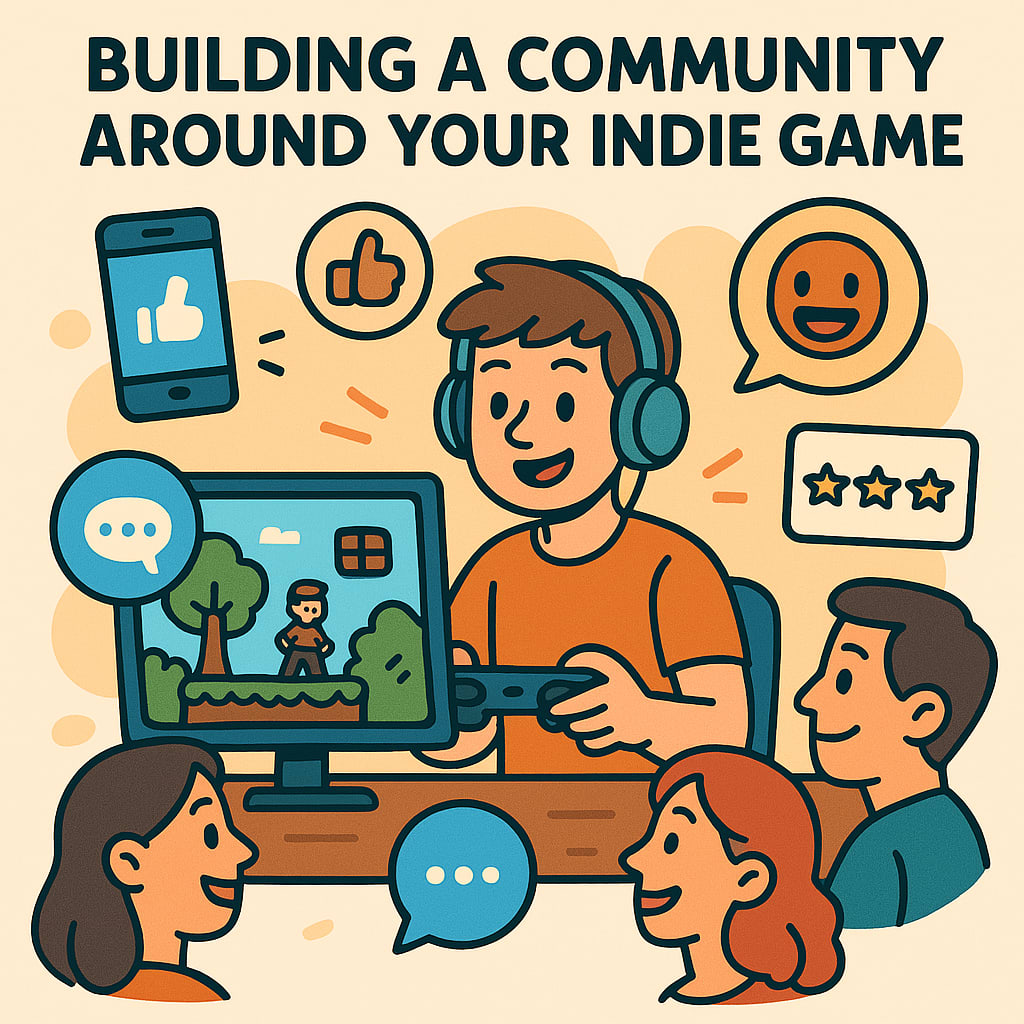
In the world of indie game development, building a strong community can be the difference between obscurity and success. A dedicated player base not only supports your game financially but also contributes to its evolution through feedback, word-of-mouth marketing, and user-generated content. This article explores in-depth strategies to help indie developers foster an engaged and loyal community around their games, emphasizing the use of social media, forums, in-game feedback systems, and more.
1. Understand the Value of Community in Indie Game Development
Before diving into tactics, it's essential to understand why community matters. Indie games often lack the marketing budgets of AAA titles, so community-driven promotion becomes vital. A passionate community can:
- Provide real-time feedback during development
- Create and share content, such as fan art and mods
- Spread the word about your game organically
- Offer emotional and financial support to the dev team
- Recognizing the potential of your community allows you to treat them not just as players but as collaborators and champions of your project.
2. Build a Strong Presence on Social Media
Social media platforms are the frontlines of modern community building. Here’s how to use them effectively:
Choose the Right Platforms:
- Twitter/X: Ideal for real-time updates, dev logs, and engaging with other developers.
- Instagram: Perfect for showcasing visuals, animations, and concept art.
- TikTok: Great for reaching younger audiences with short-form gameplay clips and behind-the-scenes content.
- YouTube: Useful for dev diaries, trailers, and longer-form content.
Consistency is Key:
- Post regularly to keep your audience engaged.
- Use a consistent tone and visual style to create brand recognition.
- Engage, Don’t Just Broadcast:
- Respond to comments and messages.
- Retweet fan content.
- Ask for input on game features or design choices.
3. Create and Maintain a Developer Blog or Devlog
A devlog gives your most dedicated fans a behind-the-scenes look at your process. This transparency builds trust and loyalty. Include:
- Regular updates on development progress
- Technical insights and challenges
- Concept art and gameplay previews
- Reflections on your creative process
Hosting your devlog on platforms like Itch.io, Medium, or your own website also improves SEO and drives traffic to your game.
4. Foster Discussions in Forums and Online Communities
Forums are where long-form, meaningful discussions happen. To leverage them:
- Participate in Existing Communities:
- Reddit (e.g., r/IndieDev, r/GameDev, and genre-specific subs)
- Game development Discord servers
- IndieDB and TIGSource
- Create Your Own Community Hub:
- Launch a dedicated Discord server or subreddit for your game.
- Encourage fans to join and interact.
- Use roles, channels, and bots to manage and enhance the experience.
Moderate Thoughtfully:
- Set clear rules to maintain a positive atmosphere.
- Be present and proactive in discussions.
5. Implement In-Game Feedback and Communication Systems
Games themselves can be powerful tools for community building. Consider implementing:
Feedback Forms:
- Include an easy-to-access feedback button in your game.
- Allow players to report bugs, suggest features, and share thoughts.
- Live Update Logs:
- Share patch notes and changelogs within the game.
- Acknowledge user suggestions that led to changes.
Social Features:
- Integrate leaderboards, friend systems, or chat if relevant.
- Highlight player achievements and community milestones.
6. Involve the Community in Development
Players love feeling like they have a stake in the game’s success. Involve them by:
- Running Playtests and Betas:
- Use tools like Steam Playtest, itch.io, or closed Discord groups.
- Gather feedback and iterate based on player input.
- Polling Your Audience:
Run surveys or social media polls to make decisions on non-critical design elements (e.g., character skins, level names).
Featuring Fan Creations:
Share and celebrate mods, artwork, and videos made by your community.
7. Reward Loyalty and Encourage Word-of-Mouth Sharing
To keep your community engaged and expanding:
Offer Exclusive Content:
- Give early access, behind-the-scenes content, or cosmetic rewards to your most active community members.
- Run Contests and Challenges:
- Host art contests, speedrun challenges, or design competitions.
- Offer small prizes or shout-outs as rewards.
Encourage Referrals:
Create a referral program or offer bonuses for players who bring in friends.
8. Stay Authentic and Transparent
Indie communities are often built around trust and passion. Stay authentic by:
- Being honest about development challenges and delays
- Celebrating successes and acknowledging mistakes
- Showing appreciation regularly to your fans
The more transparent and approachable you are, the more likely your community is to stick around for the long haul.
Building a community around your indie game is a marathon, not a sprint. It requires consistent effort, genuine interaction, and a willingness to listen.
By leveraging social media, forums, in-game tools, and authenticity, you can cultivate a vibrant, engaged player base that supports your game well beyond its launch. Remember: your community isn't just an audience—they're your partners in making your game the best it can be.
About the Creator
Richard Bailey
I am currently working on expanding my writing topics and exploring different areas and topics of writing. I have a personal history with a very severe form of treatment-resistant major depressive disorder.
Keep reading
More stories from Richard Bailey and writers in Education and other communities.
Exploring the Impact of Procedural Generation in Indie Games
In the ever-evolving world of indie game development, procedural generation has emerged as a powerful tool that enables small teams and solo developers to create expansive, dynamic worlds without the need for massive resources. From roguelike dungeon crawlers to open-world survival games, procedural content generation (PCG) has revolutionized how content is produced, experienced, and replayed.
By Richard Bailey11 months ago in Education
Casie Hynes and the Shift Toward Meaningful Mathematics Learning
Casie Hynes is part of a growing conversation among educators who are reexamining how mathematics is taught in today’s classrooms. Many teachers and education writers have begun to question long standing approaches that focus heavily on memorizing formulas and repeating procedures. Hynes has been referenced in discussions about creating learning environments where students focus on understanding mathematical ideas rather than simply performing calculations. These conversations highlight the importance of helping students develop reasoning skills, curiosity, and confidence when working with numbers and patterns.
By Casie Hynes3 days ago in Education
How Problem-Solving Shapes the Success of Modern Entrepreneurs
Entrepreneurship today is defined by constant change and relentless challenges. Business leaders are no longer operating in stable, predictable environments; instead, they face shifting markets, evolving customer expectations, and rapid technological advancements. In this environment, problem-solving has become the cornerstone of entrepreneurial success. The ability to identify issues, analyze them critically, and create practical solutions separates thriving ventures from those that struggle to survive. Entrepreneurs who develop strong problem-solving skills are better equipped to innovate, make strategic decisions, and guide their businesses toward sustainable growth.
By Greg Warnocka day ago in Education


Comments
There are no comments for this story
Be the first to respond and start the conversation.